


Parking Order 3D: Move Car
Graj na PC z BlueStacks – Platforma gamingowa Android, która uzyskała zaufanie ponad 500 milionów graczy!

Strona zmodyfikowana w dniu: Oct 29, 2025
Play Parking Order 3D: Move Car on PC or Mac
Parking Order 3D: Move Car brings the Casual genre to life, and throws up exciting challenges for gamers. Developed by Wizigon, this Android game is best experienced on BlueStacks, the World’s #1 app player for PC and Mac users.
About the Game
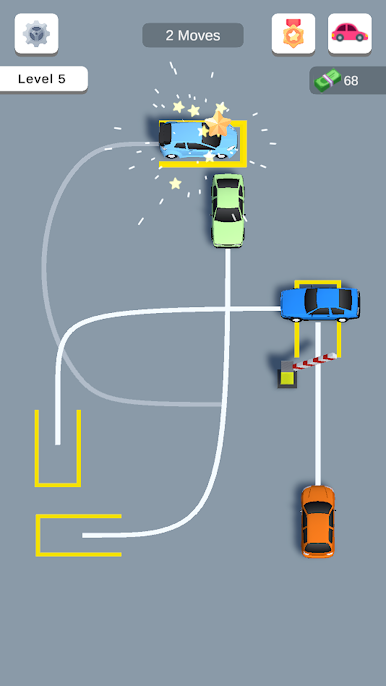
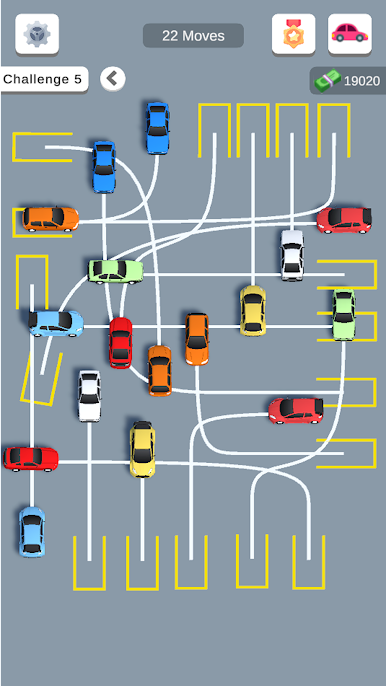
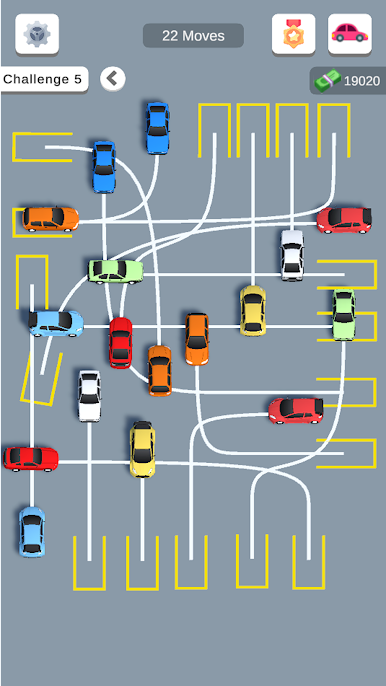
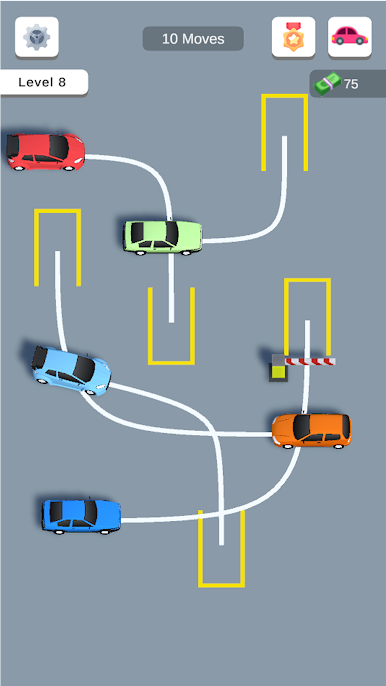
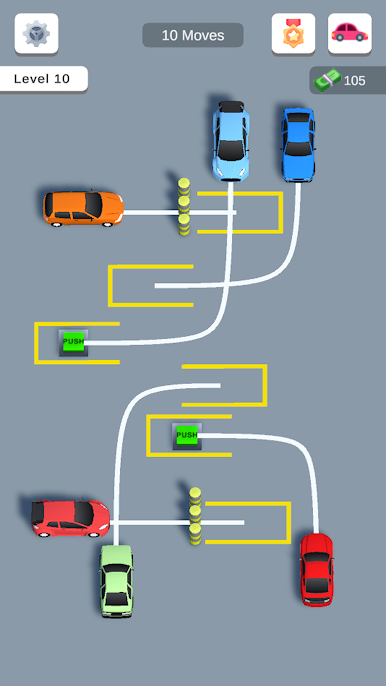
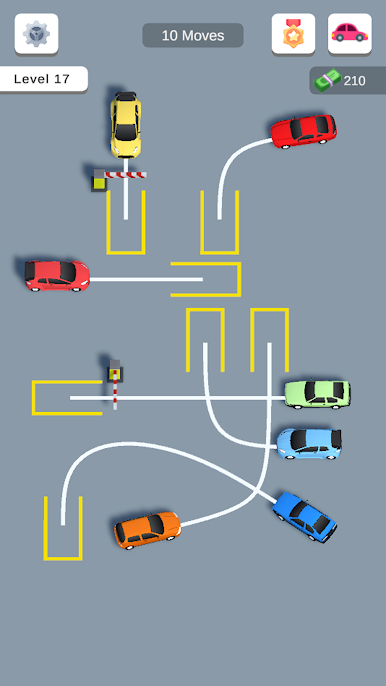
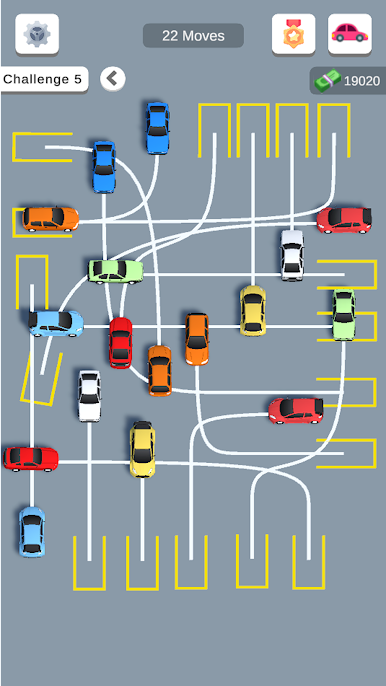
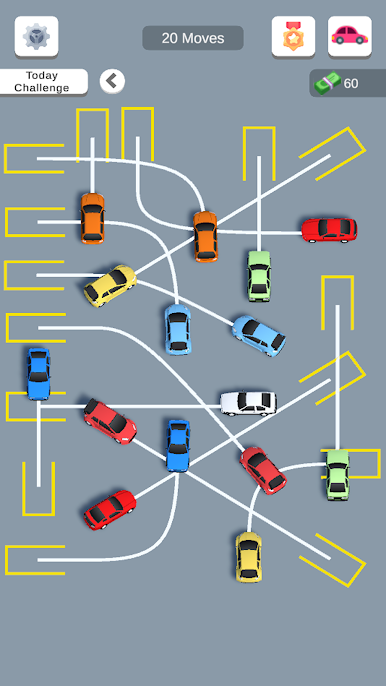
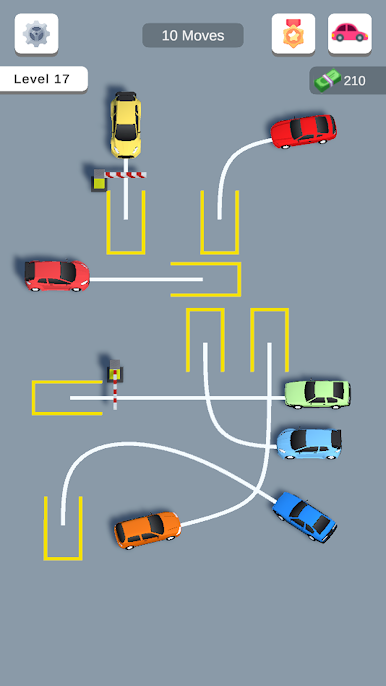
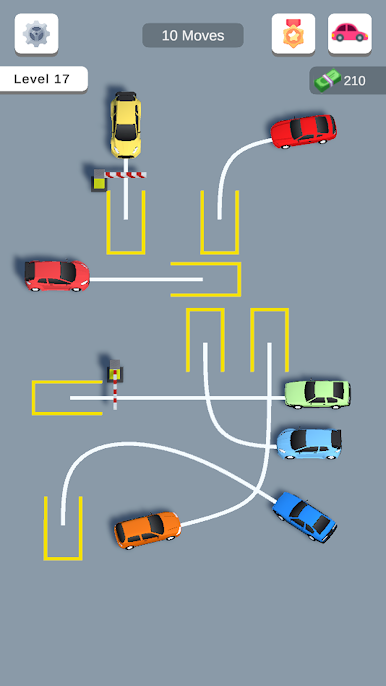
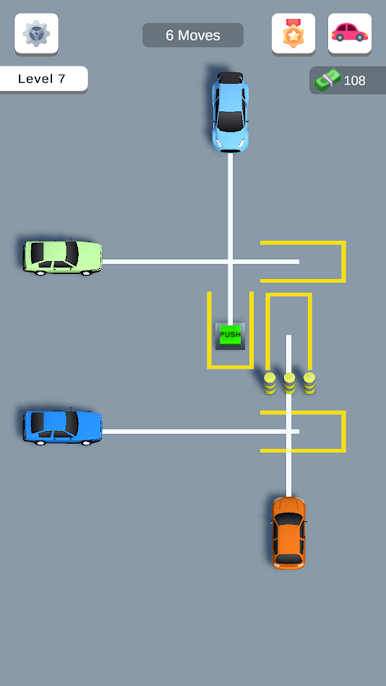
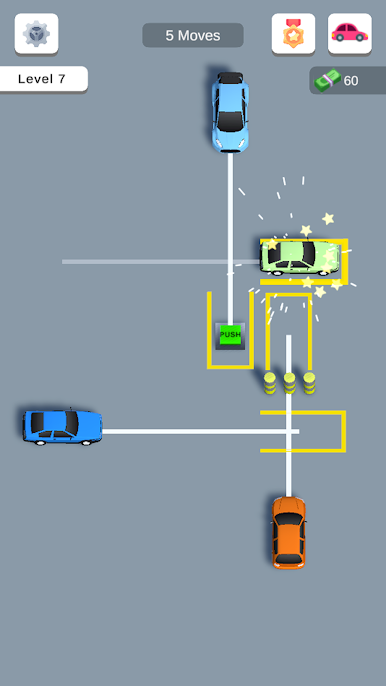
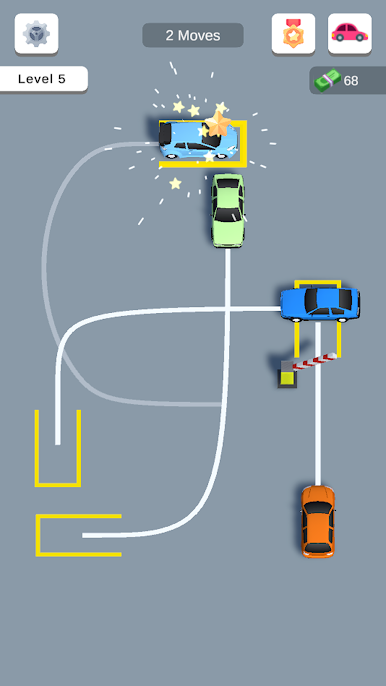
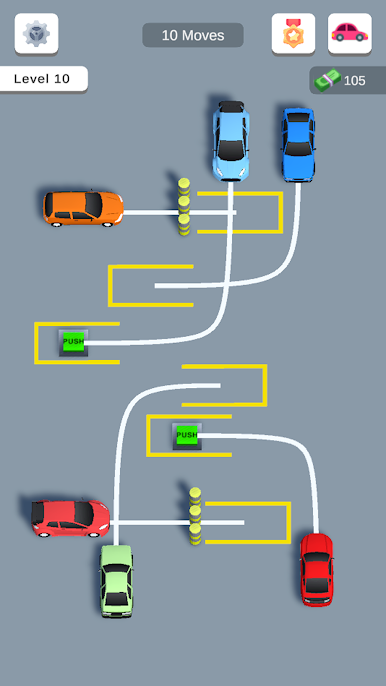
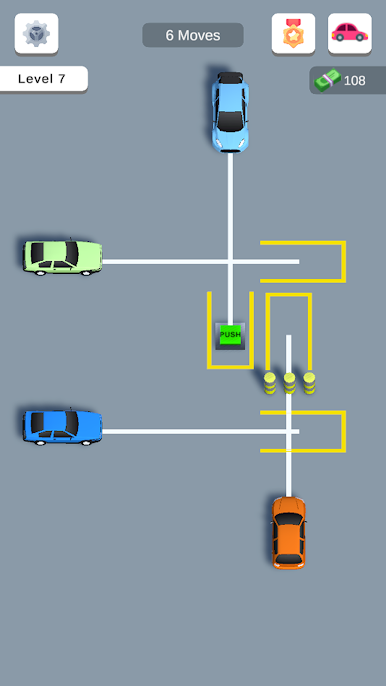
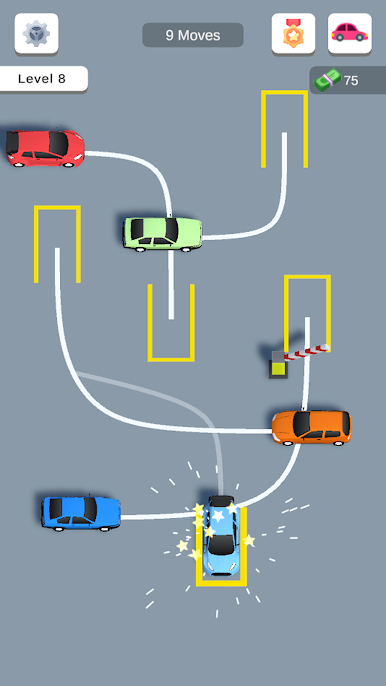
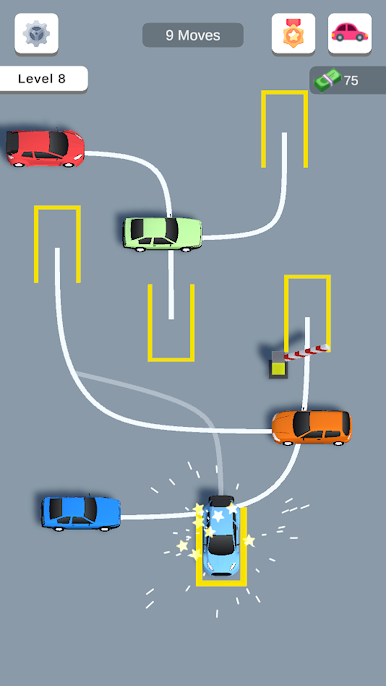
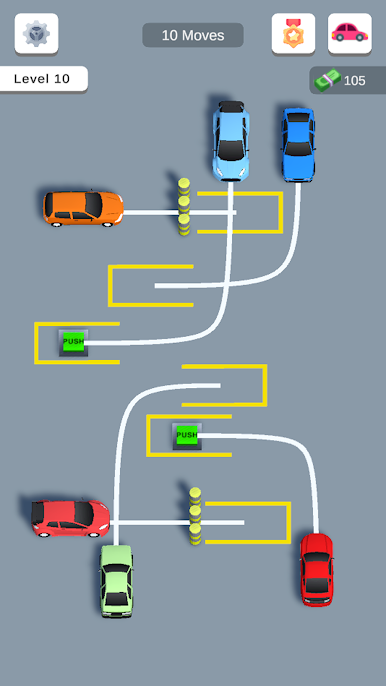
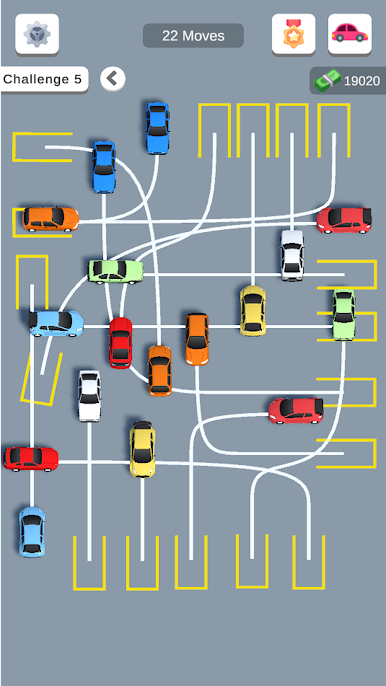
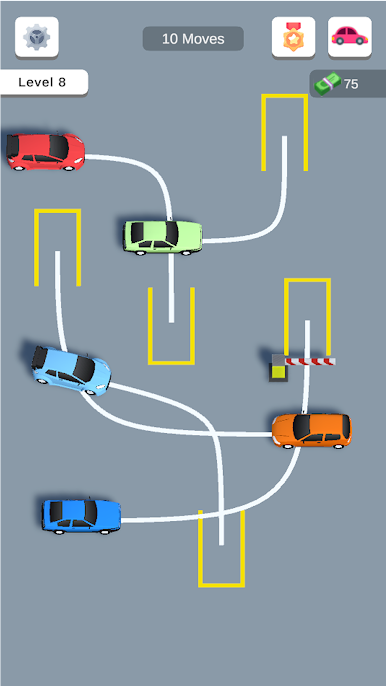
If you’re the type who loves a good brainteaser and maybe gets a little too invested in perfectly straight parking jobs, Parking Order 3D: Move Car might be right up your alley. Created by Wizigon, this Casual game lets you wrangle a jam-packed parking lot with the tap of your finger. Every level throws a new challenge your way—figure out the right move to get each car back in place, no dents allowed. It’s a laid-back but surprisingly tricky puzzle experience that keeps you guessing, especially if you’re playing on BlueStacks.
Game Features
-
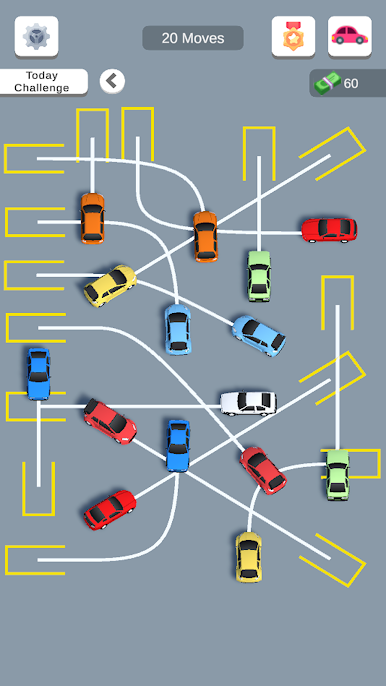
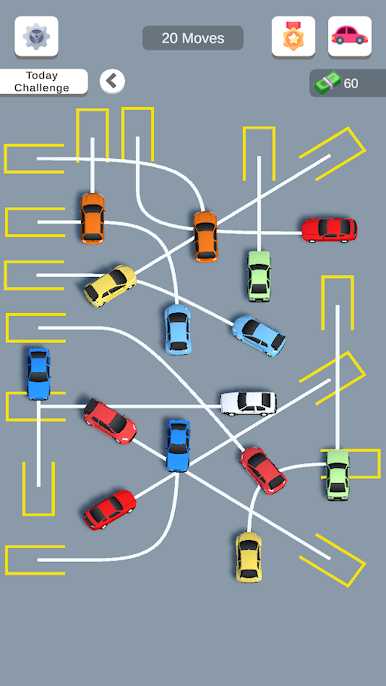
Parking Puzzles with a Twist: Every level turns the classic parking lot headache into a bite-sized brain workout. Plan ahead, because moving one car might totally block another.
-
Unique Cars: It’s not just the same boring sedans over and over. Each level introduces new vehicles, all with their own quirks and little surprises—expect to work around long trucks, zippy compacts, and more.
-
Changing Scenery: Bored of asphalt? The game throws you into all sorts of environments, from bustling city blocks to peaceful scenic spots, so there’s always something new to look at while you puzzle things out.
-
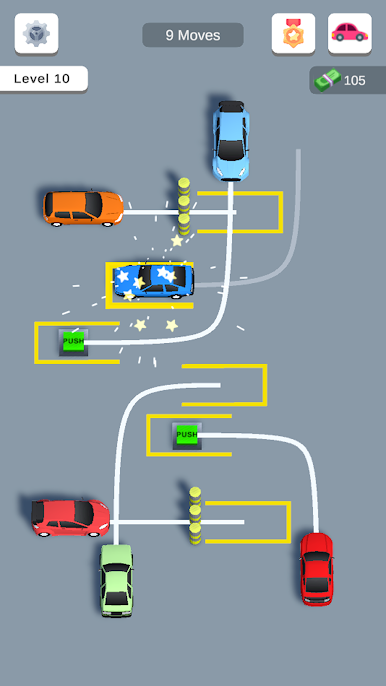
Three-Star Scoring: Each parking challenge rates your smarts and moves—grab as many stars as possible by finishing with speed and style.
-
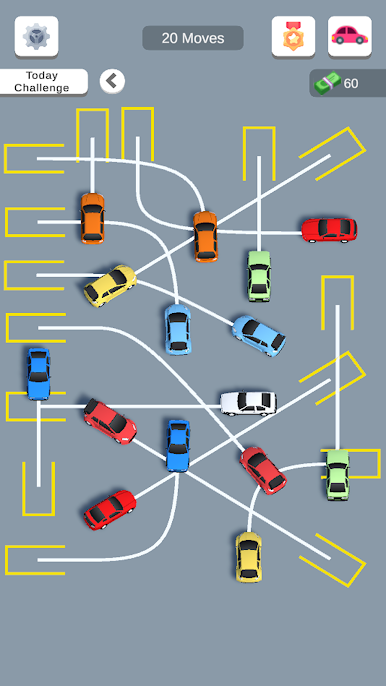
Levels That Get Tougher: Things start off easy, but don’t get too comfortable. The difficulty ramps up, so even parking pros will find a challenge waiting a few levels in.
-
Strategy First: You’ll need to think a few steps ahead. Figuring out which car goes where, in what order, is half the fun—and half the frustration.
-
Track Your Progress: Unlock new levels by nailing each puzzle, and keep coming back to beat your own best scores.
Whether you’re squeezing in a quick session while waiting for coffee or tackling those stubborn levels back-to-back on BlueStacks, Parking Order 3D: Move Car by Wizigon is all about brains, patience, and a little bit of traffic chaos.
Get ready for a buttery smooth, high-performance gaming action only on BlueStacks.

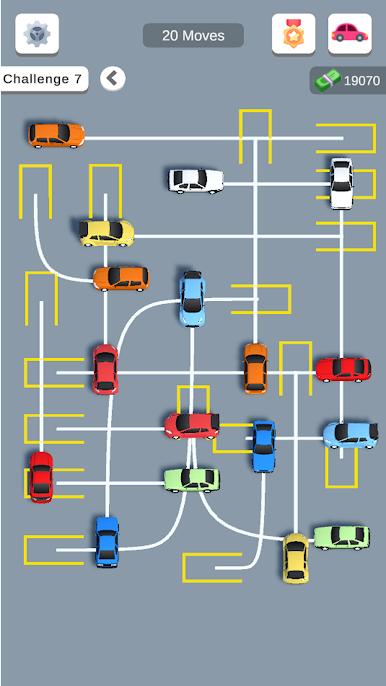
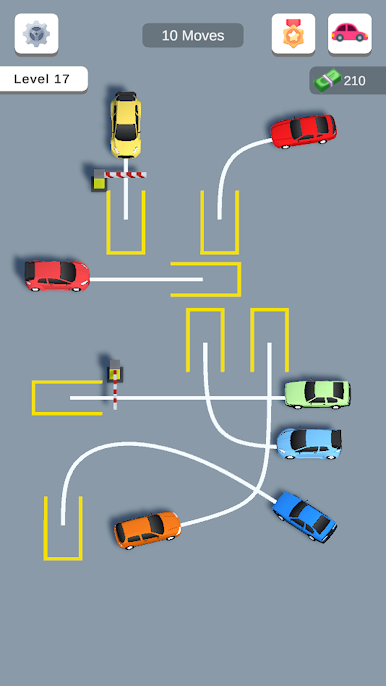
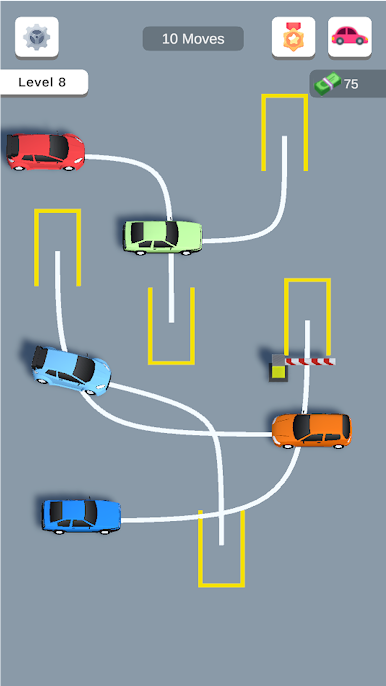
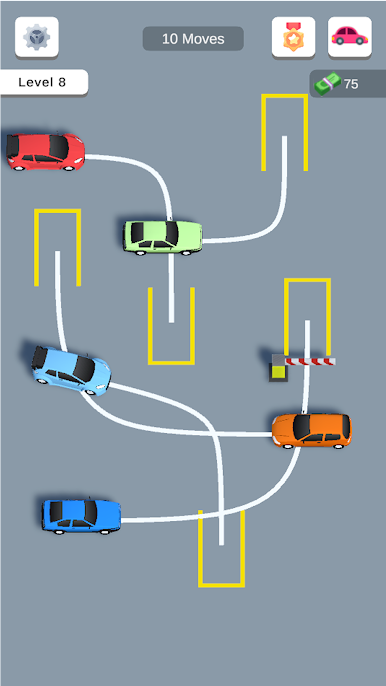
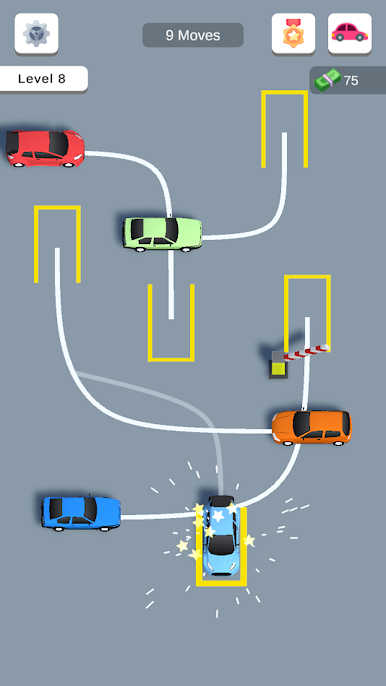
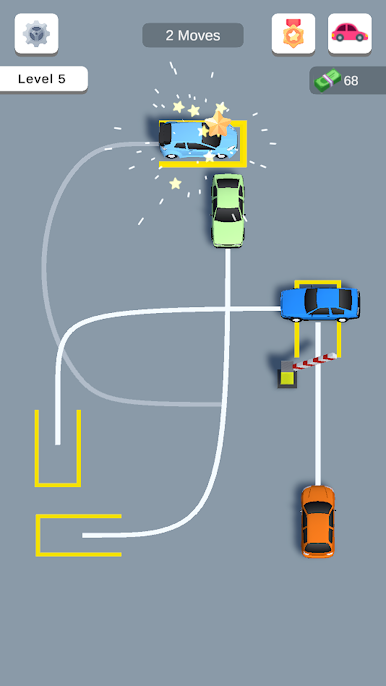
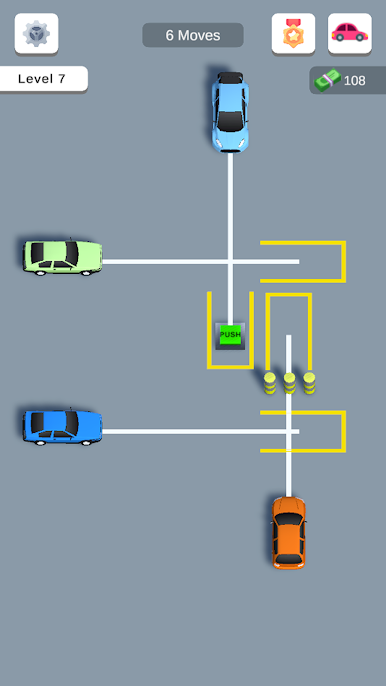
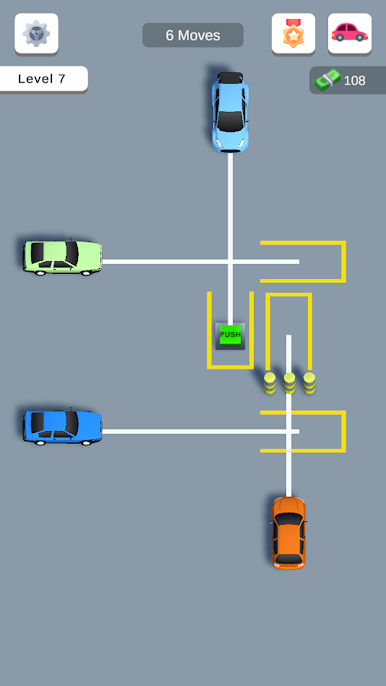
Zagraj w Parking Order 3D: Move Car na PC. To takie proste.
-
Pobierz i zainstaluj BlueStacks na PC
-
Zakończ pomyślnie ustawienie Google, aby otrzymać dostęp do sklepu Play, albo zrób to później.
-
Wyszukaj Parking Order 3D: Move Car w pasku wyszukiwania w prawym górnym rogu.
-
Kliknij, aby zainstalować Parking Order 3D: Move Car z wyników wyszukiwania
-
Ukończ pomyślnie rejestrację Google (jeśli krok 2 został pominięty) aby zainstalować Parking Order 3D: Move Car
-
Klinij w ikonę Parking Order 3D: Move Car na ekranie startowym, aby zacząć grę

