

Atirador de Comando Militar 3D
Jogue no PC com BlueStacks - A Plataforma de Jogos Android, confiada por mais de 500 milhões de jogadores.

Página modificada em: Aug 21, 2024
Play Military Commando Shooter 3D on PC or Mac
Join millions to experience Military Commando Shooter 3D, an exciting Action game from Apex Game Studio. With BlueStacks App Player, you are always a step ahead of your opponent, ready to outplay them with faster gameplay and better control with the mouse and keyboard on your PC or Mac.
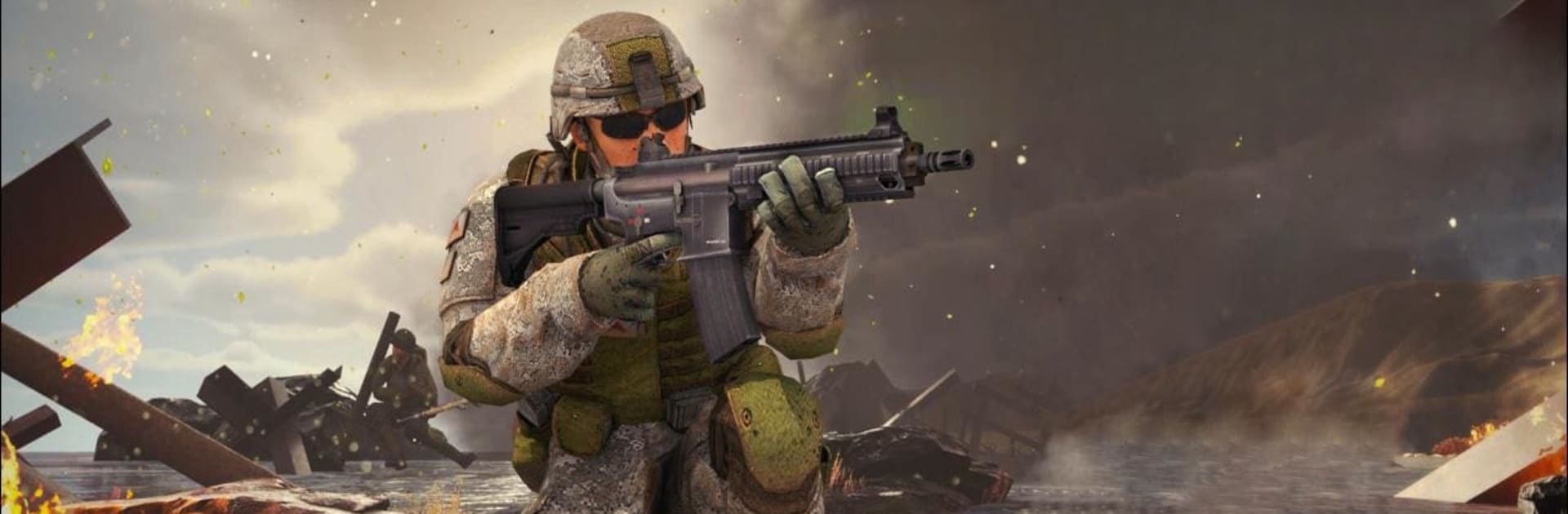
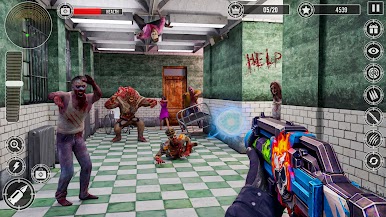
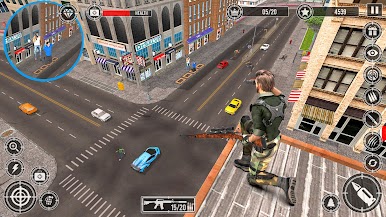
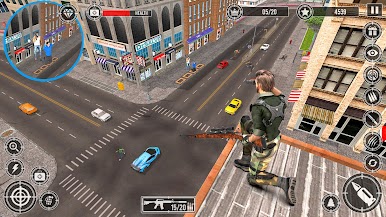
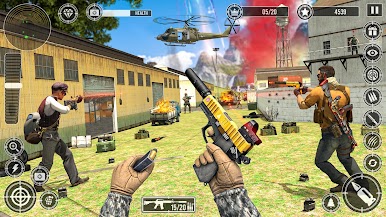
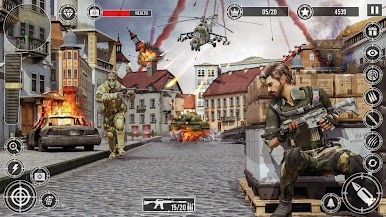
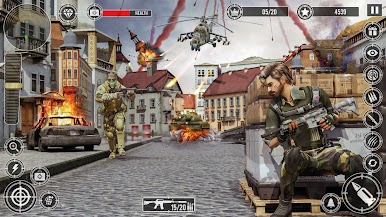
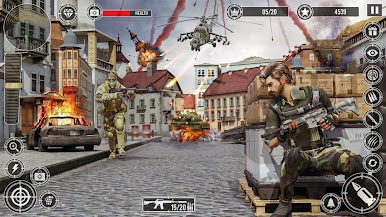
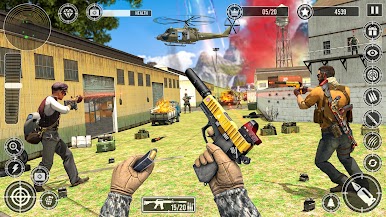
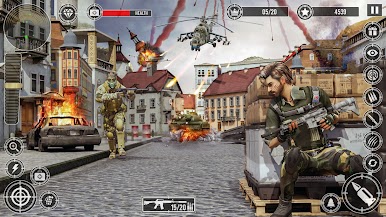
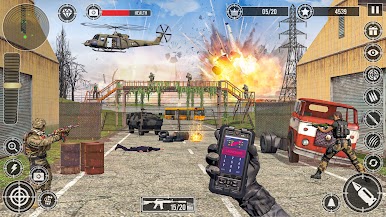
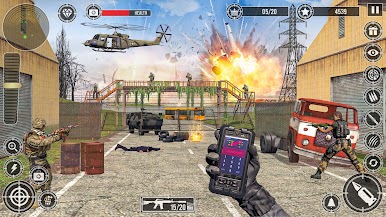
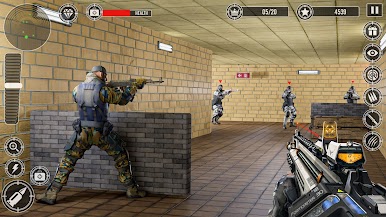
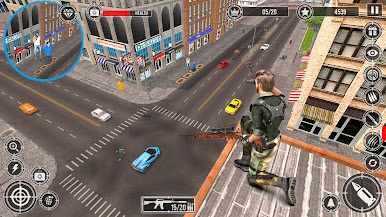
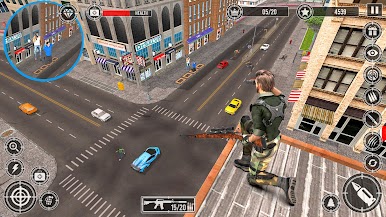
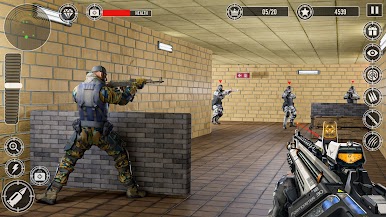
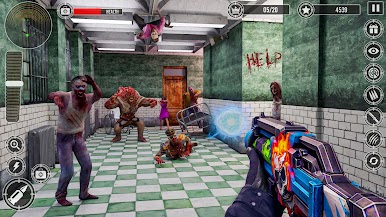
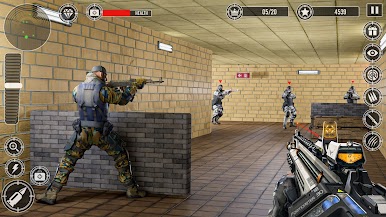
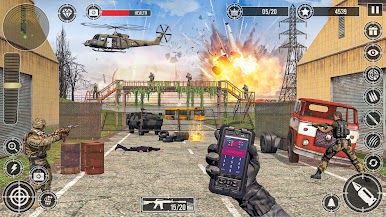
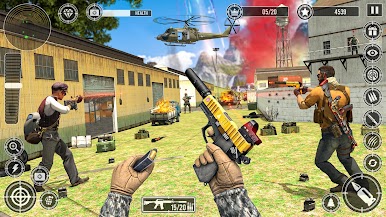
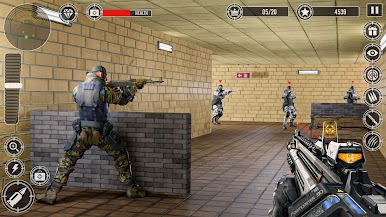
So, Military Commando Shooter 3D feels like one of those classic first-person shooters where you’re tossed right into action as this undercover soldier. The game’s all about sneaking around, picking off enemies, and feeling like the hero in some big movie. It throws you into different missions, sometimes in a city, sometimes right in the middle of what looks like a military base, and there’s a decent mix of sniping and close-up fighting. Missions push you to clear out areas and take down anyone who’s a threat, so there’s a real sense of pressure as you move from one checkpoint to the next.
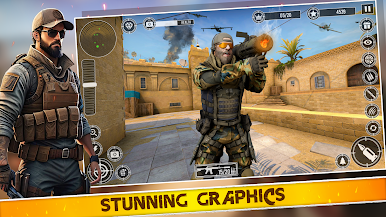
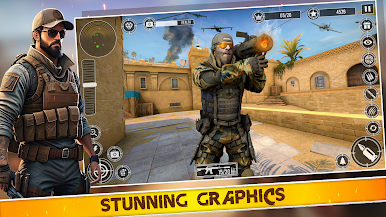
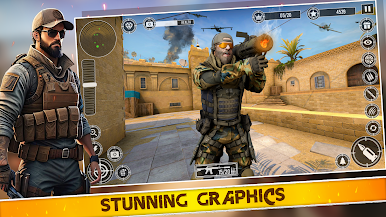
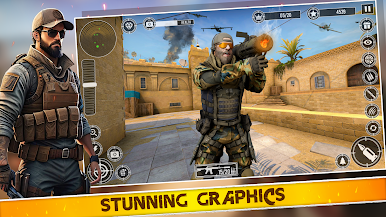
There’s a bunch of different sniper rifles and tools for each mission, which gives some variety. The graphics stand out for a mobile port—they’re pretty smooth, and nothing really feels clunky or slow, especially running it on BlueStacks where controls are tighter than the usual touchscreen setup. Each level has you creeping around, trying not to get spotted, and rewarding you if you finish your objective fast. With all the mission briefings and little extras, it’s not just endless shooting—you actually feel like you’ve got a job to do. For anyone who wants an easy entry into military shooters, or just wants to zone out and pick off some targets, it fits the bill nicely.
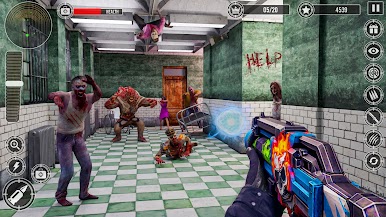
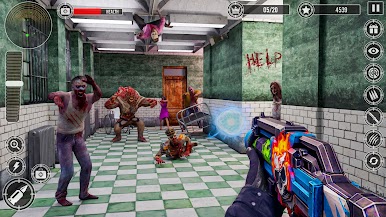
Make your gaming sessions memorable with precise controls that give you an edge in close combats and visuals that pop up, bringing every character to life.
Jogue Atirador de Comando Militar 3D no PC. É fácil começar.
-
Baixe e instale o BlueStacks no seu PC
-
Conclua o login do Google para acessar a Play Store ou faça isso mais tarde
-
Procure por Atirador de Comando Militar 3D na barra de pesquisa no canto superior direito
-
Clique para instalar Atirador de Comando Militar 3D a partir dos resultados da pesquisa
-
Conclua o login do Google (caso você pulou a etapa 2) para instalar o Atirador de Comando Militar 3D
-
Clique no ícone do Atirador de Comando Militar 3D na tela inicial para começar a jogar

