


このページには広告が含まれます
Sound Bar Remote
エンターテインメント | Yamaha Corporation
BlueStacksを使ってPCでプレイ - 5憶以上のユーザーが愛用している高機能Androidゲーミングプラットフォーム

Play Sound Bar Remote on PC
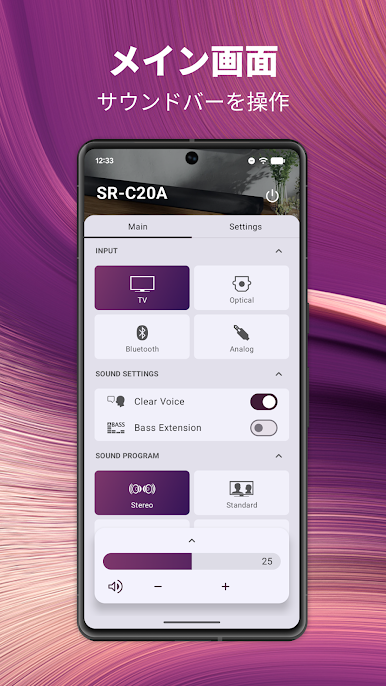
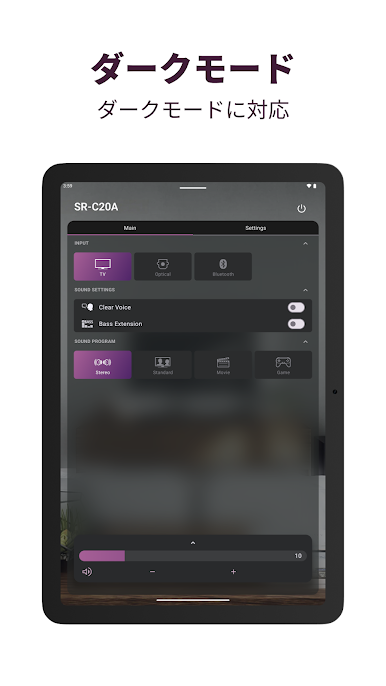
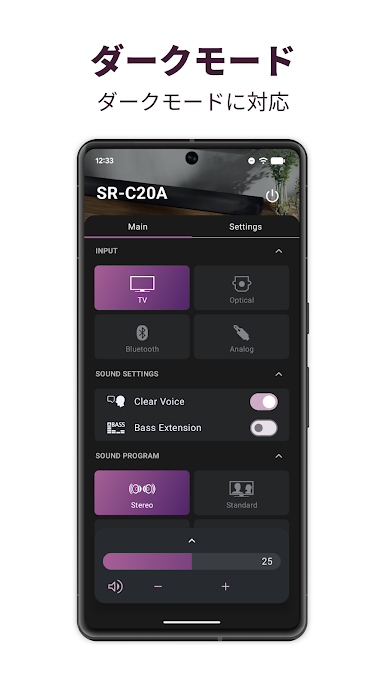
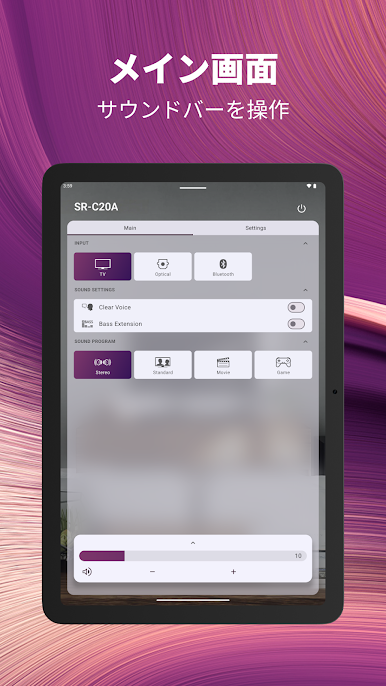
The Sound Bar Remote app provides easy operation for select Yamaha Sound Bars using your Android device.
[Key Features]
- Basic control functions such as volume up/down and input selection
- Sound mode selection
[Requirement]
You will need to allow permission for this app to access your mobile device's location. This is only to search and connect with your Bluetooth device (Sound Bar). We do not collect your actual location using GPS.
[Supported Models]
SR-B40A, SR-B30A, SR-B20A, SR-C20A, SR-C30A, ATS-B400, ATS-B300, ATS-B200, ATS-C200, ATS-C300, YAS-108, ATS-1080
[AndroidOS Version Requirement]
This app supports AndroidOS 9.0 or above.
[Key Features]
- Basic control functions such as volume up/down and input selection
- Sound mode selection
[Requirement]
You will need to allow permission for this app to access your mobile device's location. This is only to search and connect with your Bluetooth device (Sound Bar). We do not collect your actual location using GPS.
[Supported Models]
SR-B40A, SR-B30A, SR-B20A, SR-C20A, SR-C30A, ATS-B400, ATS-B300, ATS-B200, ATS-C200, ATS-C300, YAS-108, ATS-1080
[AndroidOS Version Requirement]
This app supports AndroidOS 9.0 or above.
Sound Bar RemoteをPCでプレイ
-
BlueStacksをダウンロードしてPCにインストールします。
-
GoogleにサインインしてGoogle Play ストアにアクセスします。(こちらの操作は後で行っても問題ありません)
-
右上の検索バーにSound Bar Remoteを入力して検索します。
-
クリックして検索結果からSound Bar Remoteをインストールします。
-
Googleサインインを完了してSound Bar Remoteをインストールします。※手順2を飛ばしていた場合
-
ホーム画面にてSound Bar Remoteのアイコンをクリックしてアプリを起動します。

