

Philadelphia 76ers
Chơi trên PC với BlueStacks - Nền tảng chơi game Android, được hơn 500 triệu game thủ tin tưởng.

Trang đã được sửa đổi vào: Oct 21, 2025
Play Philadelphia 76ers on PC or Mac
From the innovators and creators at Philadelphia 76ers L.P., Philadelphia 76ers is another fun addition to the World of Sports games. Go beyond your mobile screen and play it bigger and better on your PC or Mac. An immersive experience awaits you.
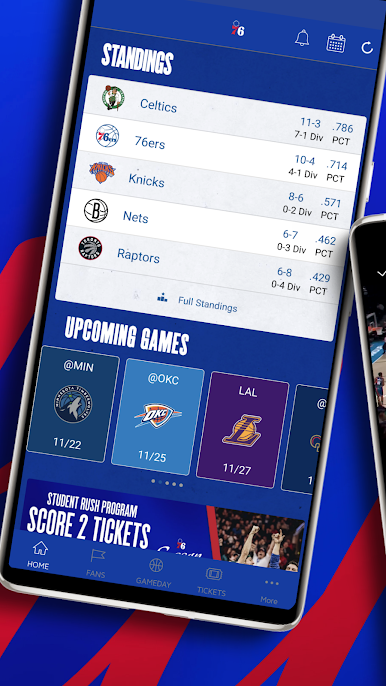
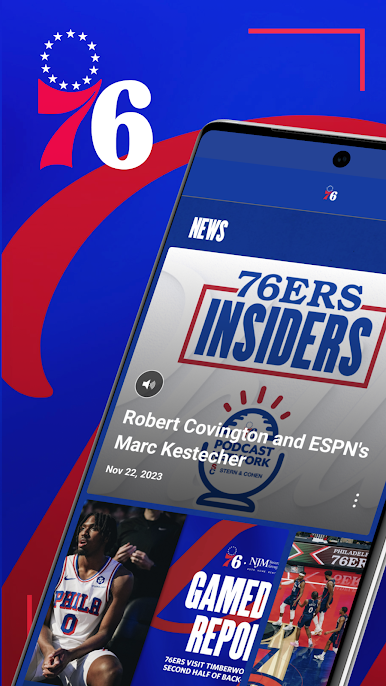
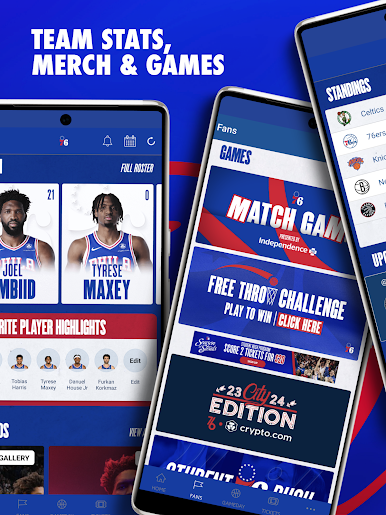
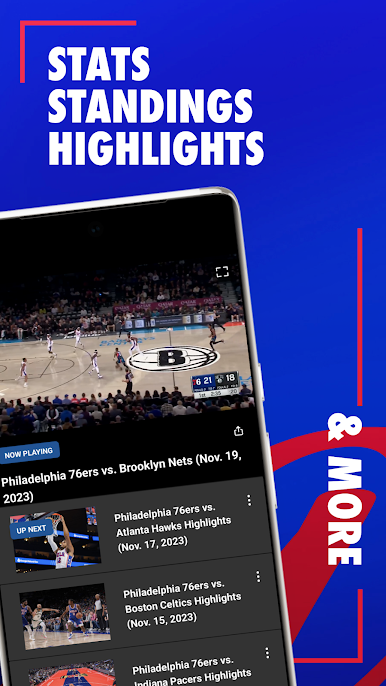
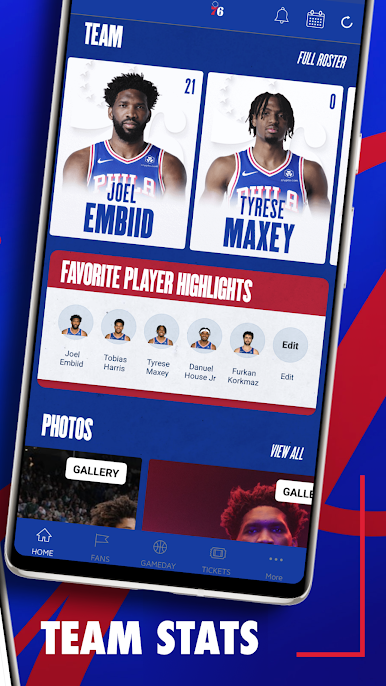
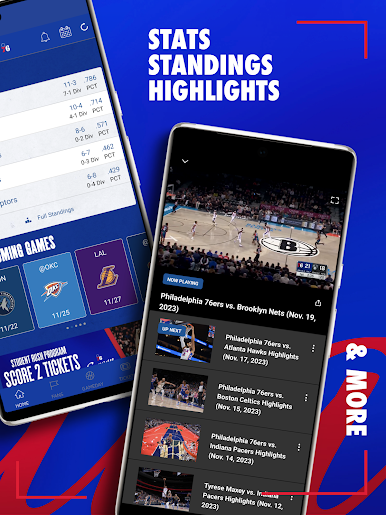
This is basically the Sixers hub that fans wish the TV broadcast had. It pulls in scores, schedules, news, and all the little stats that make watching a game feel smarter. During games it works like a second screen, with live box scores that expand, sortable play by play, and a shot chart that updates so fast it feels like standing by the scorers table. Running it on BlueStacks on a PC helps a lot, since clicking through cards and tabs with a mouse is faster than swiping and the bigger screen makes the numbers easier to follow.
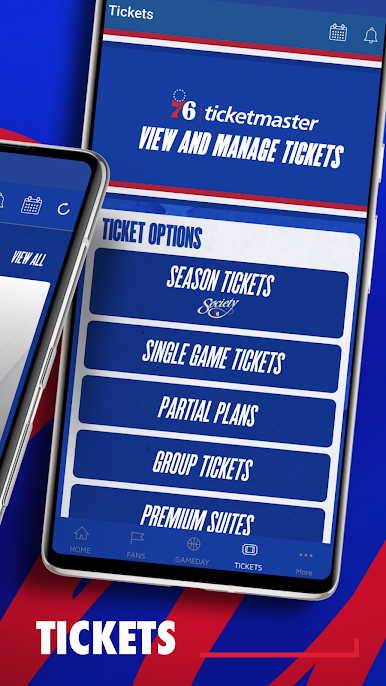
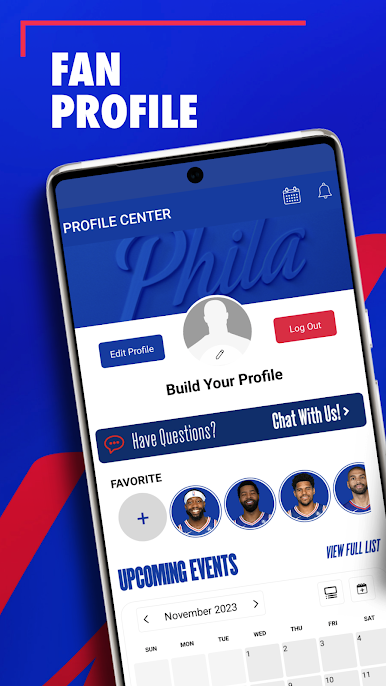
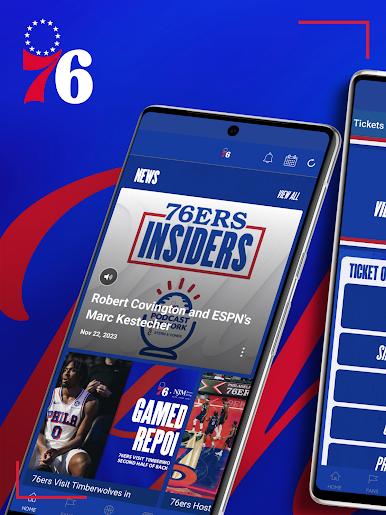
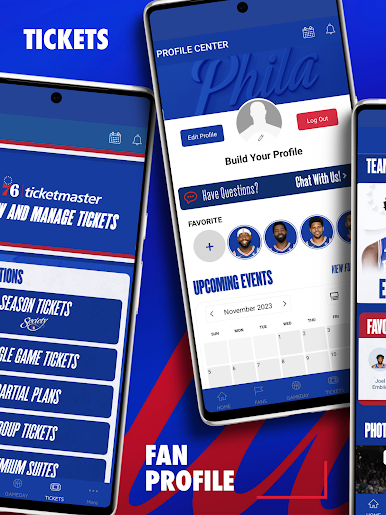
There is plenty to do between games too. Studio 76 drops videos, podcasts, and articles in one place, so no hunting around different apps. The Fan Zone has some light mini games and freebies, plus a shop if someone wants gear. Roster pages go deeper than the usual, with bios, photos, and season splits that are easy to skim. The calendar lays out past and upcoming matchups clearly, which makes planning watch nights simple. Notifications can be tailored for tipoff, quarter ends, final score, or breaking stuff, so it will not buzz for every tiny update. Social streams sit inside the app, including the team’s Twitter feed, so a fan can scan reactions without leaving. It is more companion app than videogame, but for keeping up with the team while working at a desk, it does the job clean and quick.
Start your journey now. Download the game on BlueStacks, invite your friends, and march on a new adventure.

Chơi Philadelphia 76ers trên PC. Rất dễ để bắt đầu
-
Tải và cài đặt BlueStacks trên máy của bạn
-
Hoàn tất đăng nhập vào Google để đến PlayStore, hoặc thực hiện sau
-
Tìm Philadelphia 76ers trên thanh tìm kiếm ở góc phải màn hình
-
Nhấn vào để cài đặt Philadelphia 76ers trong danh sách kết quả tìm kiếm
-
Hoàn tất đăng nhập Google (nếu bạn chưa làm bước 2) để cài đặt Philadelphia 76ers
-
Nhấn vào icon Philadelphia 76ers tại màn hình chính để bắt đầu chơi

