


Informasi Perangkat:CPU Sistem
Mainkan di PC dengan BlueStacks – platform Game-Game Android, dipercaya oleh lebih dari 500 juta gamer.

Run Device Info: System & CPU Info on PC or Mac
Why limit yourself to your small screen on the phone? Run Device Info: System & CPU Info, an app by Yasiru Nayanajith, best experienced on your PC or Mac with BlueStacks, the world’s #1 Android emulator.
About the App
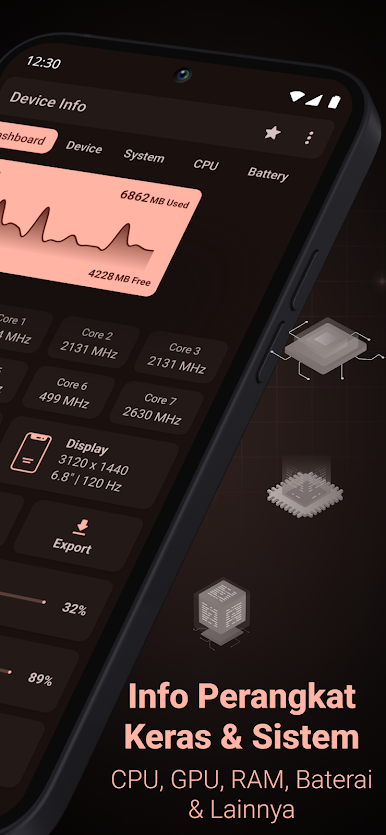
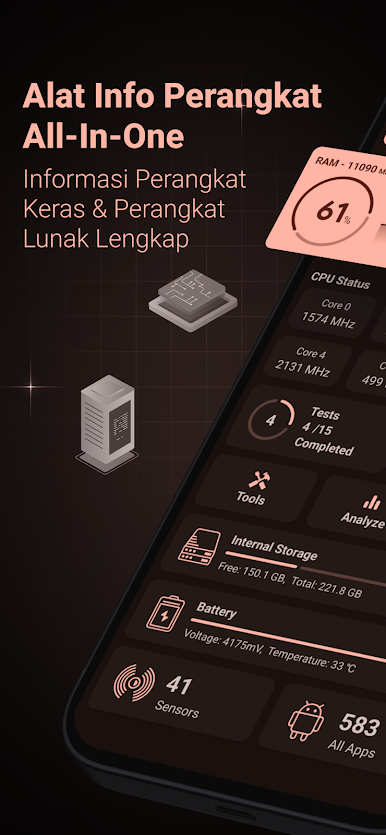
Ever wondered exactly what’s going on inside your phone or tablet? Device Info: System & CPU Info is like having your own personal tech assistant. If you’re the curious type or just like to keep an eye on how your device runs, Yasiru Nayanajith’s Tools app hands you a detailed look at everything from your CPU’s hustle to your battery’s well-being. You’ll get real-time insights, hardware tests, and a dashboard that makes sense—even if you’re not a full-blown gadget nerd. Oh, and it’s pretty smooth to use, including when you run it on BlueStacks.
App Features
-
Quick Dashboard
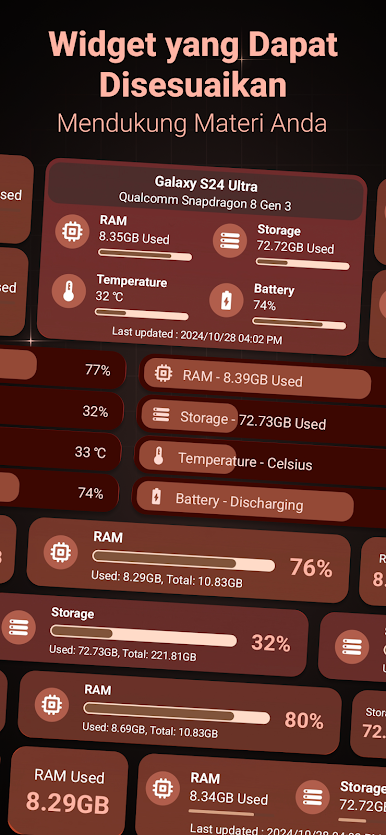
Get a simple overview of memory, storage, battery, and a bunch of other important specs—all in one place, so you don’t have to dig through endless menus. -
Device Details
Curious about your device’s make, model, or how old it really is? It spills all that, plus stuff like IMEI, SIM, network info, and hardware serials for the ultra-detailed. -
System Insights
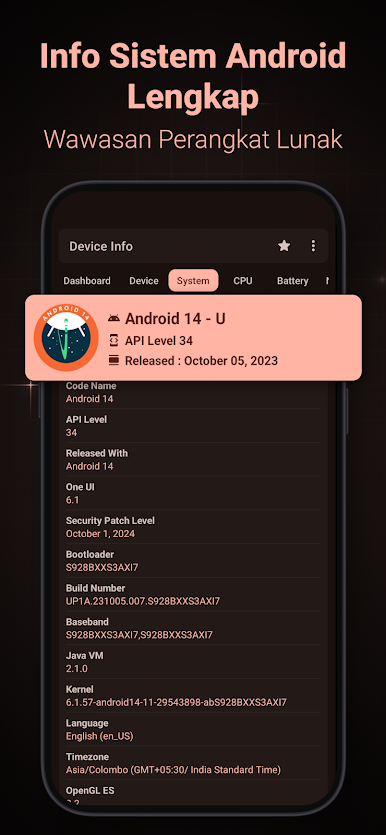
Peek into your operating system: see which Android version you’re running, security patches, boot details, kernel highlights—even if your device is rooted. -
CPU & GPU Stats
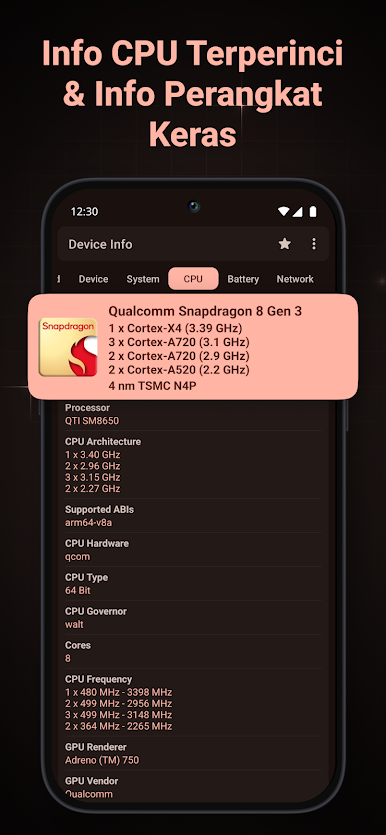
Track your chip’s stats, core count, frequencies, GPU info—the whole nine yards, perfect if you’re into performance or just want to see what’s under the hood. -
Battery Monitoring
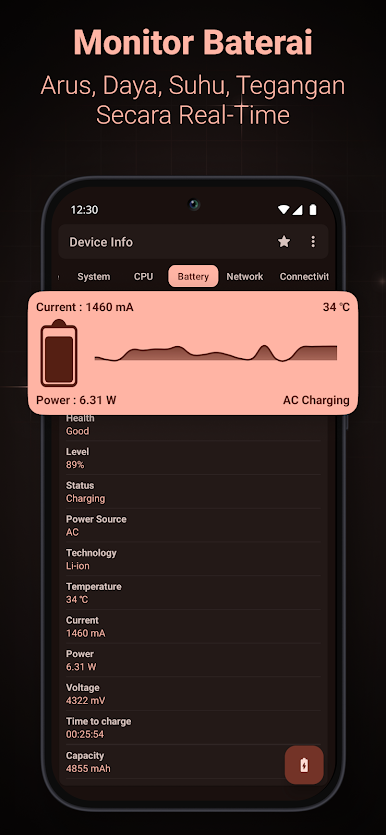
Keep tabs on charge level, temperature, voltage, and health. Real-time updates let you spot problems before they get serious. -
Network & Connectivity
Find everything from WiFi speed and signal to IP addresses, Bluetooth, NFC, and USB options—with lots of data for the network-savvy. -
Sensor Breakdown
See all active device sensors, their type, power use, and what they’re up to in real time. -
Memory and Storage
Quickly check out how much RAM and storage you’re actually using and what’s free—get geeky with RAM type, ROM, internal/external SD info. -
Display & Camera Specs
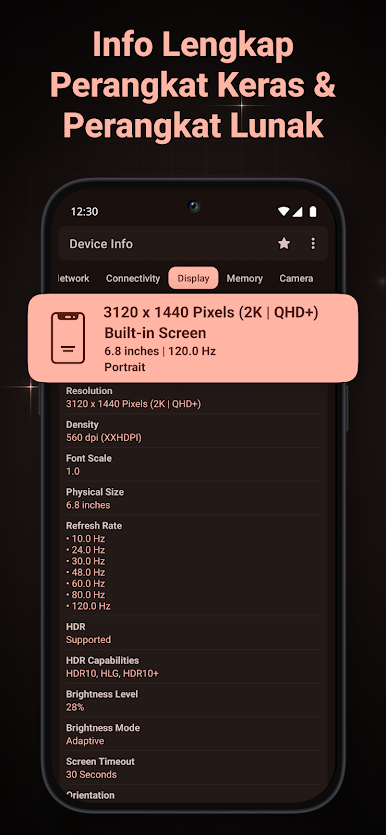
Everything from screen resolution and refresh rate to advanced camera capabilities: aperture, ISO, RAW support, detection modes, and more. -
App Analyzer
Dig into your installed apps, their permissions, SDK levels, and even group details using simple graphs. -
Wifi Analyzer
Scan nearby networks to check signal strength, standards, and other details—comes in handy if your connection ever feels off. -
Device Tests & Benchmarks
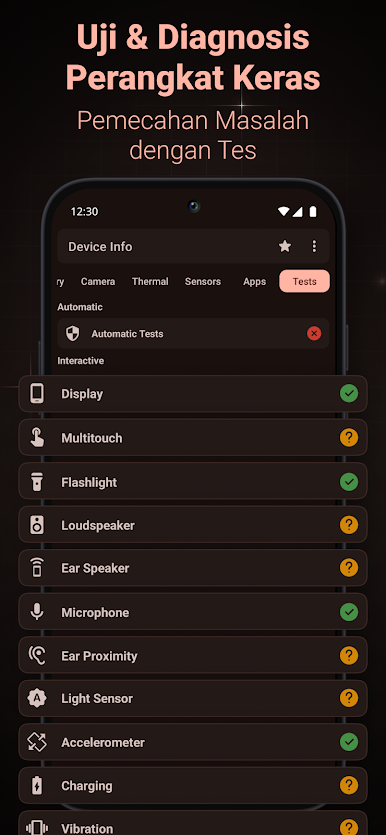
Run hands-on tests for your display, audio, sensors, charging, buttons, Bluetooth, vibration, and more—find out what’s really working. -
Thermal Readouts
Keep an eye on device temperature and thermal zones, useful during heavy workloads or gaming. -
Custom Themes & Widgets
Switch easily between light and dark modes, and set up widgets just how you like them so at-a-glance info is always handy. -
Export Full Reports
Need to share device info or keep a backup? Export data and reports as text or PDFs with a couple taps.
Big screen. Bigger performance. Use BlueStacks on your PC or Mac to run your favorite apps.

Mainkan Informasi Perangkat:CPU Sistem di PC Mudah saja memulainya.
-
Unduh dan pasang BlueStacks di PC kamu
-
Selesaikan proses masuk Google untuk mengakses Playstore atau lakukan nanti
-
Cari Informasi Perangkat:CPU Sistem di bilah pencarian di pojok kanan atas
-
Klik untuk menginstal Informasi Perangkat:CPU Sistem dari hasil pencarian
-
Selesaikan proses masuk Google (jika kamu melewati langkah 2) untuk menginstal Informasi Perangkat:CPU Sistem
-
Klik ikon Informasi Perangkat:CPU Sistem di layar home untuk membuka gamenya

