


WeBack
Jogue no PC com BlueStacks - A Plataforma de Jogos Android, confiada por mais de 500 milhões de jogadores.

Página modificada em: Sep 22, 2025
Run WeBack on PC or Mac
Upgrade your experience. Try WeBack, the fantastic Tools app from Grit Technology, from the comfort of your laptop, PC, or Mac, only on BlueStacks.
About the App
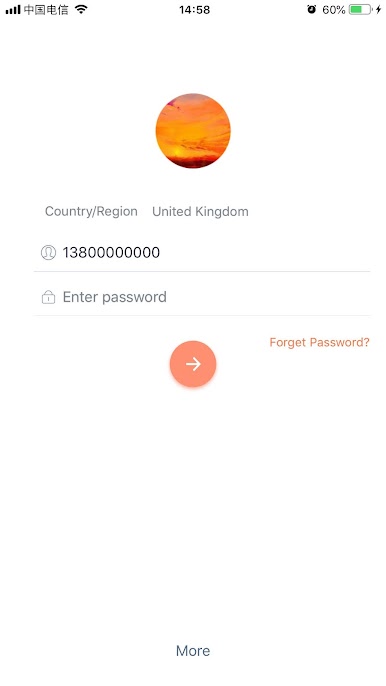
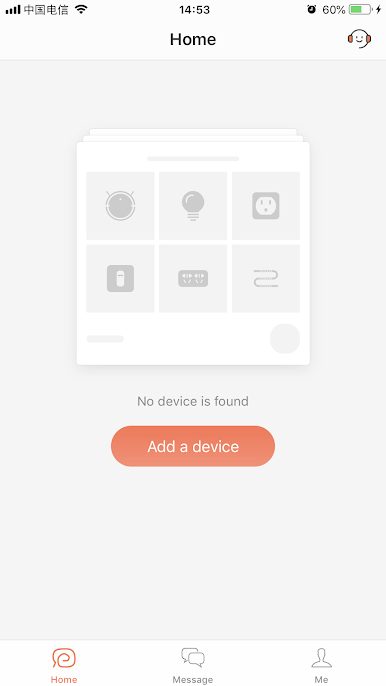
If you’ve ever wished you could keep tabs on your smart home gear with just a few taps, WeBack has you covered. Grit Technology brings you an easy-to-use tool that lets you stay in sync with your connected devices, no matter where you are. Whether you’re across the house or miles away, you can control everything right from your phone, or even on your computer using BlueStacks.
App Features
-
Share Access With Family: Want everyone involved? Easily share connected devices so your family can pitch in and manage them, too. No more passing your phone around—everyone gets their own control.
-
Remote Robot Control: Forgot to start a cleaning session, or need to pause it for a quick call? Connect to your smart robot from anywhere and take control. Set commands, schedule tasks, or just check in—all remotely.
-
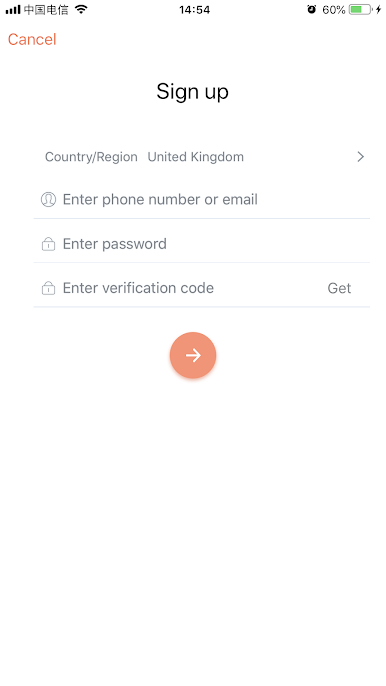
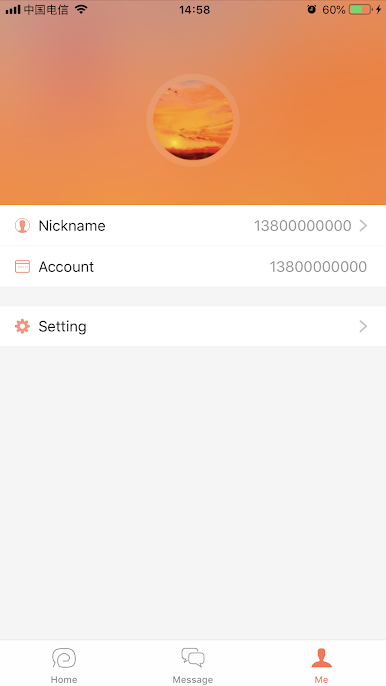
Smooth Account Management: Manage your accounts and devices from one simple dashboard. Switch between users and tweak permissions without any hassle.
-
Customized Permissions: Set specific access for each user. Decide who gets full control and who’s just along to observe—handy for both family and friends.
With WeBack from Grit Technology, you’ll find it’s easier than ever to keep your smart tech running just the way you like. And if you’re the type who likes a bigger screen, you can even manage things straight from your PC using BlueStacks.
Switch to BlueStacks and make the most of your apps on your PC or Mac.
Jogue WeBack no PC. É fácil começar.
-
Baixe e instale o BlueStacks no seu PC
-
Conclua o login do Google para acessar a Play Store ou faça isso mais tarde
-
Procure por WeBack na barra de pesquisa no canto superior direito
-
Clique para instalar WeBack a partir dos resultados da pesquisa
-
Conclua o login do Google (caso você pulou a etapa 2) para instalar o WeBack
-
Clique no ícone do WeBack na tela inicial para começar a jogar

