


Mgrs & Utm Map Pro
Spiele auf dem PC mit BlueStacks - der Android-Gaming-Plattform, der über 500 Millionen Spieler vertrauen.

Seite geändert am: Apr 9, 2025
Play Mgrs & Utm Map Pro on PC
👉 More maps (Bicycle, Topographic, Neighborhood, Atlas etc.)
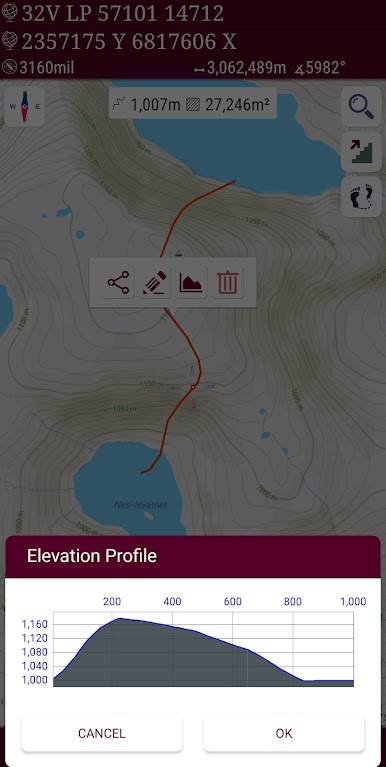
👉 You can see the altitude profile of your route on the chart
👉 You can search for locations by address
👉 You can create different layers for your different activities
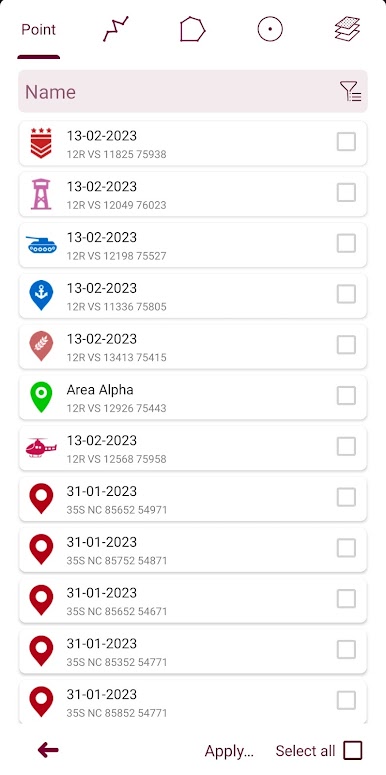
👉 List view for markers, routes, areas and KML
👉 You can draw multiple routes and areas, and change their colors
👉 More and colorful pointer icons
👉 Name or icon display options for markers
👉 Multiple routes can be recorded with the GPS recorder
👉 And no ads
This application is GPS and coordinate systems helper especially for military personnel.
It is also a complete helper for mountaineering, trekking and hiking, cross running, scouting, hunting, fishing, geocaching, off-road navigation and all other outdoor activities and sports.
With satellite navigation systems such as GPS, GALILEO and GLONASS (GNSS) supported by your device and your sensors, you can see your most accurate position on different map layers.
Features:
* Easy and Faster
* Compass.
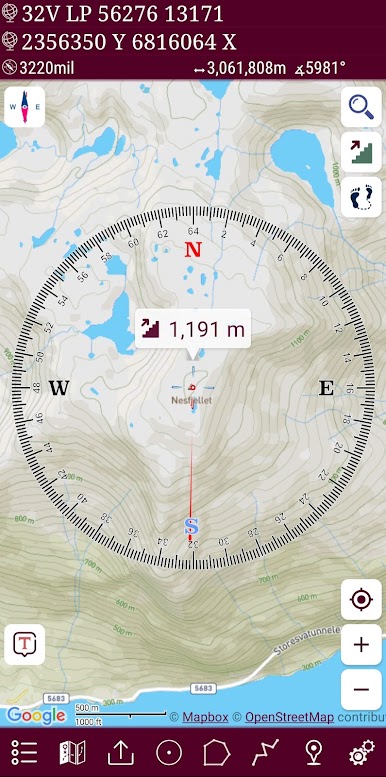
=> Compass on map (on the map that shows your direction)
=> Compass only (shows physical directions)
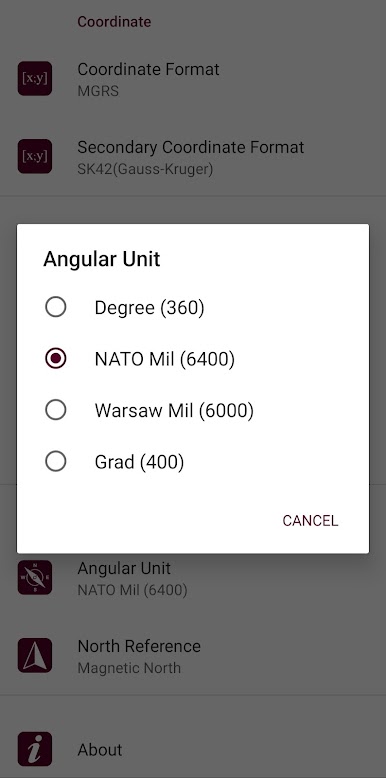
=> Angular units for compass (degrees, grad and mil)
* Follow Mode
=> The center of the map follows your location while on the move.
* You can add and removing markers.
* Distance measure. (You can add custom route and calculate total distance)
* Area measure.(You can select an area on the map and calculate the area in square meters)
* You can see the altitude of your location.
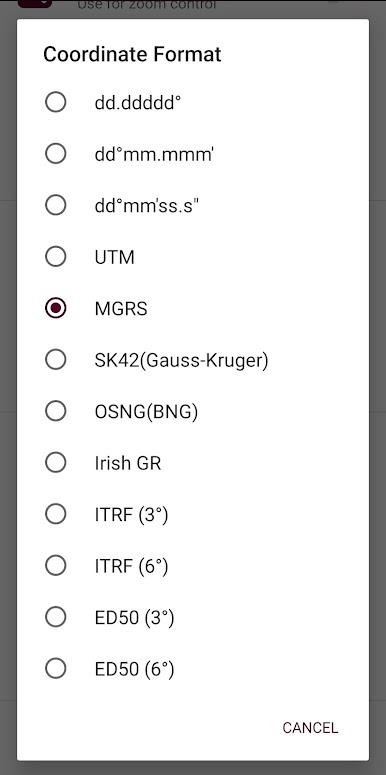
* You can find the location according to Address, Degree/Minute/Second , MGRS, UTM or Latitude/Longitude formats.
* Location (Coordinate) unit options.
=> MGRS / U.S. National Grid (USNG) (WGS84/NAD83)
=> D°M'S" (WGS84)
=> Latitude/Longitude (WGS84)
=> UTM (WGS84/NAD83)
=> SK42(Gauss Kruger)
=> British National Grid(OSNG)
=> Irish Grid Reference
=> ED50
=> ITRF
* Map type options (Road,Terrain,Satellite,Night Mode,Hybrid)
* You can share location coordinate.
* Distance unit options. (meter and feet).
* KML viewer. (Export and import KML layers).
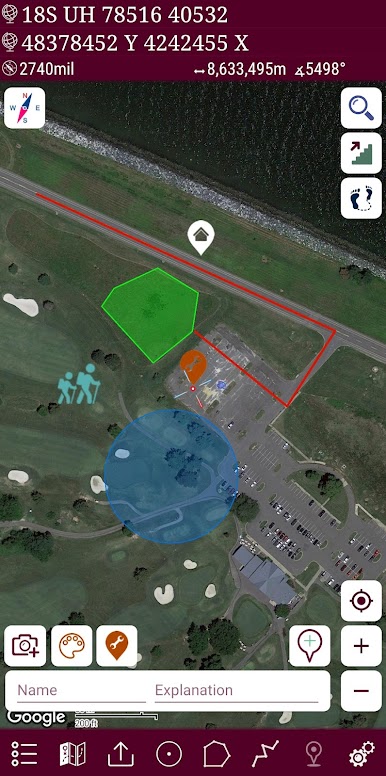
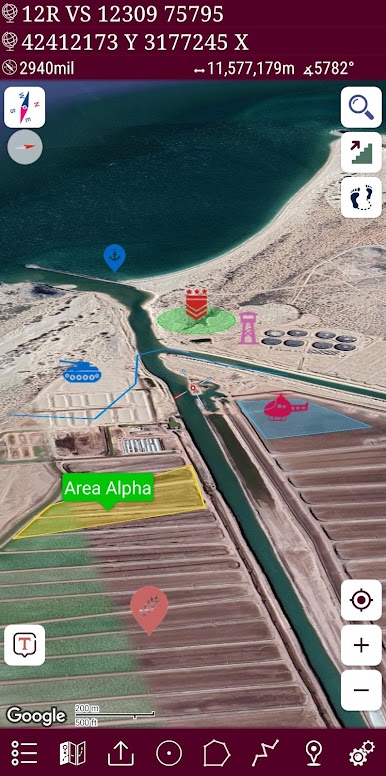
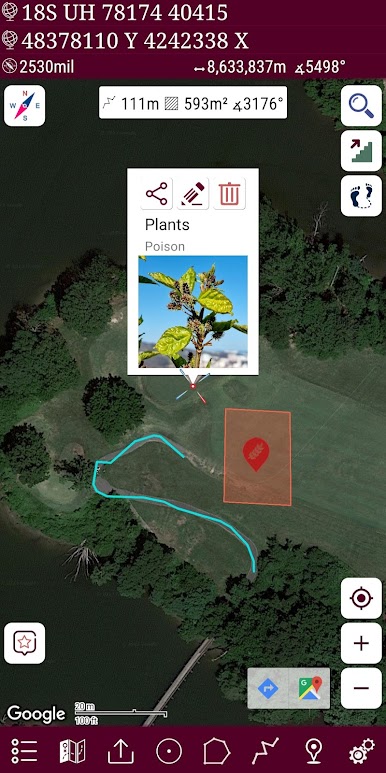
Spiele Mgrs & Utm Map Pro auf dem PC. Der Einstieg ist einfach.
-
Lade BlueStacks herunter und installiere es auf deinem PC
-
Schließe die Google-Anmeldung ab, um auf den Play Store zuzugreifen, oder mache es später
-
Suche in der Suchleiste oben rechts nach Mgrs & Utm Map Pro
-
Klicke hier, um Mgrs & Utm Map Pro aus den Suchergebnissen zu installieren
-
Schließe die Google-Anmeldung ab (wenn du Schritt 2 übersprungen hast), um Mgrs & Utm Map Pro zu installieren.
-
Klicke auf dem Startbildschirm auf das Mgrs & Utm Map Pro Symbol, um mit dem Spielen zu beginnen

