


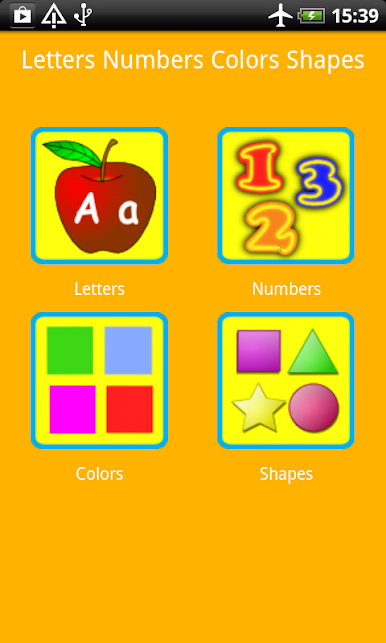
Letters Numbers Colors Shapes
Chơi trên PC với BlueStacks - Nền tảng chơi game Android, được hơn 500 triệu game thủ tin tưởng.

Trang đã được sửa đổi vào: Jan 12, 2025
Play Letters Numbers Colors Shapes on PC
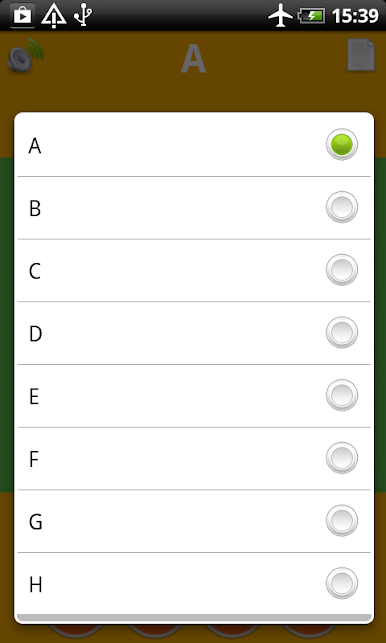
Our educational game shows children the alphabet letters and teach them to recognize letters as they appear. As a result, preschoolers kids learn the letters sounds much more faster.
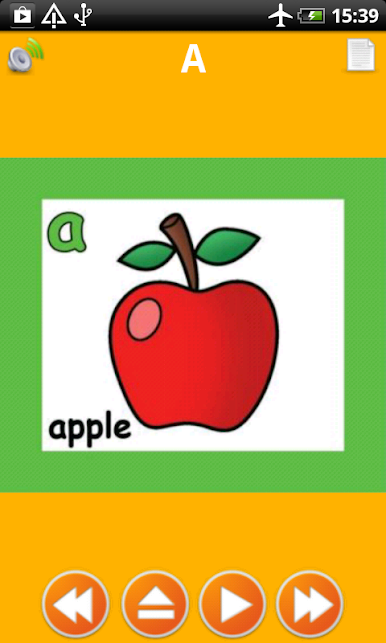
Abc for toddlers.Good quality of letters sounds. Image of each Alphabet's letter.Beautiful wallpapers for babies. Entertain your child.Best interface for toddlers.Educate your kids. Human voice for each Alphabet character. Help your child learning 26 letters with enjoyable way.Touch the letter and listen the sounds of ABC. Abc flash cards for kids. Abc family app.
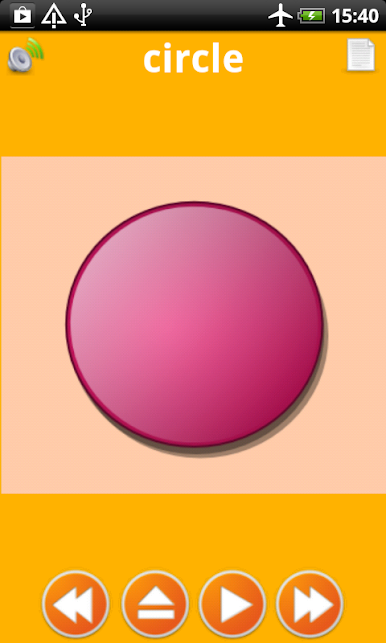
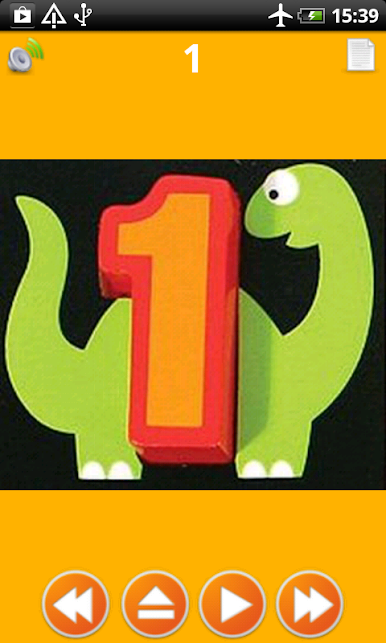
Each flash card is highly illustrated and an animated picture flashes up with the associated shape and sound. Alphabet and numbers flash cards help children develop memory and listening skills. Children will get to know phonics and be able to connect letter sounds with objects, for example: A is for Apple.
Geometry (Ancient Greek: γεωμετρία; geo- "earth", -metron "measurement") is a branch of mathematics concerned with questions of shape, size, relative position of figures, and the properties of space. A mathematician who works in the field of geometry is called a geometer. Geometry arose independently in a number of early cultures as a body of practical knowledge concerning lengths, areas, and volumes, with elements of a formal mathematical science emerging in the West as early as Thales (6th Century BC). By the 3rd century BC geometry was put into an axiomatic form by Euclid, whose treatment—Euclidean geometry—set a standard for many centuries to follow.
Biologically, a child (plural: children) is a human between the stages of birth and puberty. Some biological definitions of a child include the fetus, as being an unborn child.

Chơi Letters Numbers Colors Shapes trên PC. Rất dễ để bắt đầu
-
Tải và cài đặt BlueStacks trên máy của bạn
-
Hoàn tất đăng nhập vào Google để đến PlayStore, hoặc thực hiện sau
-
Tìm Letters Numbers Colors Shapes trên thanh tìm kiếm ở góc phải màn hình
-
Nhấn vào để cài đặt Letters Numbers Colors Shapes trong danh sách kết quả tìm kiếm
-
Hoàn tất đăng nhập Google (nếu bạn chưa làm bước 2) để cài đặt Letters Numbers Colors Shapes
-
Nhấn vào icon Letters Numbers Colors Shapes tại màn hình chính để bắt đầu chơi

