


Zoho One Admin
Jouez sur PC avec BlueStacks - la plate-forme de jeu Android, approuvée par + 500M de joueurs.

Page Modifiée le: Nov 19, 2025
Play Zoho One Admin on PC
With the Zoho One Admin app, you can:
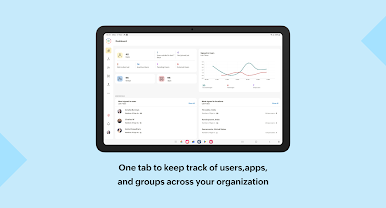
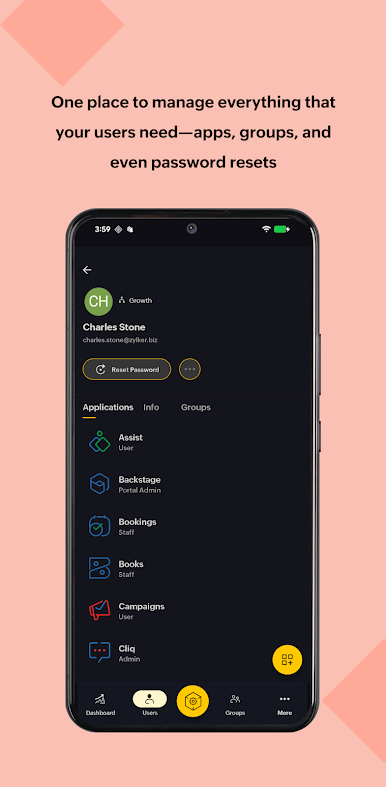
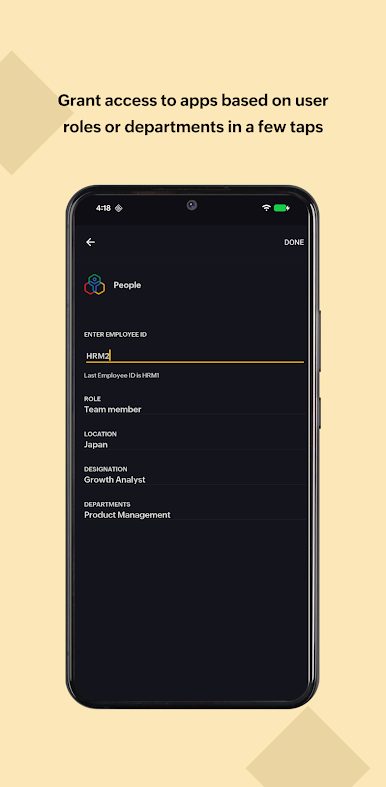
- Onboard users and view or manage organization details within the app
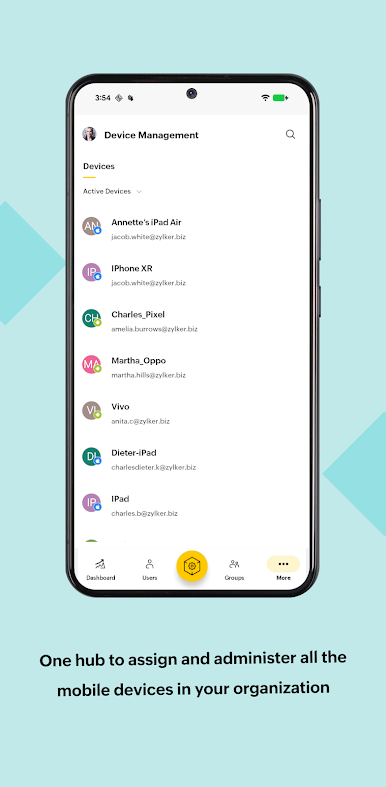
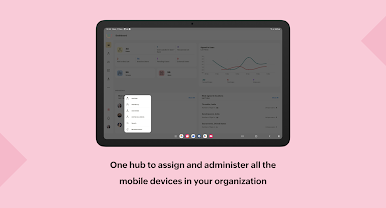
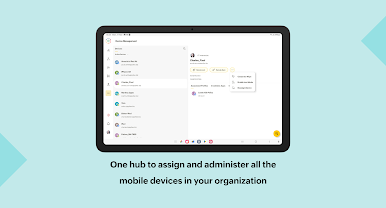
- View and manage all devices linked to your organization
- Review and approve access or app requests on the go
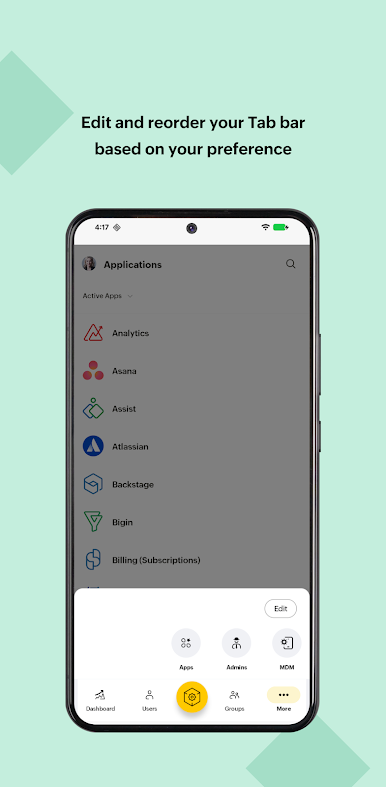
- Reorder tabs to match your preferences
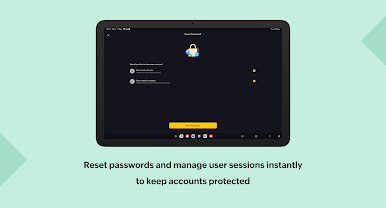
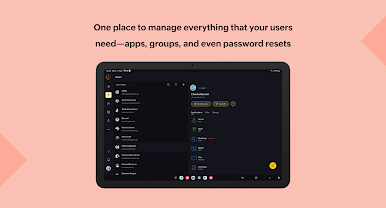
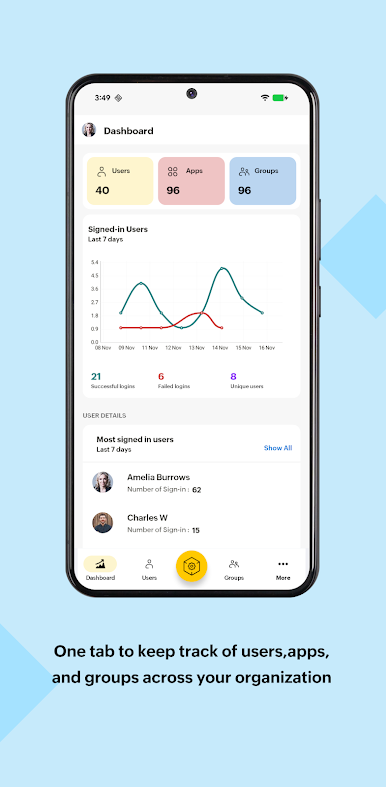
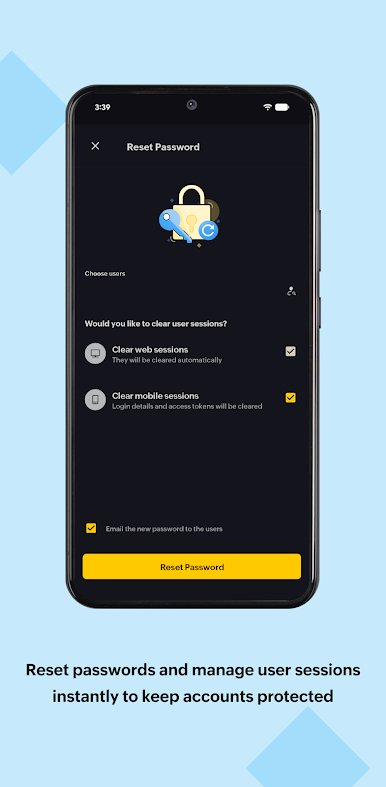
Whether you’re onboarding new users, assigning apps, resetting passwords, or monitoring activity, this app helps you stay in control of your organization wherever you are.
Keep your business running smoothly with Zoho One Admin, your control center for Zoho One.


Jouez à Zoho One Admin sur PC. C'est facile de commencer.
-
Téléchargez et installez BlueStacks sur votre PC
-
Connectez-vous à Google pour accéder au Play Store ou faites-le plus tard
-
Recherchez Zoho One Admin dans la barre de recherche dans le coin supérieur droit
-
Cliquez pour installer Zoho One Admin à partir des résultats de la recherche
-
Connectez-vous à Google (si vous avez ignoré l'étape 2) pour installer Zoho One Admin
-
Cliquez sur l'icône Zoho One Admin sur l'écran d'accueil pour commencer à jouer

