


AstroImg
Spiele auf dem PC mit BlueStacks - der Android-Gaming-Plattform, der über 500 Millionen Spieler vertrauen.

Seite geändert am: Nov 27, 2025
Run AstroNet on PC or Mac
Why limit yourself to your small screen on the phone? Run AstroNet, an app by Suzhou ZWO Co., Ltd., best experienced on your PC or Mac with BlueStacks, the world’s #1 Android emulator.
About the App
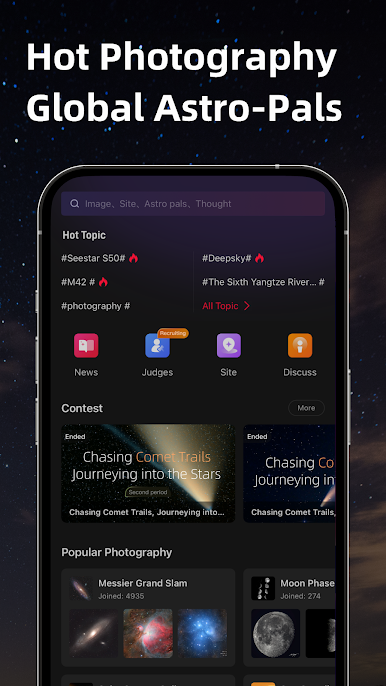
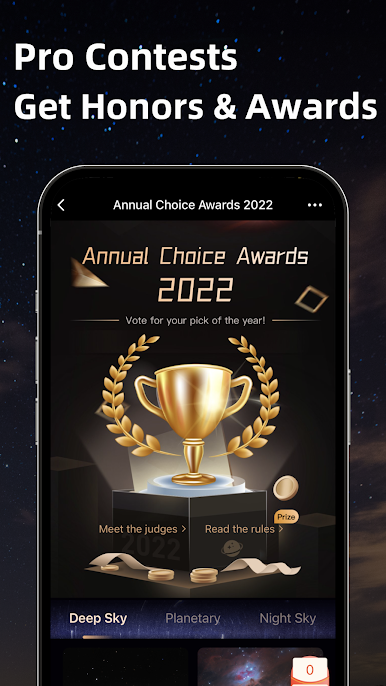
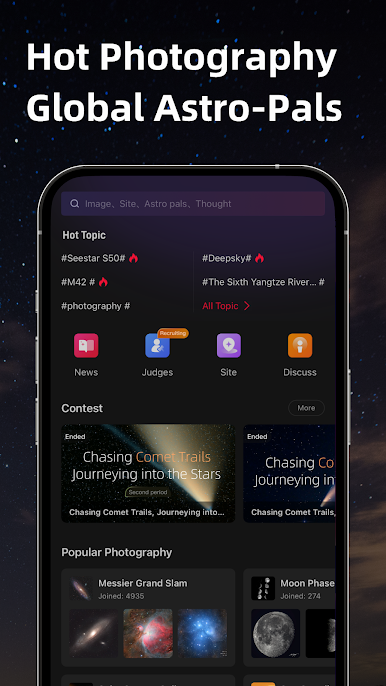
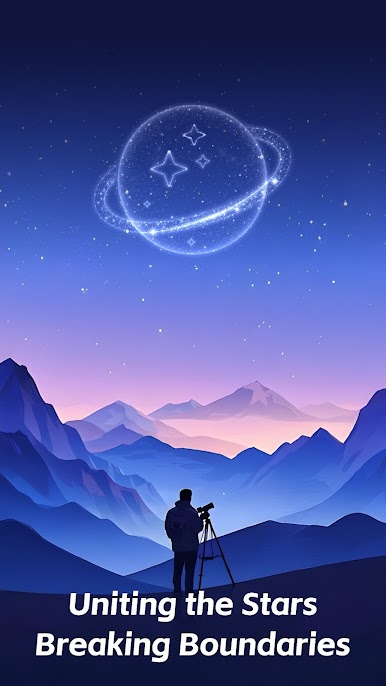
AstroNet is where stargazing fans and astrophotographers come together. Whether you’re just starting to look up at the sky or you’ve got your own telescope, this social app is full of stunning space photos, friendly chats, and tips on the best local places to spot the stars. Get ready for a fun and interactive way to experience astronomy—solo or with friends, or even with your family.
App Features
-
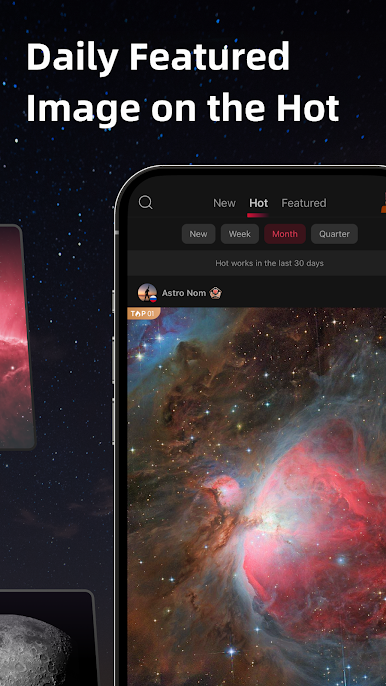
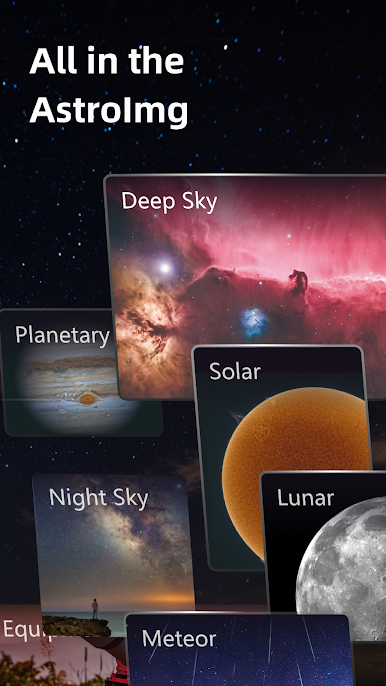
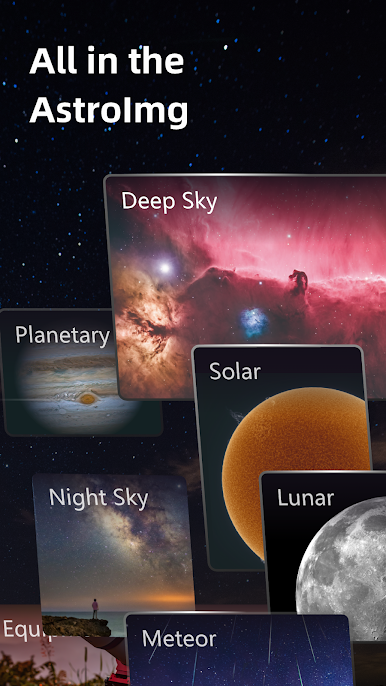
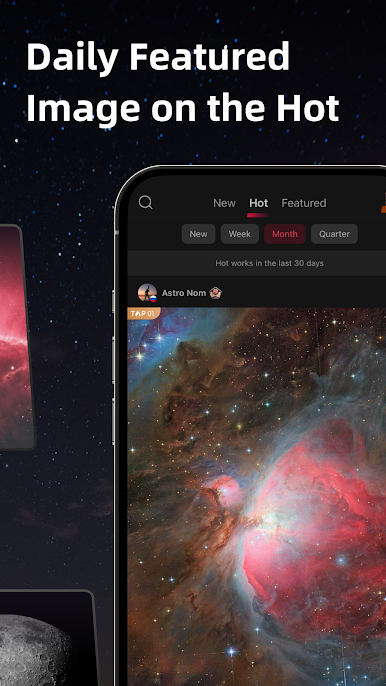
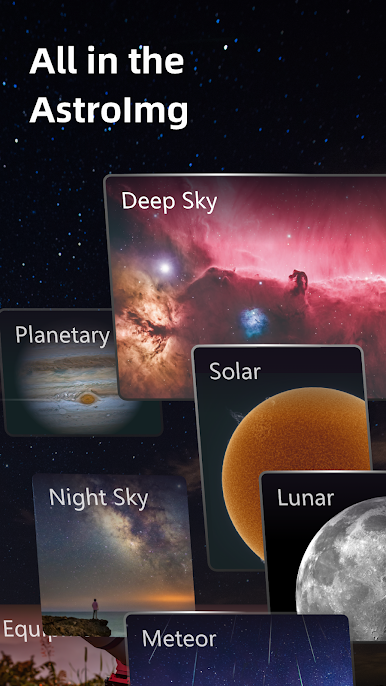
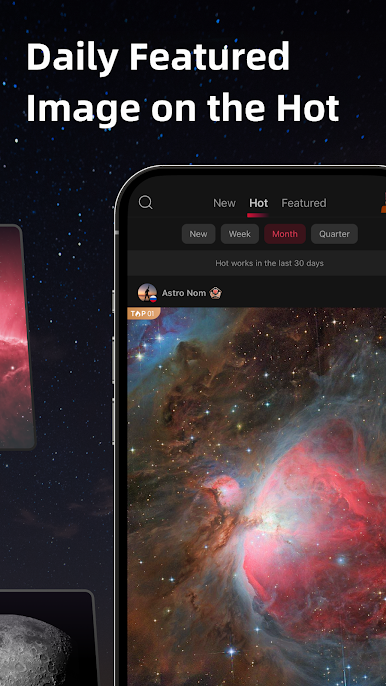
Worldwide Astro Photography Gallery
Catch breathtaking shots from fellow users around the globe—nebulae, planets, galaxies, and more. No matter if you’re a pro or just curious, there’s always something new to admire in the endless collection. -
Local Stargazing Spots
Want to know where the best night skies are near you? Just browse or get suggestions for cool spots close by, perfect for your next photo session or a peaceful night of skywatching. -
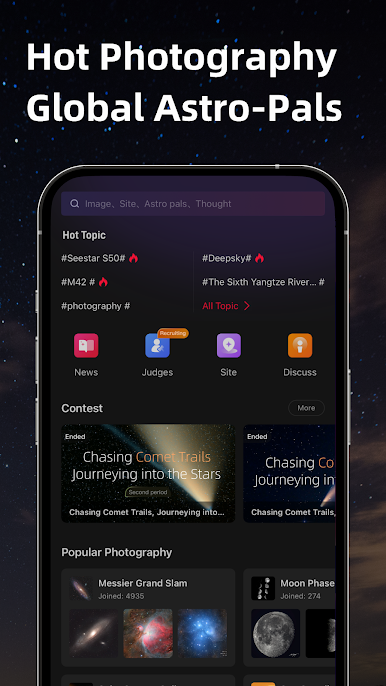
Meet Astro Pals
Hop into chats or message astrophotographers and astronomy lovers nearby or across the world. Swap ideas, share stories, or ask for advice—it’s a friendly crew. -
Explore and Learn Together
Curious about what you’re seeing? The app’s filled with astronomy info. Chat, ask questions, and dig into the wonders of the universe—with your friends, kids, or anyone interested. -
Multi-language and Translation Support
Language differences? No problem. AstroNet supports several languages, plus handy translation features. That way, everyone can join the conversation.
Don’t forget, you can run AstroNet on BlueStacks if you like using apps on your computer.
Big screen. Bigger performance. Use BlueStacks on your PC or Mac to run your favorite apps.
Spiele AstroImg auf dem PC. Der Einstieg ist einfach.
-
Lade BlueStacks herunter und installiere es auf deinem PC
-
Schließe die Google-Anmeldung ab, um auf den Play Store zuzugreifen, oder mache es später
-
Suche in der Suchleiste oben rechts nach AstroImg
-
Klicke hier, um AstroImg aus den Suchergebnissen zu installieren
-
Schließe die Google-Anmeldung ab (wenn du Schritt 2 übersprungen hast), um AstroImg zu installieren.
-
Klicke auf dem Startbildschirm auf das AstroImg Symbol, um mit dem Spielen zu beginnen

