


Pinagem de Componentes
Jogue no PC com BlueStacks - A Plataforma de Jogos Android, confiada por mais de 500 milhões de jogadores.

Página modificada em: Aug 24, 2025
Run Electronic Component Pinouts Free on PC or Mac
Get freedom from your phone’s obvious limitations. Use Electronic Component Pinouts Free, made by Adriano Moutinho, a Education app on your PC or Mac with BlueStacks, and level up your experience.
About the App
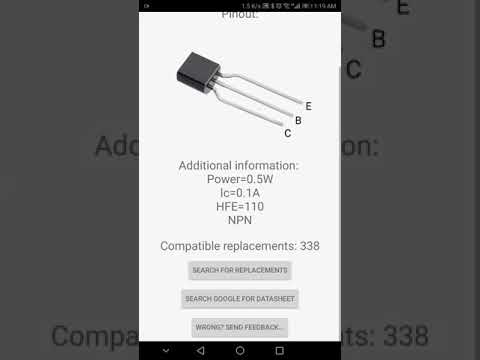
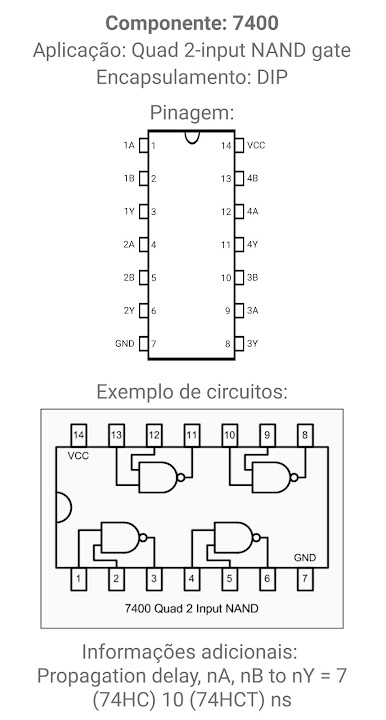
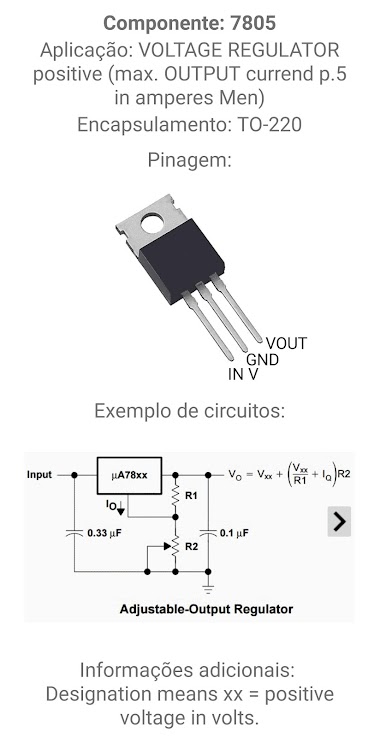
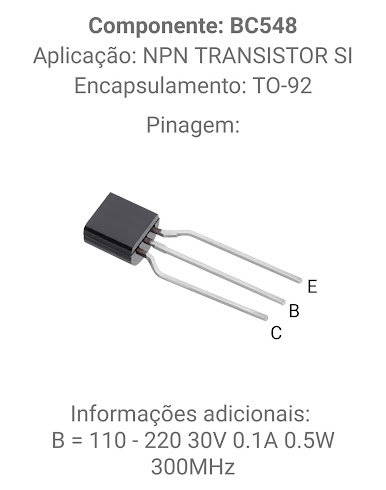
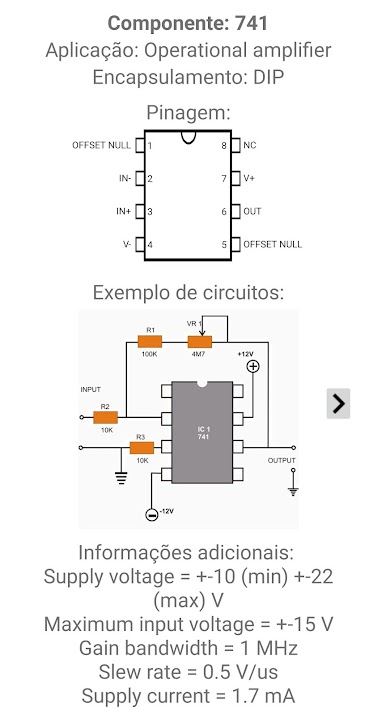
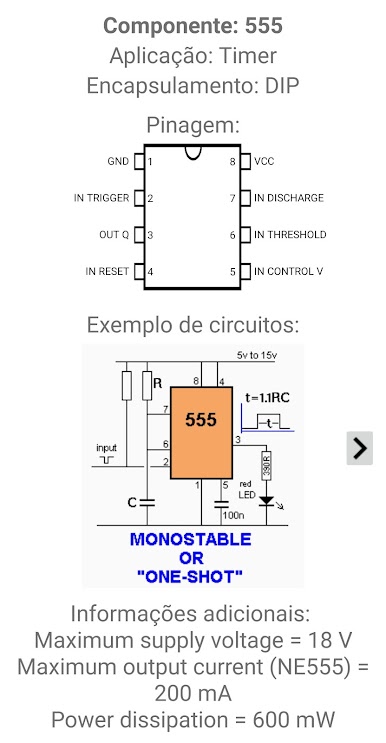
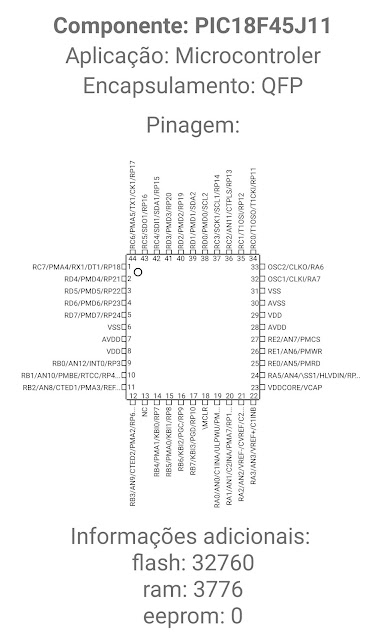
Ever found yourself staring at a pile of electronics, trying to figure out what goes where? Electronic Component Pinouts Free by Adriano Moutinho is basically your trusty sidekick for those moments. It’s made for anyone in the Education field—whether you’re a student, hobbyist, or just technically curious—offering quick, no-fuss access to loads of pinout details without needing an internet connection. You get a handy offline reference stuffed with info on more chips, transistors, diodes, and processors than you’ll probably ever need.
App Features
-
Massive Offline Database
More than 80,000 pinouts are packed in, covering everything from microprocessors and triacs to all sorts of chips and transistors. No Wi-Fi? No problem. -
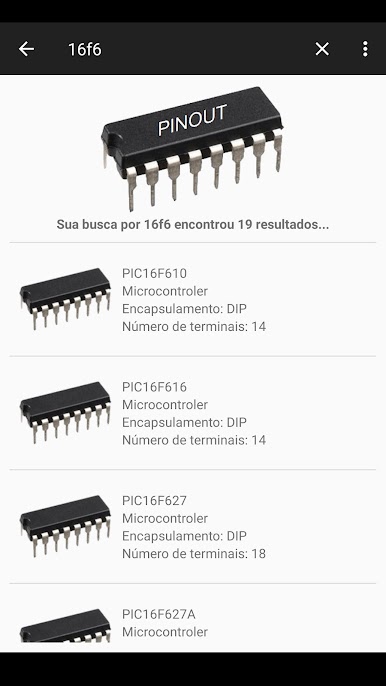
Easy Pinout Lookup
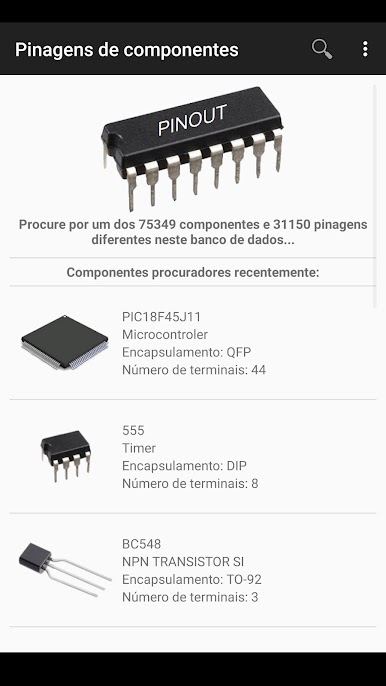
Not sure what that mystery part is? Look it up in just a few taps. The app’s search is quick, so you can get back to tinkering in seconds. -
Equivalent Components
Ran out of a part? No sweat. The app suggests alternative or compatible components, saving you time and maybe a little frustration. -
Instant Reference Anytime
Out in the field or stuck at the workbench, this app’s always ready to lend a hand since everything is stored offline. -
Handy for All Levels
Whether you experiment now and then or binge on circuit designs every weekend, the info’s clear, well-organized, and accessible for beginners and pros alike.
Using BlueStacks on your PC? You can check pinouts and component info on a bigger screen, which is great when you’ve got a lot going on at your workspace.
Switch to BlueStacks and make the most of your apps on your PC or Mac.
Jogue Pinagem de Componentes no PC. É fácil começar.
-
Baixe e instale o BlueStacks no seu PC
-
Conclua o login do Google para acessar a Play Store ou faça isso mais tarde
-
Procure por Pinagem de Componentes na barra de pesquisa no canto superior direito
-
Clique para instalar Pinagem de Componentes a partir dos resultados da pesquisa
-
Conclua o login do Google (caso você pulou a etapa 2) para instalar o Pinagem de Componentes
-
Clique no ícone do Pinagem de Componentes na tela inicial para começar a jogar

