


Juego de tablas de multiplicar
Juega en PC con BlueStacks: la plataforma de juegos Android, en la que confían más de 500 millones de jugadores.

Página modificada el: Aug 22, 2025
Run Free multiplication tables games (times tables) on PC or Mac
Let BlueStacks turn your PC, Mac, or laptop into the perfect home for Free multiplication tables games (times tables), a fun Education app from Cool Future.
About the App
If you want to master your multiplication tables without the usual boredom, Free multiplication tables games (times tables) by Cool Future keeps things fresh and interactive. Whether you’re just starting out, helping your kid keep up with schoolwork, or need a bit of a mental workout, this Education app offers a bunch of playful ways to nail multiplication. It’s all about practicing through games and quick rounds, making math feel less like a chore.
App Features
-
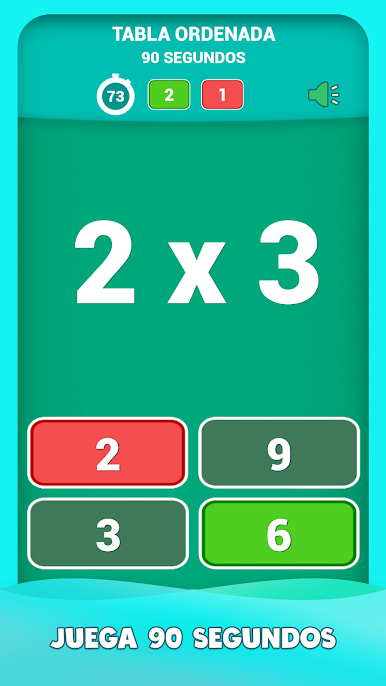
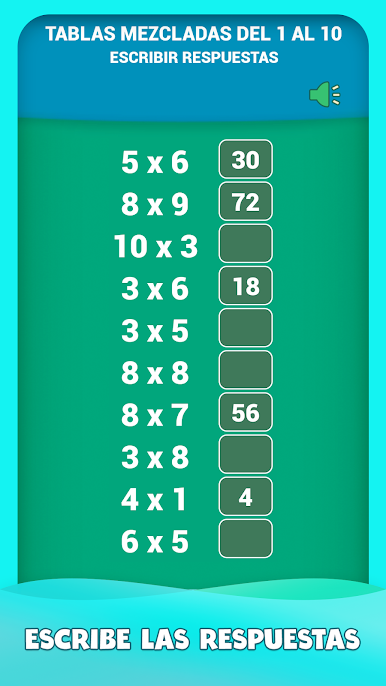
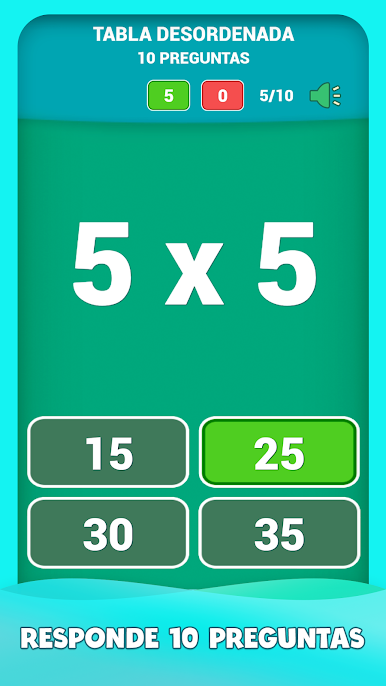
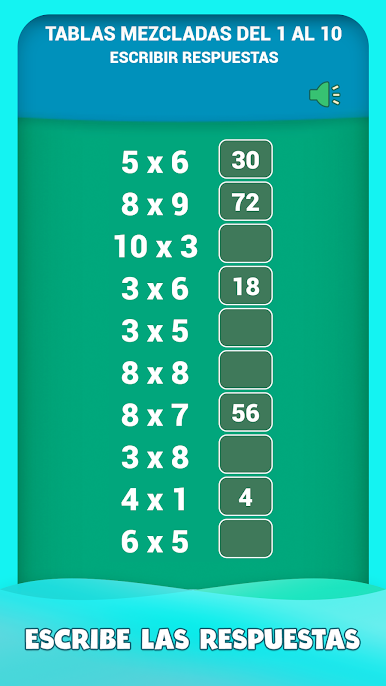
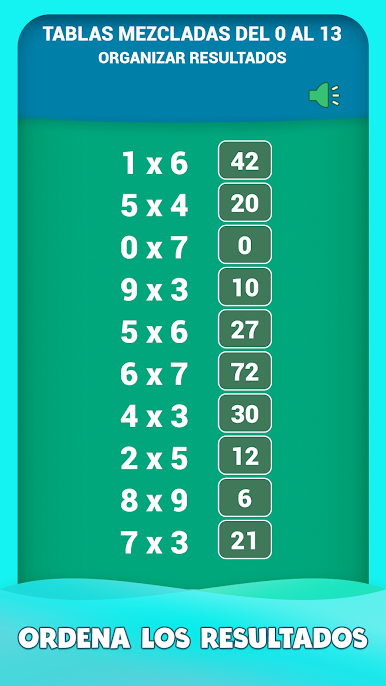
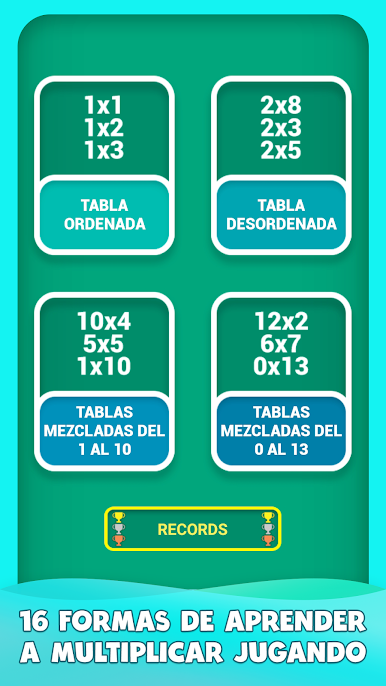
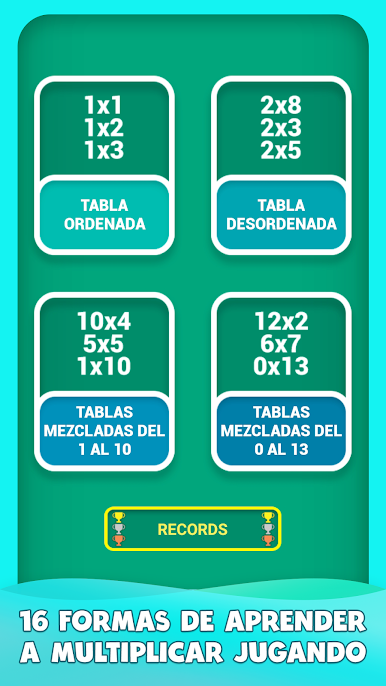
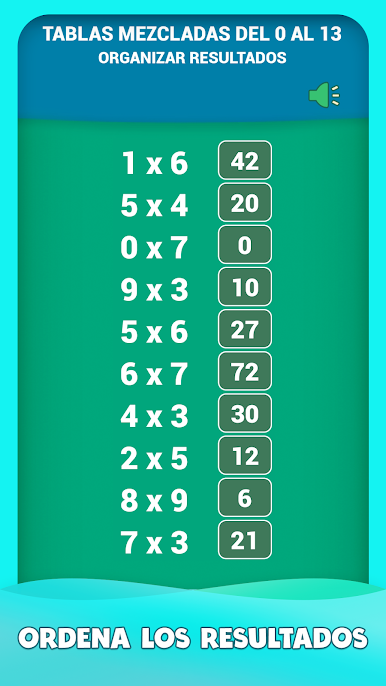
Multiple Game Modes
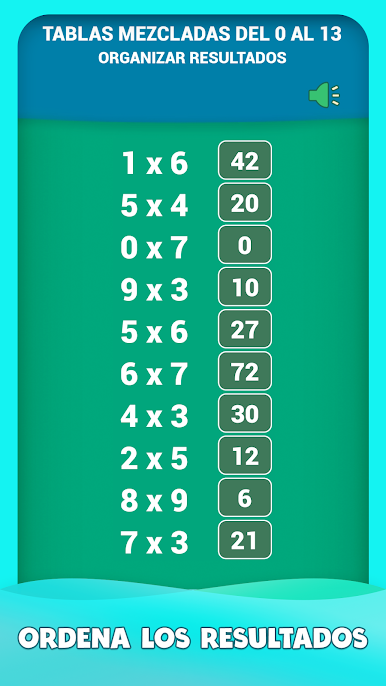
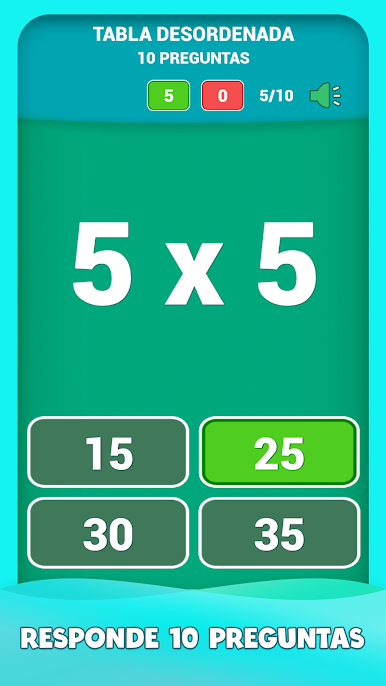
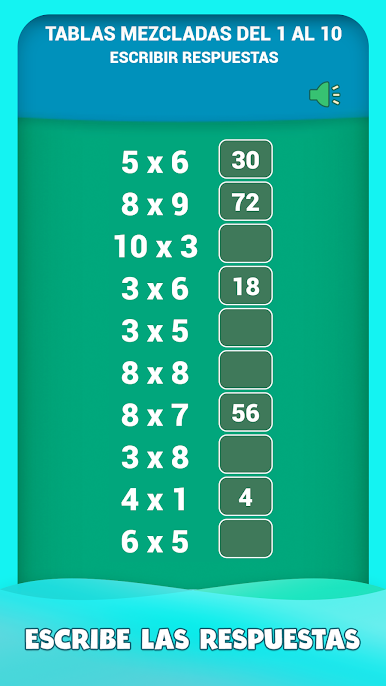
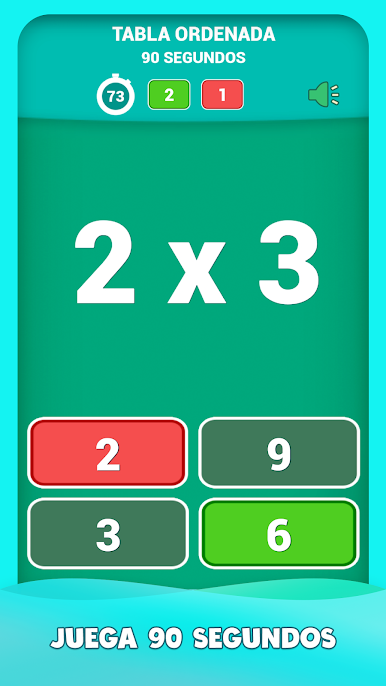
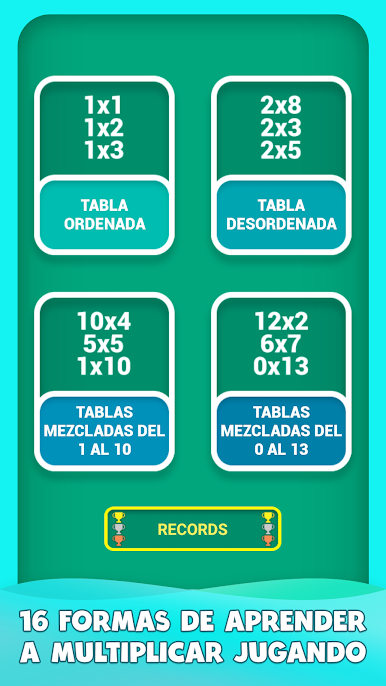
Want options? You’ve got four different game styles to pick from—practice in order, mix things up, or test yourself on full sets. Pick whichever keeps you focused. -
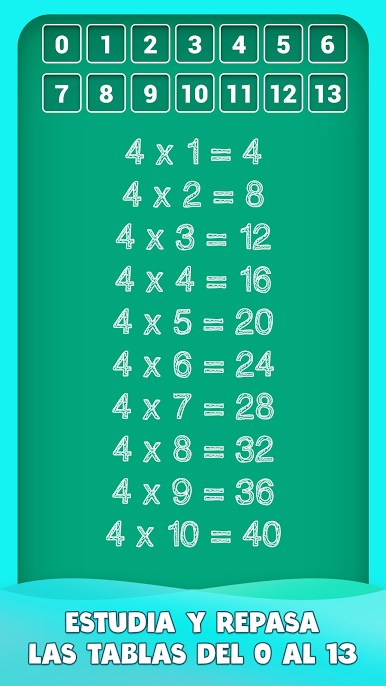
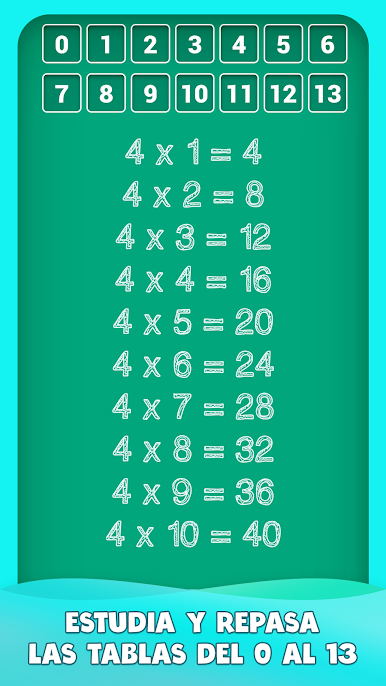
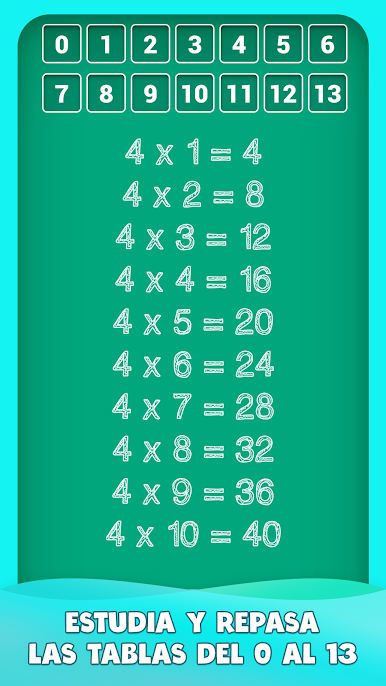
Tables from 0 to 13
Most apps stop at 10, but here you can challenge yourself on the trickier 11, 12, and even 13 times tables. Great for getting ahead or just showing off a bit. -
Choose Your Challenge
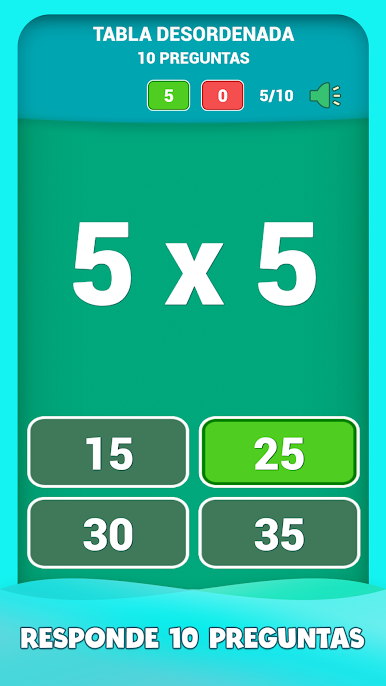
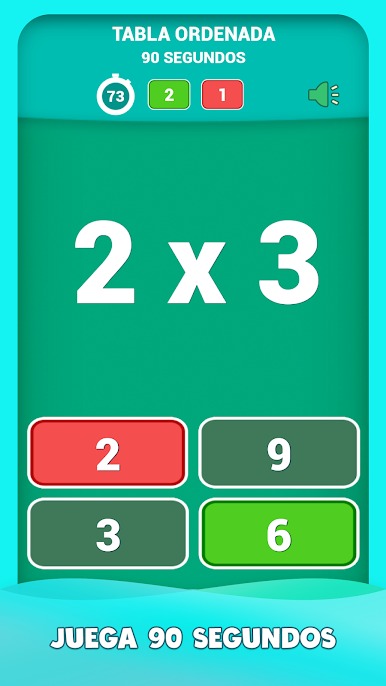
Whether you’re in the mood for a 60-second speed round or prefer to tackle 10 questions at your own pace, you can switch it up whenever you want. -
Instant Feedback
Stuck on a question? No problem. You’ll get the right answer right away, so you can learn on the spot, not later. -
Track Your Progress
The app keeps tabs on your records and which tables you’ve mastered, so you can see yourself getting better over time. -
Chalkboard Vibes
It’s got a familiar blackboard-and-chalk look that brings a bit of classroom nostalgia—just with way more fun. -
Supports 14 Languages
You can set it to your preferred language and get cracking, no matter where you’re learning.
Give it a try on your phone—or if you want a bigger view, run it with BlueStacks for that smooth big-screen experience.
Big screen. Bigger performance. Use BlueStacks on your PC or Mac to run your favorite apps.
Juega Juego de tablas de multiplicar en la PC. Es fácil comenzar.
-
Descargue e instale BlueStacks en su PC
-
Complete el inicio de sesión de Google para acceder a Play Store, o hágalo más tarde
-
Busque Juego de tablas de multiplicar en la barra de búsqueda en la esquina superior derecha
-
Haga clic para instalar Juego de tablas de multiplicar desde los resultados de búsqueda
-
Complete el inicio de sesión de Google (si omitió el paso 2) para instalar Juego de tablas de multiplicar
-
Haz clic en el ícono Juego de tablas de multiplicar en la pantalla de inicio para comenzar a jugar

