


thailovely® — Travel & Meet
Mainkan di PC dengan BlueStacks – platform Game-Game Android, dipercaya oleh lebih dari 500 juta gamer.

Play thailovely® — Travel & Meet on PC
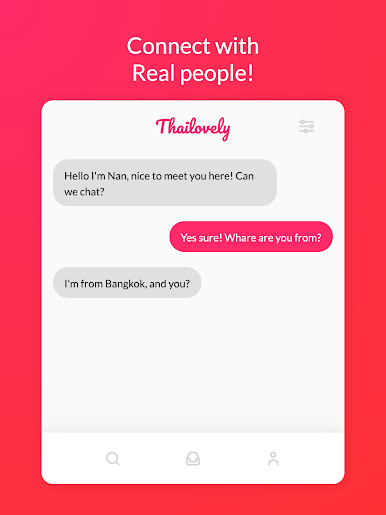
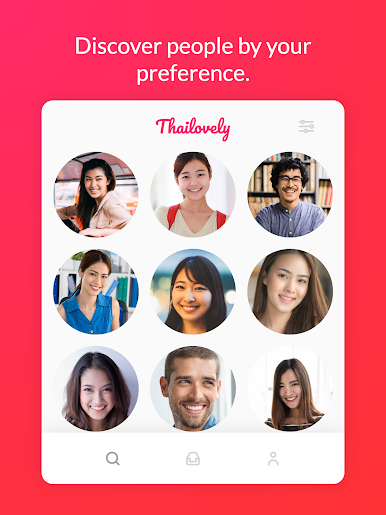
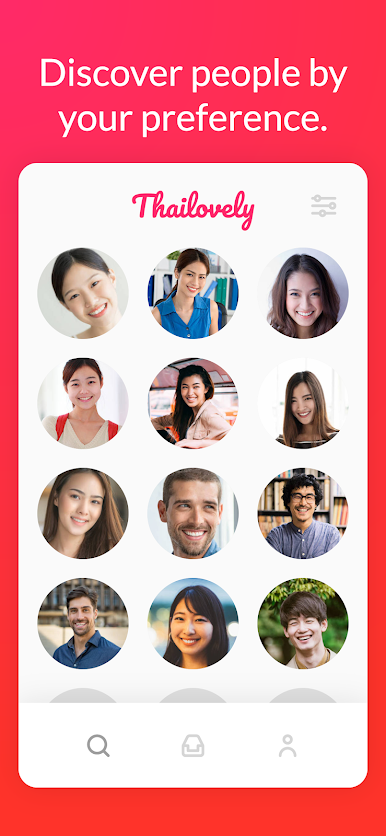
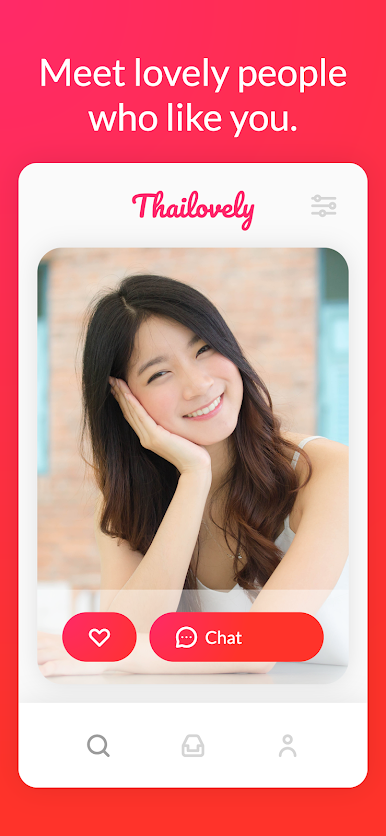
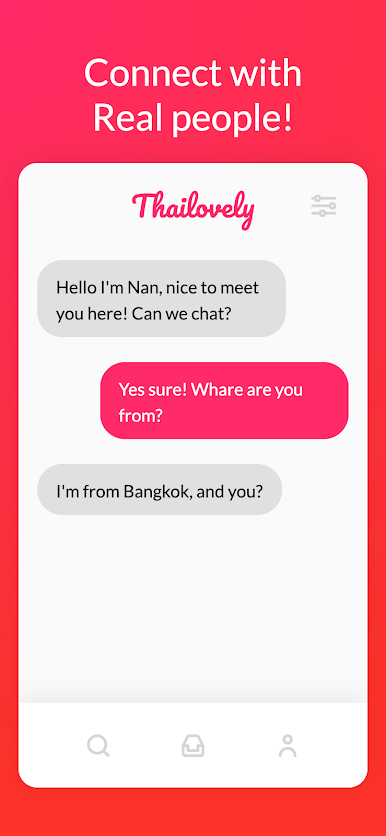
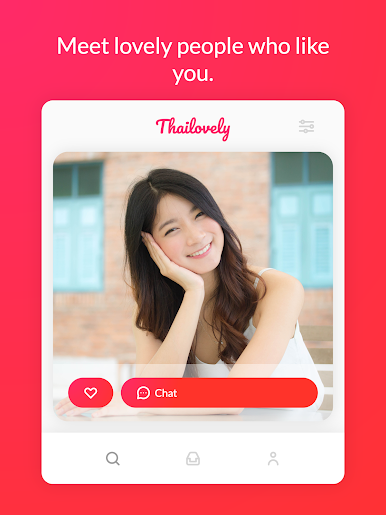
- See people on the App
- Let them know you Like them by 'Like'ing them.
- Start talking
It’s as simple as that. What are you waiting for?
______
• All personal data is handled under the terms and conditions of ThaiLovely's privacy policy. More details can be found here:
https://thailovely.app/#/privacy
https://thailovely.app/#/terms
Mainkan thailovely® — Travel & Meet di PC Mudah saja memulainya.
-
Unduh dan pasang BlueStacks di PC kamu
-
Selesaikan proses masuk Google untuk mengakses Playstore atau lakukan nanti
-
Cari thailovely® — Travel & Meet di bilah pencarian di pojok kanan atas
-
Klik untuk menginstal thailovely® — Travel & Meet dari hasil pencarian
-
Selesaikan proses masuk Google (jika kamu melewati langkah 2) untuk menginstal thailovely® — Travel & Meet
-
Klik ikon thailovely® — Travel & Meet di layar home untuk membuka gamenya

