


Breakfast Cooking Mania
Jogue no PC com BlueStacks - A Plataforma de Jogos Android, confiada por mais de 500 milhões de jogadores.

Página modificada em: Aug 23, 2024
Play Breakfast Cooking Mania on PC or Mac
Step into the World of Breakfast Cooking Mania, a thrilling Simulation game from the house of Happy Mobile Game. Play this Android game on BlueStacks App Player and experience immersive gaming on PC or Mac.
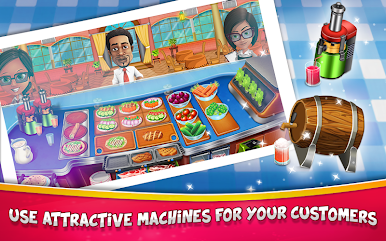
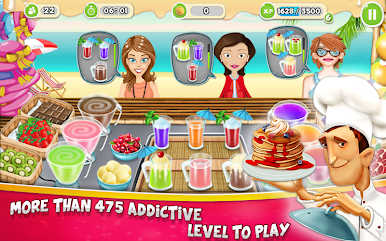
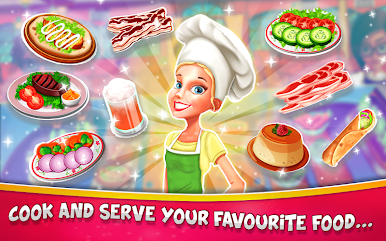
Breakfast Cooking Mania is a fast, cheerful time management cooker where the breakfast rush never really slows down. Players run a tiny café, juggling toast, buttered toast, jam toast, salads on toast, omelets with sausages or veggies and ketchup, muffins, donuts, cookies, pudding, boiled eggs, plus coffee, tea, and juice. Orders come in quick, patience bars tick down, and the fun is in the rhythm of tapping the toaster, flipping an omelet in the fry pan, then shooting coffee from the dispenser before the next customer starts huffing. It feels snappy, with bright colors and satisfying little sizzles and pings that make everything feel busy in a good way.
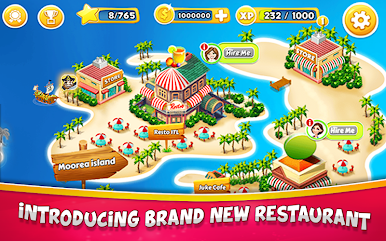
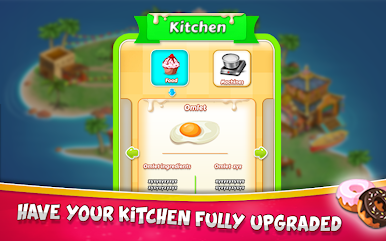
There is a steady sense of progress too. Tips pile up when service is fast, and that cash turns into upgrades for the toaster, pans, and drink machines, which shortens prep times and opens more serving slots. New spots shift the layout and menu just enough to keep things interesting. Daily bonuses hand out boosts, and difficulty ramps so the café turns into a plate-spinning act with multiple customers at once. On PC with BlueStacks, the bigger screen and mouse clicks make queuing actions easier, and keymapping can help with those frantic rushes. It suits short sessions, but it is very easy to go one more level and another while chasing a perfect streak. Fans of cooking dash games will feel right at home here.
Start your journey now. Download the game on BlueStacks, invite your friends, and march on a new adventure.

Jogue Breakfast Cooking Mania no PC. É fácil começar.
-
Baixe e instale o BlueStacks no seu PC
-
Conclua o login do Google para acessar a Play Store ou faça isso mais tarde
-
Procure por Breakfast Cooking Mania na barra de pesquisa no canto superior direito
-
Clique para instalar Breakfast Cooking Mania a partir dos resultados da pesquisa
-
Conclua o login do Google (caso você pulou a etapa 2) para instalar o Breakfast Cooking Mania
-
Clique no ícone do Breakfast Cooking Mania na tela inicial para começar a jogar

