


Nova Icon Pack
Chơi trên PC với BlueStacks - Nền tảng chơi game Android, được hơn 500 triệu game thủ tin tưởng.

Trang đã được sửa đổi vào: Nov 17, 2025
Play Nova Icon Pack on PC
Why do you need a custom icon pack?
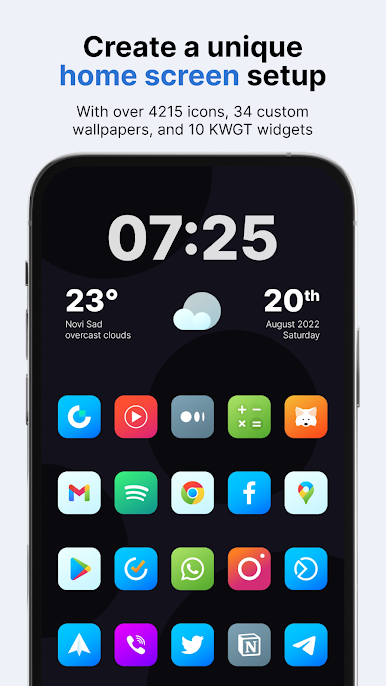
Unified icons make your homescreen and app drawer much prettier. Since we all use our phones a few hours per day, it can significantly improve your experience while on your phone and create a feeling of satisfaction. Happiness is in the little things!
What do you get from Nova icons?
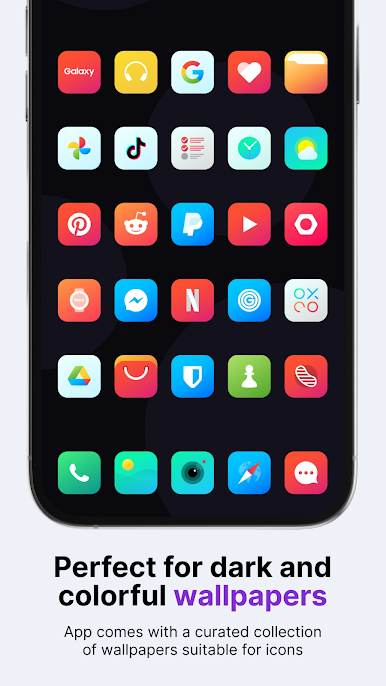
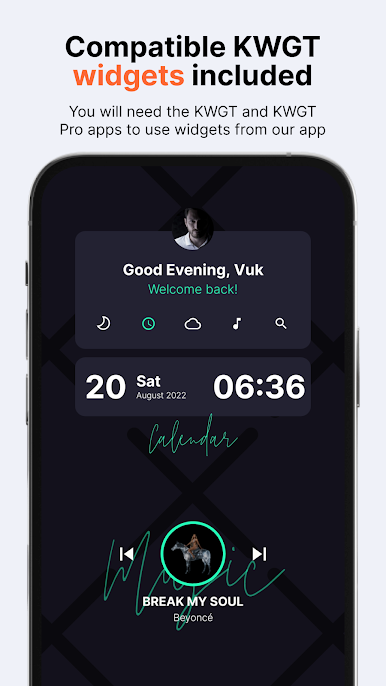
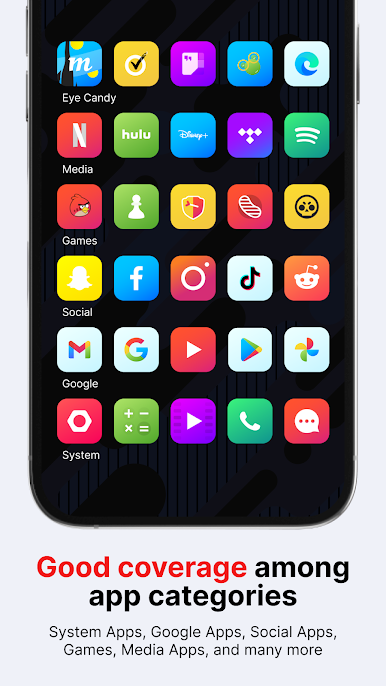
Nova icon pack has 6,415 icons, 34 custom wallpapers, and 10 KWGT widgets, so it’s all you need to personalize your phone how you like it. For the price of one app, you get content from three different apps. It goes well with almost any wallpaper - light, dark or colorful. *To apply KWGT widgets, you need KWGT and KWGT Pro apps.
What if I don’t like the icons after I buy them, or there are a lot of missing icons for the apps I have installed on my phone?
Don’t worry; we offer a 100% refund for the first 24h from when you purchase our pack. No questions asked! But, if you are willing to wait a bit, we update our app every two weeks, so there will be many more apps covered in the future, possibly the ones currently missing too. And if you don’t want to wait and you like our pack, we also offer Premium icon requests which we add in the next release from the moment you send it to us.
Some more Nova features
Resolution of icons: 192 x 192 px
Suitable for all wallpapers and themes (34 included in the app)
Alternate icons for a lot of popular apps
Dynamic calendar icon
Masking of unthemed icons
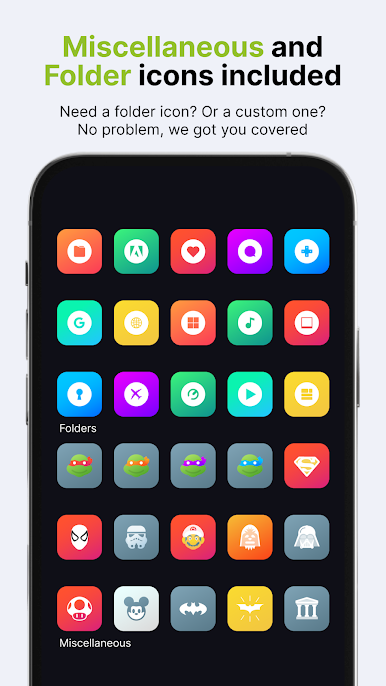
Folders icons (apply them manually)
Miscellaneous icons (apply them manually)
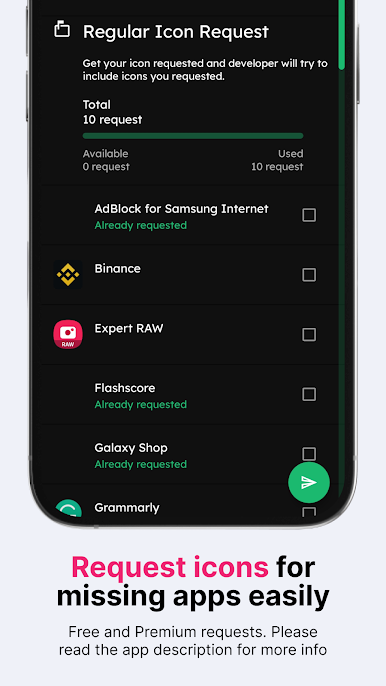
Tap to send icon requests (Free and Premium)
How to send an icon request for the Nova icons?
Open our app and click on the Request card. Check all icons you want to be themed and send requests by pressing the Floating Send button. You will get a share screen with options on how to share requests, and you need to choose Gmail (some other mail clients like Spark, etc., have problems attaching the zip file, which is the most important part of the email). When sending an email, DO NOT delete generated zip file or change the Subject and text in the body of the email – if you do that, your request will become unusable!
Supported Launchers
Action Launcher • ADW Launcher • ADW ex Launcher • Apex Launcher • Go Launcher • Google Now Launcher • Holo Launcher • Holo ICS Launcher • Lawnchair • LG Home Launcher • LineageOS Launcher • Lucid Launcher • Nova Launcher • Niagara Launcher • Pixel Launcher • Posidon Launcher • Smart Launcher • Smart Pro Launcher • Solo Launcher • Square Home Launcher • TSF Launcher.
Other launchers can apply Nova icons from your launcher settings.
More info about properly using icon packs will be available soon on our new website.
Having more questions?
Don’t hesitate to write us an email/message if you have a special request or any suggestions or questions.
Email: info@one4studio.com
Twitter: www.twitter.com/One4Studio
Telegram channel: https://t.me/one4studio
Developer page: https://play.google.com/store/apps/dev?id=7550572979310204381
Chơi Nova Icon Pack trên PC. Rất dễ để bắt đầu
-
Tải và cài đặt BlueStacks trên máy của bạn
-
Hoàn tất đăng nhập vào Google để đến PlayStore, hoặc thực hiện sau
-
Tìm Nova Icon Pack trên thanh tìm kiếm ở góc phải màn hình
-
Nhấn vào để cài đặt Nova Icon Pack trong danh sách kết quả tìm kiếm
-
Hoàn tất đăng nhập Google (nếu bạn chưa làm bước 2) để cài đặt Nova Icon Pack
-
Nhấn vào icon Nova Icon Pack tại màn hình chính để bắt đầu chơi

