


A1-Deutsch
Chơi trên PC với BlueStacks - Nền tảng chơi game Android, được hơn 500 triệu game thủ tin tưởng.

Trang đã được sửa đổi vào: Mar 13, 2025
Run A1-Deutsch on PC or Mac
Get freedom from your phone’s obvious limitations. Use A1-Deutsch, made by Deutscher Volkshochschul-Verband, a Education app on your PC or Mac with BlueStacks, and level up your experience.
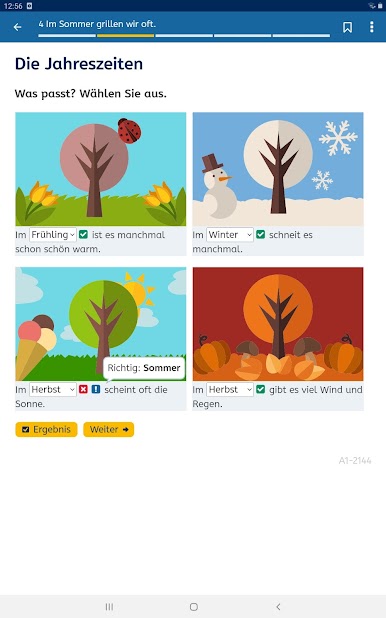
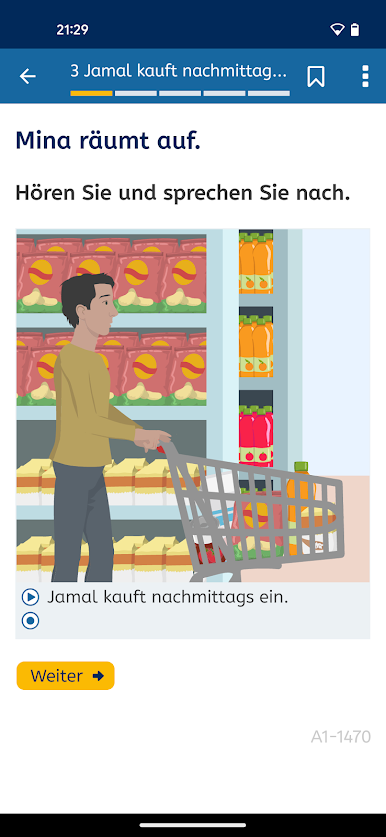
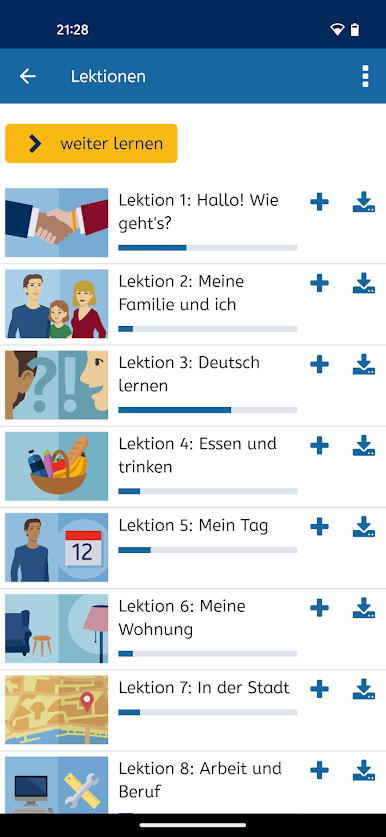
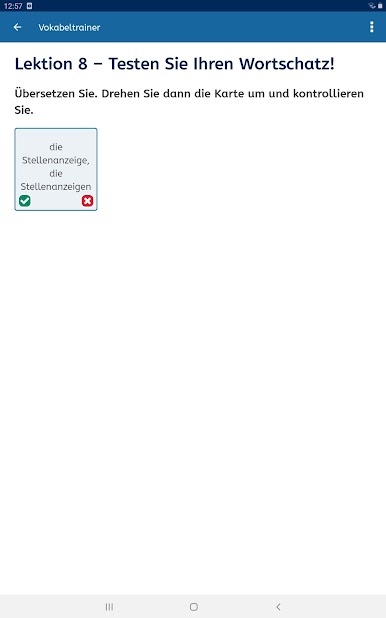
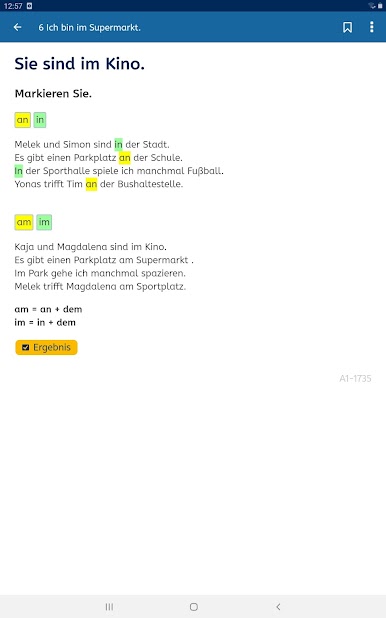
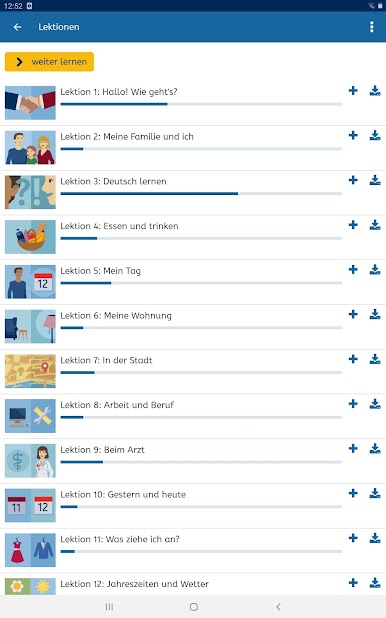
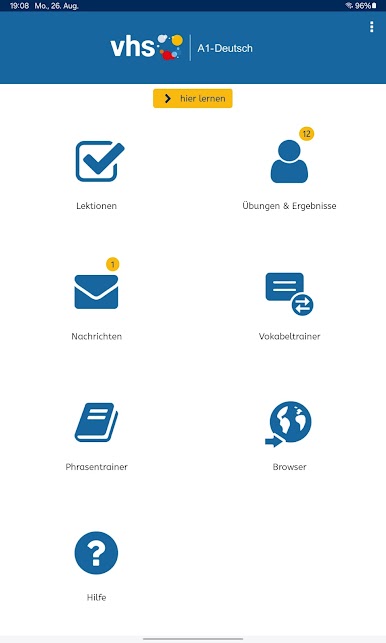
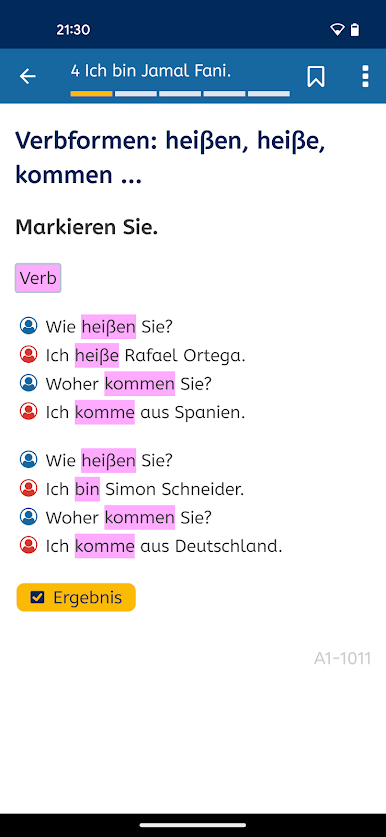
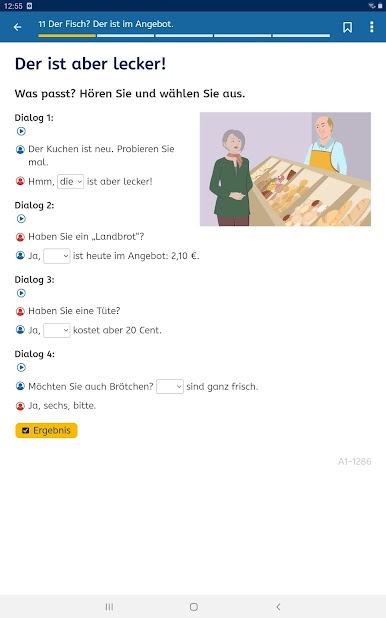
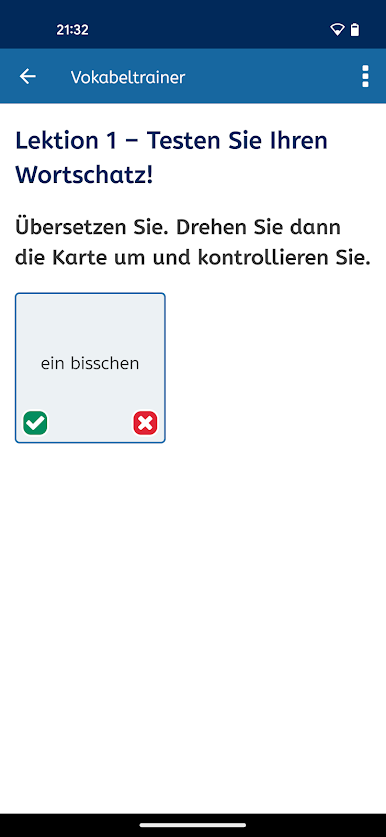
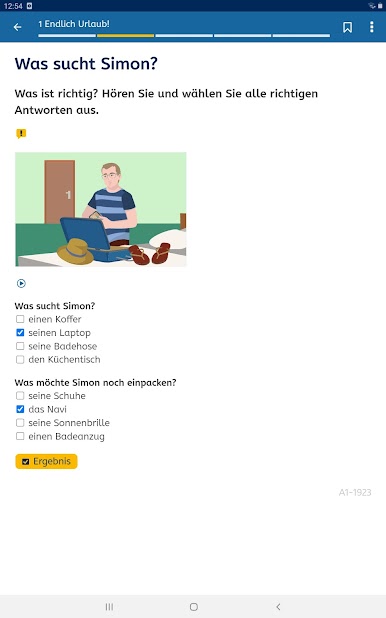
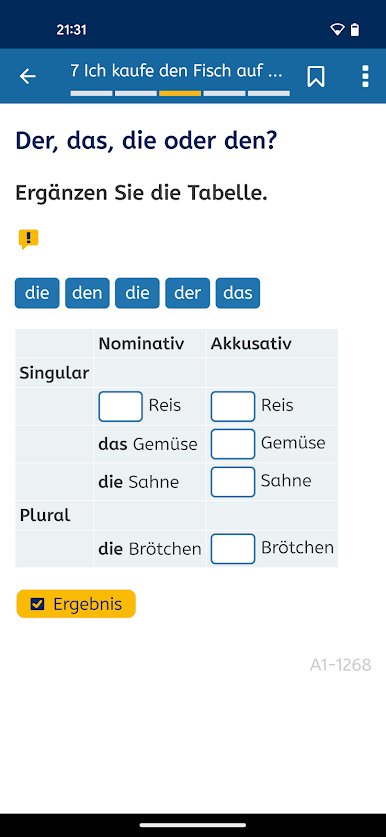
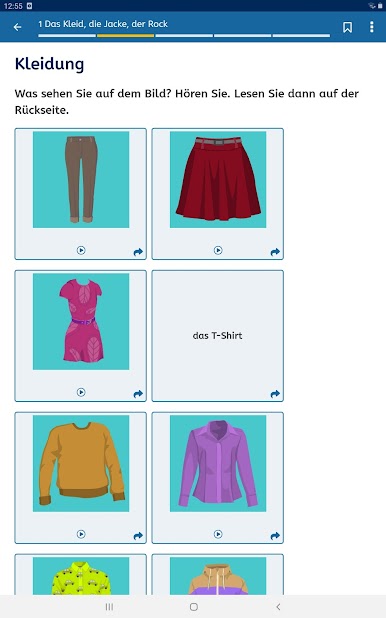
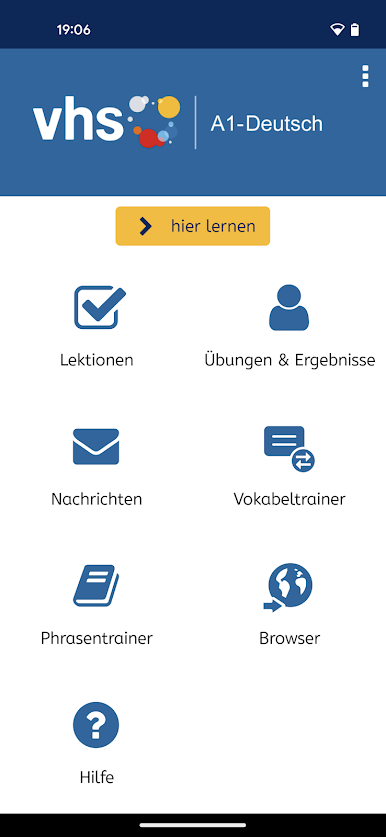
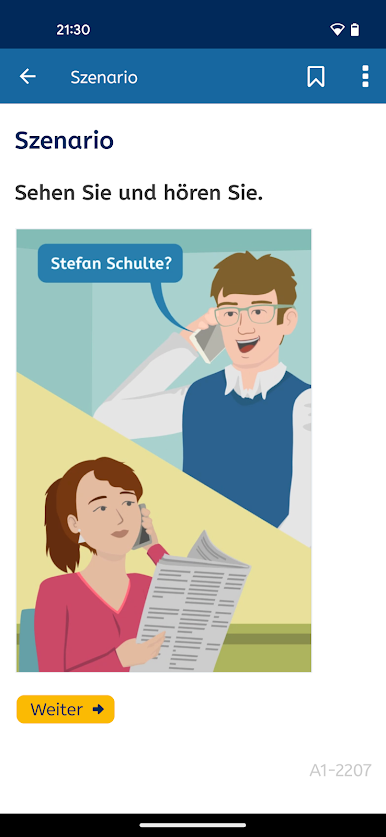
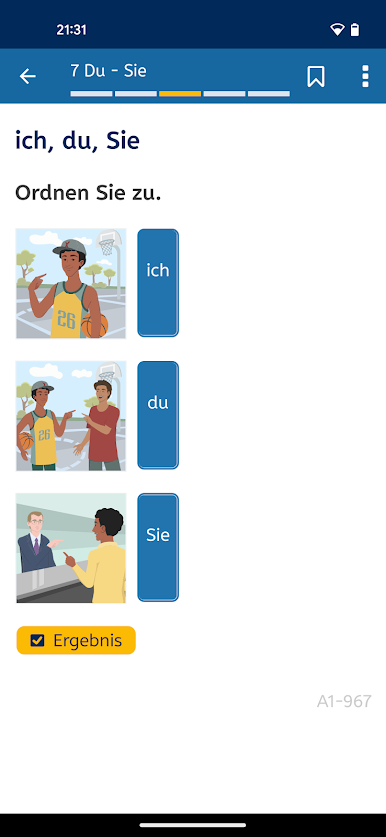
A1-Deutsch is one of those apps that makes learning German feel really manageable, especially for beginners. The layout is straightforward, and everything’s split up into lessons that don’t feel overwhelming. There’s a mix of stuff to do — reading, writing, listening, and even some spoken tasks. What’s nice is there are lots of short exercises and a vocabulary trainer, so it’s not just endless pages of grammar. It feels rewarding to get through little chunks at a time. Plus, it actually tracks how you’re doing with some built-in tests, which helps keep you on track.
The app can be used offline, so no need to worry about internet if someone wants to practice on a laptop or PC using BlueStacks. Menu options are in loads of different languages, so if someone isn’t confident with German yet, it’s easy enough to navigate. There’s also a bit of tutor support, which can be handy if something’s confusing. Overall, it’s free — no sneaky paid stuff — and it’s officially recognized as a teaching aid in Germany, so it feels pretty reliable. It’s made more for building real language skills step by step, instead of just flipping through flashcards. The experience is solid whether on phone or PC, and good for those who like structure in their learning.
Eager to take your app experience to the next level? Start right away by downloading BlueStacks on your PC or Mac.
Chơi A1-Deutsch trên PC. Rất dễ để bắt đầu
-
Tải và cài đặt BlueStacks trên máy của bạn
-
Hoàn tất đăng nhập vào Google để đến PlayStore, hoặc thực hiện sau
-
Tìm A1-Deutsch trên thanh tìm kiếm ở góc phải màn hình
-
Nhấn vào để cài đặt A1-Deutsch trong danh sách kết quả tìm kiếm
-
Hoàn tất đăng nhập Google (nếu bạn chưa làm bước 2) để cài đặt A1-Deutsch
-
Nhấn vào icon A1-Deutsch tại màn hình chính để bắt đầu chơi

