


Trickster - Online group game
Gioca su PC con BlueStacks: la piattaforma di gioco Android, considerata affidabile da oltre 500 milioni di giocatori.

Pagina modificata il: Sep 25, 2024
Play Trickster - Das lustige Gesellschaftsspiel on PC or Mac
Explore a whole new adventure with Trickster – Das lustige Gesellschaftsspiel, a Casual game created by Flying Potato – Spiele für dich und deine Freunde. Experience great gameplay with BlueStacks, the most popular gaming platform to play Android games on your PC or Mac.
About the Game
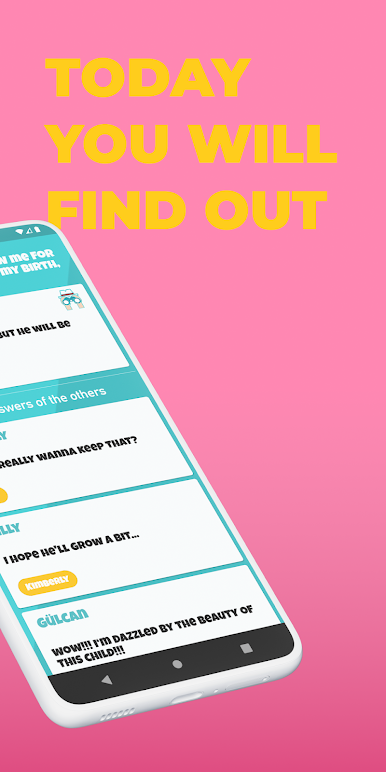
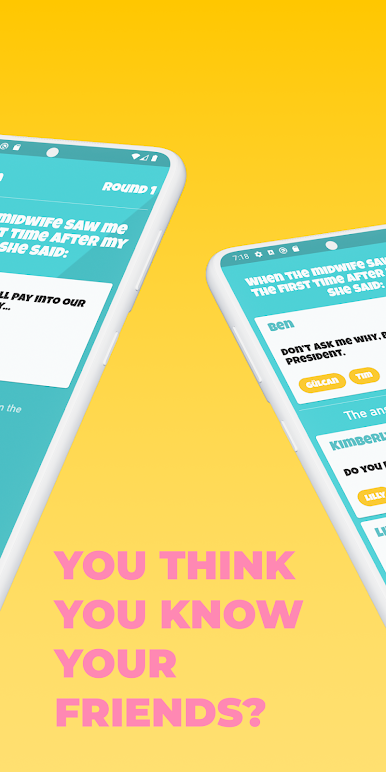
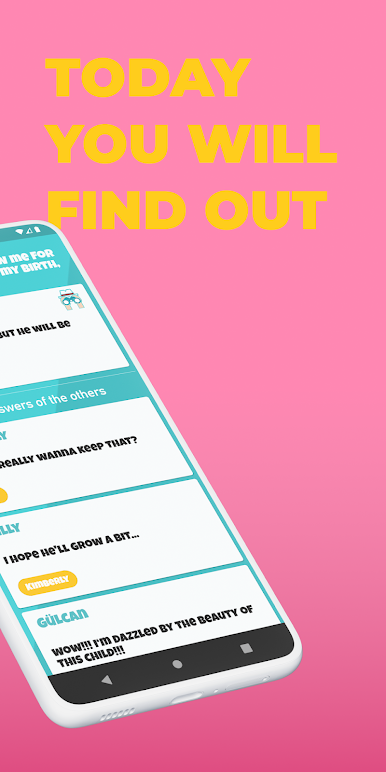
Trickster – Das lustige Gesellschaftsspiel is a Casual party game where creativity, bluffing, and a bit of mind-reading turn every round into a laugh. Everyone answers the same prompt—but you’re trying to write what the designated “Trickster” would say. Then the group guesses which answer is the Trickster’s real one. Simple to learn, surprisingly clever, and perfect for game nights or quick breaks.
Game Features
-
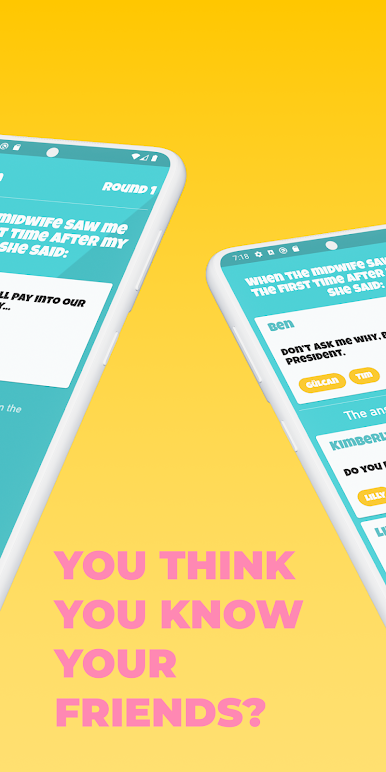
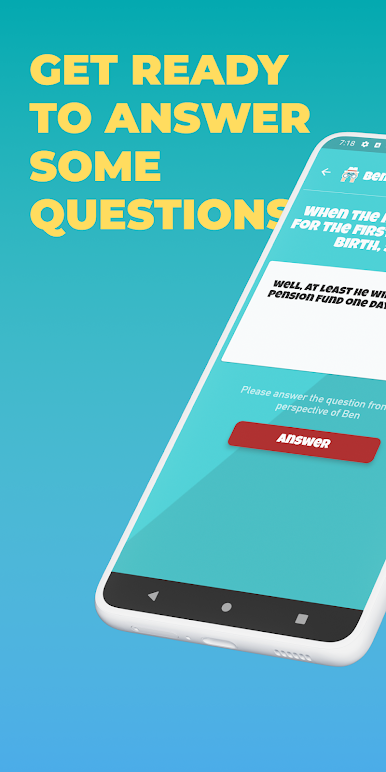
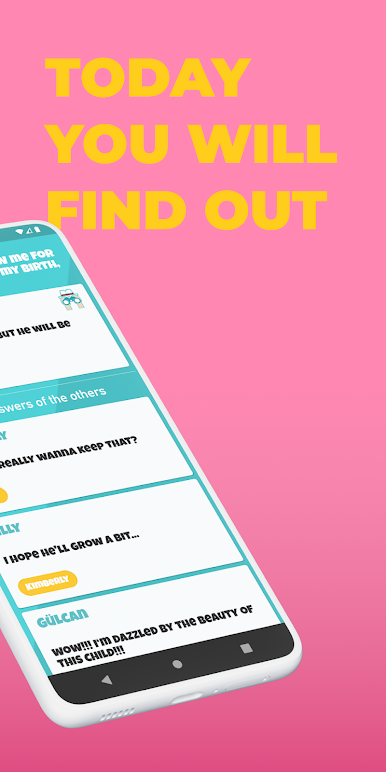
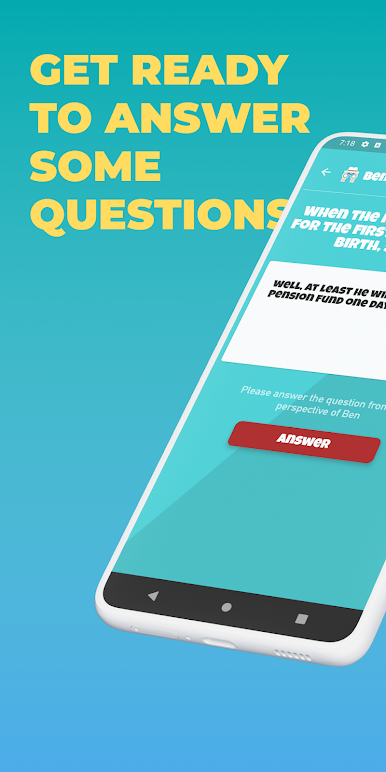
How it works: Each round, all players see a fun, incomplete statement on their phones. Everyone writes an answer in the Trickster’s voice, the real Trickster submits theirs, and then you all guess which one is authentic.
-
Built for groups: Works with at least three players and scales comfortably to large parties. Great with close friends, mixed groups, or coworkers.
-
Zero setup: No cards, no pens—just the app. Open it, pick a prompt, and you’re rolling in seconds.
-
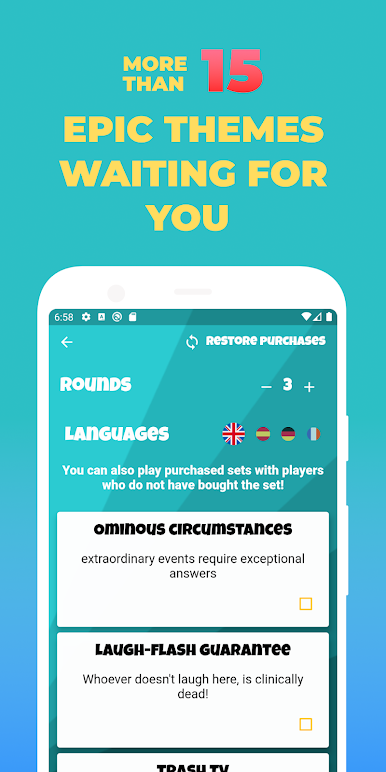
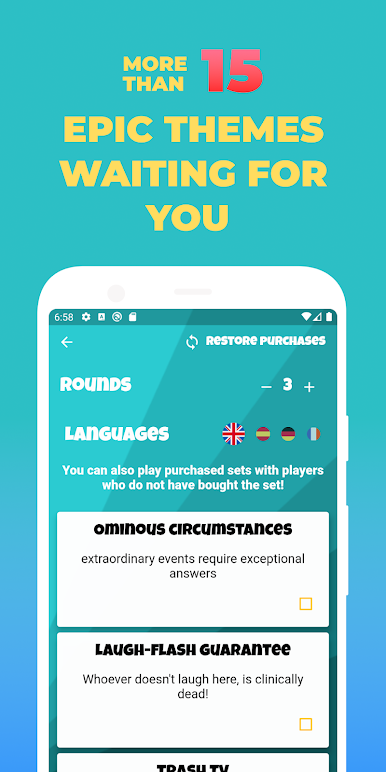
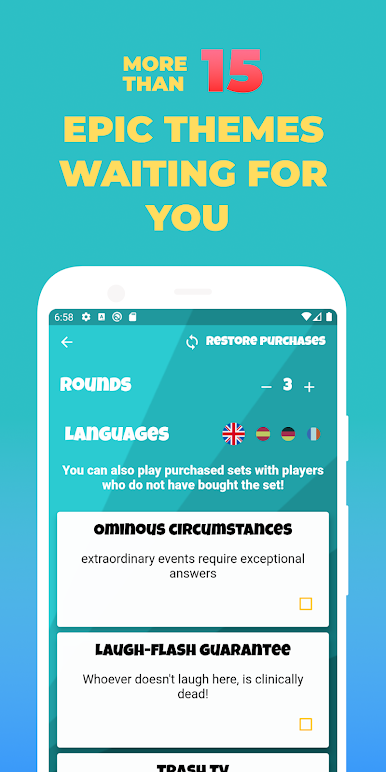
Prompts with personality: Questions range from personal to cheeky to downright absurd, so no two rounds feel the same.
-
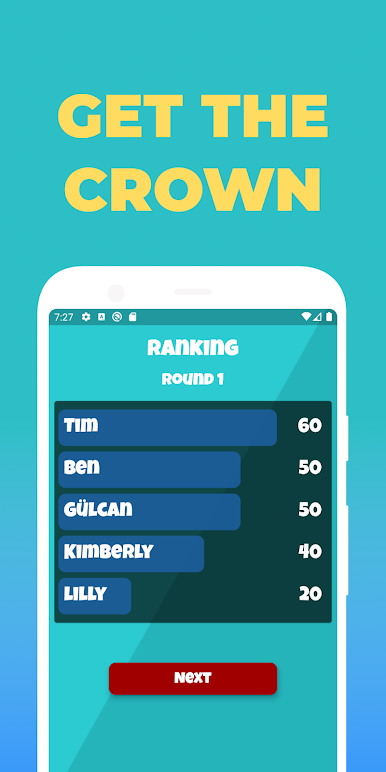
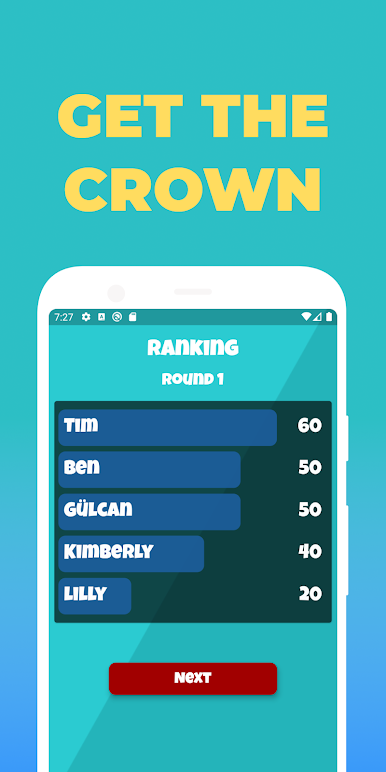
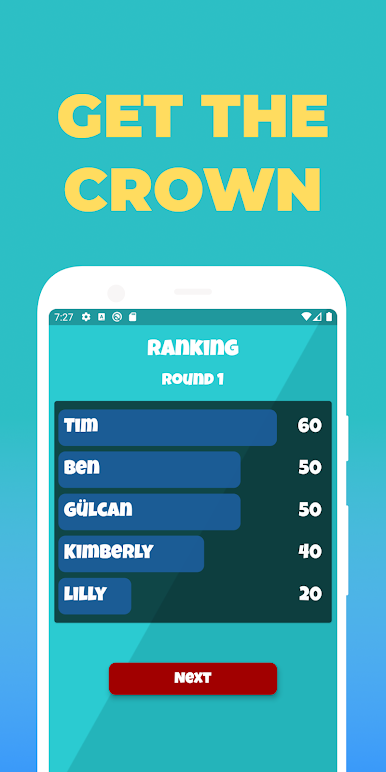
Bluff, guess, score: Earn points by spotting the genuine Trickster answer or by fooling others into picking yours. The Trickster scores when players read them correctly.
-
Play your way: Run a couple of quick rounds or keep the party going all night—it adapts to the vibe.
-
Easy on any screen: Prefer a bigger view for hosting or reading answers? You can run it on PC with BlueStacks.
-
From a playful team: Created by Flying Potato – Spiele für dich und deine Freunde, built for laughter and lively group energy.
Ready to top the leaderboard? We bet you do. Let precise controls and sharp visuals optimized on BlueStacks lead you to victory.

Gioca Trickster - Online group game su PC. È facile iniziare.
-
Scarica e installa BlueStacks sul tuo PC
-
Completa l'accesso a Google per accedere al Play Store o eseguilo in un secondo momento
-
Cerca Trickster - Online group game nella barra di ricerca nell'angolo in alto a destra
-
Fai clic per installare Trickster - Online group game dai risultati della ricerca
-
Completa l'accesso a Google (se hai saltato il passaggio 2) per installare Trickster - Online group game
-
Fai clic sull'icona Trickster - Online group game nella schermata principale per iniziare a giocare

