

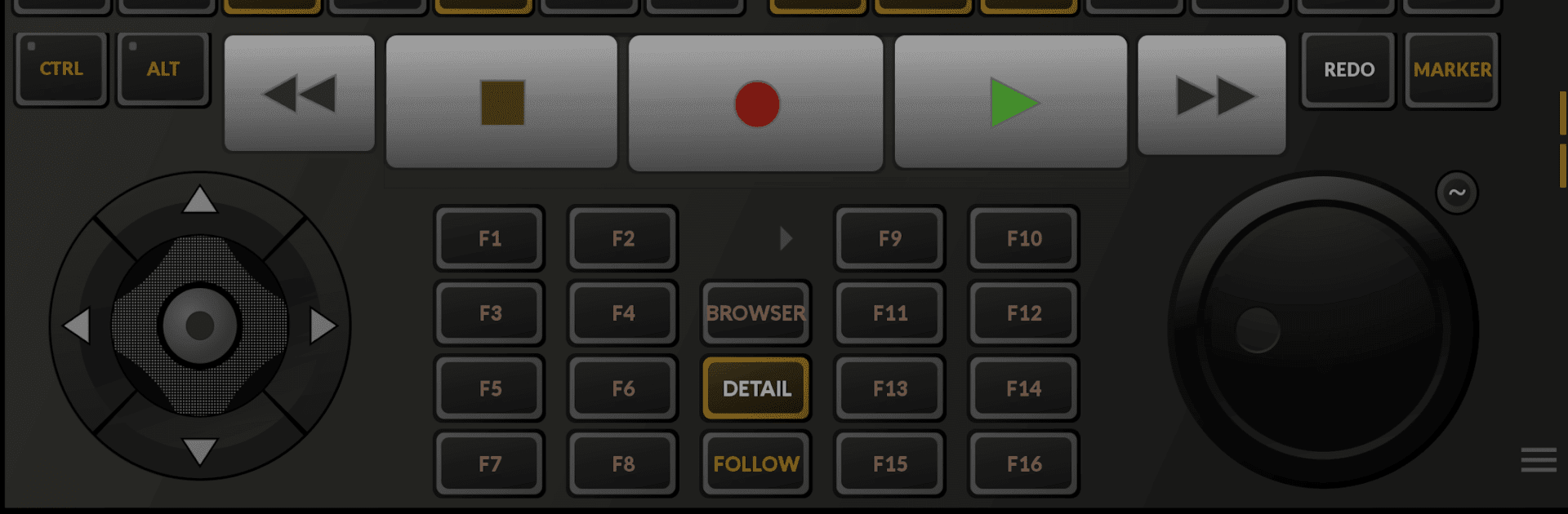
TouchDAW
Jogue no PC com BlueStacks - A Plataforma de Jogos Android, confiada por mais de 500 milhões de jogadores.

Página modificada em: Mar 10, 2025
Run TouchDAW on PC or Mac
Get freedom from your phone’s obvious limitations. Use TouchDAW, made by npx, a Music & Audio app on your PC or Mac with BlueStacks, and level up your experience.
About the App
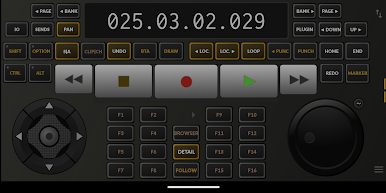
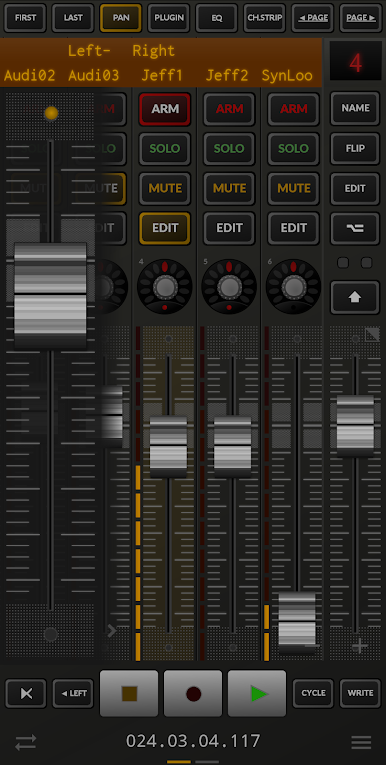
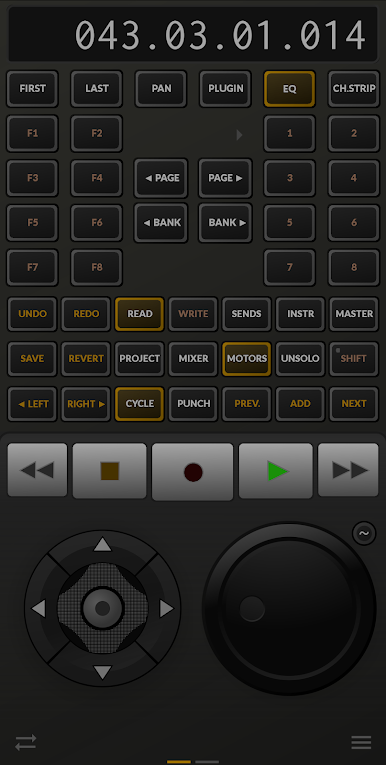
Whether you’re hands-on in the studio or working from home, TouchDAW gives you a super flexible way to control your digital audio workstation right from your Android device. Created by npx for the music-audio crowd, this app turns your phone or tablet into a custom DAW controller—no complicated setup, just straightforward control and powerful MIDI tools. Mix, tweak, and manage your sessions without being tied to your desk.
App Features
-
Extensive DAW Compatibility
Works out of the box with popular music platforms like Cubase, Logic, FL Studio, Ableton Live, Pro Tools, and more. Don’t worry if you like to swap between programs—TouchDAW covers a broad range of workstations so you can focus on music, not technical hassles. -
Mixer and Transport Controls
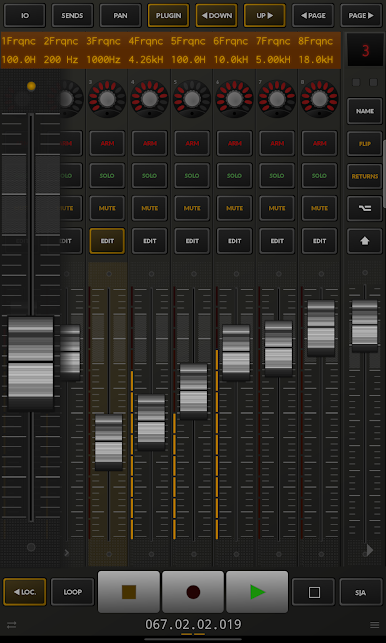
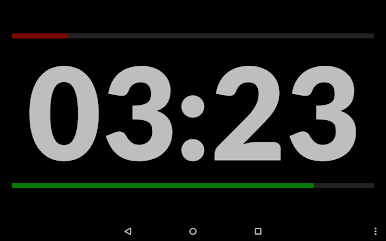
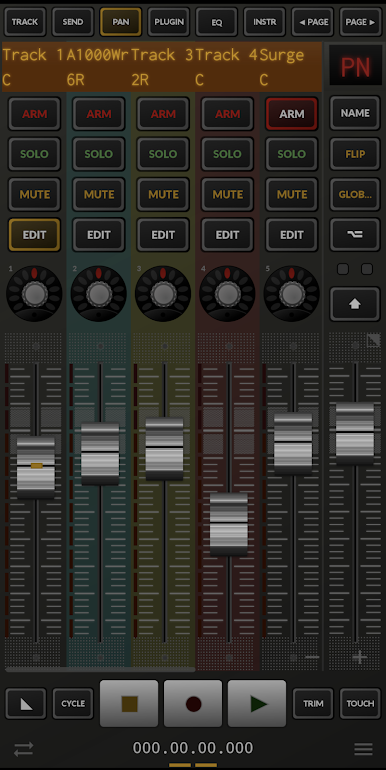
Skip the mouse-click marathon. With swipes and taps, you get instant access to key mixer and transport functions—think faders, pan, mute, solo, arm tracks, play, stop, and all that good stuff. -
Custom MIDI Controllers
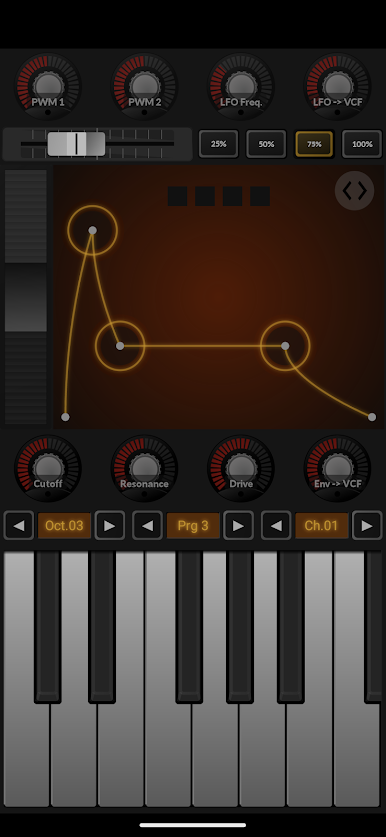
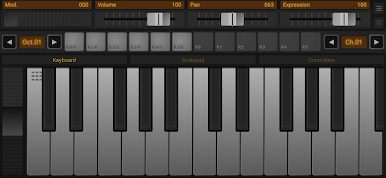
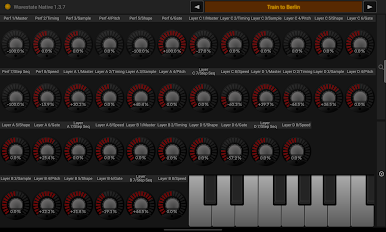
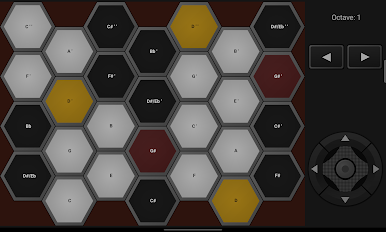
Craving something unique? Build your own MIDI controller setups. There’s a multitouch keyboard, XY pads, launchpads—plus, you can link your phone’s sensors to MIDI controls. Want to tilt your phone for that filter sweep? Go for it. -
Multiple Connectivity Options
Connect wirelessly using WiFi with RTP or multicast MIDI, or plug in directly via USB if you prefer a solid, no-lag connection. TouchDAW plays nicely with network MIDI on Mac, rtpMIDI for Windows, and assorted MIDI drivers on Linux. -
Tablet and Phone Support
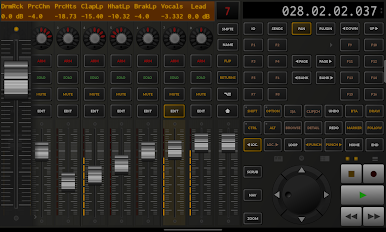
The app comes with versions for both tablets and phones—choose whichever layout feels better for your workflow. Many recent phones will even let you switch to the tablet layout if that’s more your style. -
Works with Class-Compliant MIDI Gear
If you’ve got a USB MIDI interface, TouchDAW’s got you covered—as long as your device supports USB host mode. Direct USB connections are available on Android 6 and above, no sweat.
It’s easy to get TouchDAW up and running with a PC or laptop, especially if you’re using BlueStacks for a desktop-style experience.
Switch to BlueStacks and make the most of your apps on your PC or Mac.
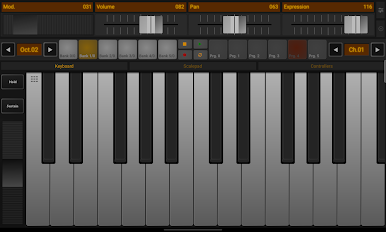
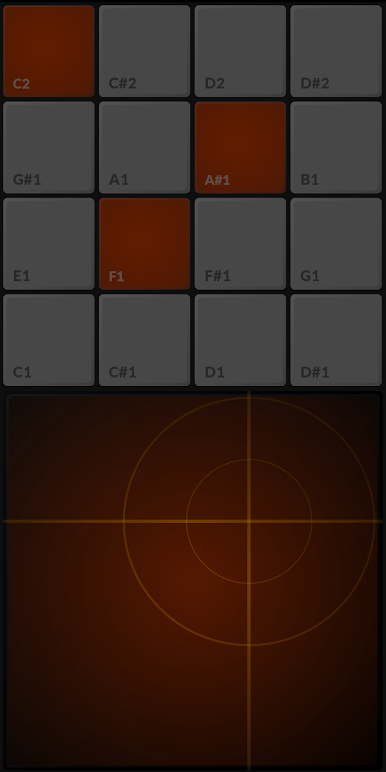
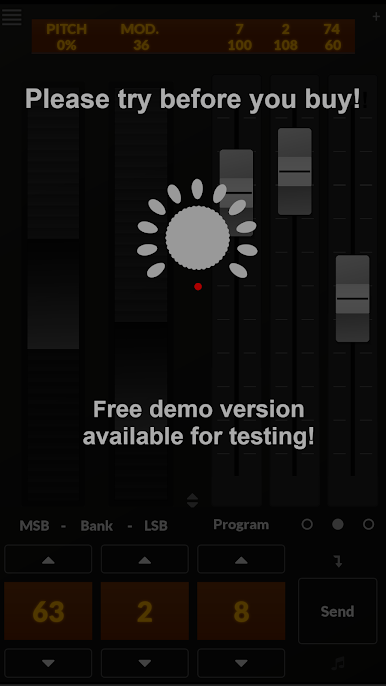
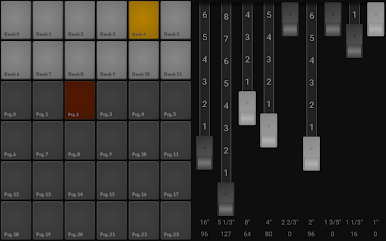
Jogue TouchDAW no PC. É fácil começar.
-
Baixe e instale o BlueStacks no seu PC
-
Conclua o login do Google para acessar a Play Store ou faça isso mais tarde
-
Procure por TouchDAW na barra de pesquisa no canto superior direito
-
Clique para instalar TouchDAW a partir dos resultados da pesquisa
-
Conclua o login do Google (caso você pulou a etapa 2) para instalar o TouchDAW
-
Clique no ícone do TouchDAW na tela inicial para começar a jogar

