

Glimpse Notifications
BlueStacksを使ってPCでプレイ - 5憶以上のユーザーが愛用している高機能Androidゲーミングプラットフォーム

Run Glimpse Notifications on PC or Mac
What’s better than using Glimpse Notifications by Nullgrad Apps? Well, try it on a big screen, on your PC or Mac, with BlueStacks to see the difference.
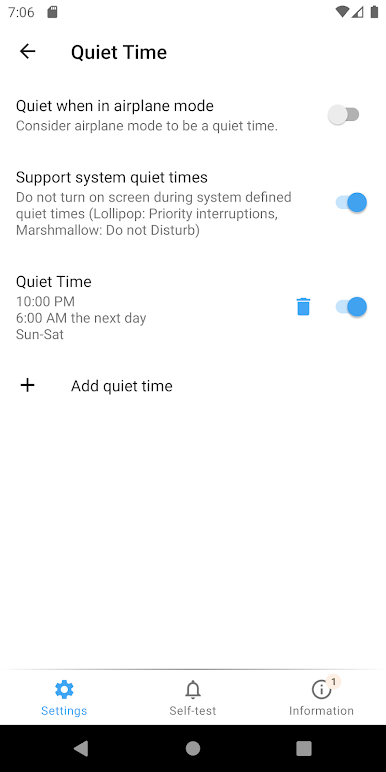
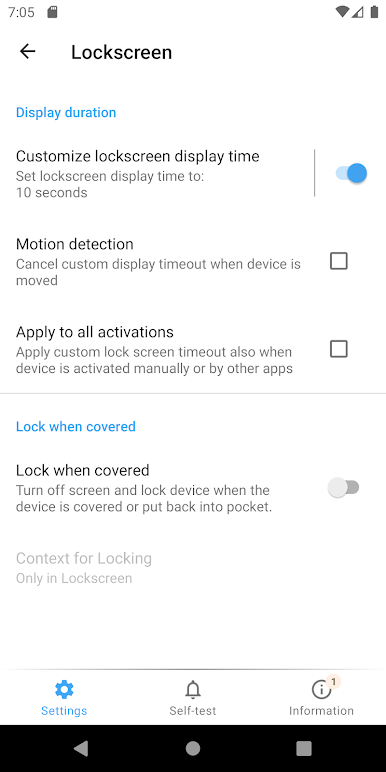
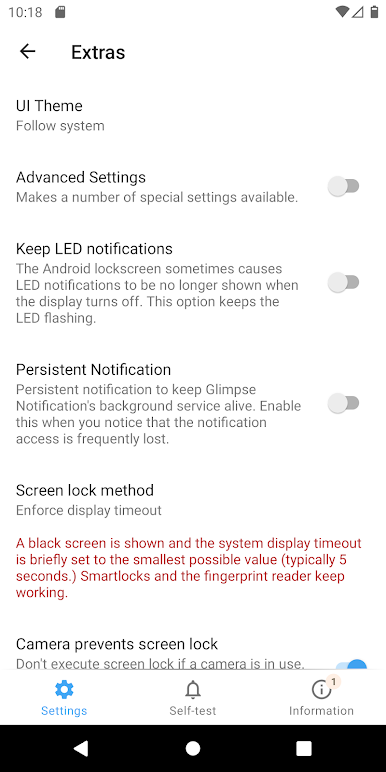
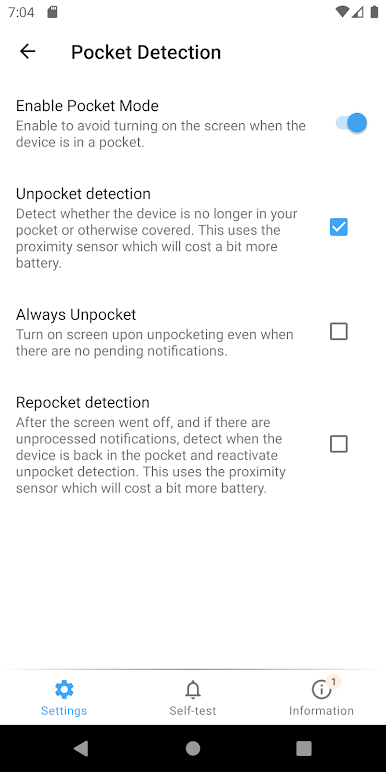
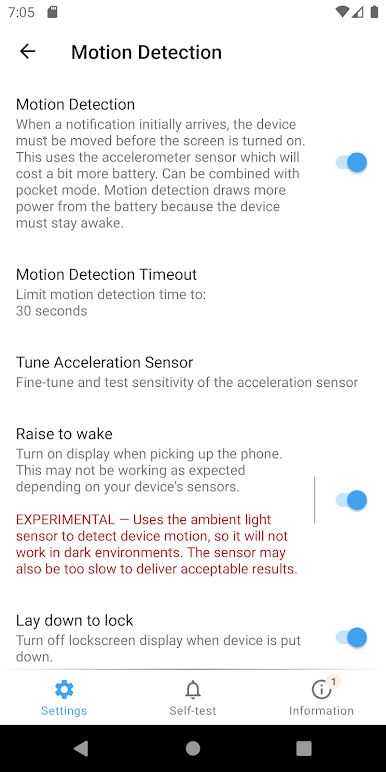
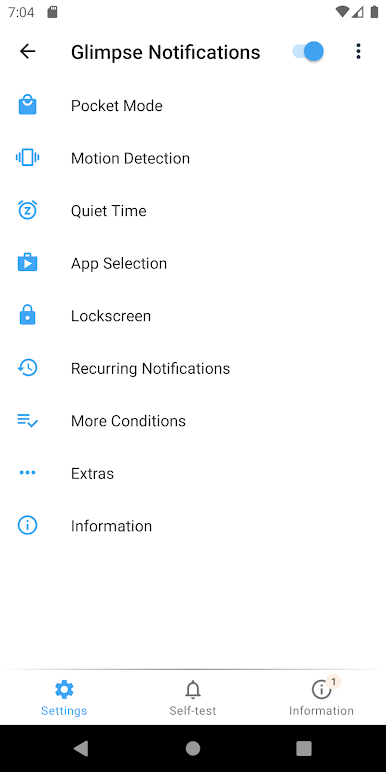
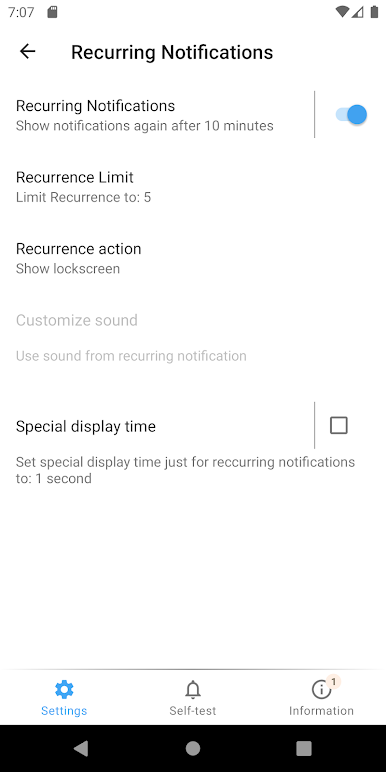
Glimpse Notifications is one of those tiny utilities that fixes a daily annoyance. Instead of pressing the power button every time a ping comes in, the screen wakes for a moment and shows the lock screen, so a quick glance is enough. It does not replace the system lock screen or draw its own theme, it just nudges the display on. The nice part is control. Pick which apps are allowed to wake the screen, set how long it stays on, add quiet hours, and let it respect Do Not Disturb so nothing lights up at 3 a.m. There is a pocket mode that uses sensors to avoid accidental wakeups in a bag, and recurring reminders for notifications that sit unread. Motion detection can notice when the phone is picked up, saving a bit of power. It aims to be battery friendly and not nosy about data.
On PC with BlueStacks, it works like a small helper while running Android apps on a side window. Notifications arrive, the emulated lock screen pops briefly, and everything is easy to tweak with a mouse. Some phone-specific bits like double tap to lock on older Android or vibration patterns may not matter on a desktop, but the core idea still lands. People on certain brands sometimes need to allow their messaging app to show on the lock screen, otherwise nothing appears. If Samsung Edge lighting is enabled, turning that off for this app helps avoid overlap. It is simple, private, and feels like a set once and forget tool that makes checking stuff faster without turning the phone into a disco.
Big screen. Bigger performance. Use BlueStacks on your PC or Mac to run your favorite apps.
Glimpse NotificationsをPCでプレイ
-
BlueStacksをダウンロードしてPCにインストールします。
-
GoogleにサインインしてGoogle Play ストアにアクセスします。(こちらの操作は後で行っても問題ありません)
-
右上の検索バーにGlimpse Notificationsを入力して検索します。
-
クリックして検索結果からGlimpse Notificationsをインストールします。
-
Googleサインインを完了してGlimpse Notificationsをインストールします。※手順2を飛ばしていた場合
-
ホーム画面にてGlimpse Notificationsのアイコンをクリックしてアプリを起動します。

