

Radio Alarm Clock +
500M + oyuncunun güvendiği Android Oyun Platformu, BlueStacks ile PC'de oynayın.

Sayfa Değiştirilme tarihi: Aug 29, 2025
Run Radio Alarm Clock + on PC or Mac
Get freedom from your phone’s obvious limitations. Use Radio Alarm Clock +, made by Benjamin Laws, a Productivity app on your PC or Mac with BlueStacks, and level up your experience.
About the App
Radio Alarm Clock + is a no‑nonsense, ad‑free clock radio that wakes you up with live stations from around the world or your own audio files. It’s built for people who want a reliable alarm with tons of control—gentle fade-ins, a wake-up light, smart schedules, and more. Prefer a bigger screen sometimes? It runs nicely on your desktop through BlueStacks, too.
App Features
- Massive radio choice: Browse and save favorites from tens of thousands of stations across the globe.
- Reliable wake-ups: If the stream drops, a built-in backup sound kicks in so you still get up on time.
- Smarter mornings: Use commercial-suppression or a gradual volume ramp so early ads don’t blast you awake.
- Your own audio: Set alarms to local audio files when you want something personal.
- Bedside night clock: Big, customizable clock with color and size controls, a daylight mode, and a quick flashlight.
- Flexible scheduling: Create even/odd week alarms, skip the next alarm with one tap, or set precise one-offs.
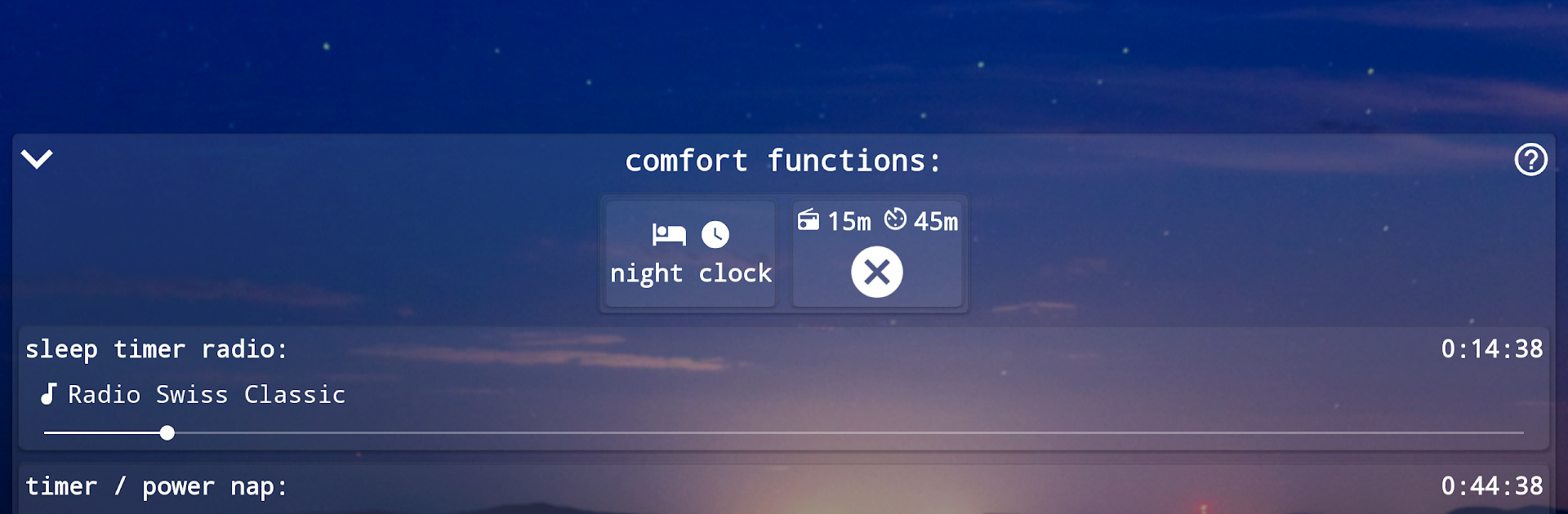
- Power nap and sleep timer: Drift off with timed radio, or start a preset nap in seconds with a quick-start button.
- Wake-up light + beeper: Turn the camera flash into a sunrise-style light and add a subtle beeper so you don’t nod off again.
- Home screen widgets: Start radio, check the next alarm, and control essentials right from your home screen.
- Wi‑Fi controls: Auto-toggle Wi‑Fi for alarms or stream using Wi‑Fi only to save data.
- Call-aware silence: Alarms automatically mute when a phone call comes in.
- Handy player tweaks: Adjust volume inside the player, switch stations on the alarm screen, and see battery and time at a glance.
- Stats that motivate: Check your wake-up history, radio listening time, and other patterns to keep your routine on track.
Genre: Productivity
Developer: Benjamin Laws
App name: Radio Alarm Clock +
BlueStacks gives you the much-needed freedom to experience your favorite apps on a bigger screen. Get it now.


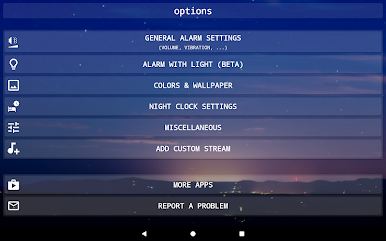
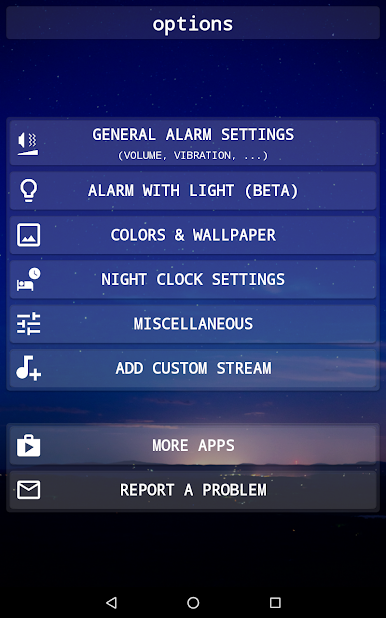


Radio Alarm Clock + oyununu PC'de oyna. Başlamak çok kolay.
-
BlueStacks'i PC'nize İndirin ve Yükleyin
-
Play Store'a erişmek için Google girişi yapın ya da daha sonraya bırakın.
-
Sağ üst köşeye Radio Alarm Clock + yazarak arayın.
-
Radio Alarm Clock + uygulamasını arama sonuçlarından indirmek için tıklayın.
-
(iEğer Adım 2'yi atladıysanız) Radio Alarm Clock + uygulamasını yüklemek için Google'a giriş yapın.
-
Oynatmaya başlatmak için ekrandaki Radio Alarm Clock + ikonuna tıklayın.

