

Freebloks 3D
العب على الكمبيوتر الشخصي مع BlueStacks - نظام أندرويد للألعاب ، موثوق به من قبل أكثر من 500 مليون لاعب.

Play Freebloks 3D on PC or Mac
Join millions to experience Freebloks 3D, an exciting Board game from Sascha Hlusiak. With BlueStacks App Player, you are always a step ahead of your opponent, ready to outplay them with faster gameplay and better control with the mouse and keyboard on your PC or Mac.
About the Game
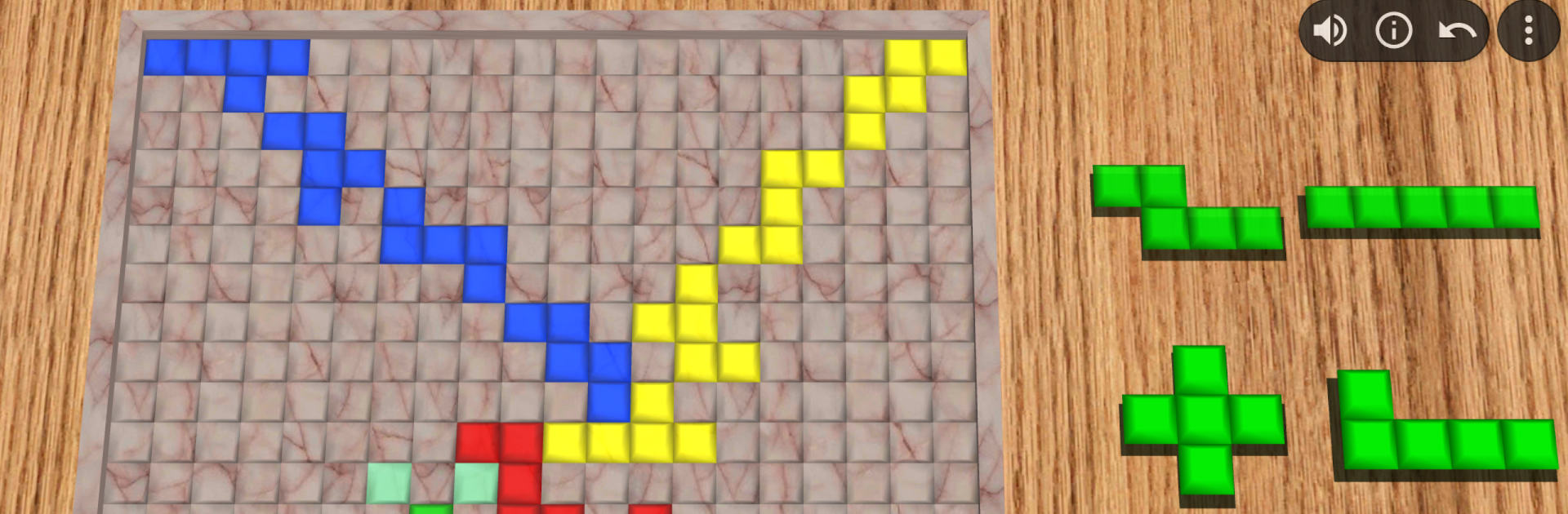
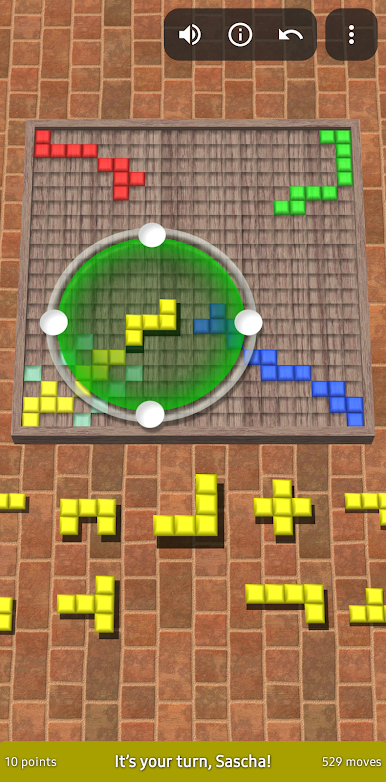
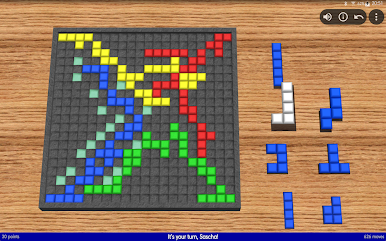
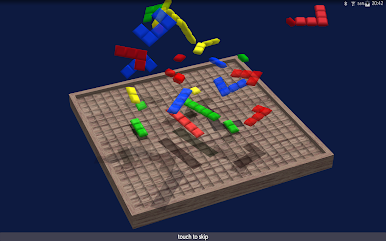
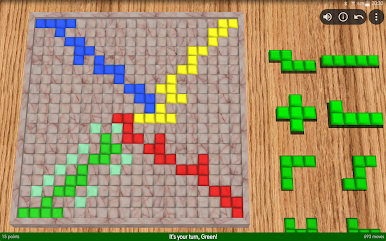
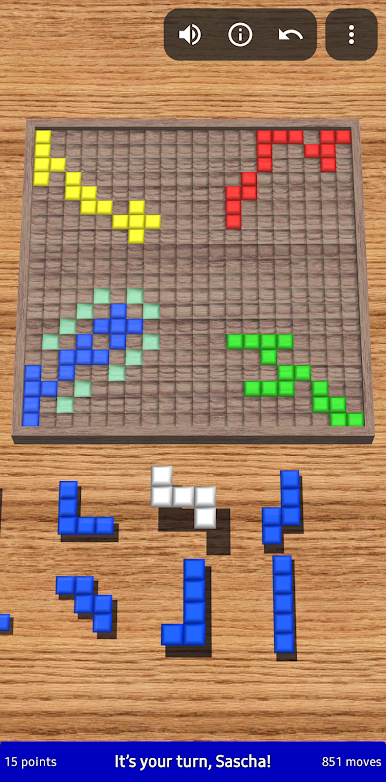
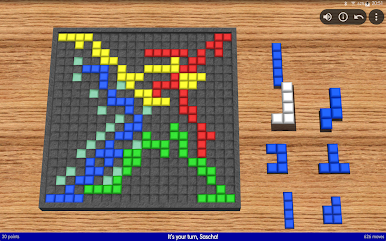
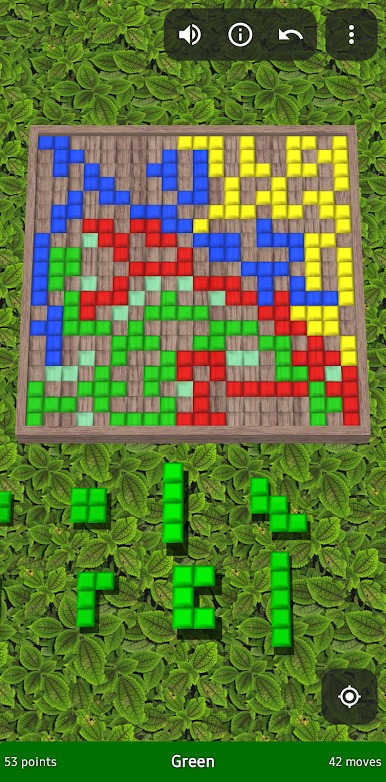
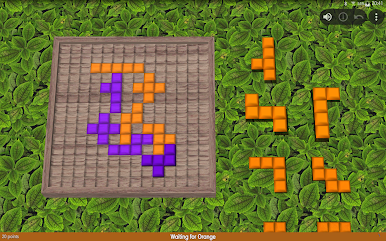
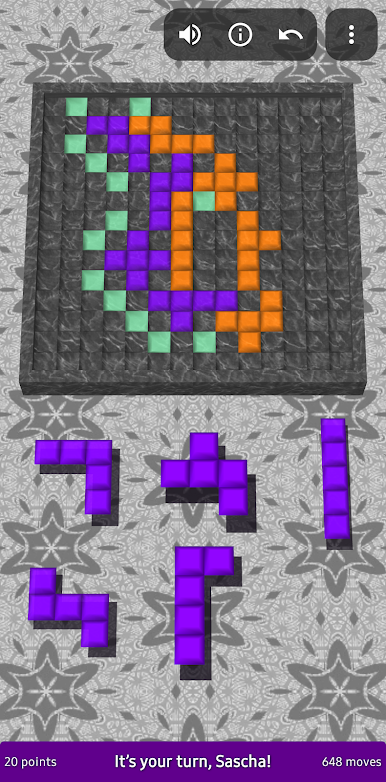
Freebloks 3D is all about putting your strategic skills to the test, one colorful tile at a time. Inspired by the classic board game Blokus, it’s a lively game of outsmarting your friends—or the computer—by cleverly fitting your pieces onto the board. Expect thoughtful moves, a bit of rivalry, and plenty of “wait, how did you do that?” moments as you try to squeeze in your last few tiles.
Game Features
-
Creative Tile Placement
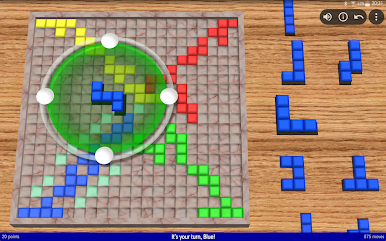
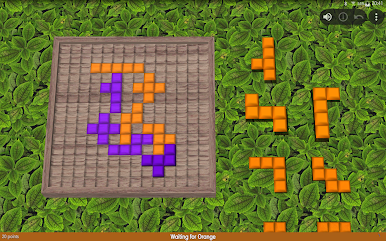
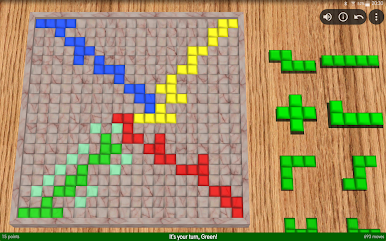
Use your collection of 21 unique tiles in all sorts of shapes and sizes. Each one has to touch a corner of your own pieces—but can’t line up along the edges. Planning ahead really pays off. -
Flexible Controls
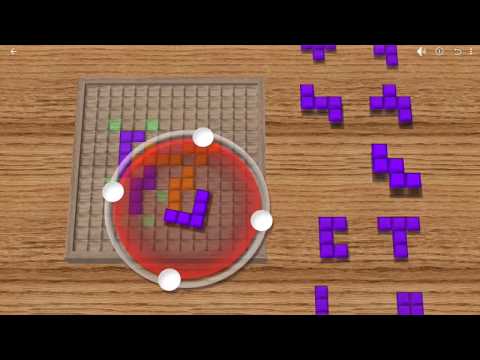
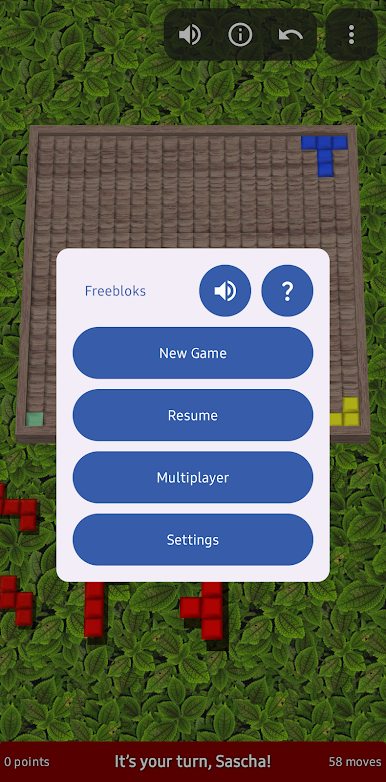
Pick, rotate, flip, and position tiles with simple gestures. If a move’s possible, you’ll know right away with easy-to-see highlights sorting out valid spots on the board. -
Multiple Ways to Play
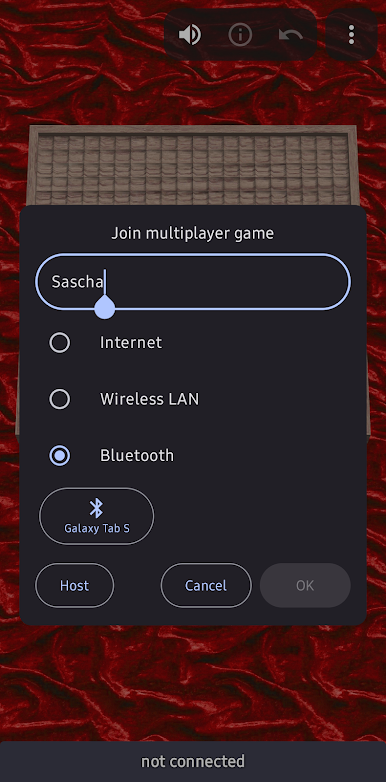
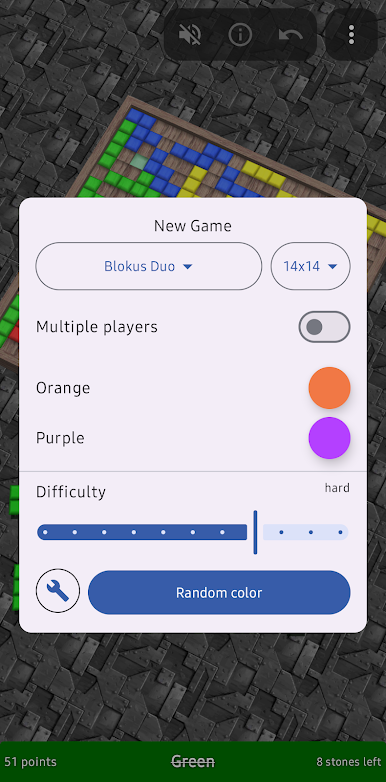
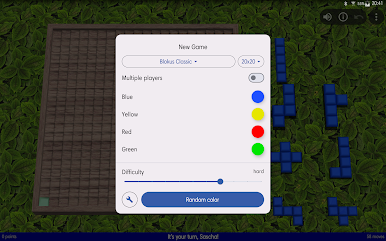
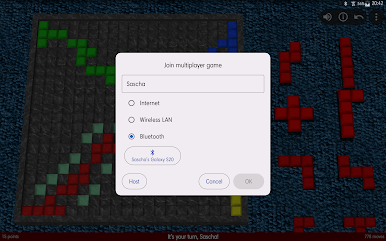
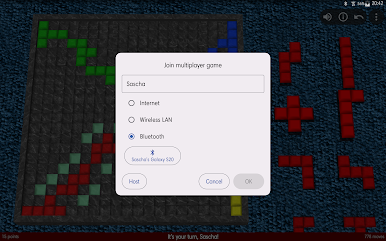
Challenge clever AI, take turns with friends on the same screen, or jump online for a match. There’s even local Bluetooth play if you want something quick and fun. -
Single Device or Online Multiplayer
Go head-to-head with people next to you or connect with others for a remote match—Freebloks 3D adapts to how you want to play. -
Customize Your Game
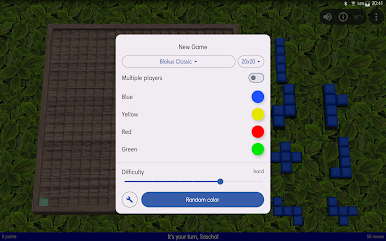
Mix things up by trying different board sizes beyond the classic 20×20 grid. It keeps every game fresh. -
Hints, Undo, and Smart Helpers
Got stuck? Ask for a hint or undo your last move. Handy helpers make sure things stay light and frustration-free. -
Achievements and Leaderboards
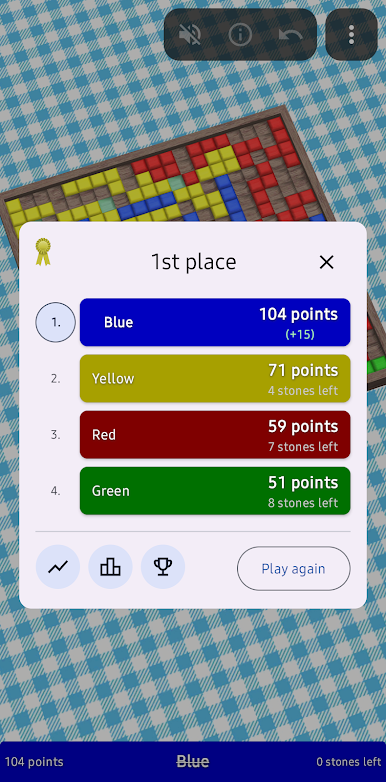
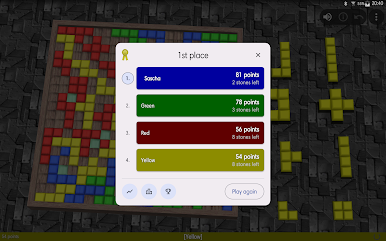
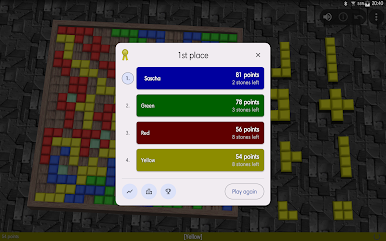
Track your wins and climb leaderboards. There are a bunch of achievements to unlock if you’re feeling a little competitive. -
Tablet Friendly and Always Ready
The visuals pop, especially on bigger screens. And if you need a break, your current game saves and picks up right where you left off—convenient for those “just five more minutes” sessions.
Of course, it all works smoothly on BlueStacks, letting you play on a bigger screen with even more control.
Get ready for a buttery smooth, high-performance gaming action only on BlueStacks.


العب Freebloks 3D على جهاز الكمبيوتر. من السهل البدء.
-
قم بتنزيل BlueStacks وتثبيته على جهاز الكمبيوتر الخاص بك
-
أكمل تسجيل الدخول إلى Google للوصول إلى متجر Play ، أو قم بذلك لاحقًا
-
ابحث عن Freebloks 3D في شريط البحث أعلى الزاوية اليمنى
-
انقر لتثبيت Freebloks 3D من نتائج البحث
-
أكمل تسجيل الدخول إلى Google (إذا تخطيت الخطوة 2) لتثبيت Freebloks 3D
-
انقر على أيقونة Freebloks 3D على الشاشة الرئيسية لبدء اللعب

