

Solar-Log WEB Enerest™ 3
Jouez sur PC avec BlueStacks - la plate-forme de jeu Android, approuvée par + 500M de joueurs.

Page Modifiée le: Sep 22, 2025
Run Solar-Log WEB Enerest™ 3 on PC or Mac
Why limit yourself to your small screen on the phone? Run Solar-Log WEB Enerest™ 3, an app by Solar-Log GmbH, best experienced on your PC or Mac with BlueStacks, the world’s #1 Android emulator.
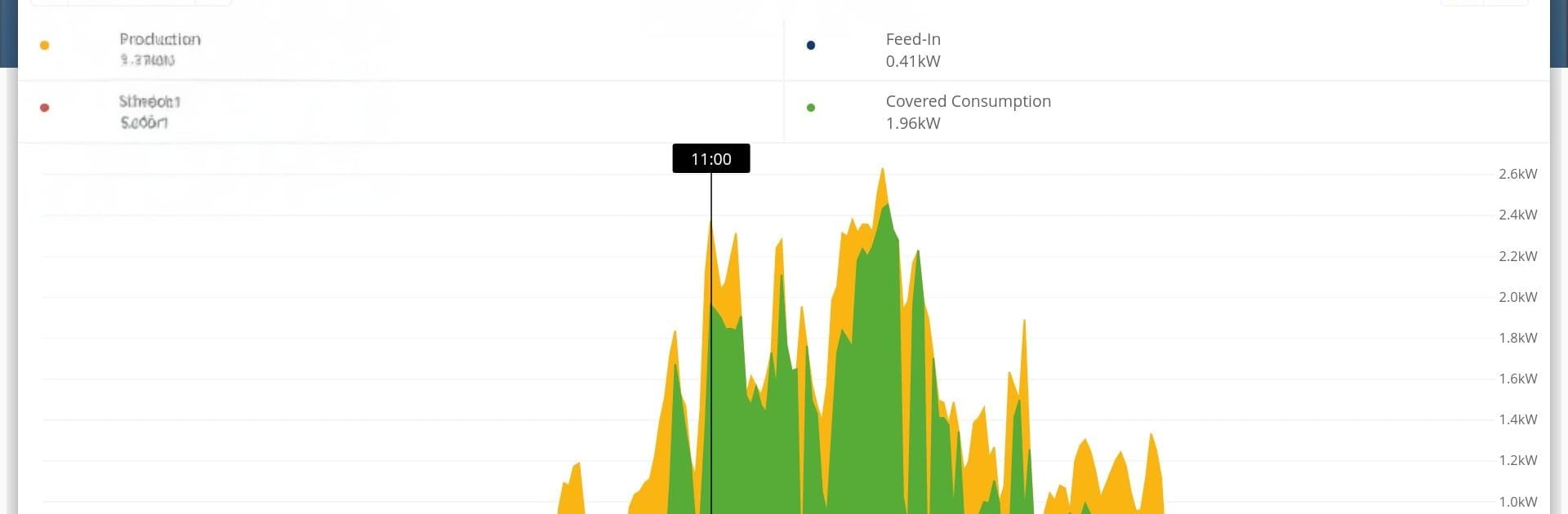
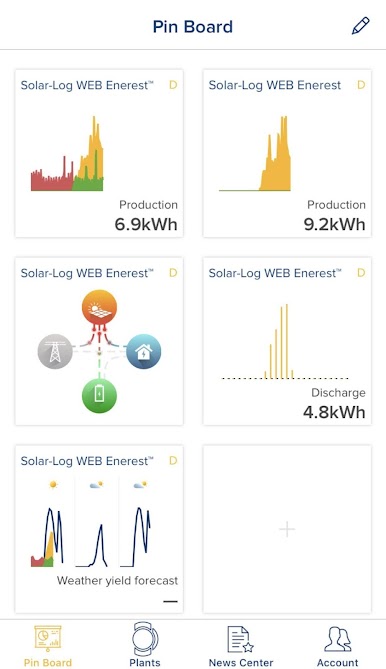
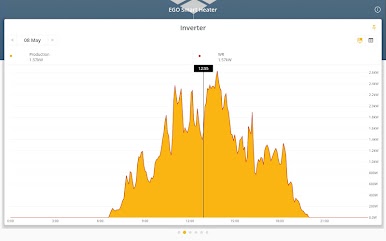
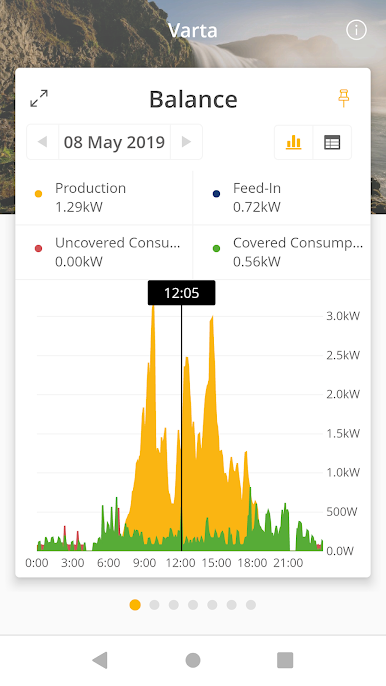
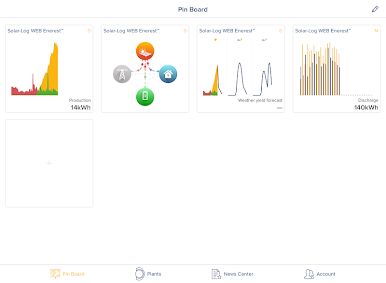
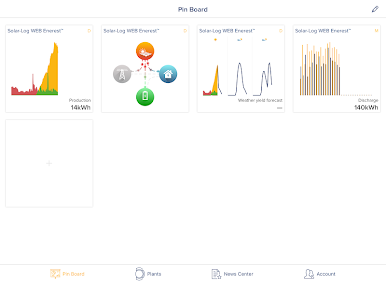
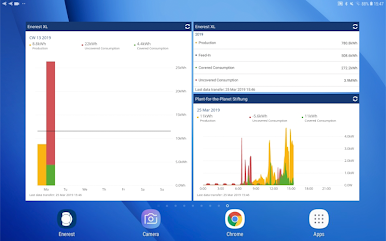
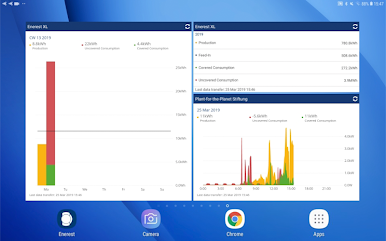
Solar-Log WEB Enerest 3 feels like a clean control room for a solar setup. It opens with a pinboard that can be laid out the way someone wants, with tiles for the numbers that matter. There are over 45 pinboard combos to pick from, so it is easy to keep the main screen simple or pack it with detail. On PC through BlueStacks the extra screen space helps a lot, graphs and tables are easier to read and the tiles do not feel cramped.
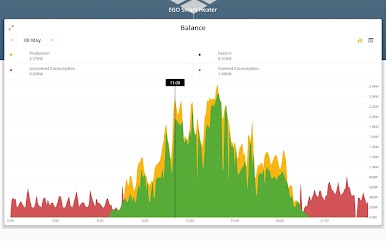
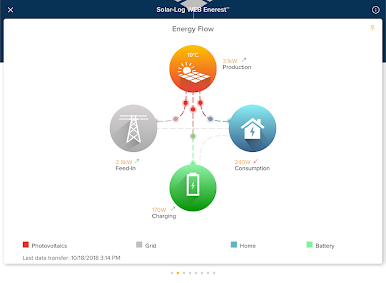
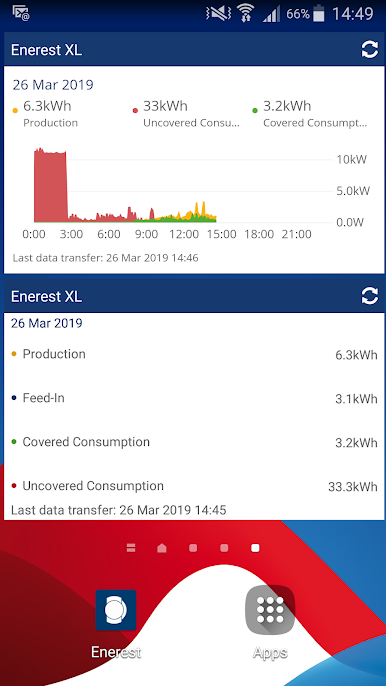
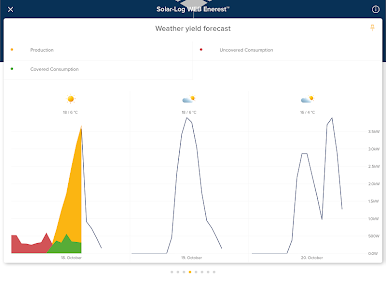
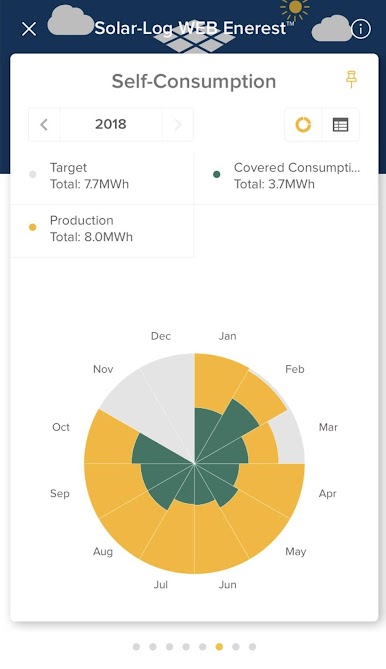
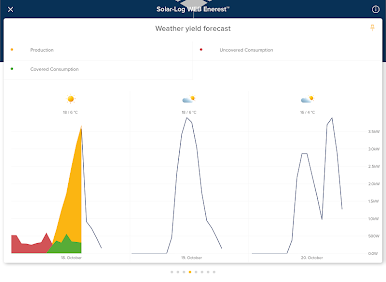
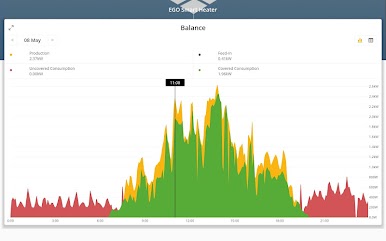
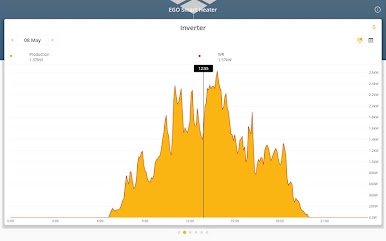
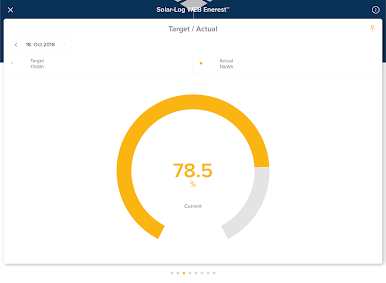
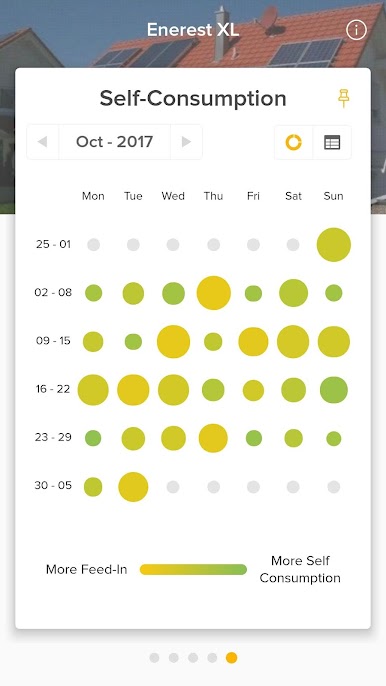
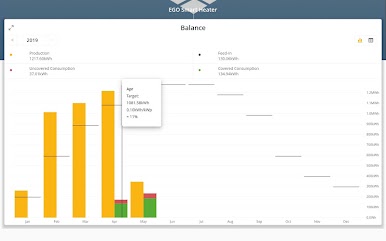
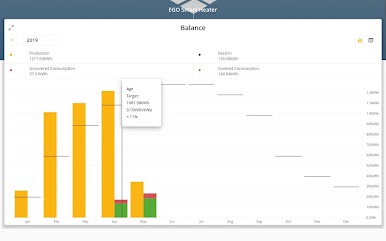
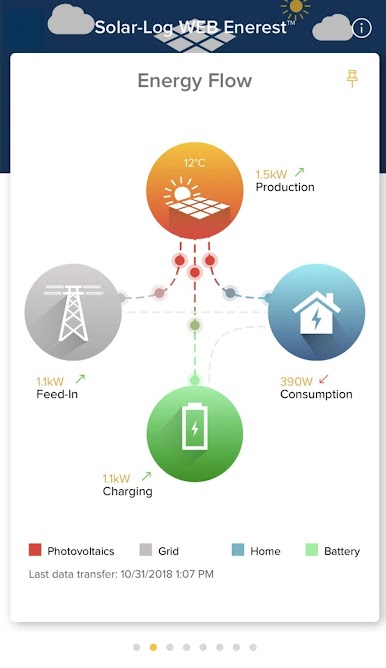
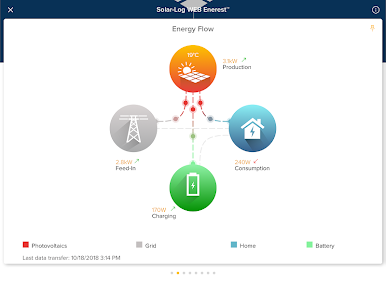
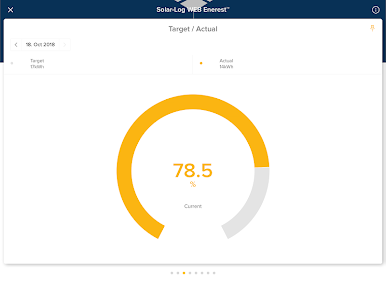
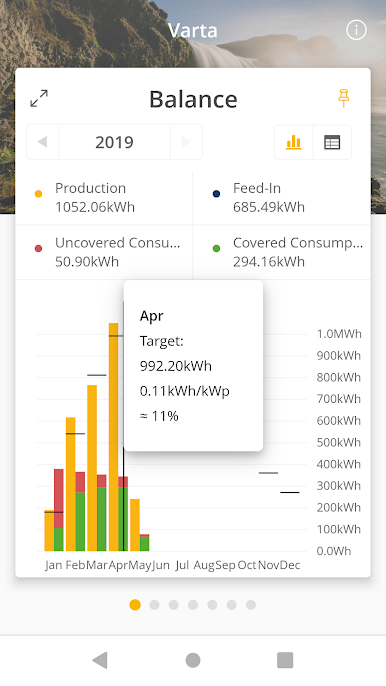
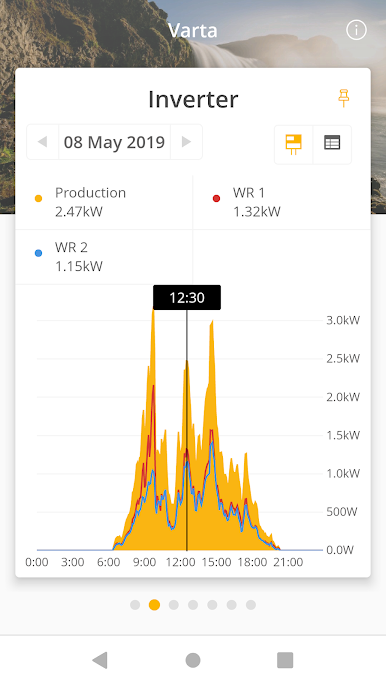
What stands out is how clearly it shows what the system is doing right now versus what it did before. Production, feed-in, self-consumption, even the portion not covered in kWh, all sit there in charts and in plain tables. It also pulls in connected parts like heaters or heat pumps, so the whole energy picture is in one place. A built in news center posts status messages and can ping with push notifications if something changes, which is handy if the system needs attention. There is an optional upgrade path to unlock more tools under the Enerest Home package, and the app handles payment and turns features on right away. Data security is handled with encrypted transfers through Avian, so it does not feel risky to check stats on the go. The Android widget is back too, good for quick glances without opening the full app. Small catch, the Solar-Log device needs firmware 2.8.4 or newer, and this app is for WEB Enerest 3 plants, the new portal uses a different app. For anyone already using Solar-Log hardware, this is practical, fast, and not overcomplicated.
BlueStacks brings your apps to life on a bigger screen—seamless and straightforward.
Jouez à Solar-Log WEB Enerest™ 3 sur PC. C'est facile de commencer.
-
Téléchargez et installez BlueStacks sur votre PC
-
Connectez-vous à Google pour accéder au Play Store ou faites-le plus tard
-
Recherchez Solar-Log WEB Enerest™ 3 dans la barre de recherche dans le coin supérieur droit
-
Cliquez pour installer Solar-Log WEB Enerest™ 3 à partir des résultats de la recherche
-
Connectez-vous à Google (si vous avez ignoré l'étape 2) pour installer Solar-Log WEB Enerest™ 3
-
Cliquez sur l'icône Solar-Log WEB Enerest™ 3 sur l'écran d'accueil pour commencer à jouer

