


weZoom Magnifying Glass
500M + oyuncunun güvendiği Android Oyun Platformu, BlueStacks ile PC'de oynayın.

Sayfa Değiştirilme tarihi: Dec 2, 2025
Play weZoom Magnifying Glass on PC
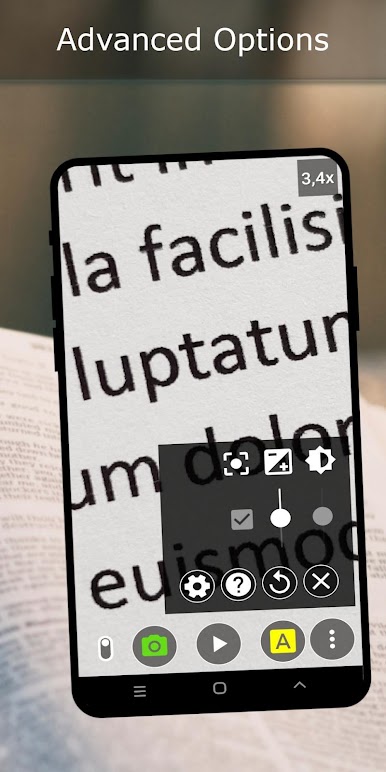
The main goal of this app is to support people with visual impairments by providing an easy to use digital magnifier.
The main features are:
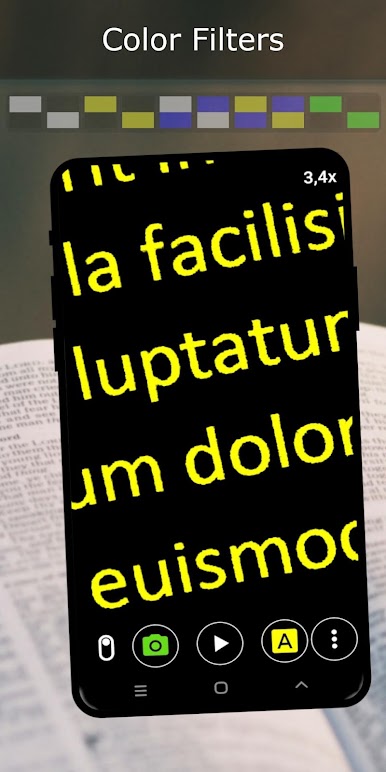
• Color filter modes for high contrast (black-white, black-yellow, blue-white, blue-yellow, black-green)
• Adjustable threshold for the color filter modes
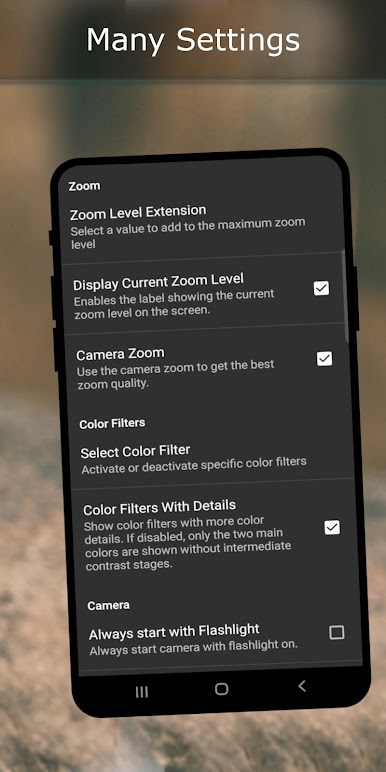
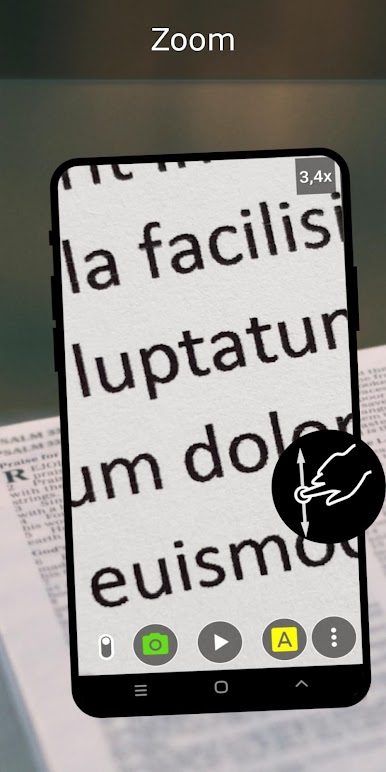
• Smooth magnification up to 8x (extendable zoom levels)
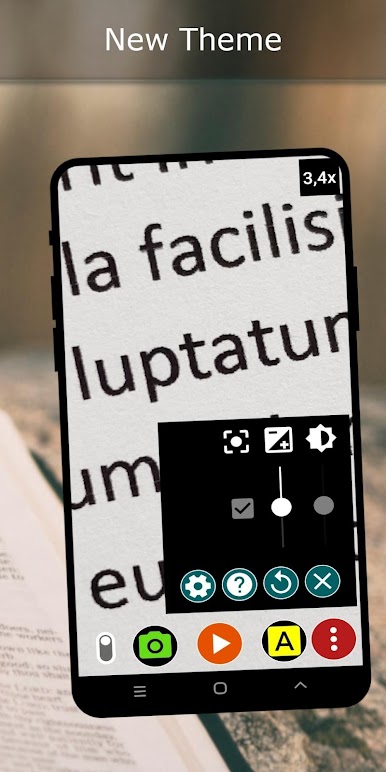
• Exposure compensation
• Switch between manual focus and auto-focus
• Freeze of the live video preview (you can still change the magnification level in this state)
• Photo sharing (e.g. with massenger apps)
• Volume key actions can be enabled
• Toogle to hide all other ui elements (fullscreen mode) to use more of the screen for zooming - very useful in combination with the volume key actions

weZoom Magnifying Glass oyununu PC'de oyna. Başlamak çok kolay.
-
BlueStacks'i PC'nize İndirin ve Yükleyin
-
Play Store'a erişmek için Google girişi yapın ya da daha sonraya bırakın.
-
Sağ üst köşeye weZoom Magnifying Glass yazarak arayın.
-
weZoom Magnifying Glass uygulamasını arama sonuçlarından indirmek için tıklayın.
-
(iEğer Adım 2'yi atladıysanız) weZoom Magnifying Glass uygulamasını yüklemek için Google'a giriş yapın.
-
Oynatmaya başlatmak için ekrandaki weZoom Magnifying Glass ikonuna tıklayın.

