


Mocha VNC
Gioca su PC con BlueStacks: la piattaforma di gioco Android, considerata affidabile da oltre 500 milioni di giocatori.

Pagina modificata il: Aug 4, 2025
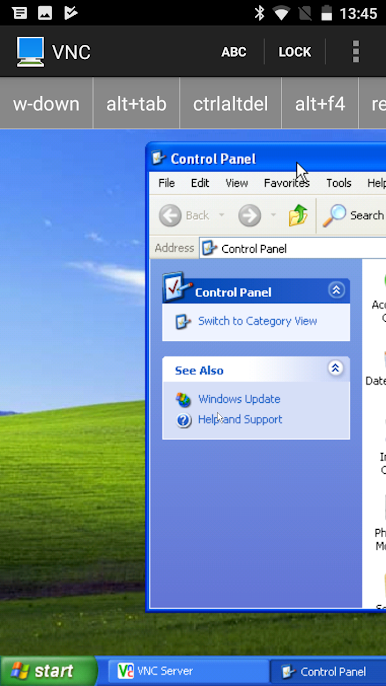
Play Mocha VNC on PC
Try first the Free LITE VERSION.
The full version does not limit a session to 5 minutes
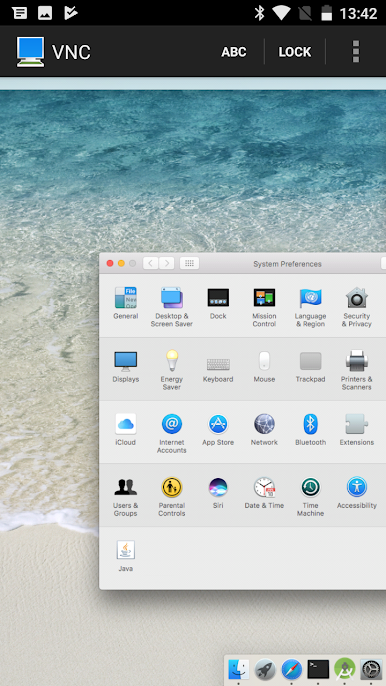
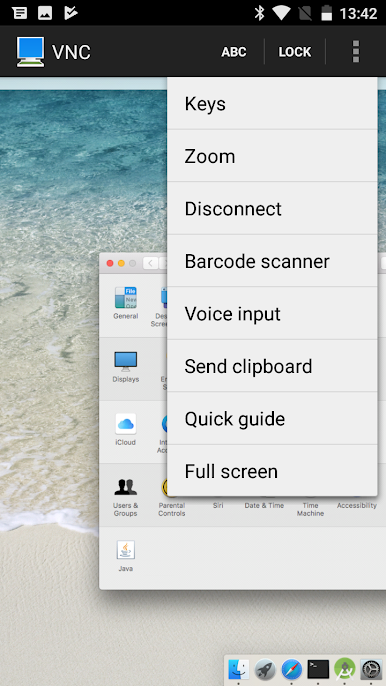
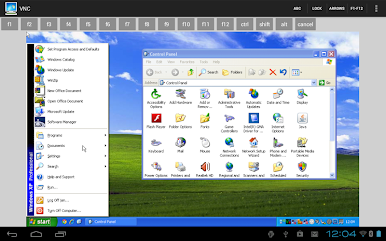
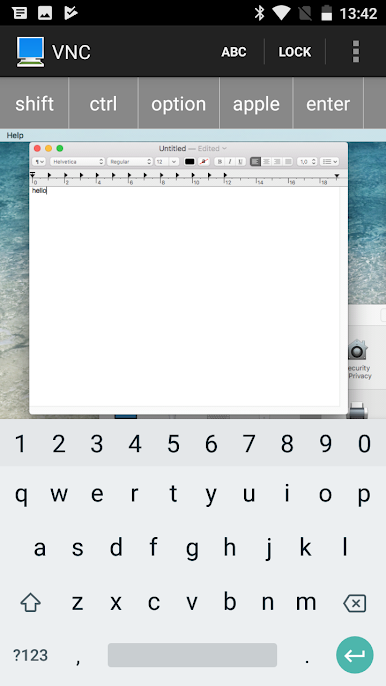
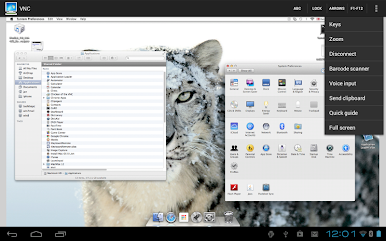
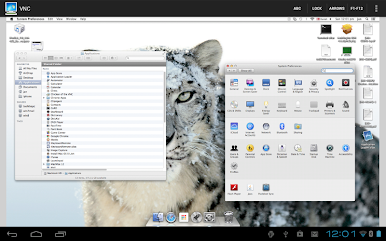
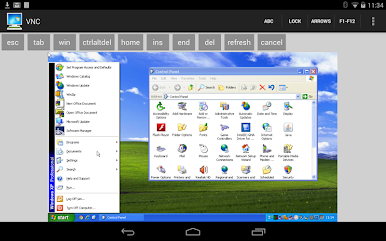
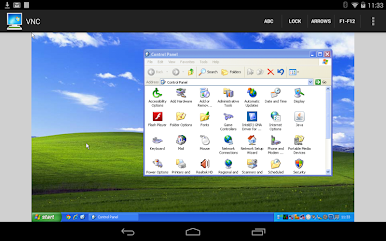
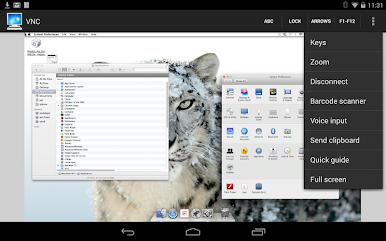
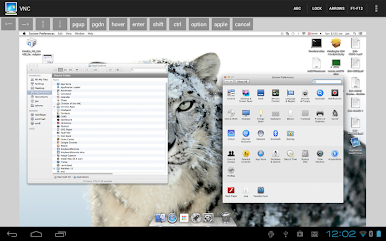
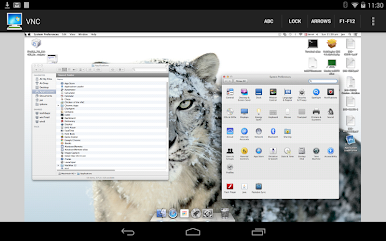
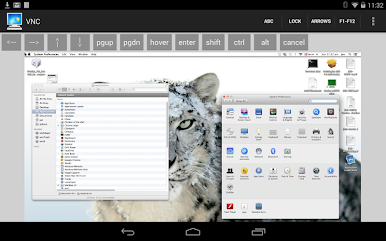
Gioca Mocha VNC su PC. È facile iniziare.
-
Scarica e installa BlueStacks sul tuo PC
-
Completa l'accesso a Google per accedere al Play Store o eseguilo in un secondo momento
-
Cerca Mocha VNC nella barra di ricerca nell'angolo in alto a destra
-
Fai clic per installare Mocha VNC dai risultati della ricerca
-
Completa l'accesso a Google (se hai saltato il passaggio 2) per installare Mocha VNC
-
Fai clic sull'icona Mocha VNC nella schermata principale per iniziare a giocare

