


Shleepy Story: Nighty Night!
Play on PC with BlueStacks – the Android Gaming Platform, trusted by 500M+ gamers.

Page Modified on: Oct 26, 2025
Play Shleepy Stories: Nighty Night on PC
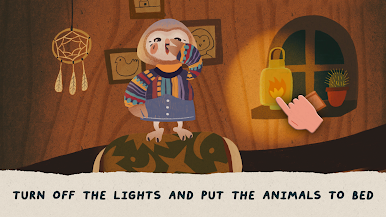
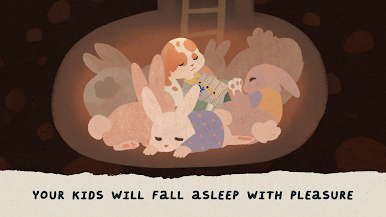
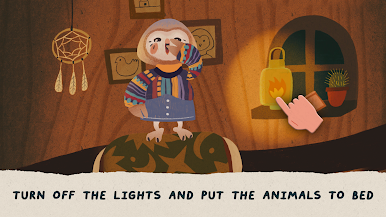
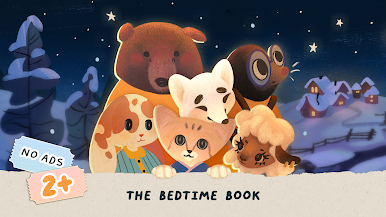
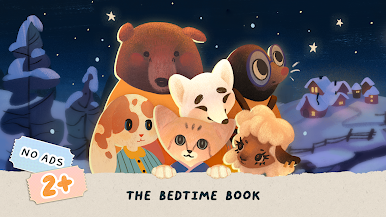
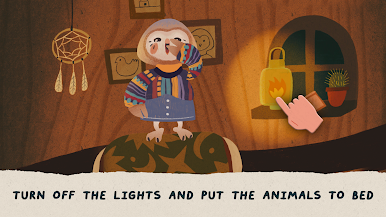
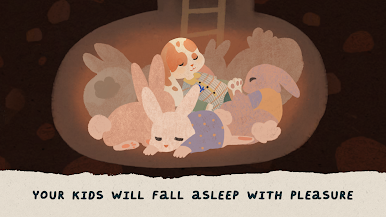
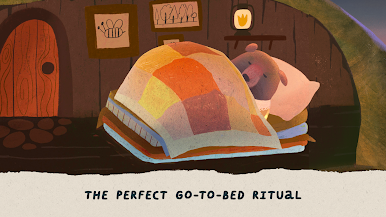
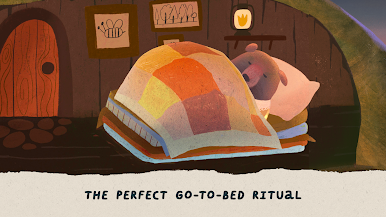
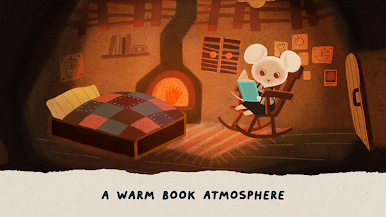
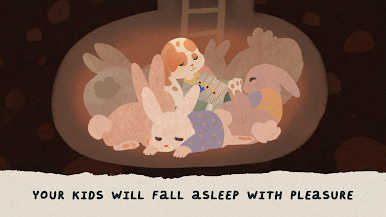
This app will help your kids fall asleep faster, and you will find some time for yourself. Improve your baby’s sleep time and increase your me-time!
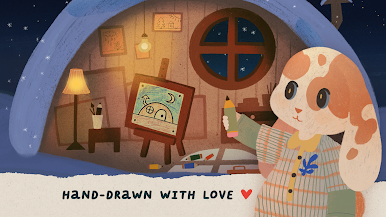
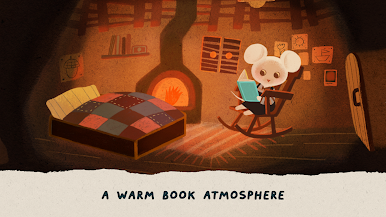
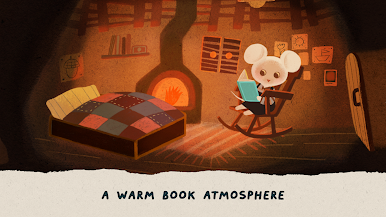
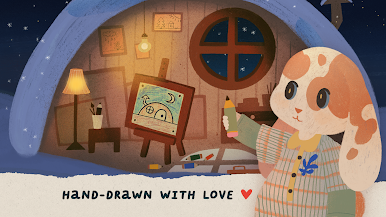
We drew all the illustrations for our bedtime story with love, came up with a story and voiced it.
The game is suitable for children 2, 3, 4, 5 years old.
Follow the creation of the app instagram.com/dotbake.team
Please write a review. It helps us determine how we could please you and your children in the next updates.
We add new characters and stories regularly. We are always happy to talk with you and find out your wishes and comments at
hello@dotbake.com



Play Shleepy Story: Nighty Night! on PC. It’s easy to get started.
-
Download and install BlueStacks on your PC
-
Complete Google sign-in to access the Play Store, or do it later
-
Look for Shleepy Story: Nighty Night! in the search bar at the top right corner
-
Click to install Shleepy Story: Nighty Night! from the search results
-
Complete Google sign-in (if you skipped step 2) to install Shleepy Story: Nighty Night!
-
Click the Shleepy Story: Nighty Night! icon on the home screen to start playing

