


Drum Pad: Müzik ve Beat Yapıcı
500M + oyuncunun güvendiği Android Oyun Platformu, BlueStacks ile PC'de oynayın.

Sayfa Değiştirilme tarihi: Sep 26, 2025
Run Beat Maker - Drum Pad on PC or Mac
Get freedom from your phone’s obvious limitations. Use Beat Maker – Drum Pad, made by KUCO Apps, a Music & Audio app on your PC or Mac with BlueStacks, and level up your experience.
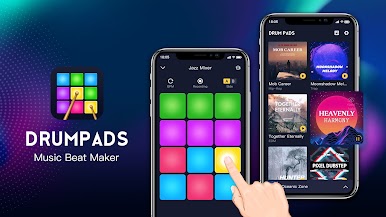
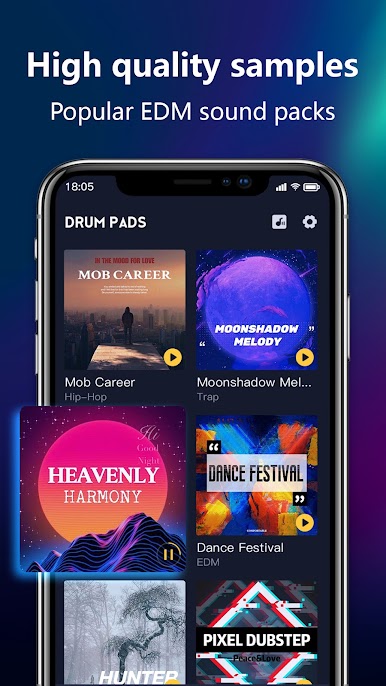
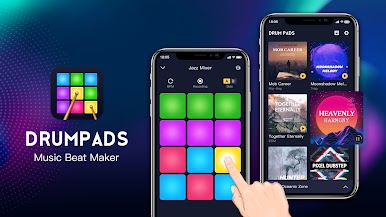
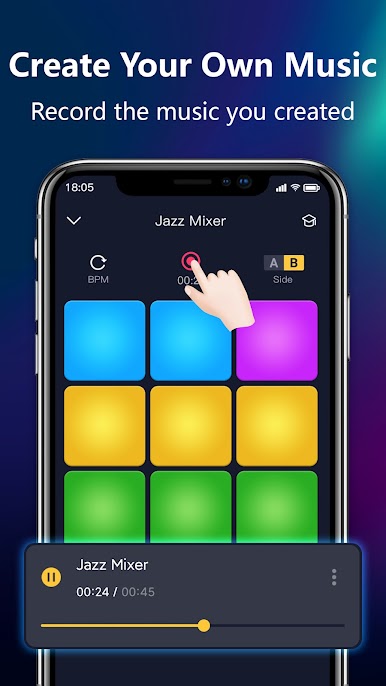
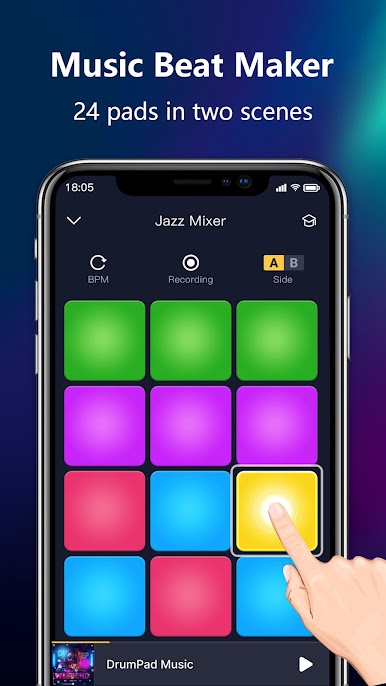
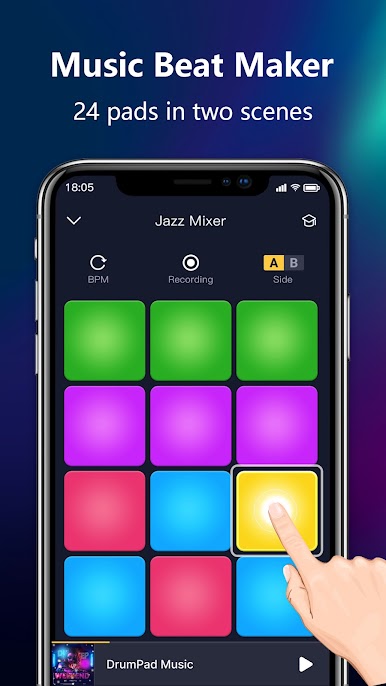
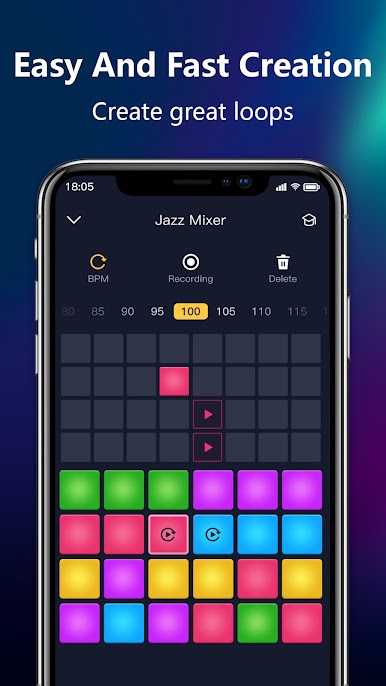
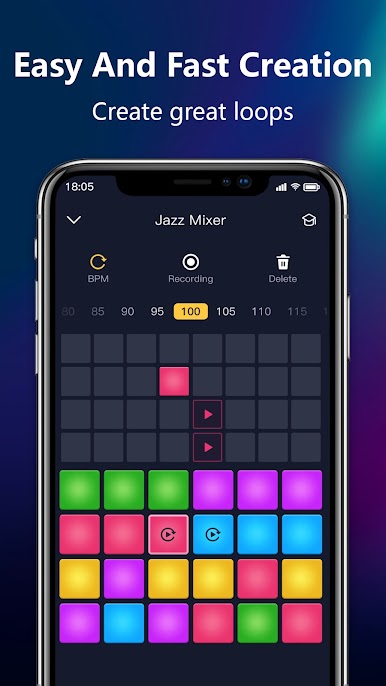
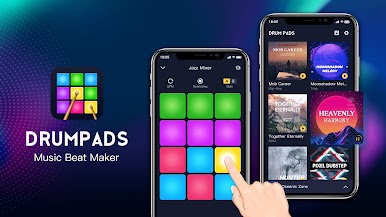
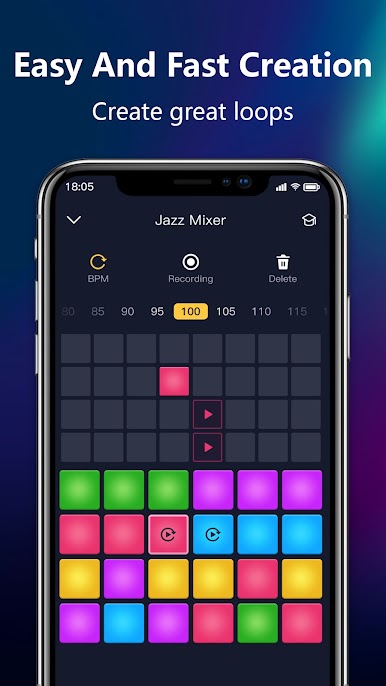
This app feels like a colorful toy version of a studio. Users get a grid of pads, each one a different sound, and tapping them in different orders quickly makes something that actually sounds like music. It is simple enough for someone who is just curious about beats, but it also has enough sound packs and effects to keep people who like EDM, hip hop, trap, dubstep or house interested. The pads respond with a snappy, almost physical feedback that makes sequencing little loops satisfying, not just random noise.
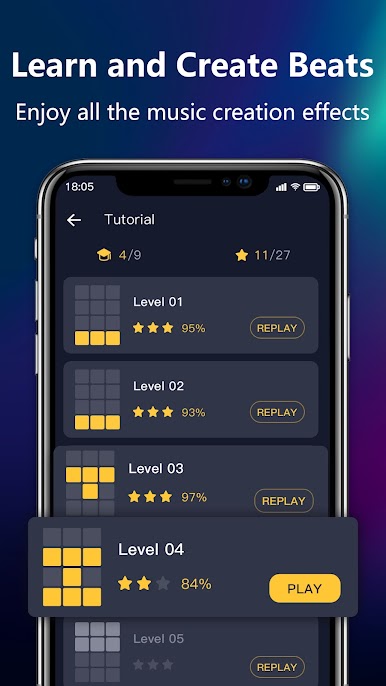
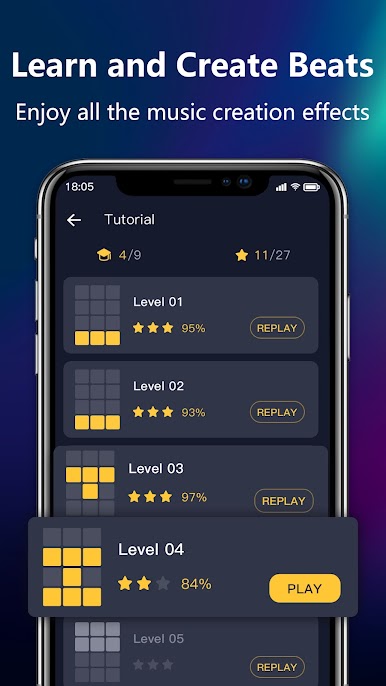
There are guided lessons that show how the layout works, a built in recorder for saving happy accidents, and a basic editor to tweak loops. Everything looks clean and the samples are fairly high quality, so a loop can sound tight right away. Running it on PC with BlueStacks gives the grid more room and makes timing with a mouse or key mapping easier. It is not a full DAW, but it does a neat job for quick sketching and casual beat-making. Some people will enjoy practicing patterns and sharing short clips, others will use it for quick ideas before finishing tracks elsewhere.
Switch to BlueStacks and make the most of your apps on your PC or Mac.

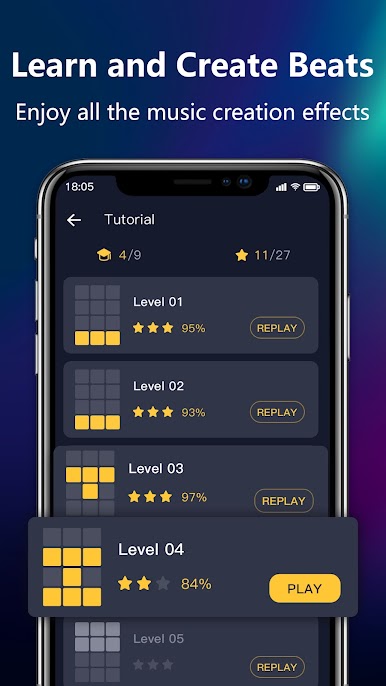
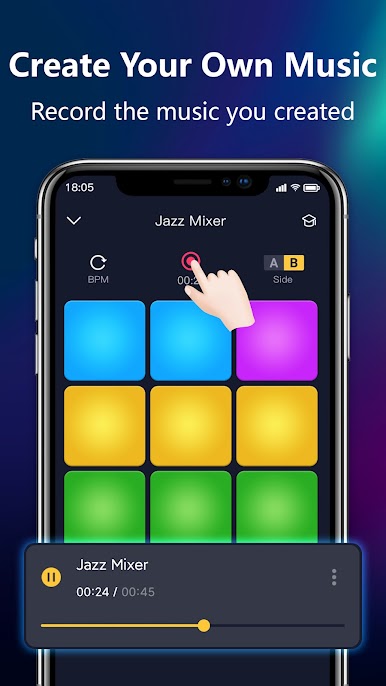
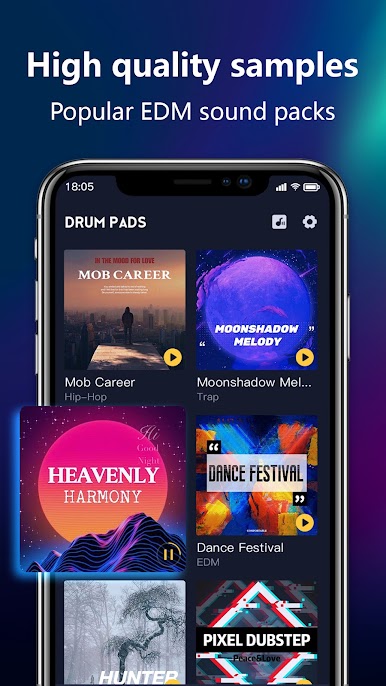
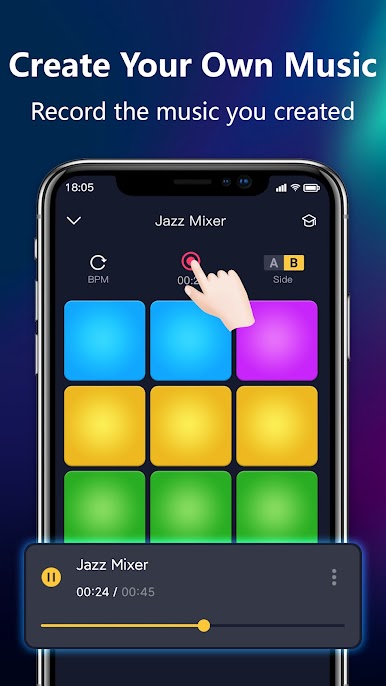


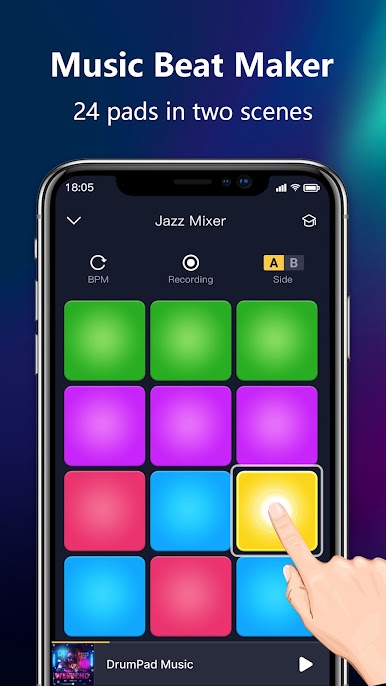
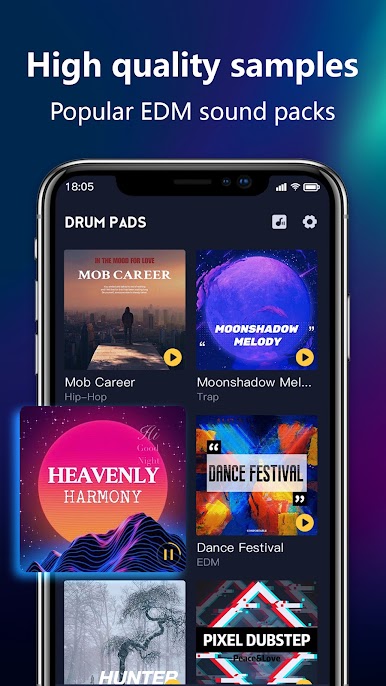
Drum Pad: Müzik ve Beat Yapıcı oyununu PC'de oyna. Başlamak çok kolay.
-
BlueStacks'i PC'nize İndirin ve Yükleyin
-
Play Store'a erişmek için Google girişi yapın ya da daha sonraya bırakın.
-
Sağ üst köşeye Drum Pad: Müzik ve Beat Yapıcı yazarak arayın.
-
Drum Pad: Müzik ve Beat Yapıcı uygulamasını arama sonuçlarından indirmek için tıklayın.
-
(iEğer Adım 2'yi atladıysanız) Drum Pad: Müzik ve Beat Yapıcı uygulamasını yüklemek için Google'a giriş yapın.
-
Oynatmaya başlatmak için ekrandaki Drum Pad: Müzik ve Beat Yapıcı ikonuna tıklayın.

