

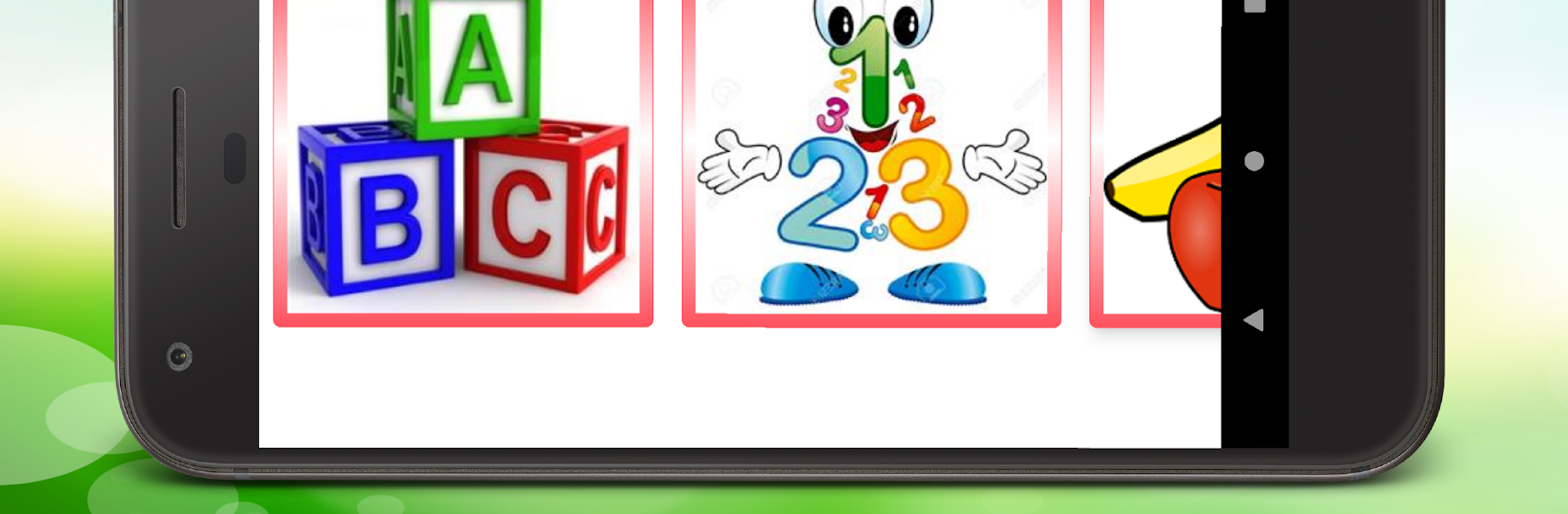
Early Learning App For Kids
BlueStacksを使ってPCでプレイ - 5憶以上のユーザーが愛用している高機能Androidゲーミングプラットフォーム

Run Early Learning App For Kids on PC or Mac
Upgrade your experience. Try Early Learning App For Kids, the fantastic Education app from Early Learn, from the comfort of your laptop, PC, or Mac, only on BlueStacks.
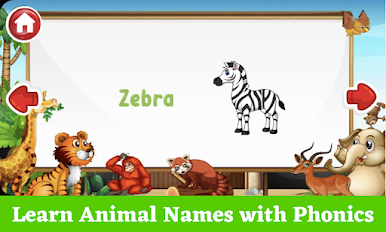
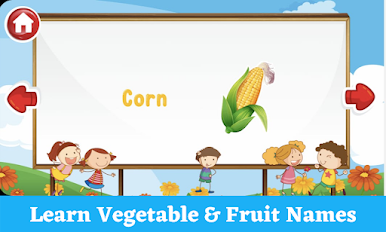
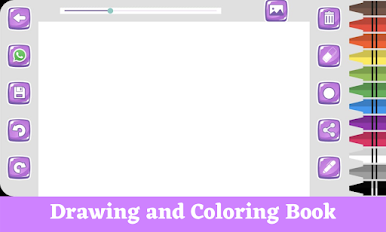
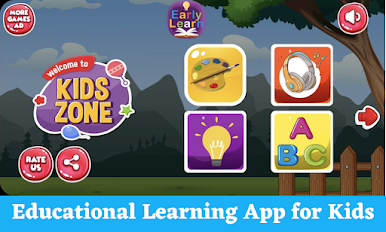
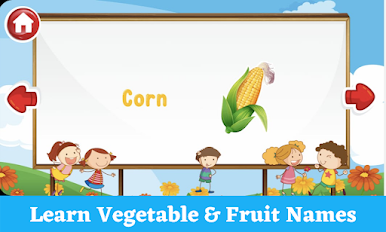
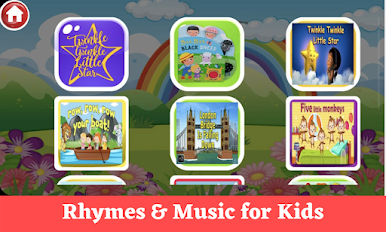
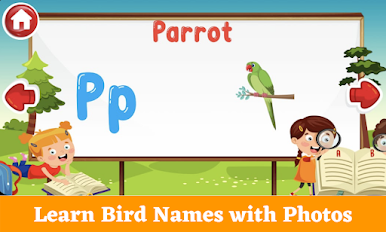
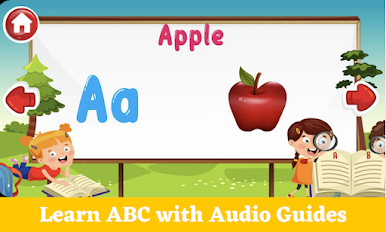
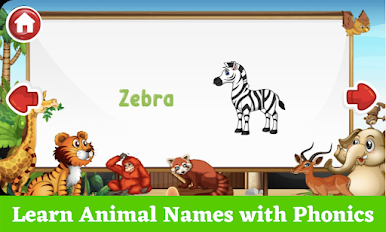
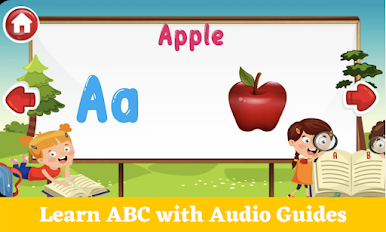
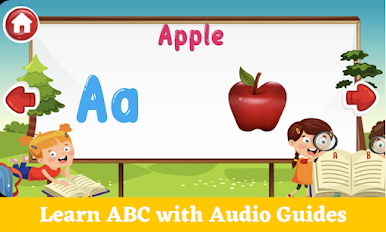
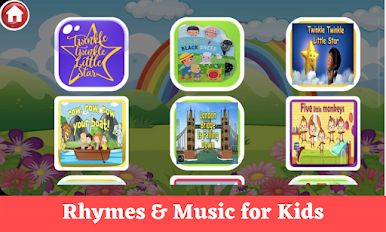
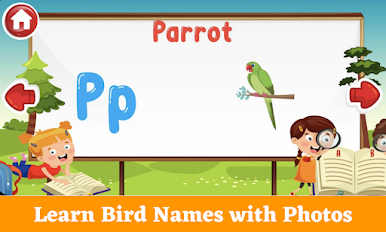
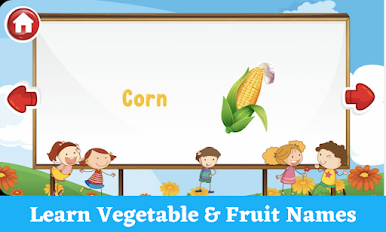
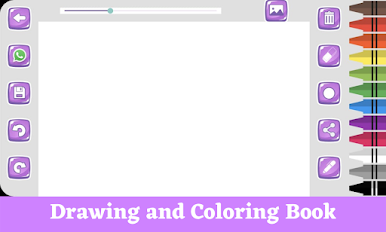
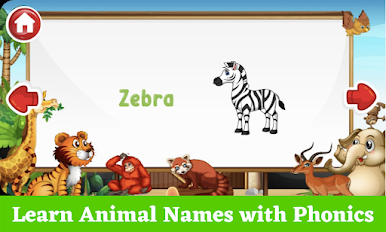
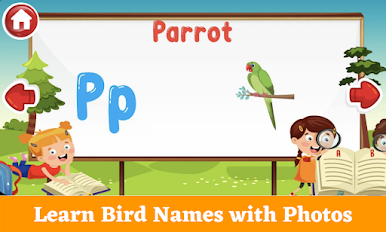
So, Early Learning App For Kids is one of those apps that’s just got a whole bunch of classic learning stuff for little ones, but it pulls it all together in this bright package that’s pretty upbeat. Kids get to play around with the basics—ABC, numbers, animals, fruits, and all those common preschool things. The app’s a mix of tracing letters, listening to sounds, and matching games, which is nice because it switches things up so kids don’t get bored staring at the same thing. Nursery rhymes are included too, which can keep things lively if someone’s got a short attention span.
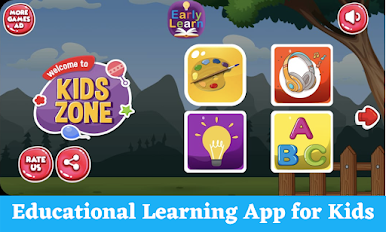
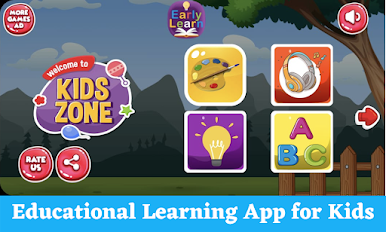
The app’s interface actually stands out. It keeps the fun stuff front and center while tucking away any menus or buttons that might distract or let kids accidentally exit, so they can do their thing without random pop-ups or outside ads. And no in-app purchases, which is always a relief when handing over the mouse or touchscreen. There are some little rewards like stickers and toys too as kids finish up activities—it’s simple, but young kids seem to really get a kick out of those. On PC with BlueStacks, everything’s bigger and easier to tap, so it works for kids who want to use something larger than a phone or tablet. The app even lets adults poke around in the settings, check progress, or tweak how the tracing and sounds work, so it’s not just a set-and-forget thing. If someone’s after a kid-friendly way to practice the early learning basics, this packs a lot in without making things complicated.
Ready to experience Early Learning App For Kids on a bigger screen, in all its glory? Download BlueStacks now.





Early Learning App For KidsをPCでプレイ
-
BlueStacksをダウンロードしてPCにインストールします。
-
GoogleにサインインしてGoogle Play ストアにアクセスします。(こちらの操作は後で行っても問題ありません)
-
右上の検索バーにEarly Learning App For Kidsを入力して検索します。
-
クリックして検索結果からEarly Learning App For Kidsをインストールします。
-
Googleサインインを完了してEarly Learning App For Kidsをインストールします。※手順2を飛ばしていた場合
-
ホーム画面にてEarly Learning App For Kidsのアイコンをクリックしてアプリを起動します。

