


SuperVision+ 확대경
5억명 이상의 게이머가 신뢰하는 안드로이드 게임 플랫폼 BlueStacks으로 PC에서 플레이하세요.

Run SuperVision+ Magnifier No Ads on PC or Mac
Multitask effortlessly on your PC or Mac as you try out SuperVision+ Magnifier No Ads, a Tools app by SERI_MEE on BlueStacks.
About the App
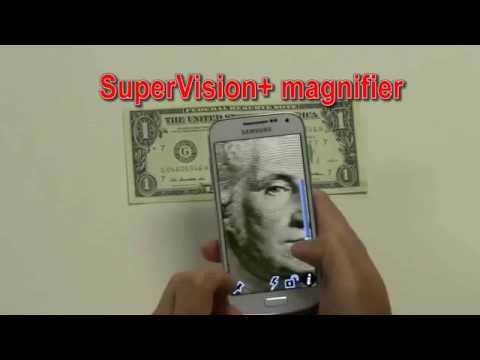
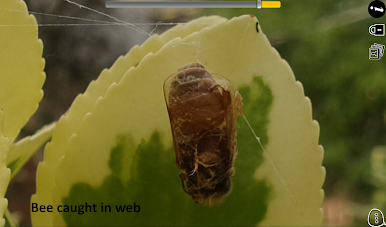
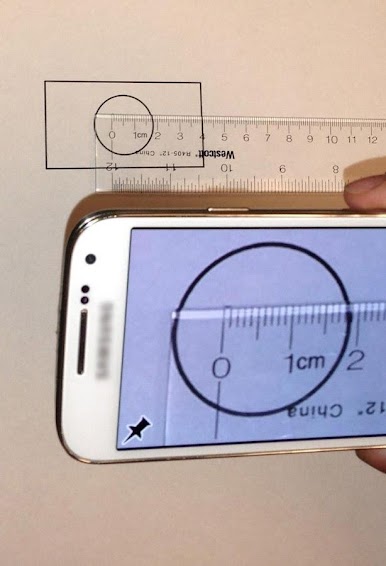
Sometimes you just need to see things a bit clearer—whether it’s tiny print on a label, a distant street sign, or the details on a coin. SuperVision+ Magnifier No Ads offers an easy way to zoom in, no squinting required. Designed with simplicity in mind, it transforms your phone into a powerful digital magnifying glass, no fuss or clutter.
App Features
-
Super-Sized Buttons
Forget fumbling around—these big, bold buttons are easy to spot and a breeze to use. Super handy if you’re using the app on the go or if precision isn’t your thing. -
Freeze and Zoom
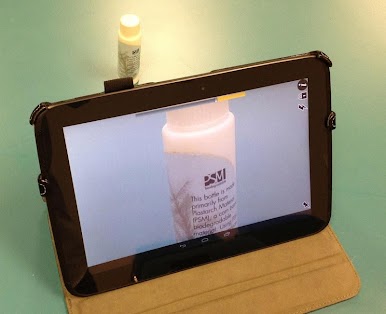
Snap a pause on what you’re seeing. The freeze feature lets you lock in a high resolution image and check out the details at your own pace—perfect for relabeling that stubborn prescription bottle or reading instructions. -
Flexible One or Two-Handed Operation
Handy whether you’ve got your other hand full or just want more control. You choose how you hold and use the app. -
Landscape Support
Sometimes, you need a wider view. Just flip your phone and the app adapts—no awkward rotations needed. -
Bright Flashlight
Tap a button to add some extra light right when you need it. That dim-lit menu won’t stand a chance. -
Save to Gallery
Keep useful magnified images for later by saving them straight to your gallery—reference them anytime you want. -
Simple Sharing
Need to show someone what you’ve found? Share images straight through your favorite social networks, hassle-free. -
Ad-Free Experience
No interruptions or distractions. Just clear magnification, plain and simple.
SuperVision+ Magnifier No Ads by SERI_MEE works well on your phone and can be used on your PC through BlueStacks if you prefer the big screen.
Big screen. Bigger performance. Use BlueStacks on your PC or Mac to run your favorite apps.
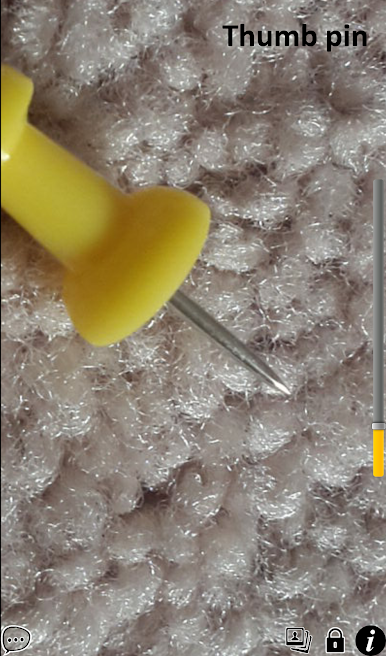


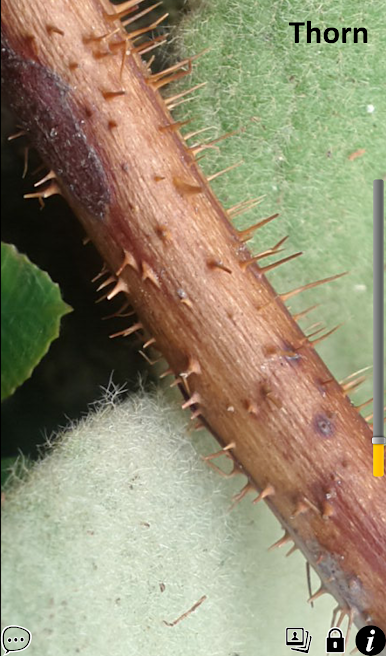
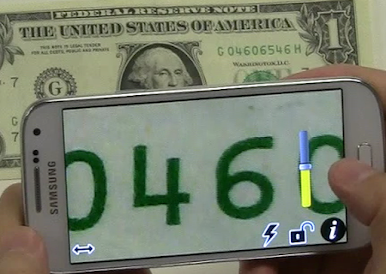
PC에서 SuperVision+ 확대경 플레이해보세요.
-
BlueStacks 다운로드하고 설치
-
Google Play 스토어에 로그인 하기(나중에 진행가능)
-
오른쪽 상단 코너에 SuperVision+ 확대경 검색
-
검색 결과 중 SuperVision+ 확대경 선택하여 설치
-
구글 로그인 진행(만약 2단계를 지나갔을 경우) 후 SuperVision+ 확대경 설치
-
메인 홈화면에서 SuperVision+ 확대경 선택하여 실행

