


English with videos
Play on PC with BlueStacks – the Android Gaming Platform, trusted by 500M+ gamers.

Page Modified on: Feb 11, 2025
Run eJOY Learn English with Videos on PC or Mac
Why limit yourself to your small screen on the phone? Run eJOY Learn English with Videos, an app by eJoy JSC, best experienced on your PC or Mac with BlueStacks, the world’s #1 Android emulator.
About the App
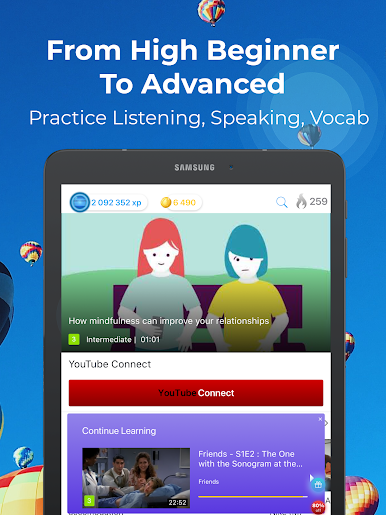
If you’ve ever wished learning English could be a little more fun—or at least less dull—eJOY Learn English with Videos might be what you’re looking for. Made by eJoy JSC, the app takes real video clips and turns them into bite-sized lessons. Whether you’re brushing up your listening, practicing pronunciation, or just looking to build out your vocabulary without falling asleep, this app’s interactive style is designed to keep things interesting. Expect a mix of educational games, custom word lists, and even speech analysis, with your progress synced across all your devices.
App Features
-
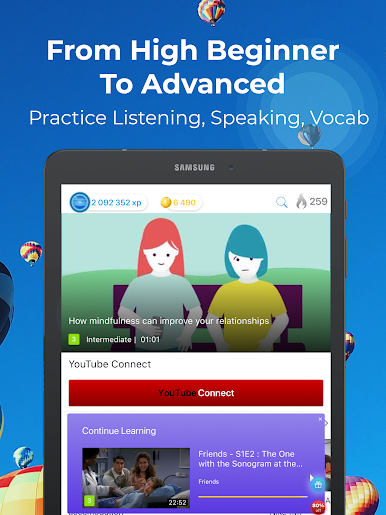
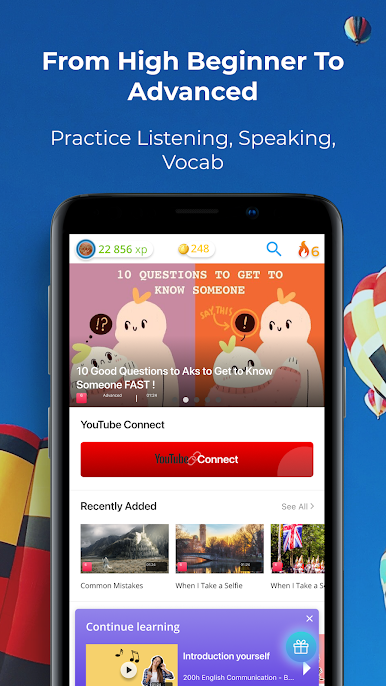
Learn with Real Videos
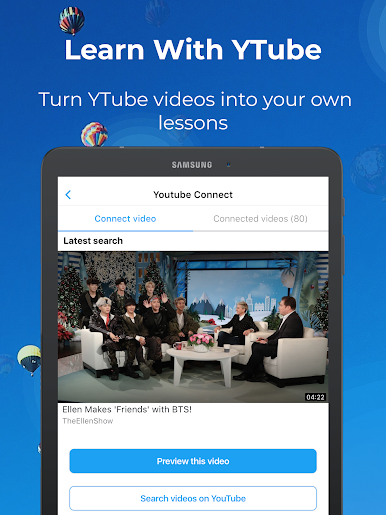
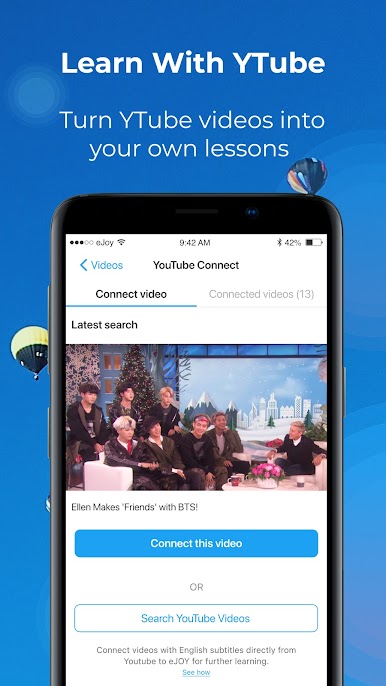
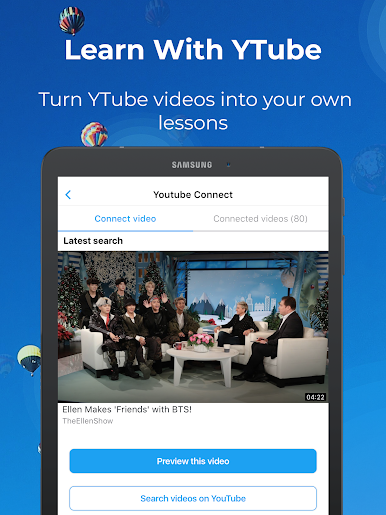
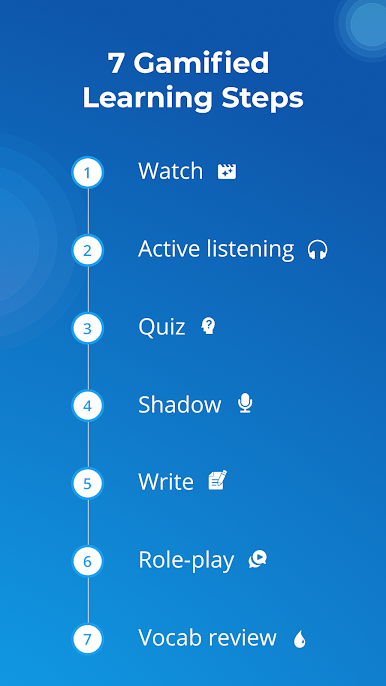
Pick videos that match your interests and skill level. You can even connect your favorite YouTube clips and start learning through the content you actually enjoy watching. -
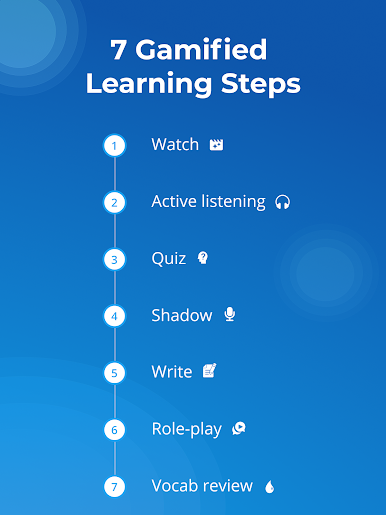
Active Listening and Pronunciation Practice
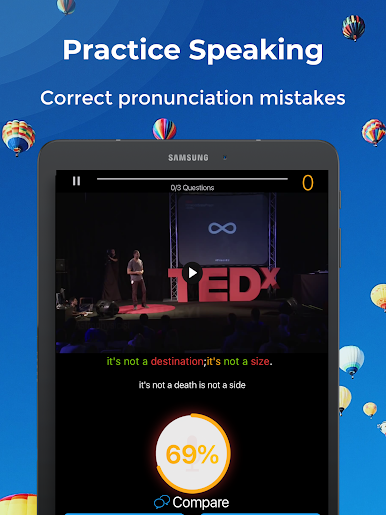
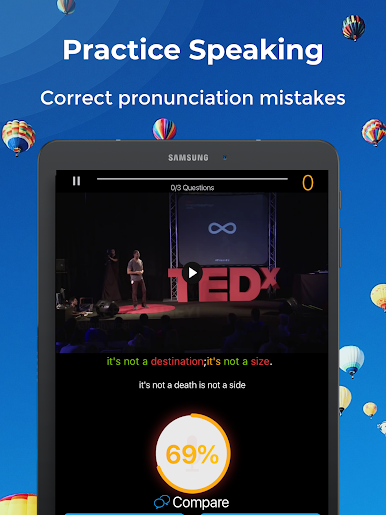
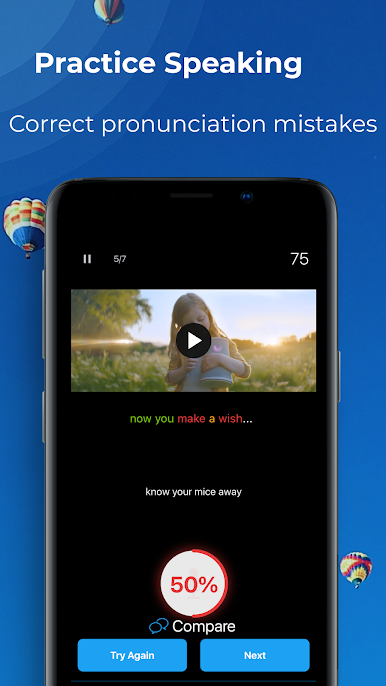
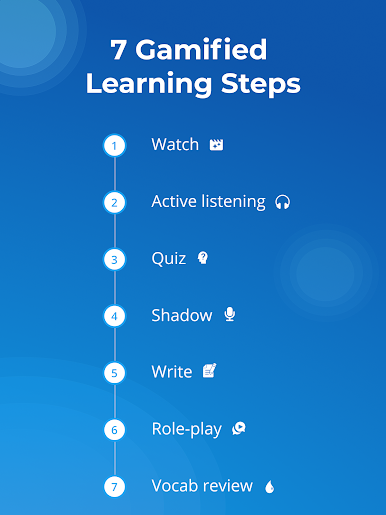
Challenge yourself to listen without subtitles or try a “shadowing” routine, where you repeat lines and get instant feedback on your pronunciation thanks to the built-in speech recognition. -
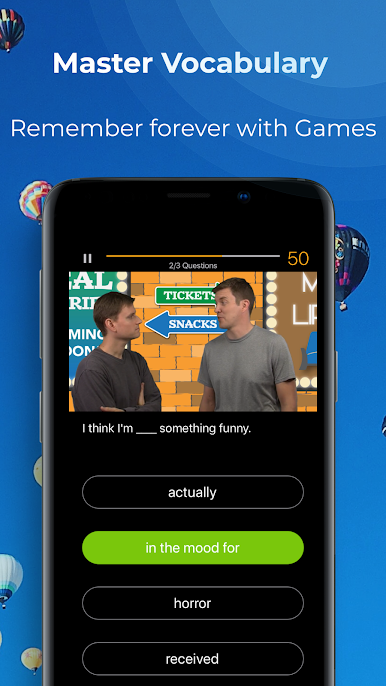
Interactive Games & Quizzes
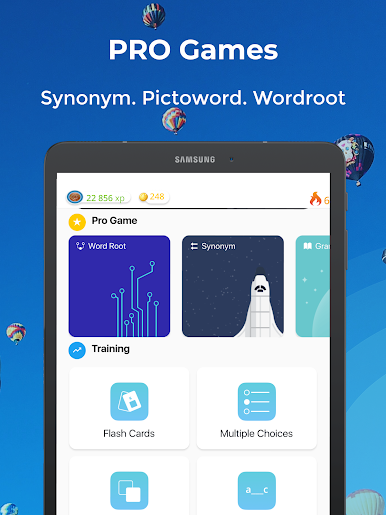
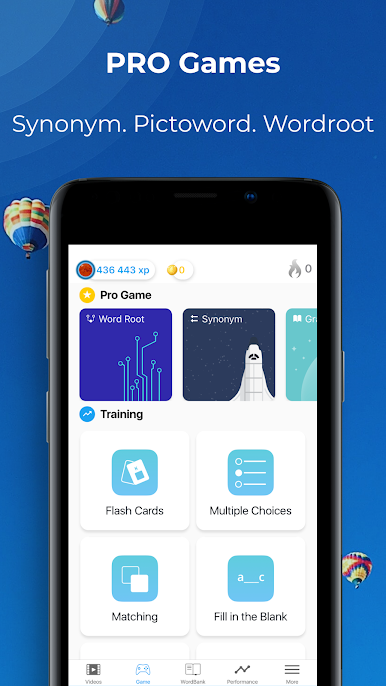
Break up study time with games that range from grammar puzzles and synonym matches to fun vocabulary challenges like pictowords and homophones. -
Role-Playing Dialogues
Step into the shoes of a movie character (or anyone in the video) and try acting out entire lines, focusing on everything from intonation to linking words. -
Handy Vocabulary Tools
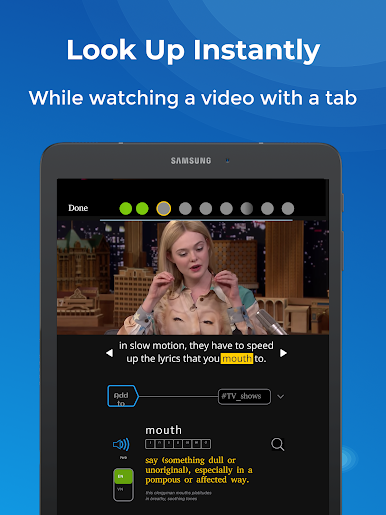
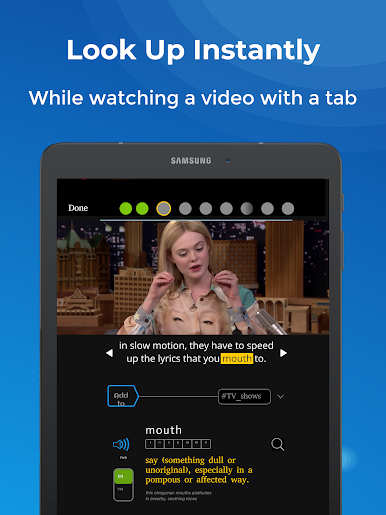
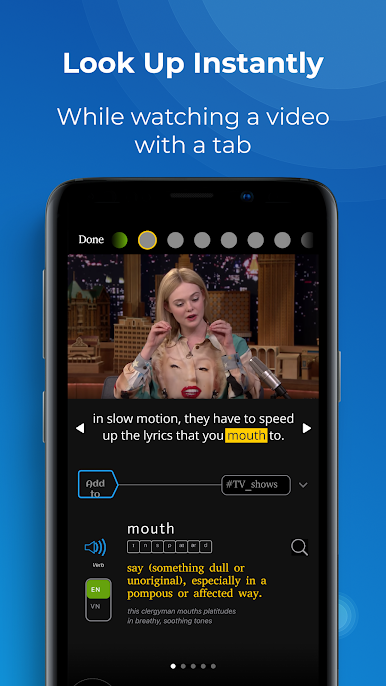
Look up unfamiliar words quickly and save them to custom word books organized by topic or class. Spaced repetition lets you review words before you forget them, and your personal phrasebook syncs automatically. -
Offline Learning
Lost your internet connection? No big deal. You can practice vocabulary and look up words in the offline dictionary whenever you want. -
All Progress in One Place
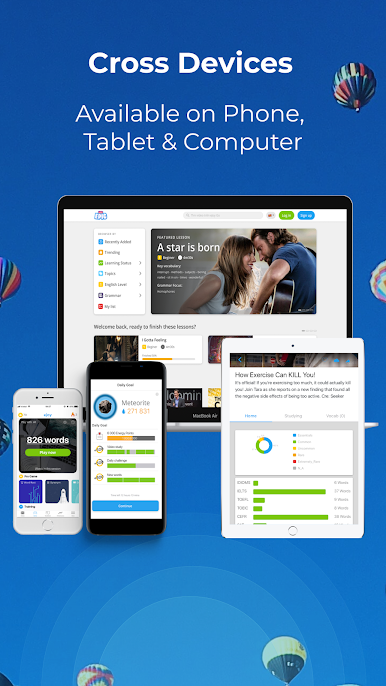
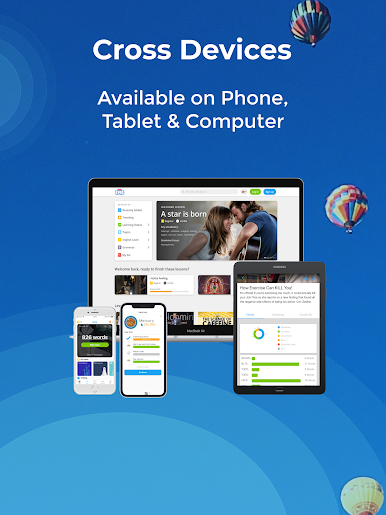
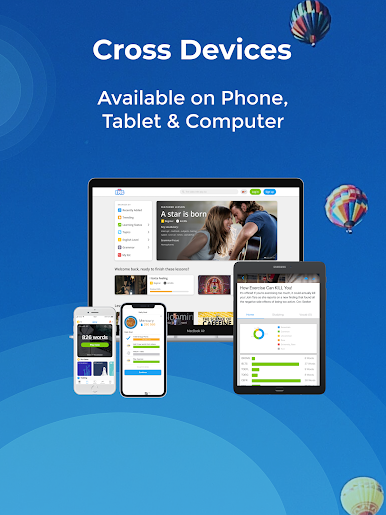
Whether you’re on your phone, tablet, or using BlueStacks on your laptop, your learning streaks, word progress, and even custom content carry across all your devices. -
Full, Unlimited Experience with PRO
Upgrade once for unlimited videos, full access to all courses, more interactive games, and a huge library of real-world lessons that cover grammar, listening, and vocabulary skills. New features drop in regularly, too.
Ready to experience eJOY Learn English with Videos on a bigger screen, in all its glory? Download BlueStacks now.



Play English with videos on PC. It’s easy to get started.
-
Download and install BlueStacks on your PC
-
Complete Google sign-in to access the Play Store, or do it later
-
Look for English with videos in the search bar at the top right corner
-
Click to install English with videos from the search results
-
Complete Google sign-in (if you skipped step 2) to install English with videos
-
Click the English with videos icon on the home screen to start playing

