


Classificatori Chinesimple
Gioca su PC con BlueStacks: la piattaforma di gioco Android, considerata affidabile da oltre 500 milioni di giocatori.

Pagina modificata il: Oct 29, 2025
Run Classifiers Chinesimple on PC or Mac
Why limit yourself to your small screen on the phone? Run Classifiers Chinesimple, an app by Khanji School, best experienced on your PC or Mac with BlueStacks, the world’s #1 Android emulator.
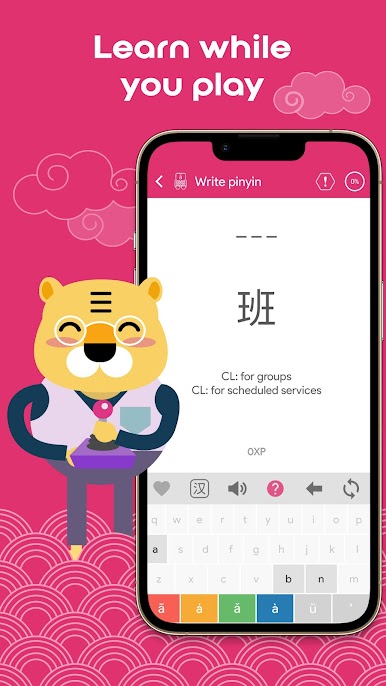
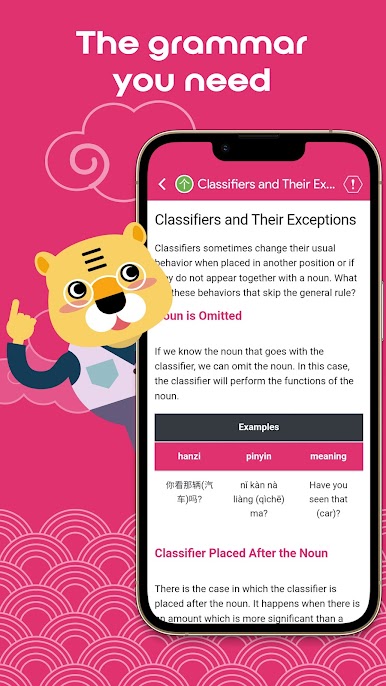
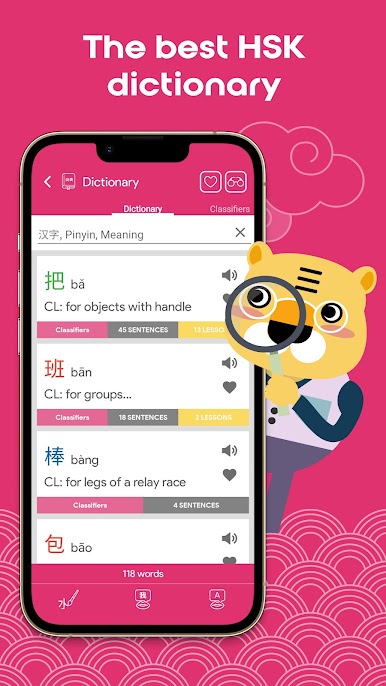
Classifiers Chinesimple feels like a tidy Mandarin study desk on the screen, built around those tricky measure words that everyone forgets. It sets things up simply, with short lessons that explain what a classifier does, then moves straight into practice so it sticks. There is a little guide character named Bingo that drops tips here and there, which keeps it friendly without getting in the way. The app pulls in a lot of pieces at once, so it works as a mini dictionary, a writing trainer, and a listening tool all together.
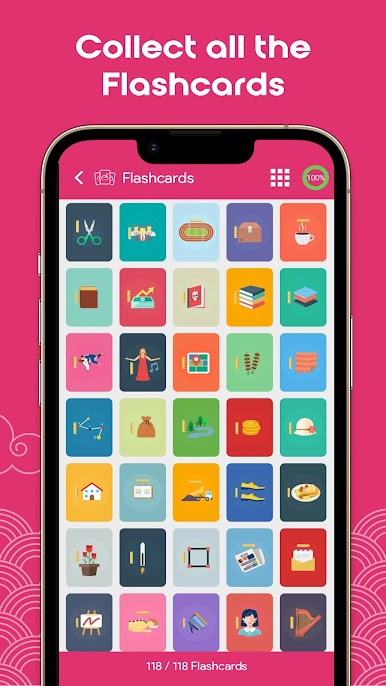
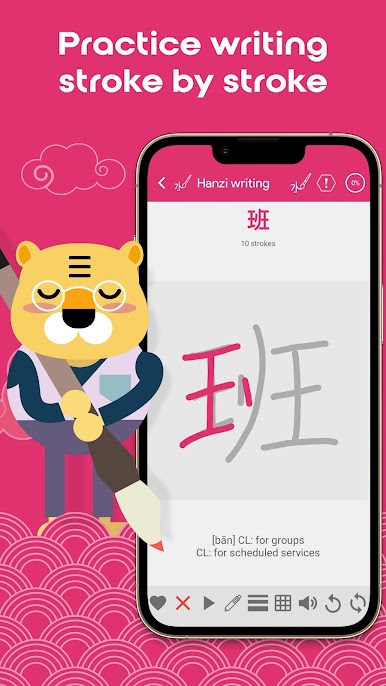
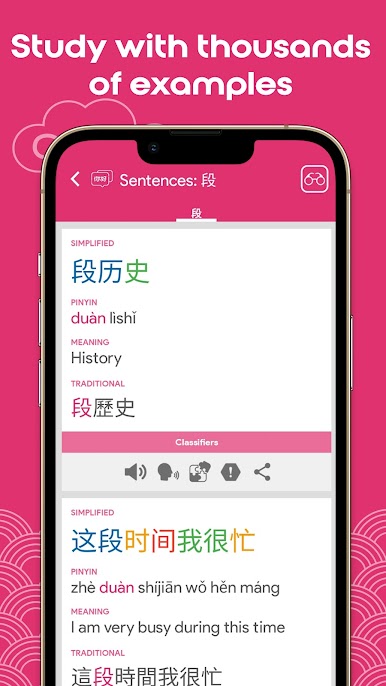
The standout is how visual everything is. Each classifier has a flashcard with a picture, plus example sentences so it is clear where it fits in a phrase. Audio is native and clean, and there is a basic voice check so users can test pronunciation without feeling judged. The handwriting side is strong. Stroke order animations look like natural pen strokes, and the app cares about the correct sequence instead of letting sloppy swipes pass. It covers simplified and traditional characters, which is handy if someone studies for mainland content but also wants to recognize forms from Taiwan or Hong Kong.
Running it on PC with BlueStacks makes the writing practice easier, since tracing strokes with a mouse or tablet feels steadier, and the bigger screen helps when comparing characters line by line. Switching views and reviewing longer example sentences is just more comfortable on a monitor.
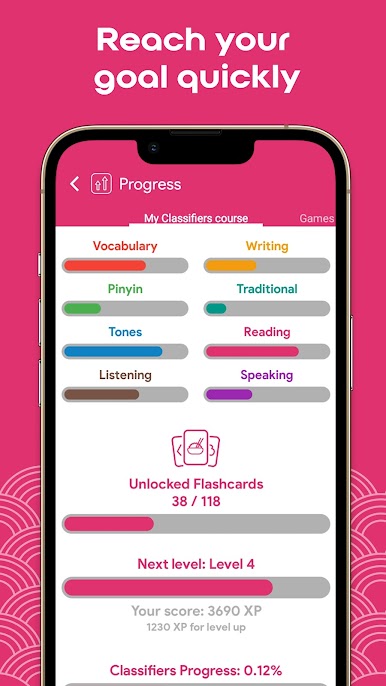
Progress tracking is straightforward, with quick tests that show what has stuck and what needs another pass. The interface supports multiple languages, so menus and tips are understandable even if English is not the first language. It suits beginners and lower-intermediate learners who want classifiers to finally make sense, and there is enough repetition to keep reviewing without getting lost. No fluff, just a lot of clear, guided practice that nudges toward real usage. It does alot, but everything stays focused on the goal of using the right words with the right nouns.
Big screen. Bigger performance. Use BlueStacks on your PC or Mac to run your favorite apps.

Gioca Classificatori Chinesimple su PC. È facile iniziare.
-
Scarica e installa BlueStacks sul tuo PC
-
Completa l'accesso a Google per accedere al Play Store o eseguilo in un secondo momento
-
Cerca Classificatori Chinesimple nella barra di ricerca nell'angolo in alto a destra
-
Fai clic per installare Classificatori Chinesimple dai risultati della ricerca
-
Completa l'accesso a Google (se hai saltato il passaggio 2) per installare Classificatori Chinesimple
-
Fai clic sull'icona Classificatori Chinesimple nella schermata principale per iniziare a giocare

