


Clock and time for kids (FREE)
Jouez sur PC avec BlueStacks - la plate-forme de jeu Android, approuvée par + 500M de joueurs.

Page Modifiée le: Dec 23, 2025
Aperçu
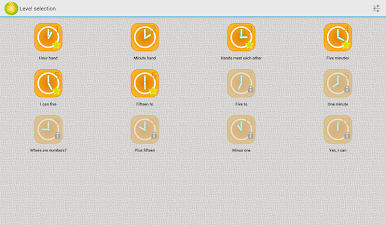
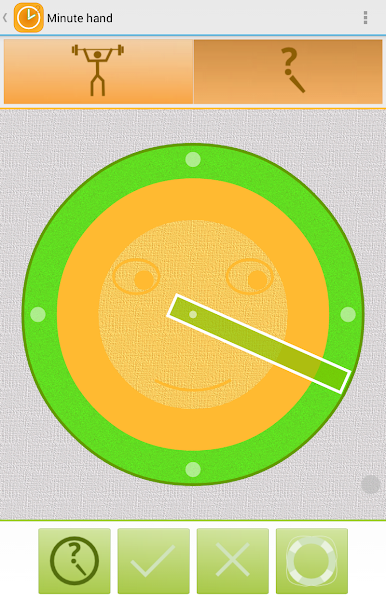
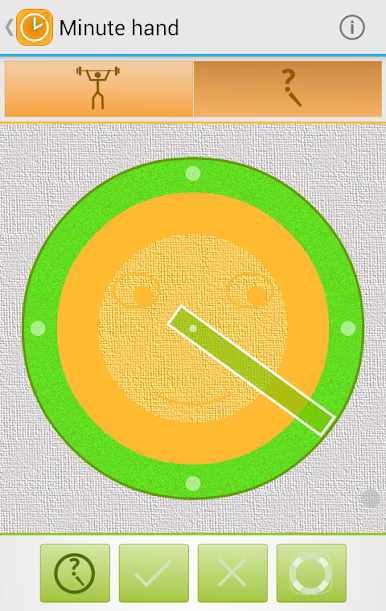
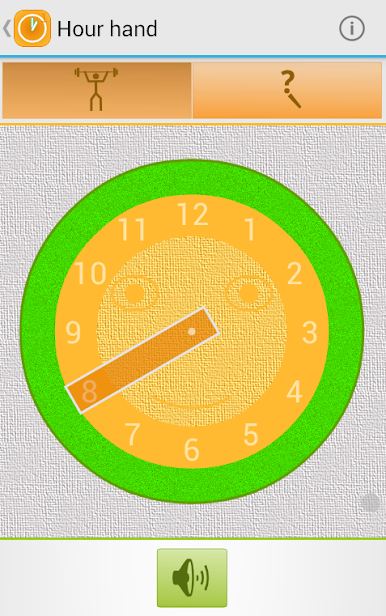
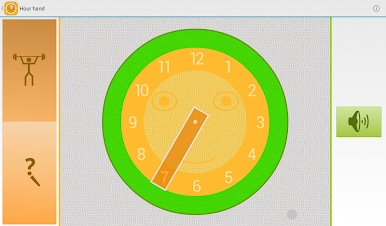
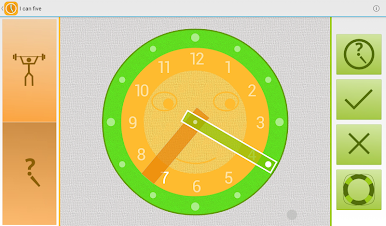
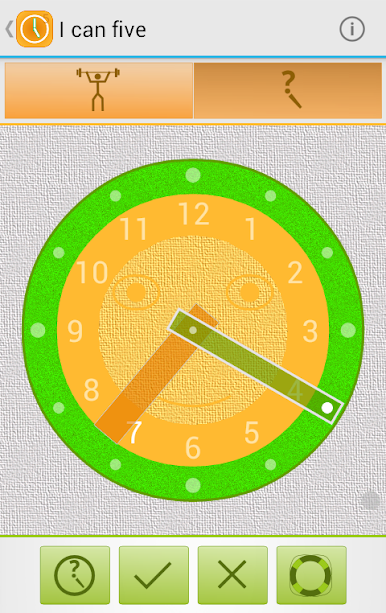
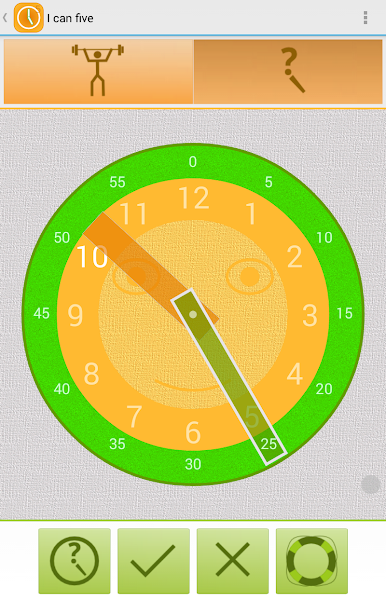
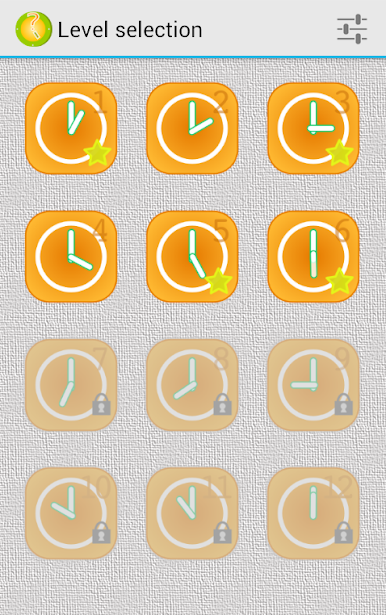
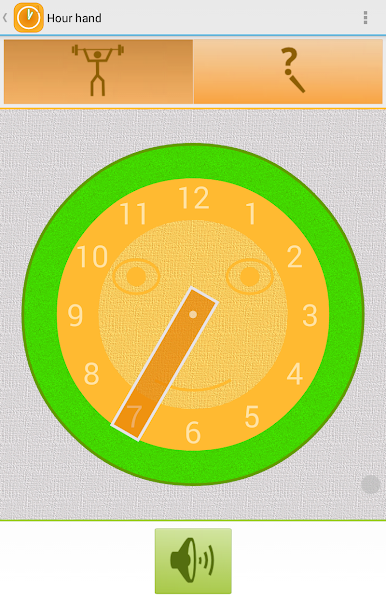
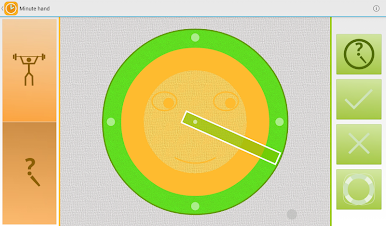
"What time is it?" helps kids to learn how to read a clock and tell time. Six levels with increasing difficulty allow a child to get familiar with the clock and how time "works". Funny "talking" clock says what time it shows and provide a variety of exercises to the learning material.
The clock can "speak" following languages:
- English (computer voice, if your device supports it)
- Russian
- German
- Spanish
- Portuguese
This free version contains:
- first six levels (from simple presentations of minute and hour hands to the understanding of "half past one" or "quarter to five")
- no ads
- no "in-app" products
Jouez à Clock and time for kids (FREE) sur PC. C'est facile de commencer.
-
Téléchargez et installez BlueStacks sur votre PC
-
Connectez-vous à Google pour accéder au Play Store ou faites-le plus tard
-
Recherchez Clock and time for kids (FREE) dans la barre de recherche dans le coin supérieur droit
-
Cliquez pour installer Clock and time for kids (FREE) à partir des résultats de la recherche
-
Connectez-vous à Google (si vous avez ignoré l'étape 2) pour installer Clock and time for kids (FREE)
-
Cliquez sur l'icône Clock and time for kids (FREE) sur l'écran d'accueil pour commencer à jouer

