

수학 트릭(암산 연습) PRO
5억명 이상의 게이머가 신뢰하는 안드로이드 게임 플랫폼 BlueStacks으로 PC에서 플레이하세요.

Run Math Tricks PRO on PC or Mac
What’s better than using Math Tricks PRO by Antoni Ion? Well, try it on a big screen, on your PC or Mac, with BlueStacks to see the difference.
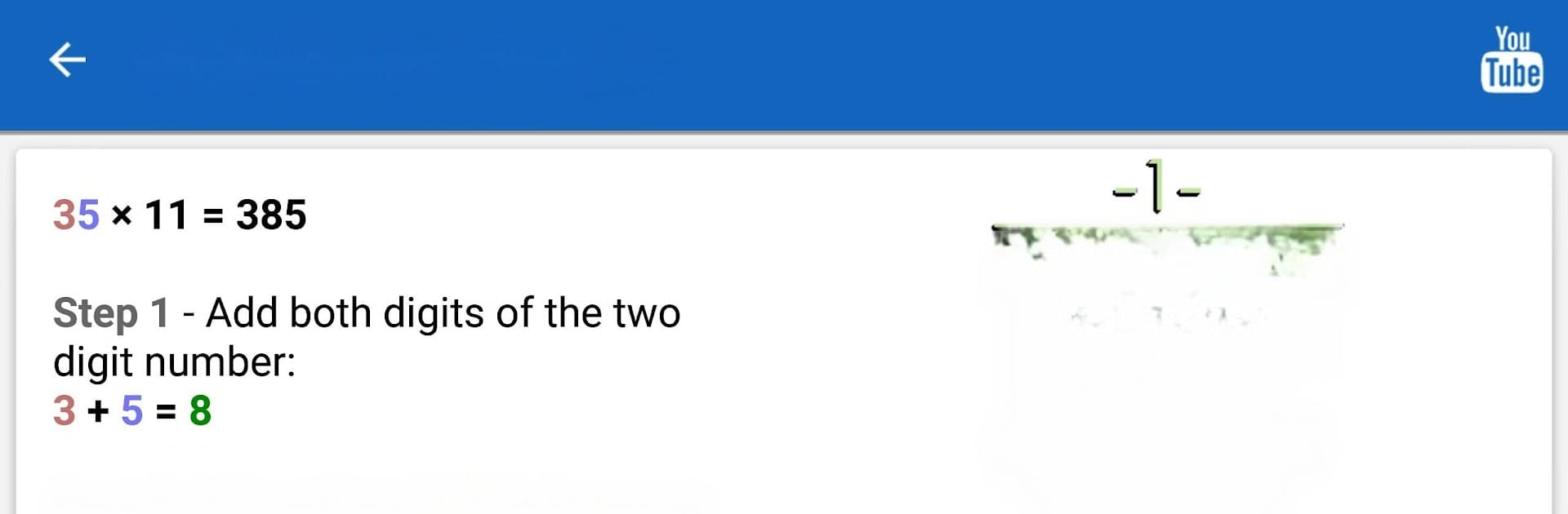
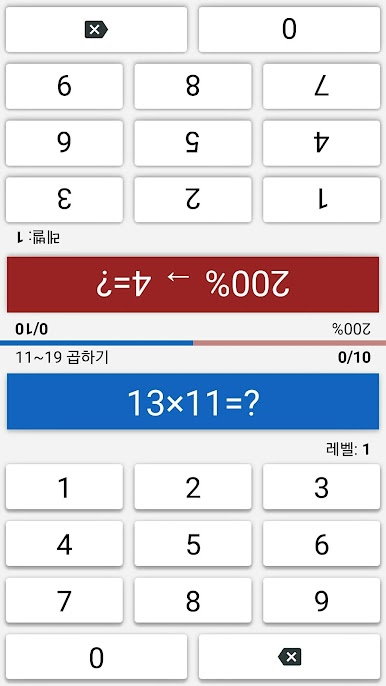
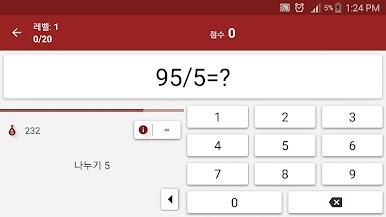
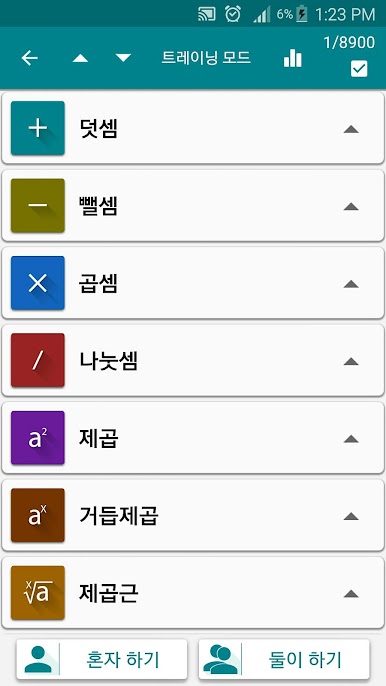
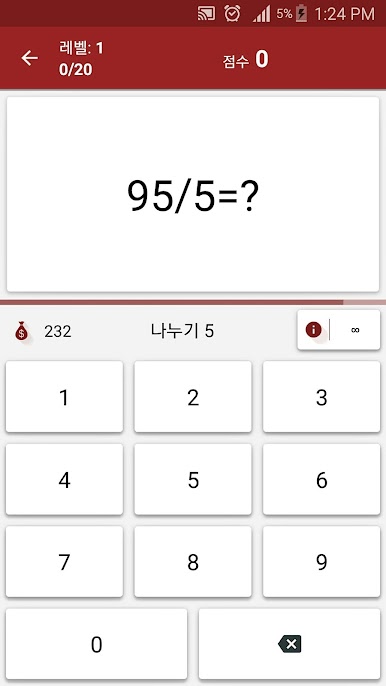
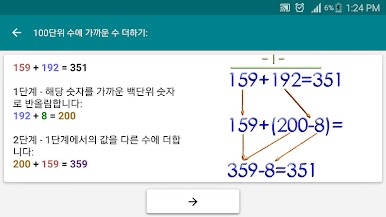
Math Tricks PRO is actually pretty fun if you like math or even just want to get a bit quicker with numbers. The whole setup is about learning little shortcuts for basic calculations, so instead of just grinding regular problems, there are tricks that make things like multiplication and addition feel less like a chore. There’s this focus on making mental math easier and faster, which you don’t really get from usual apps or textbooks. You’ll run into ways to do things like multiply bigger numbers in your head that actually work, and after a while, you notice patterns popping up that weren’t obvious before.
Anyone who’s trying to get better at math for school, or who just doesn’t want to reach for a calculator for every tiny thing, might get a lot out of this. There are basics like times tables if you want to practice, but also more unusual methods that give a different spin. It feels kind of game-like since it’s interactive, and using it on PC with BlueStacks makes everything clear and easy to click through, probably even smoother than on a phone screen. The whole thing’s pretty straightforward, not flashy, but it’s oddly satisfying to see yourself getting quicker and catching onto these little number tricks.
BlueStacks gives you the much-needed freedom to experience your favorite apps on a bigger screen. Get it now.

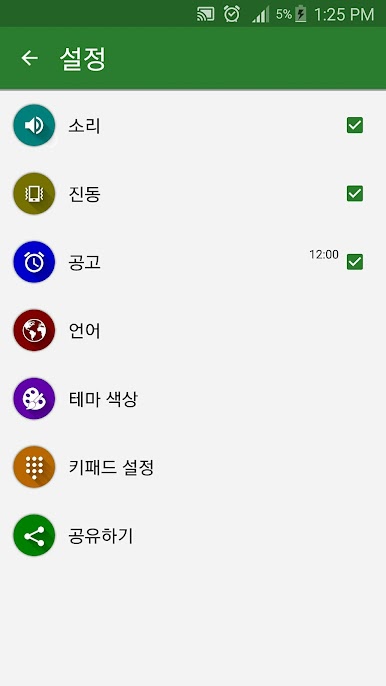
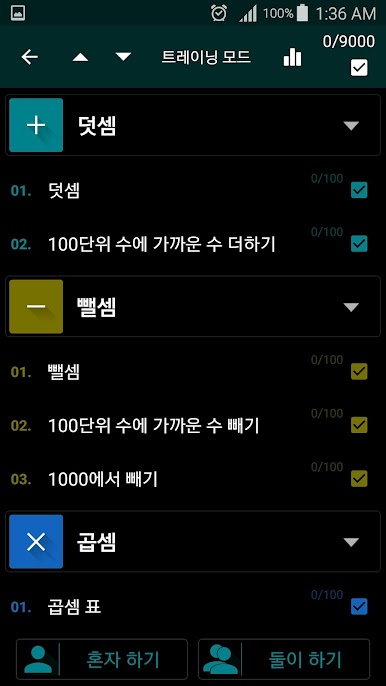
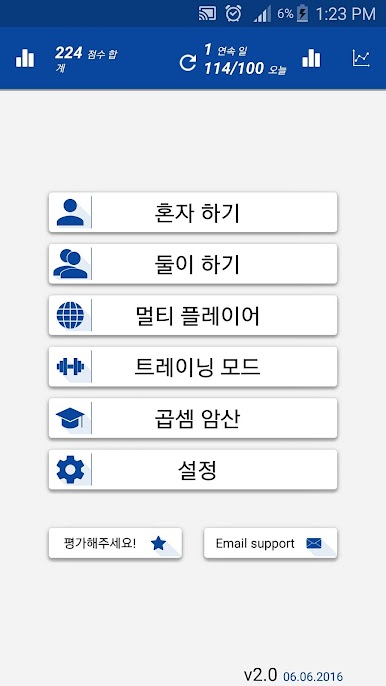
PC에서 수학 트릭(암산 연습) PRO 플레이해보세요.
-
BlueStacks 다운로드하고 설치
-
Google Play 스토어에 로그인 하기(나중에 진행가능)
-
오른쪽 상단 코너에 수학 트릭(암산 연습) PRO 검색
-
검색 결과 중 수학 트릭(암산 연습) PRO 선택하여 설치
-
구글 로그인 진행(만약 2단계를 지나갔을 경우) 후 수학 트릭(암산 연습) PRO 설치
-
메인 홈화면에서 수학 트릭(암산 연습) PRO 선택하여 실행

