

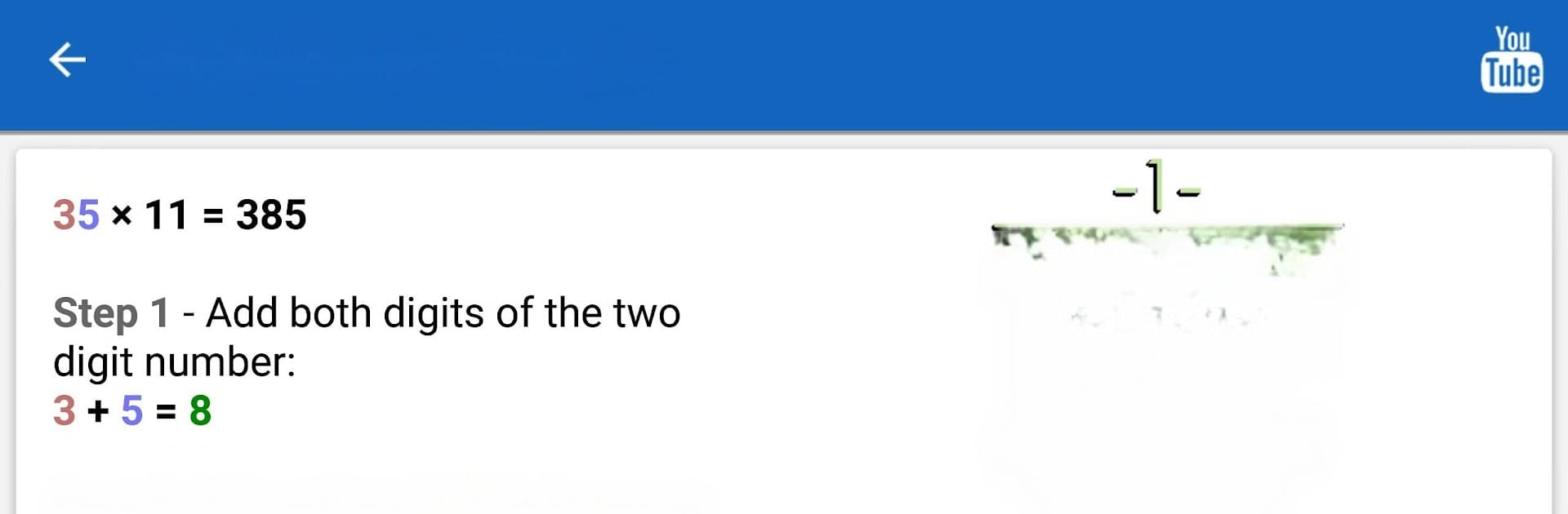
Mẹo Toán học PRO
Chơi trên PC với BlueStacks - Nền tảng chơi game Android, được hơn 500 triệu game thủ tin tưởng.

Trang đã được sửa đổi vào: Oct 30, 2025
Run Math Tricks PRO on PC or Mac
What’s better than using Math Tricks PRO by Antoni Ion? Well, try it on a big screen, on your PC or Mac, with BlueStacks to see the difference.
Math Tricks PRO is actually pretty fun if you like math or even just want to get a bit quicker with numbers. The whole setup is about learning little shortcuts for basic calculations, so instead of just grinding regular problems, there are tricks that make things like multiplication and addition feel less like a chore. There’s this focus on making mental math easier and faster, which you don’t really get from usual apps or textbooks. You’ll run into ways to do things like multiply bigger numbers in your head that actually work, and after a while, you notice patterns popping up that weren’t obvious before.
Anyone who’s trying to get better at math for school, or who just doesn’t want to reach for a calculator for every tiny thing, might get a lot out of this. There are basics like times tables if you want to practice, but also more unusual methods that give a different spin. It feels kind of game-like since it’s interactive, and using it on PC with BlueStacks makes everything clear and easy to click through, probably even smoother than on a phone screen. The whole thing’s pretty straightforward, not flashy, but it’s oddly satisfying to see yourself getting quicker and catching onto these little number tricks.
BlueStacks gives you the much-needed freedom to experience your favorite apps on a bigger screen. Get it now.
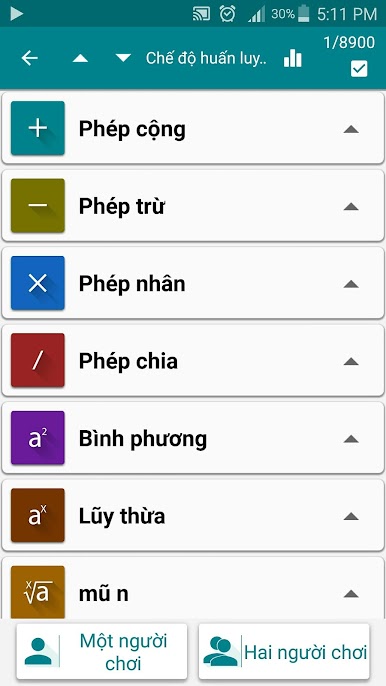
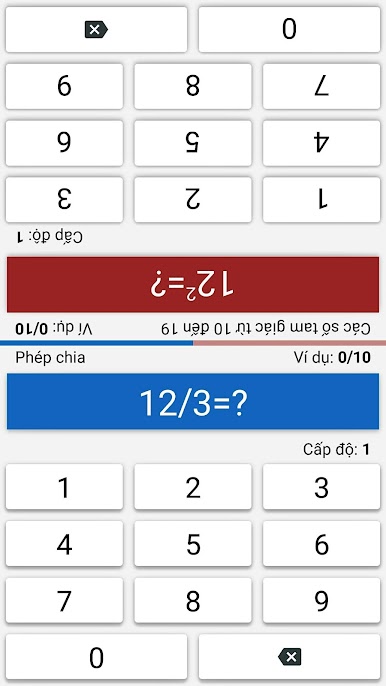

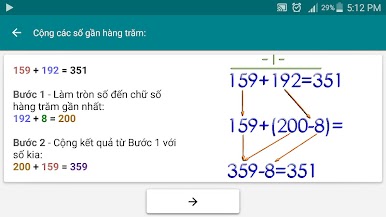
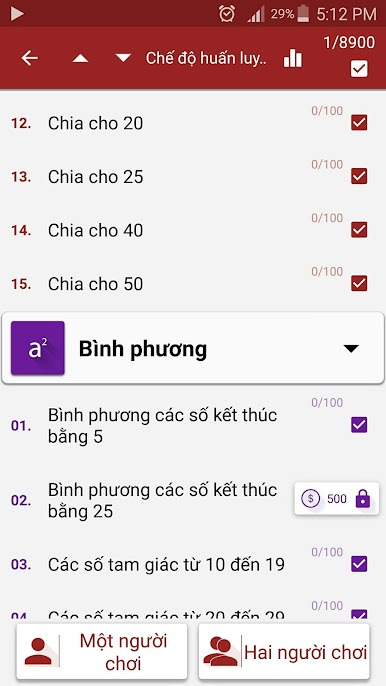
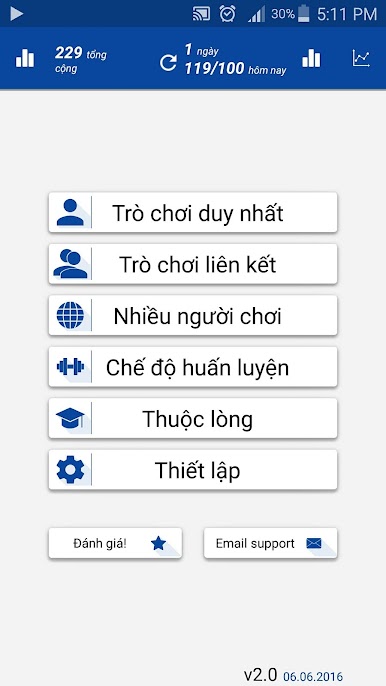
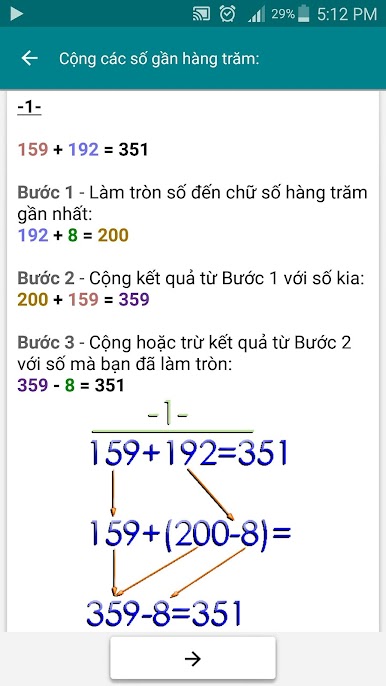
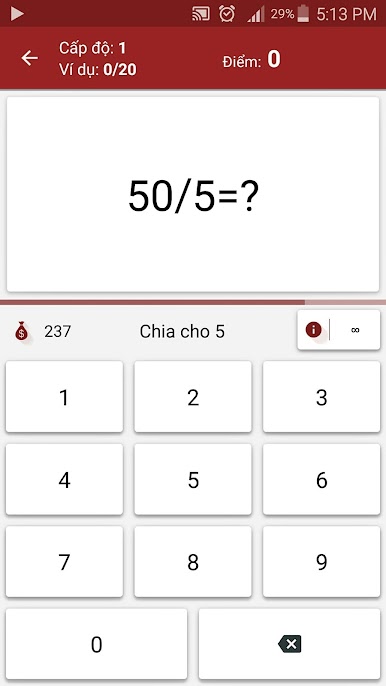
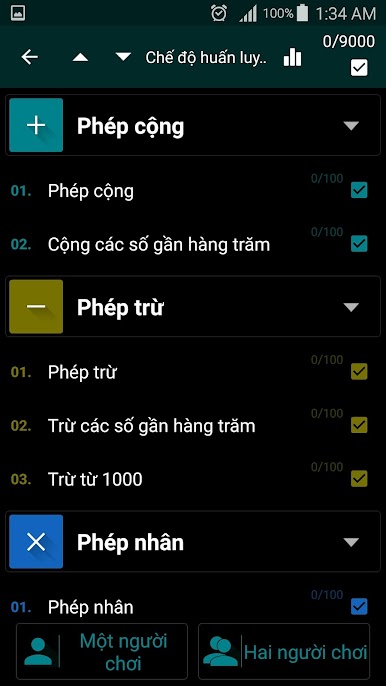
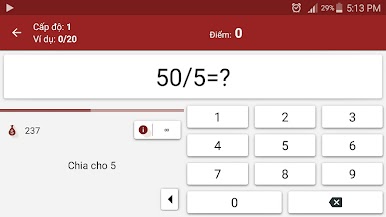
Chơi Mẹo Toán học PRO trên PC. Rất dễ để bắt đầu
-
Tải và cài đặt BlueStacks trên máy của bạn
-
Hoàn tất đăng nhập vào Google để đến PlayStore, hoặc thực hiện sau
-
Tìm Mẹo Toán học PRO trên thanh tìm kiếm ở góc phải màn hình
-
Nhấn vào để cài đặt Mẹo Toán học PRO trong danh sách kết quả tìm kiếm
-
Hoàn tất đăng nhập Google (nếu bạn chưa làm bước 2) để cài đặt Mẹo Toán học PRO
-
Nhấn vào icon Mẹo Toán học PRO tại màn hình chính để bắt đầu chơi

