


Temporizador de Treino
Jogue no PC com BlueStacks - A Plataforma de Jogos Android, confiada por mais de 500 milhões de jogadores.

Página modificada em: Sep 27, 2025
Play Interval Timer - HIIT & Tabata on PC
Exactly what you need for fitness interval training:
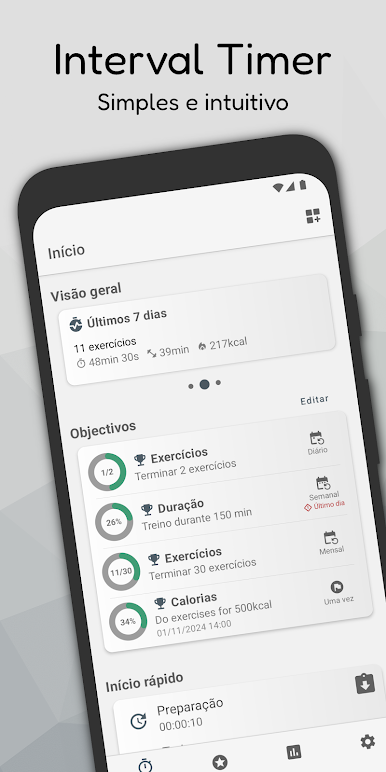
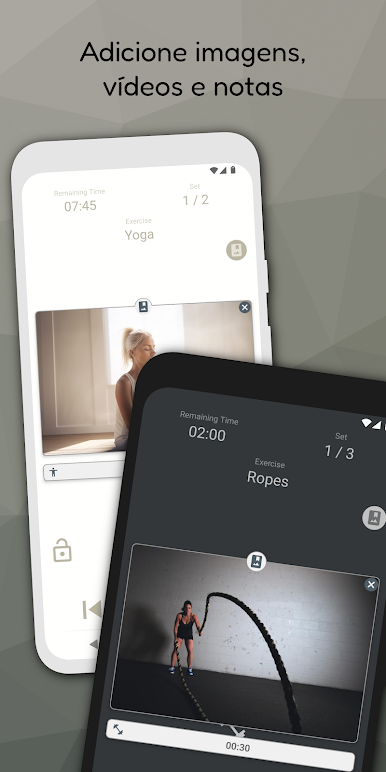
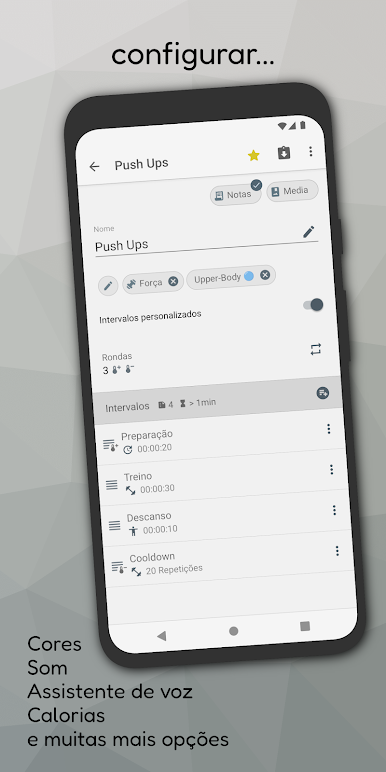
The Interval Timer allows you to configure training sessions with preparation time, exercise time, rest as well as sets and workout repetitions Its also possible to create your own custom intervals. Each training phase can be easily identified by its own color and is introduced with an individual signal (sound, vibration or voice announcement). You can also add notes, pictures and even videos to your workout so that you can always follow the training process exactly. This way, you can always keep an eye on the clock and time your workout perfectly. The ideal addition to your fitness training plan.
* Main features of the Interval Timer
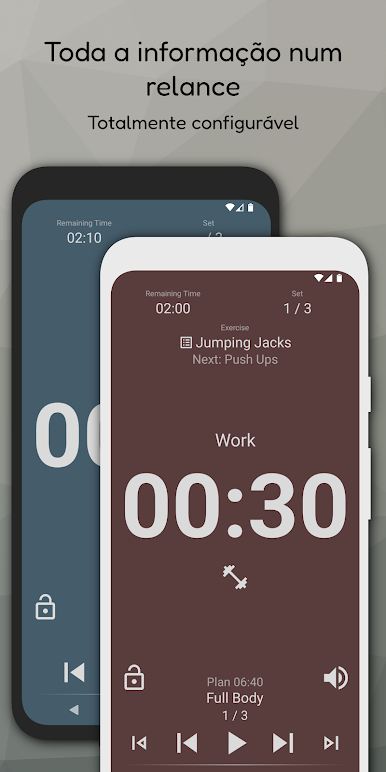
Create workouts with warm-up, preparation and exercise time, as well as break and sets or repetitions. Configure different signals (sound / vibration) and voice assistant. Add notes, pictures and videos to exercises. Large and individually configurable timer display. Show the training status as a notification when the timer is running in the background.
* Create and manage workouts
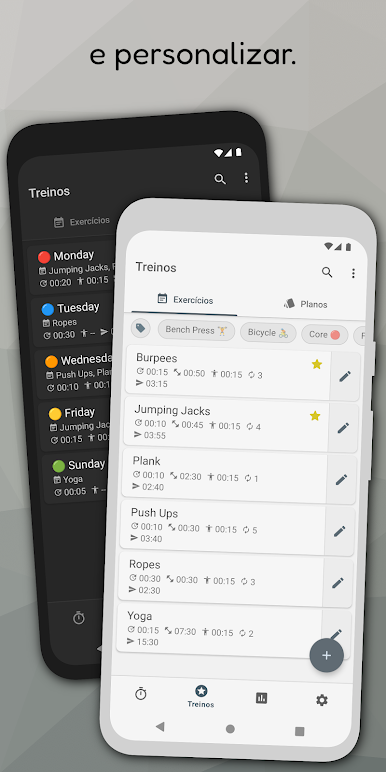
Create as many training routines as you like. Configure the workouts according to your needs and structure your fitness program easily with tags and workout plans. Your training plans can also be exported or shared with friends at any time.
* Track your training history
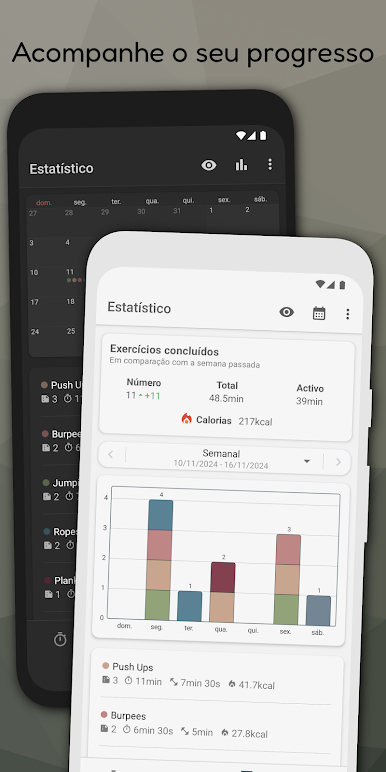
The interval timer offers detailed and graphically displayed training statistics as well as a training calendar. This means you always know how much you have trained in the past few days and can increase your training in a targeted manner.
Thanks to the support of Health Connect, you can also view your exercises in other apps compatible with Health Connect and benefit from additional information such as steps, heart rate or distance covered.
* No registration necessary
The interval timer can be used without an account or subscription. All functions of the timer can be used directly by you free of charge.
Have fun with your workout training and achieve your fitness goals with the interval timer.

Jogue Temporizador de Treino no PC. É fácil começar.
-
Baixe e instale o BlueStacks no seu PC
-
Conclua o login do Google para acessar a Play Store ou faça isso mais tarde
-
Procure por Temporizador de Treino na barra de pesquisa no canto superior direito
-
Clique para instalar Temporizador de Treino a partir dos resultados da pesquisa
-
Conclua o login do Google (caso você pulou a etapa 2) para instalar o Temporizador de Treino
-
Clique no ícone do Temporizador de Treino na tela inicial para começar a jogar

