


1000 Mots FLE / Apprendre à li
교육 | netizis.fr
5억명 이상의 게이머가 신뢰하는 안드로이드 게임 플랫폼 BlueStacks으로 PC에서 플레이하세요.

1000 Mots FLE / Apprendre à li PC에서 즐겨보세요
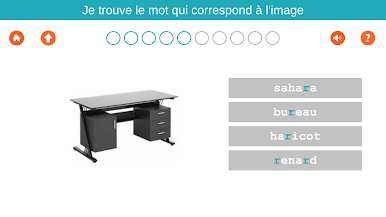
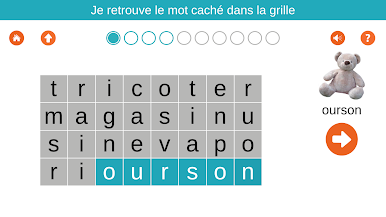
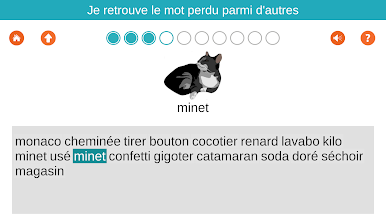
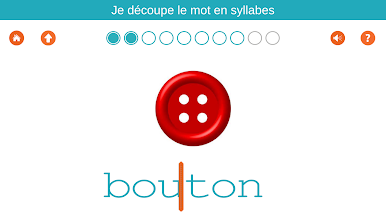
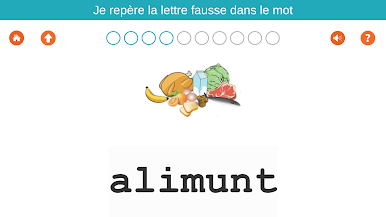
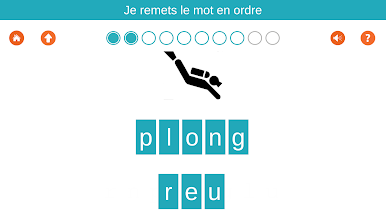
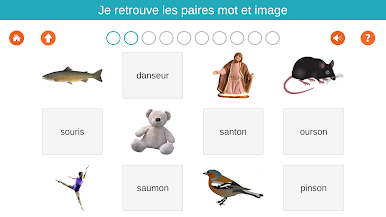
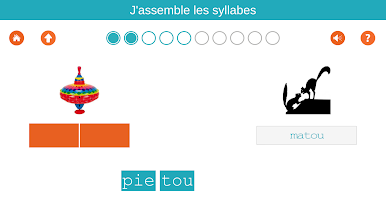
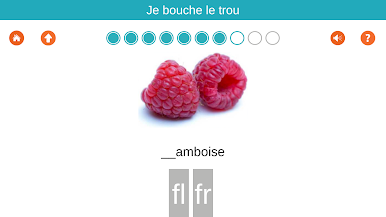
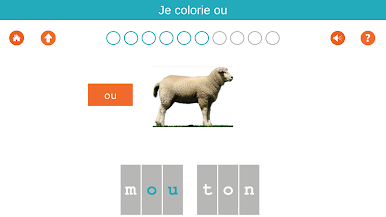
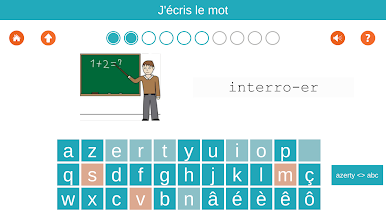
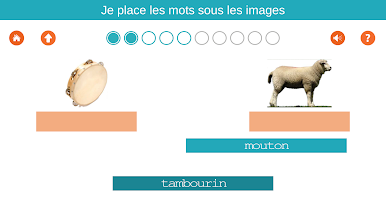
이 응용 프로그램은 주로 어휘를 습득과 프랑스의 철자를 알고하고자하는 allophone 학생들과 이민자를위한 것입니다.
단어는 구 개 테마 (본체, 학교, 집, 음식, 동물, 자연, 일, 여가, 세계)로 그룹화됩니다. 각 항목은 63 절 (: 가족, 신체 부위, 위치, 모양, 위생, 건강, 위험, 보호, 행동 등 본체)으로 구분된다.
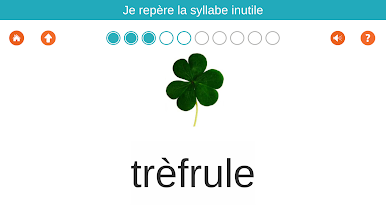
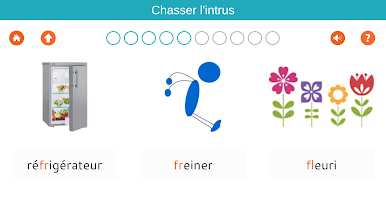
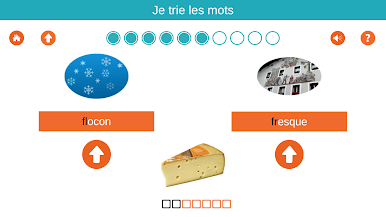
연습은 퍼즐의 형태로 더 장난 때때로으로 노력하고 있습니다.
하나의 태블릿 세 가지 사용자를 포함 할 수 있습니다.
1000 개 프로 단어,이 응용 프로그램뿐만 아니라 버전 GS 및 CP-EC1의 내용이 포함되어 있습니다.
무료 버전은 48 운동이있다. 앱 구매는 3.99 € 730 이상 연습에 대한 액세스를 제공합니다.
전체 문서는 www.1000-mots.fr 볼 수 있습니다
단어는 구 개 테마 (본체, 학교, 집, 음식, 동물, 자연, 일, 여가, 세계)로 그룹화됩니다. 각 항목은 63 절 (: 가족, 신체 부위, 위치, 모양, 위생, 건강, 위험, 보호, 행동 등 본체)으로 구분된다.
연습은 퍼즐의 형태로 더 장난 때때로으로 노력하고 있습니다.
하나의 태블릿 세 가지 사용자를 포함 할 수 있습니다.
1000 개 프로 단어,이 응용 프로그램뿐만 아니라 버전 GS 및 CP-EC1의 내용이 포함되어 있습니다.
무료 버전은 48 운동이있다. 앱 구매는 3.99 € 730 이상 연습에 대한 액세스를 제공합니다.
전체 문서는 www.1000-mots.fr 볼 수 있습니다
PC에서 1000 Mots FLE / Apprendre à li 플레이해보세요.
-
BlueStacks 다운로드하고 설치
-
Google Play 스토어에 로그인 하기(나중에 진행가능)
-
오른쪽 상단 코너에 1000 Mots FLE / Apprendre à li 검색
-
검색 결과 중 1000 Mots FLE / Apprendre à li 선택하여 설치
-
구글 로그인 진행(만약 2단계를 지나갔을 경우) 후 1000 Mots FLE / Apprendre à li 설치
-
메인 홈화면에서 1000 Mots FLE / Apprendre à li 선택하여 실행

