


1000 Mots FLE / Apprendre à li
Jogue no PC com BlueStacks - A Plataforma de Jogos Android, confiada por mais de 500 milhões de jogadores.

Página modificada em: Dec 1, 2025
Jogue 1000 Mots FLE / Apprendre à li para PC
As palavras são agrupadas em nove temas (Corpo, escola, casa, comida, animais, natureza, trabalho, lazer, do mundo). Cada tópico é dividido em 63 seções (por exemplo corpo: família, partes do corpo, posições, aparência, higiene, saúde, perigo, proteger, ACT).
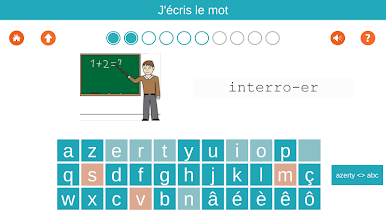
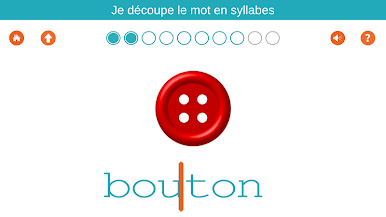
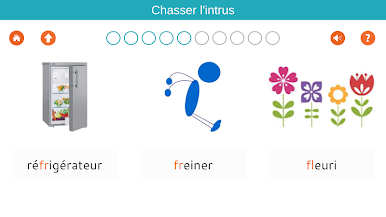
Os exercícios estão se esforçando para ser mais brincalhão e às vezes na forma de quebra-cabeças.
Um único comprimido permite a incluir três utilizadores.
Os 1000 Pro palavras, inclui o conteúdo deste pedido de patente, bem como versões GS e CP-CE1.
A versão gratuita tem 48 exercícios. A compra aplicativo fornece acesso a mais de 730 exercícios para 3,99 €.
A documentação completa está disponível no www.1000-mots.fr
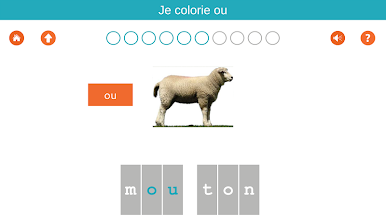
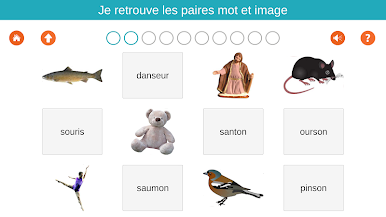
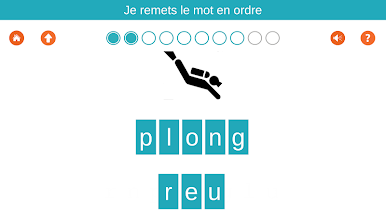
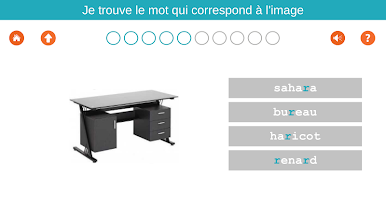
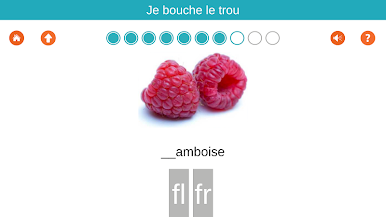
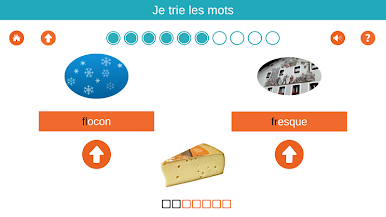
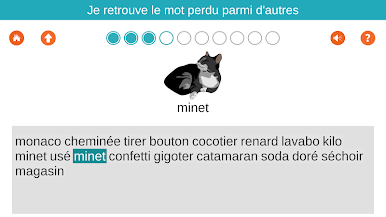
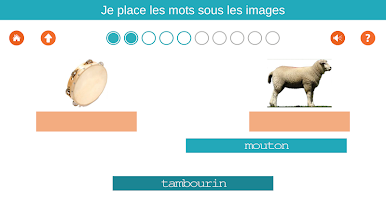
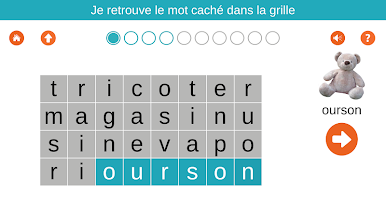
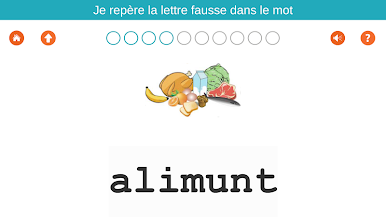
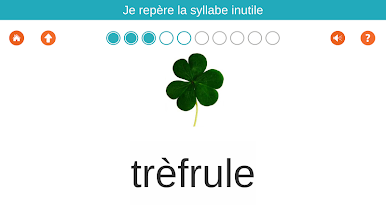
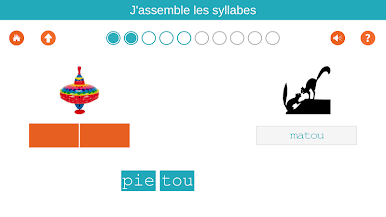
Jogue 1000 Mots FLE / Apprendre à li no PC. É fácil começar.
-
Baixe e instale o BlueStacks no seu PC
-
Conclua o login do Google para acessar a Play Store ou faça isso mais tarde
-
Procure por 1000 Mots FLE / Apprendre à li na barra de pesquisa no canto superior direito
-
Clique para instalar 1000 Mots FLE / Apprendre à li a partir dos resultados da pesquisa
-
Conclua o login do Google (caso você pulou a etapa 2) para instalar o 1000 Mots FLE / Apprendre à li
-
Clique no ícone do 1000 Mots FLE / Apprendre à li na tela inicial para começar a jogar

