


Classic One Wear Watch Face
Jogue no PC com BlueStacks - A Plataforma de Jogos Android, confiada por mais de 500 milhões de jogadores.

Página modificada em: Nov 30, 2025
Play Classic One Wear Watch Face on PC
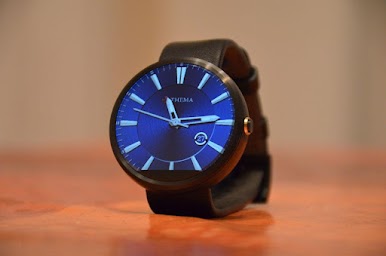
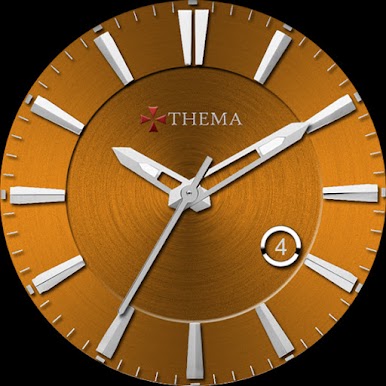
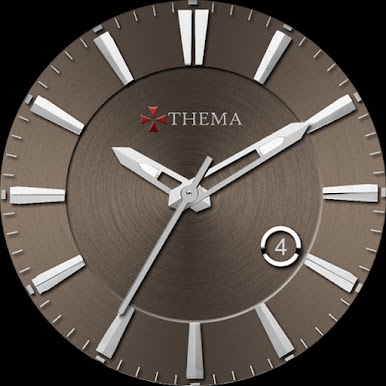
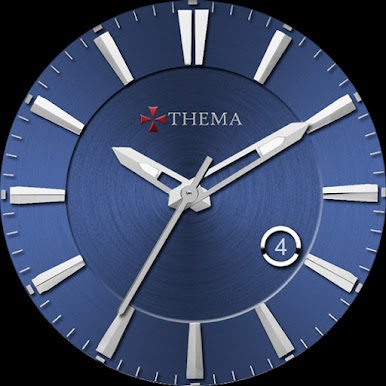
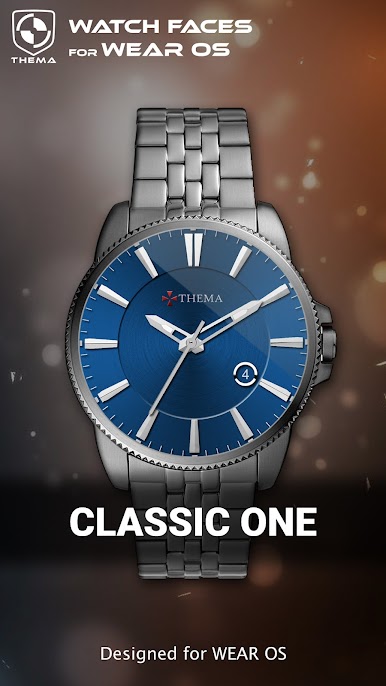
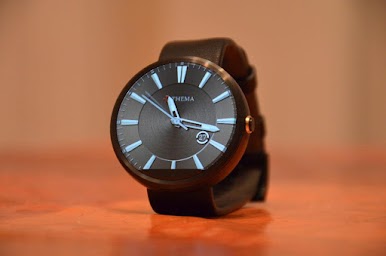
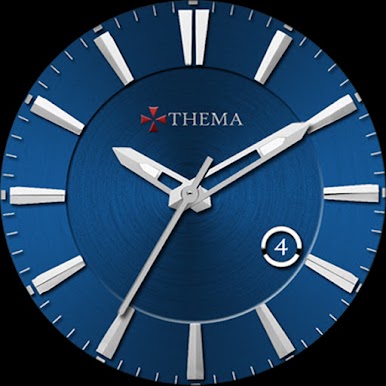
This classic watch shows the basics of what a watch should display : hour & day.
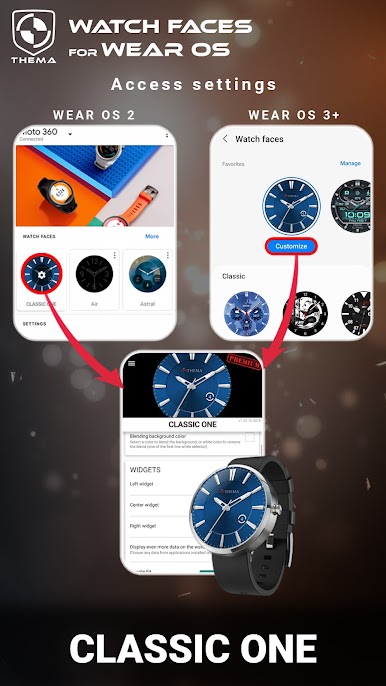
The settings of the watch face are located in the "Wear OS" app of your mobile.
Just hit the gear icon over the watch face preview and the settings screen will show up!
★ Settings ★
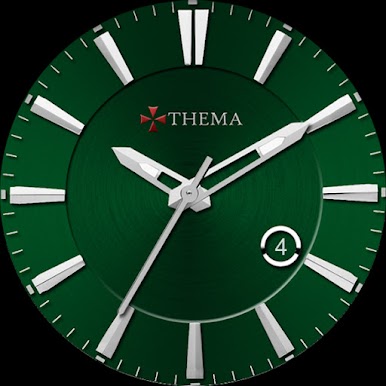
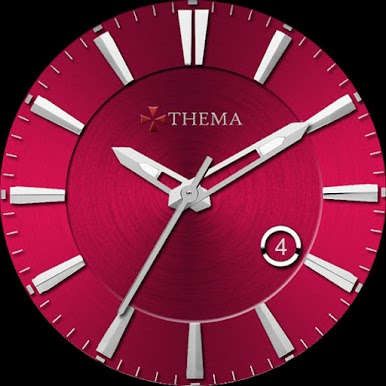
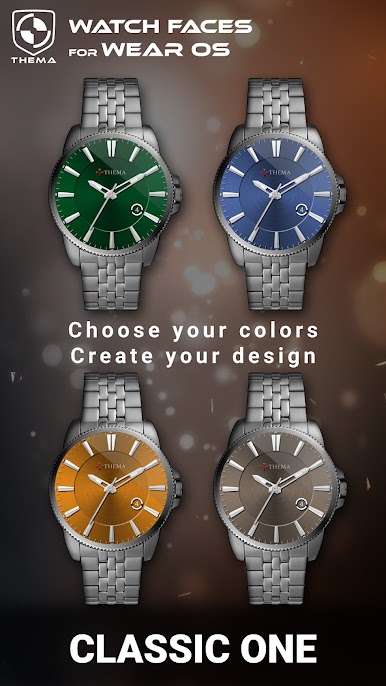
This watch face allows you to choose your favorite background color (15 availables).
Settings are available in both watch and mobile (settings in the watch face selector).
★ Installation ★
🔸Wear OS 2.X / 3.X / 4.X
A notification will be displayed on your watch, right after your mobile installation. You just have to hit it to start the installation process of the watch face.
If the notification did not display for some reason, you can still install the watch face by using the Google Play Store available on your watch: just search the watch face by its name.
🔸Wear OS 6.X
Install the watch app to manage the watchface: the free version is automatically installed. Then use the "MANAGE" button in the top right shortcut of the watchface to update/upgrade your watch face.
Once installed, you can select the watch face from the Wear OS App.
Or long tap on the current watch face screen : watch face selector screen will open.
★ More watch faces ★
Visit my watch faces collection for Wear OS on the Play Store at https://goo.gl/CRzXbS
** If you have any issues or questions, feel free to contact me by email (English or French language) before giving a bad rating. Thanks!
Website: https://www.themaapps.com/
Youtube: https://youtube.com/ThomasHemetri
Twitter: https://x.com/ThomasHemetri
Instagram: https://www.instagram.com/thema_watchfaces
Jogue Classic One Wear Watch Face no PC. É fácil começar.
-
Baixe e instale o BlueStacks no seu PC
-
Conclua o login do Google para acessar a Play Store ou faça isso mais tarde
-
Procure por Classic One Wear Watch Face na barra de pesquisa no canto superior direito
-
Clique para instalar Classic One Wear Watch Face a partir dos resultados da pesquisa
-
Conclua o login do Google (caso você pulou a etapa 2) para instalar o Classic One Wear Watch Face
-
Clique no ícone do Classic One Wear Watch Face na tela inicial para começar a jogar

