


Arabic-Turkish Translator
Graj na PC z BlueStacks – Platforma gamingowa Android, która uzyskała zaufanie ponad 500 milionów graczy!

Strona zmodyfikowana w dniu: Nov 26, 2025
Run Arabic-Turkish Translator on PC or Mac
Upgrade your experience. Try Arabic-Turkish Translator, the fantastic Education app from Klays-Development, from the comfort of your laptop, PC, or Mac, only on BlueStacks.
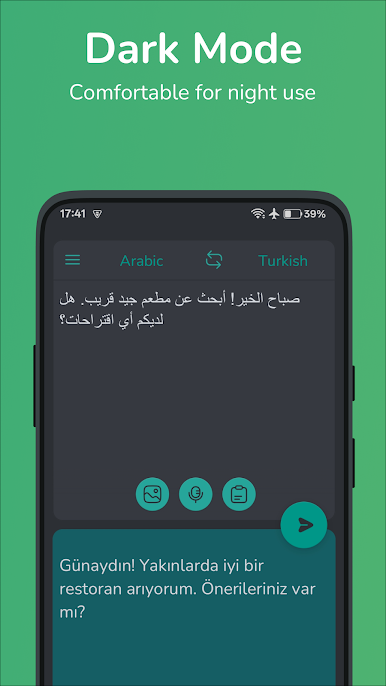
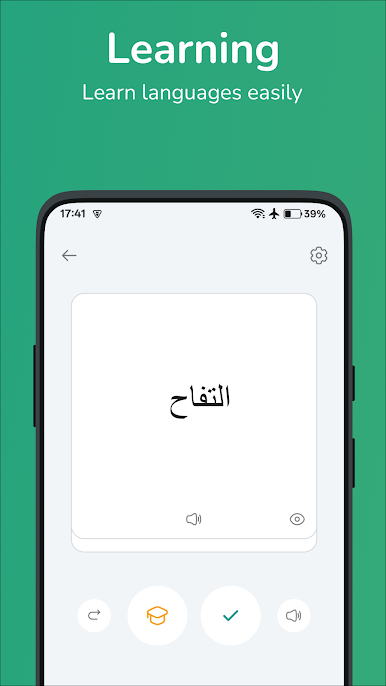
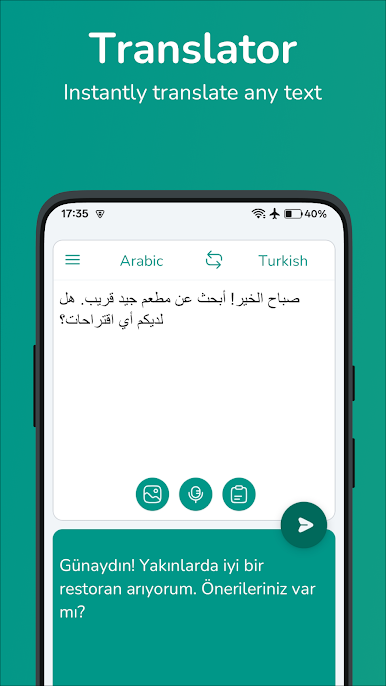
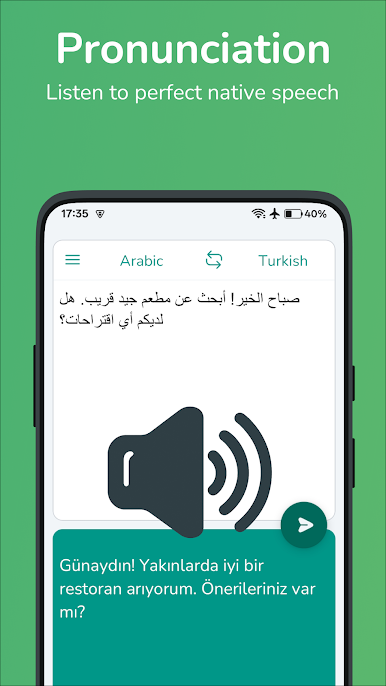
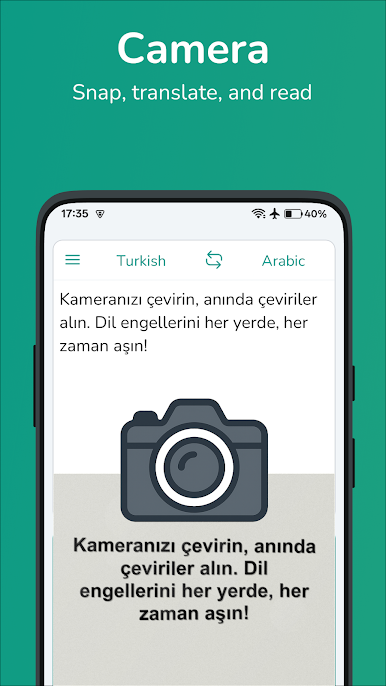
Arabic-Turkish Translator is one of those apps that’s way more helpful than it looks at first glance. It just lets anyone jump between Arabic and Turkish, back and forth, for both single words and longer sentences. There isn’t anything complicated about how it works — basically, type in what you need or say it out loud, and the translation pops up fast. BlueStacks makes it easier to use on a bigger screen, so scrolling through everything doesn’t feel cramped.
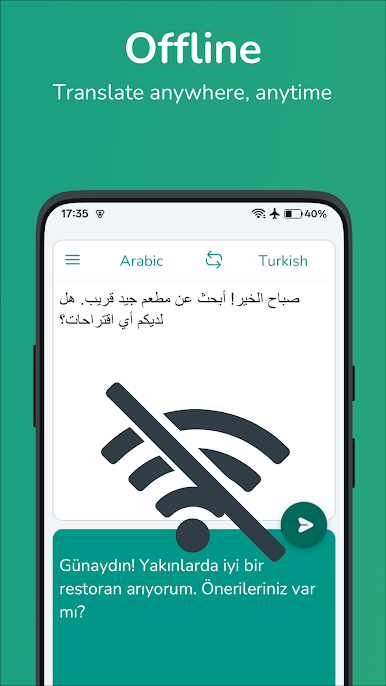
It stands out for its simplicity, actually. The interface gets straight to the point, with no weird menus or confusing icons. Features like saving favorite translations or checking the history make it easy for someone who’s learning, traveling, or just needs to look something up again without internet. It even handles offline stuff pretty well, which is great if Wi-Fi is spotty or not around. The voice input is surprisingly handy too, especially for longer sentences or awkward spelling. For anyone jumping between these two languages a lot, it does what it says, no fuss.
Eager to take your app experience to the next level? Start right away by downloading BlueStacks on your PC or Mac.
Zagraj w Arabic-Turkish Translator na PC. To takie proste.
-
Pobierz i zainstaluj BlueStacks na PC
-
Zakończ pomyślnie ustawienie Google, aby otrzymać dostęp do sklepu Play, albo zrób to później.
-
Wyszukaj Arabic-Turkish Translator w pasku wyszukiwania w prawym górnym rogu.
-
Kliknij, aby zainstalować Arabic-Turkish Translator z wyników wyszukiwania
-
Ukończ pomyślnie rejestrację Google (jeśli krok 2 został pominięty) aby zainstalować Arabic-Turkish Translator
-
Klinij w ikonę Arabic-Turkish Translator na ekranie startowym, aby zacząć grę

