


Italian-Spanish Translator
Играйте на ПК с BlueStacks – игровой платформе для приложений на Android. Нас выбирают более 500 млн. игроков.

Страница изменена: Nov 27, 2025
Run Italian-Spanish Translator on PC or Mac
What’s better than using Italian-Spanish Translator by Klays-Development? Well, try it on a big screen, on your PC or Mac, with BlueStacks to see the difference.
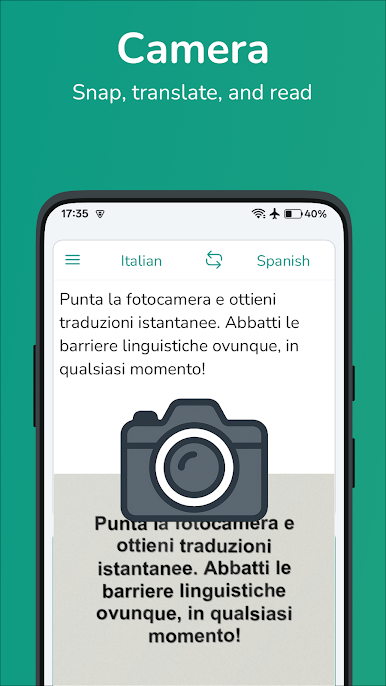
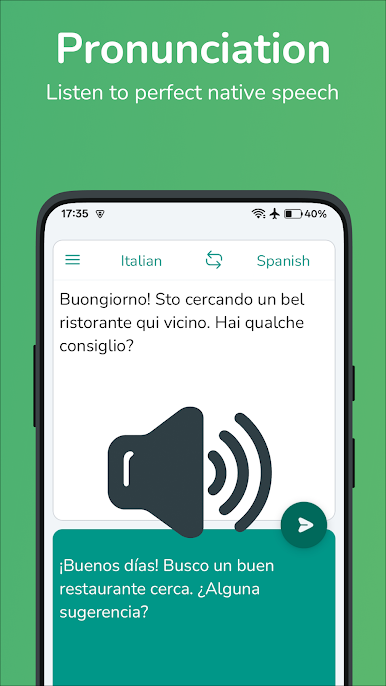
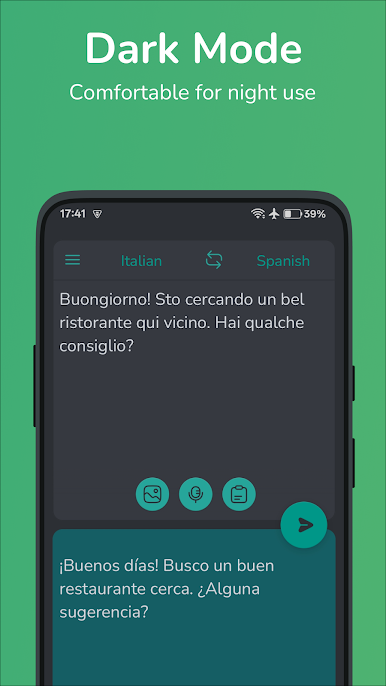
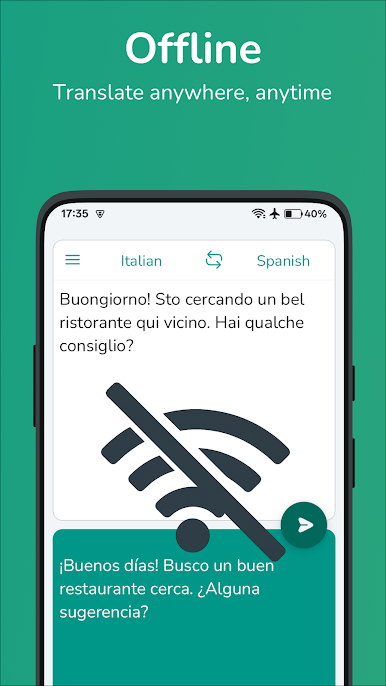
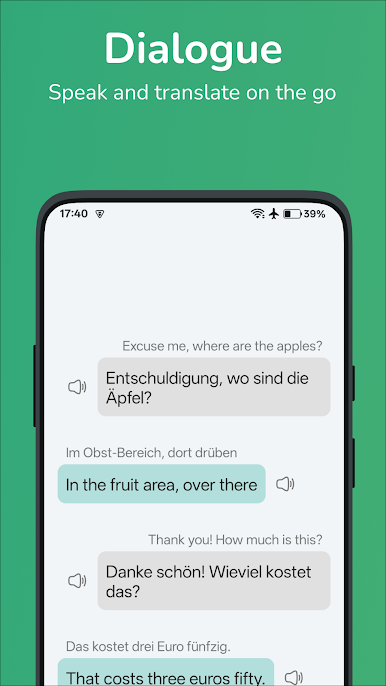
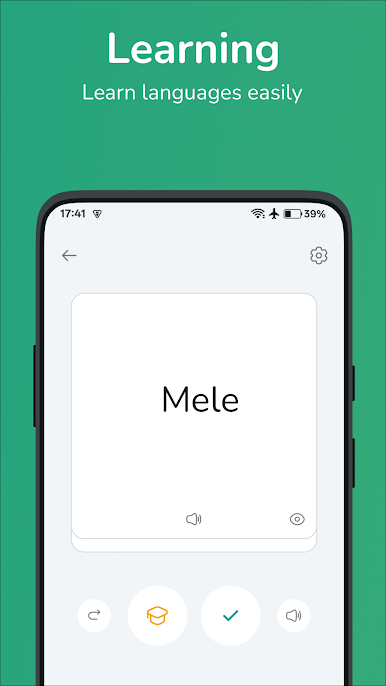
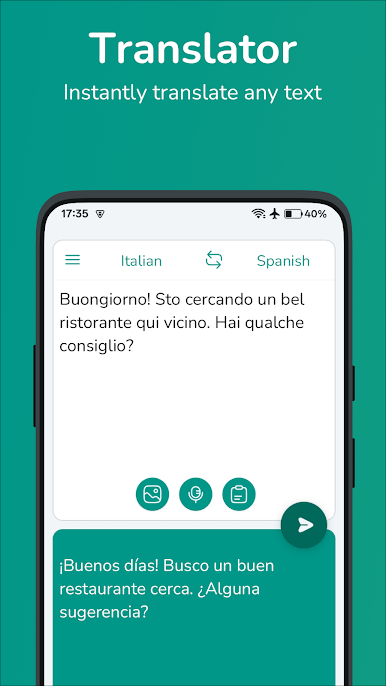
Italian-Spanish Translator is one of those no-drama tools that just does what it says. It translates between Italian and Spanish fast, both single words and full sentences, and it keeps the layout very clean so nothing gets in the way. Someone can type or use voice input, which is handy for quick checks or practicing pronunciation. There is a simple toggle to switch directions, and it shows results instantly, so it feels snappy rather than fiddly. It also has a favorites list and a history, so the phrases that matter most can be saved and revisited later, even when offline. The interface has a few settings to tweak how it looks, nothing wild, but enough to make it comfortable.
On a PC with BlueStacks it behaves like a lightweight desktop translator. Typing with a keyboard makes longer sentences painless, and keeping the app in a small window beside homework or a video call is surprisingly convenient. It suits travelers, students, or anyone brushing up on either language. The translations are straightforward and good for everyday use, not a deep academic dictionary, which is honestly what most people need. Voice input can help with practicing, and the saved list becomes a mini phrasebook over time. It is free and uncomplicated, which kind of fits the whole idea here.
Switch to BlueStacks and make the most of your apps on your PC or Mac.
Играйте в игру Italian-Spanish Translator на ПК. Это легко и просто.
-
Скачайте и установите BlueStacks на ПК.
-
Войдите в аккаунт Google, чтобы получить доступ к Google Play, или сделайте это позже.
-
В поле поиска, которое находится в правой части экрана, введите название игры – Italian-Spanish Translator.
-
Среди результатов поиска найдите игру Italian-Spanish Translator и нажмите на кнопку "Установить".
-
Завершите авторизацию в Google (если вы пропустили этот шаг в начале) и установите игру Italian-Spanish Translator.
-
Нажмите на ярлык игры Italian-Spanish Translator на главном экране, чтобы начать играть.

