

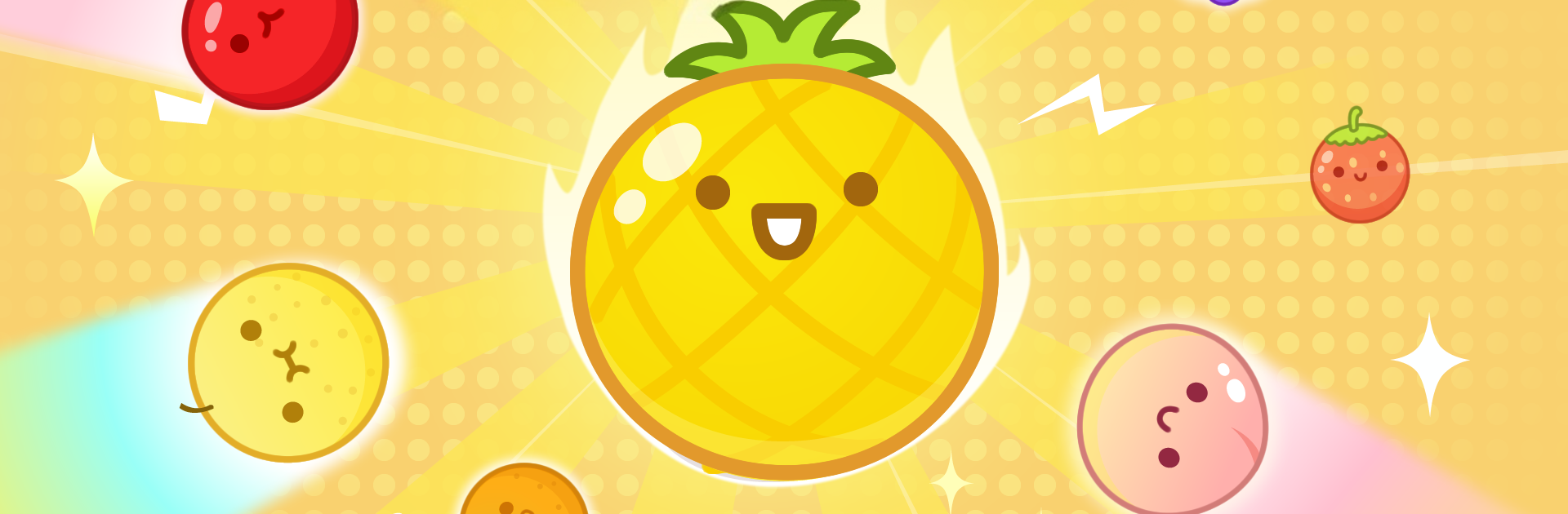
合併水果 - 水果合併
在電腦上使用BlueStacks –受到5億以上的遊戲玩家所信任的Android遊戲平台。

Play Merge Melon - Fruit Merge on PC or Mac
Merge Melon – Fruit Merge brings the Casual genre to life, and throws up exciting challenges for gamers. Developed by iJoyGame, this Android game is best experienced on BlueStacks, the World’s #1 app player for PC and Mac users.
About the Game
Ready for a bit of fruity fun? Merge Melon – Fruit Merge, from iJoyGame, serves up a casual experience that’s equal parts relaxing and addictive. It’s all about dropping and combining fruits—watching them grow, morph, and sometimes, surprise you. Whether you’ve got a few minutes to spare or you’re in the mood to chase that elusive high score, it’s a tasty challenge you can pick up anytime. If you’re curious about how your fruit-matching skills stack up, this is definitely your jam.
Game Features
-
Simple Controls:
Just tap the screen to drop your fruit. There’s nothing tricky here—anyone can start matching fruits in seconds. -
Satisfying Combos:
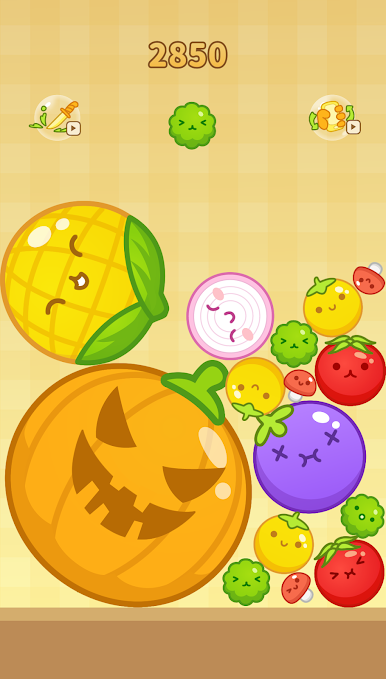
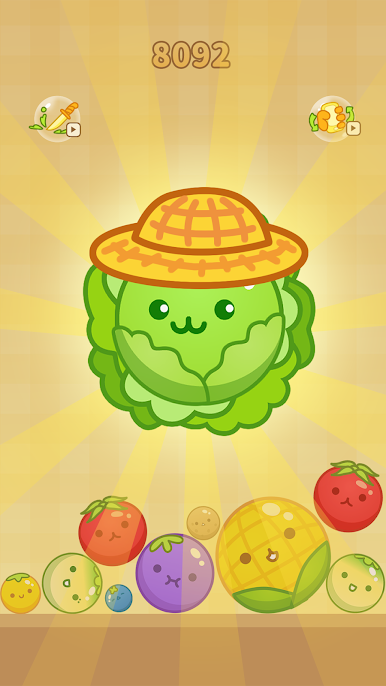
Combine two of the same fruits and, poof, you’ve got a new, even bigger fruit. Keep merging, and see how far you can go. The more you play, the more you’ll discover. -
Special Boosters:
Hit a roadblock? You’ll find boosters are there to give you a little nudge when things get tricky. They’re easy to use and can really change the game’s pace. -
Chill Atmosphere:
No pressure, no timers—just some laidback fruit-matching. It’s great for de-stressing after a long day, or when you just want to zone out and watch fruits transform. -
Chase the Giant Melon:
The real challenge? See if you can create the legendary big fruit melon. It sounds simple, but getting there is easier said than done. -
Endless Entertainment:
There’s always another move to make, another fruit to merge. Whether you’re looking for a quick game or an hours-long binge, it won’t run out of steam. And if you want to play Merge Melon – Fruit Merge on a bigger screen, BlueStacks has you covered.
Make your gaming sessions memorable with precise controls that give you an edge in close combats and visuals that pop up, bringing every character to life.
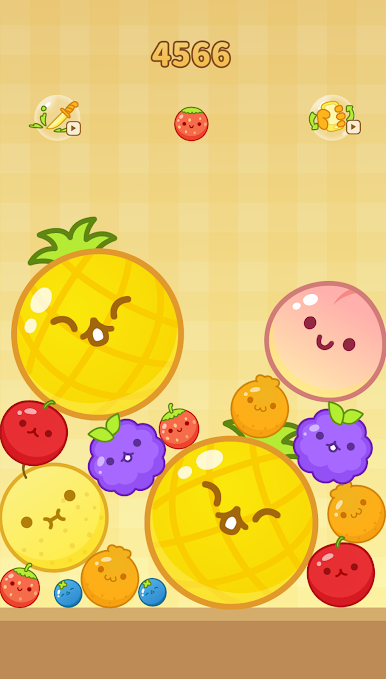
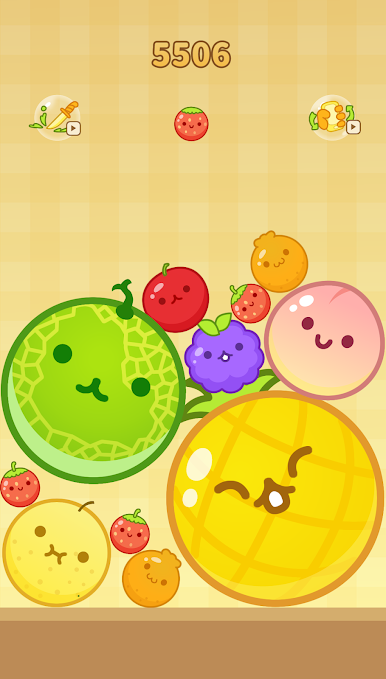
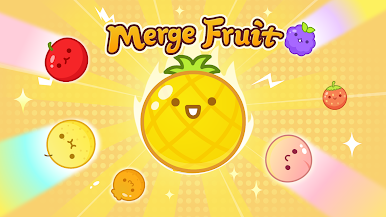
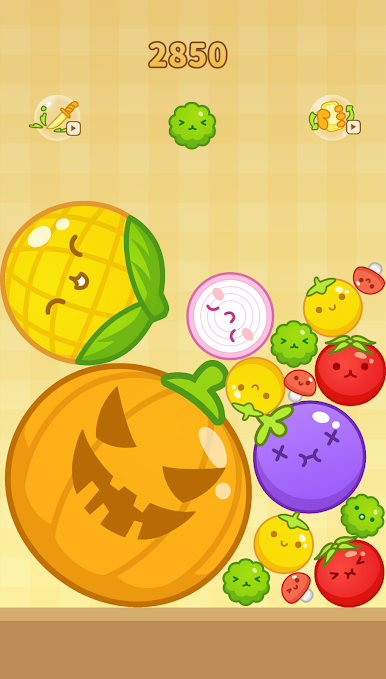
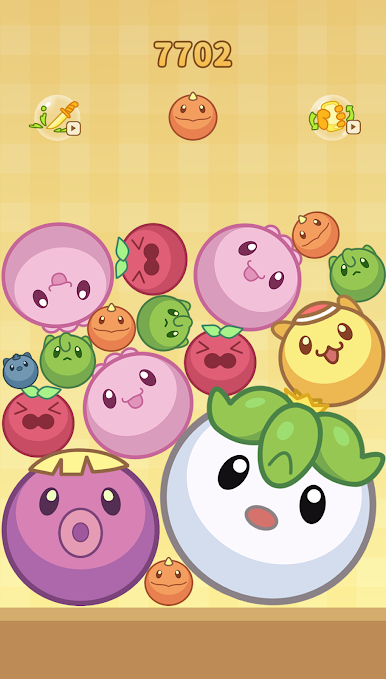
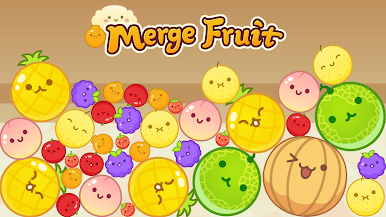
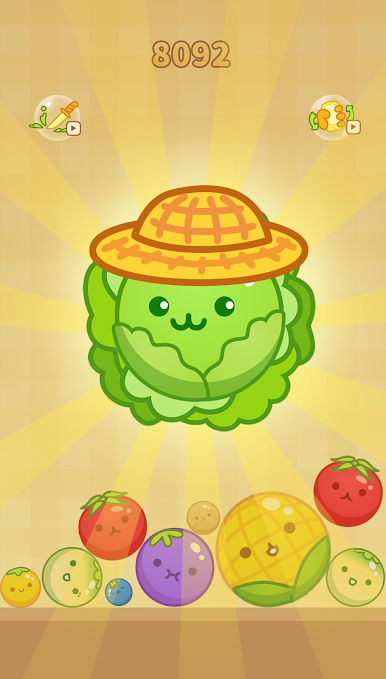
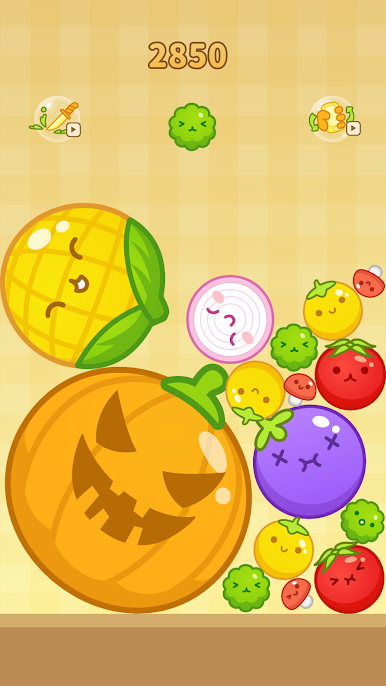
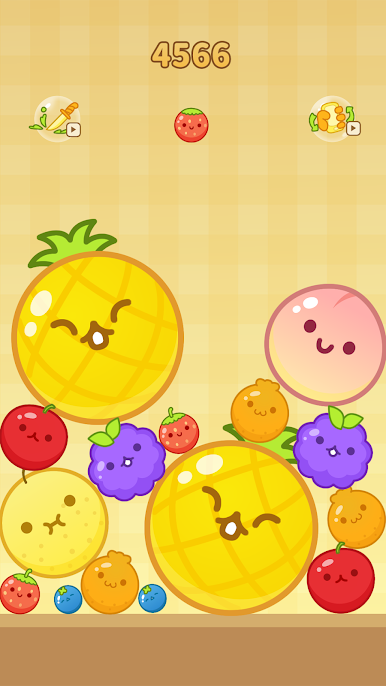
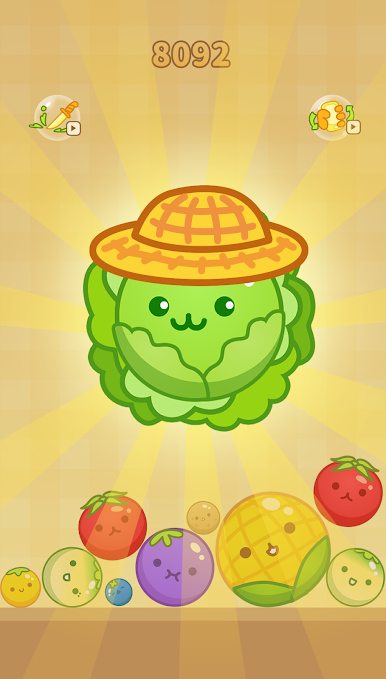
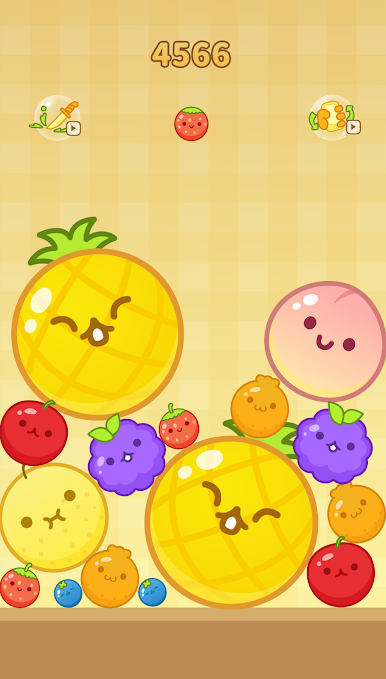
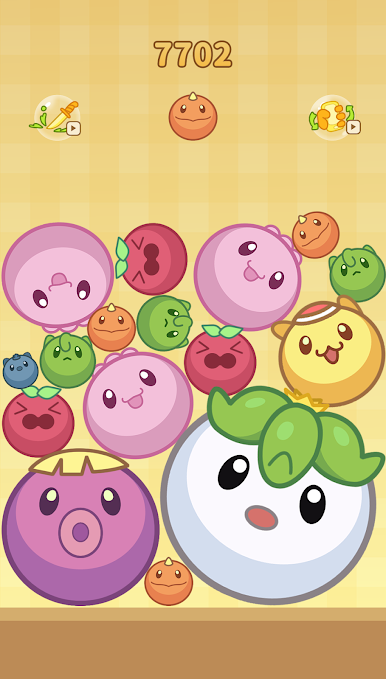
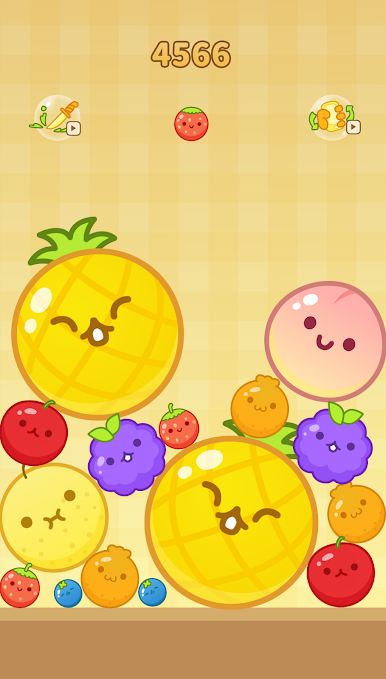
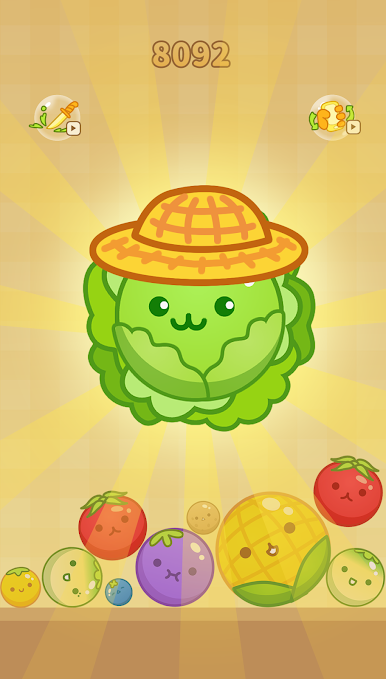
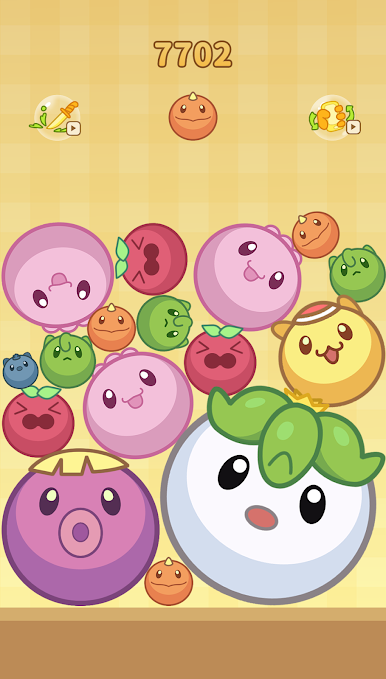
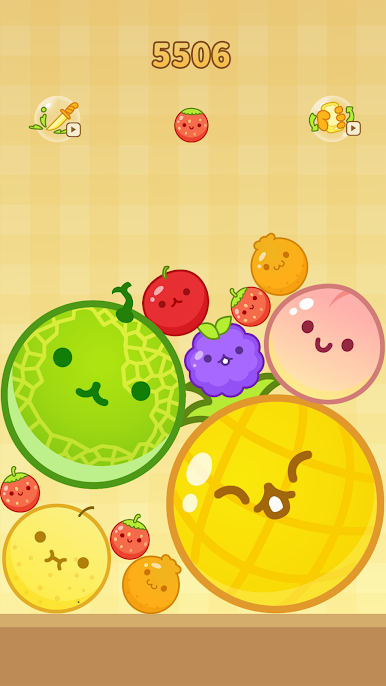
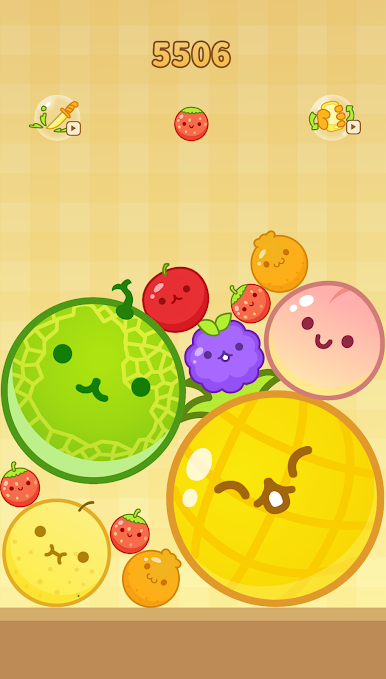
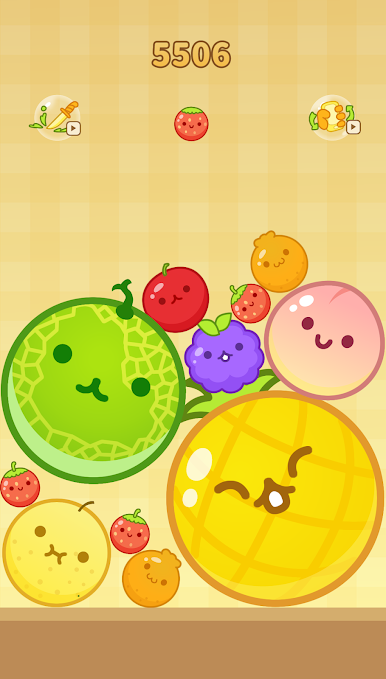
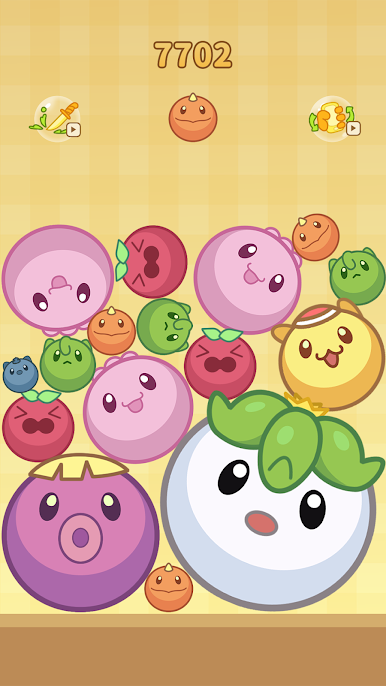
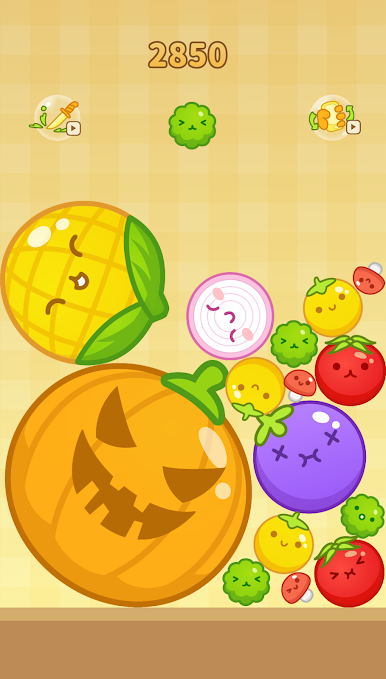
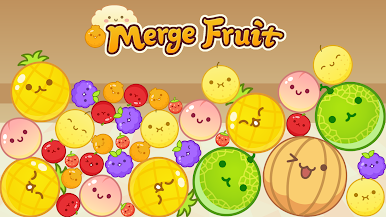
在電腦上遊玩合併水果 - 水果合併 . 輕易上手.
-
在您的電腦上下載並安裝BlueStacks
-
完成Google登入後即可訪問Play商店,或等你需要訪問Play商店十再登入
-
在右上角的搜索欄中尋找 合併水果 - 水果合併
-
點擊以從搜索結果中安裝 合併水果 - 水果合併
-
完成Google登入(如果您跳過了步驟2),以安裝 合併水果 - 水果合併
-
在首頁畫面中點擊 合併水果 - 水果合併 圖標來啟動遊戲

