


Booking Manager 3
Играйте на ПК с BlueStacks – игровой платформе для приложений на Android. Нас выбирают более 500 млн. игроков.

Страница изменена: Dec 4, 2025
Play Booking Manager 3 on PC
Main features:
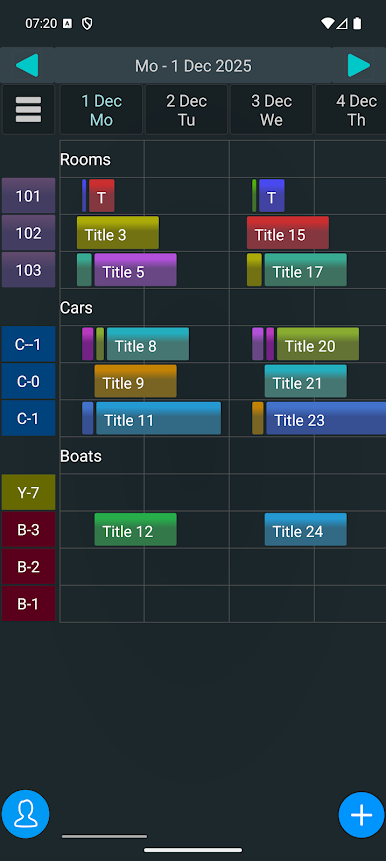
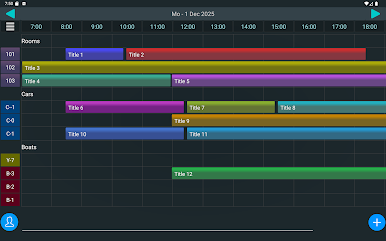
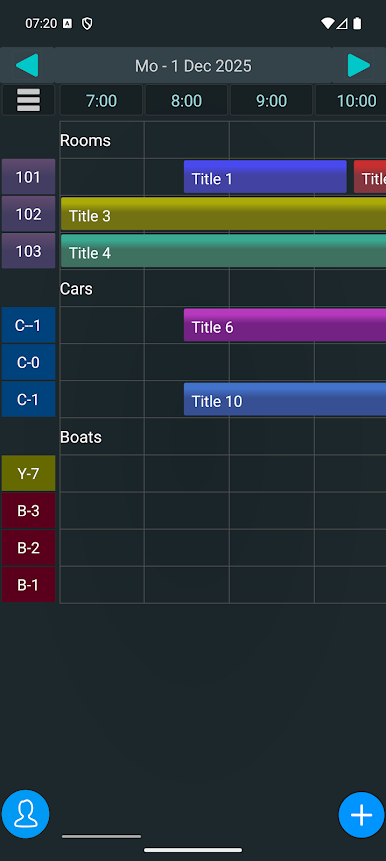
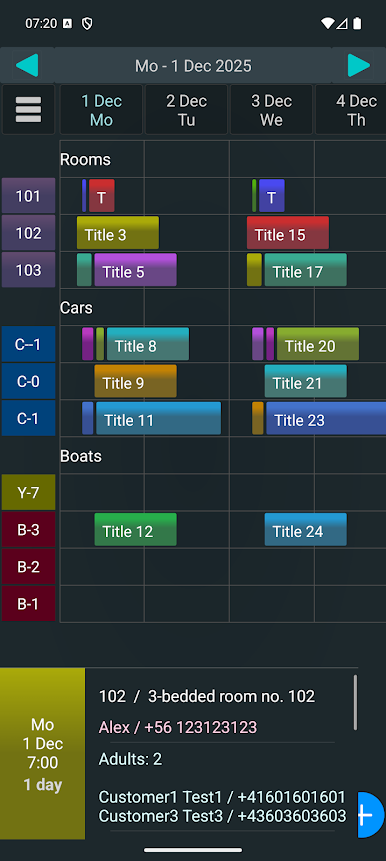
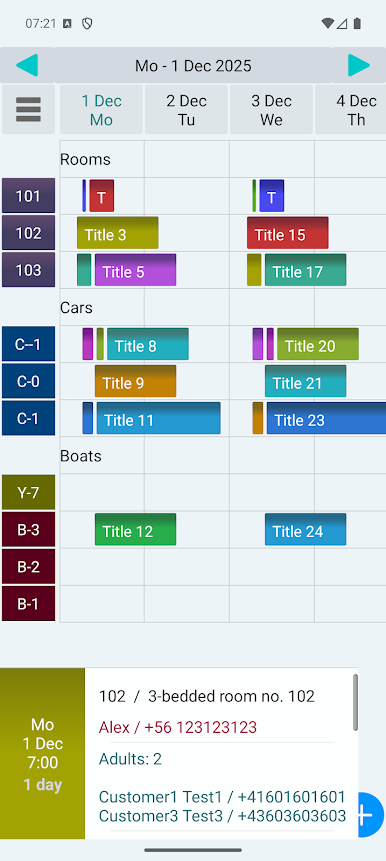
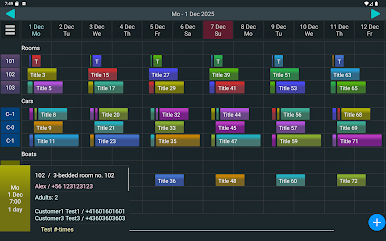
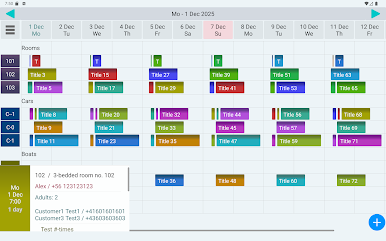
- booking in hotel, pension, car rental, boat hire.
- secure ! All data only in the device ( no data in the internet/cloud )
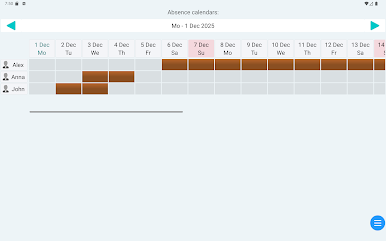
- employee assignement,
- employee schedule,
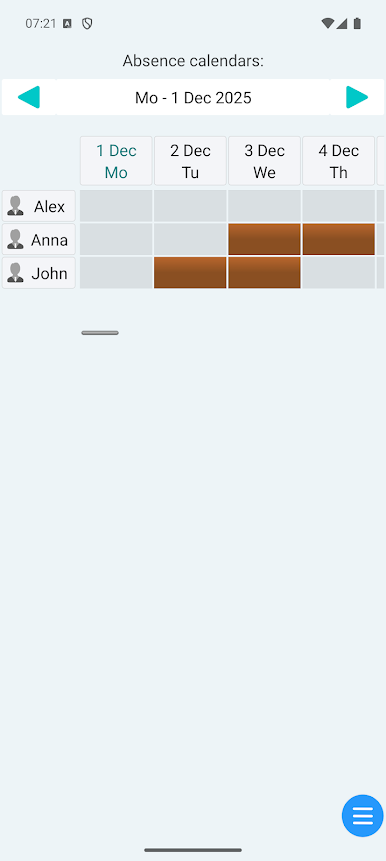
- employee absence management,
- no in-app purchases and no time-limited functions,
- the ability to work offline (without an internet connection)
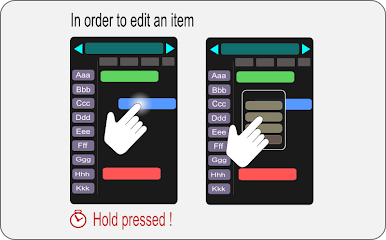
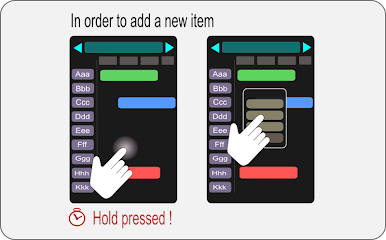
- add, delete, move, or edit terms agreed with the customer,
- overbooking error control
- different search modes,
- taking a photo with description,
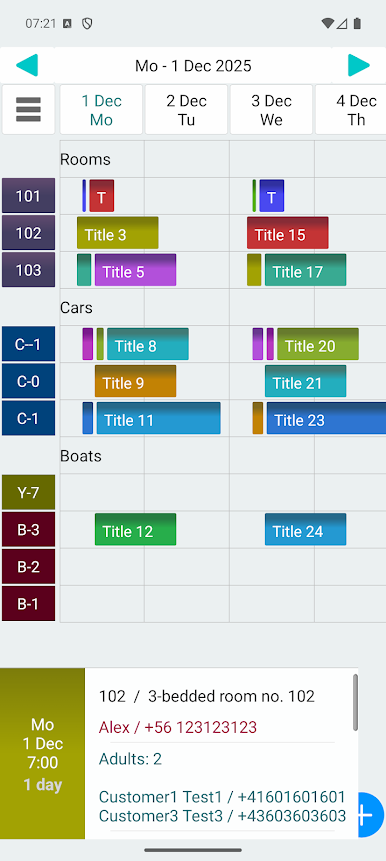
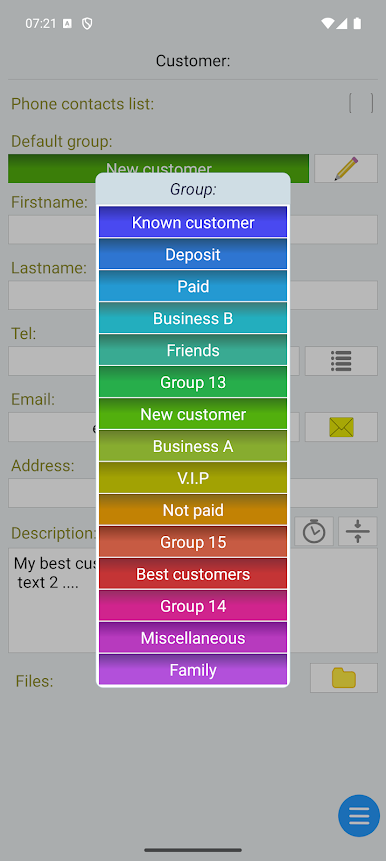
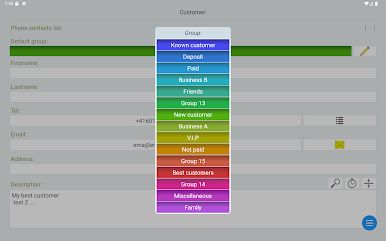
- customers management: contact data, groups, descriptions and notes,
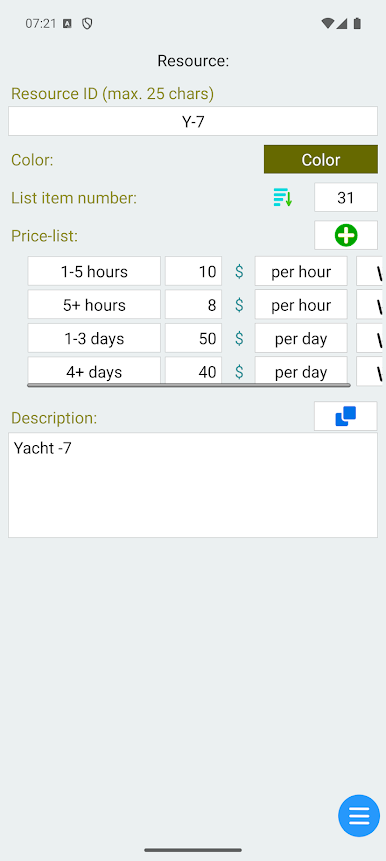
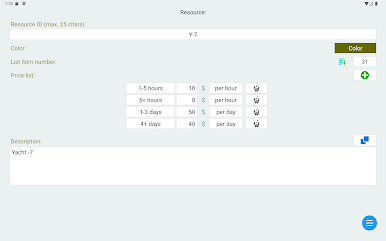
- resources management: (ex. room, car) in service/out of service, description and note,
- presentation of different customer groups by colors,
- send messages directly from the application,
- calling customers directly from an application,
- create a copy of the data to a file (backup),
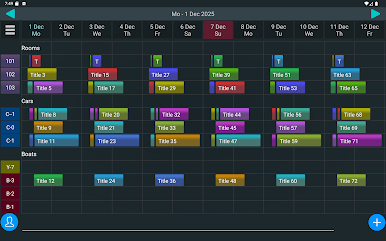
- convenient operation on the phone as well as tablet,
- supports horizontal and vertical screen orientation,
- lifetime license (free updates).
- synchronize data between Phone and tablet via Bluetooth.
- quick ( single click ) SMS messaging to many customers selected by group or by events date.
- event reminder.
- instant notification SMS on event set/cancel ( with configurable text )
- SMS reminders (free option ) https://play.google.com/store/apps/details?id=gmin.app.libsms
- easy import of phonebook contacts.
? Frequently Asked Questions:
https://customer-appointments-namager.blogspot.com/2020/02/frequently-asked-questions-for-gimin.html
Copyright © GIMIN Studio
Играйте в игру Booking Manager 3 на ПК. Это легко и просто.
-
Скачайте и установите BlueStacks на ПК.
-
Войдите в аккаунт Google, чтобы получить доступ к Google Play, или сделайте это позже.
-
В поле поиска, которое находится в правой части экрана, введите название игры – Booking Manager 3.
-
Среди результатов поиска найдите игру Booking Manager 3 и нажмите на кнопку "Установить".
-
Завершите авторизацию в Google (если вы пропустили этот шаг в начале) и установите игру Booking Manager 3.
-
Нажмите на ярлык игры Booking Manager 3 на главном экране, чтобы начать играть.

