

Doom & Destiny Advanced Lite
Chơi trên PC với BlueStacks - Nền tảng chơi game Android, được hơn 500 triệu game thủ tin tưởng.

Trang đã được sửa đổi vào: Sep 4, 2024
Play Doom & Destiny Advanced Free on PC or Mac
Explore a whole new adventure with Doom & Destiny Advanced Free, a Role Playing game created by Heartbit Interactive Srl. Experience great gameplay with BlueStacks, the most popular gaming platform to play Android games on your PC or Mac.
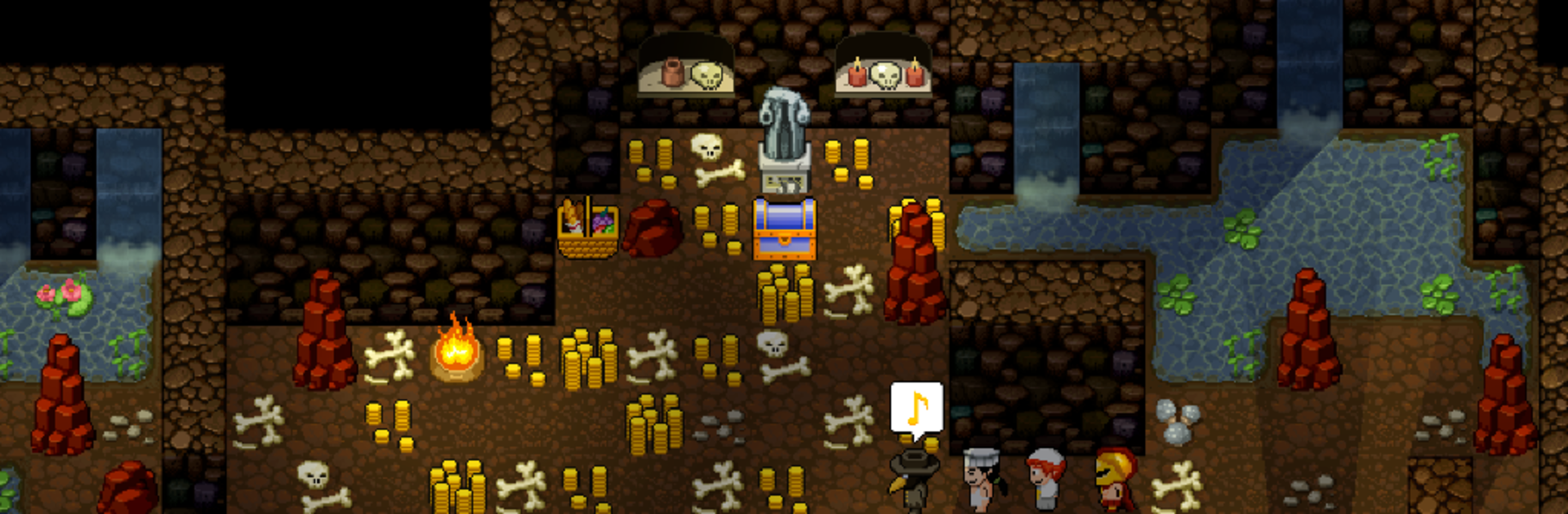
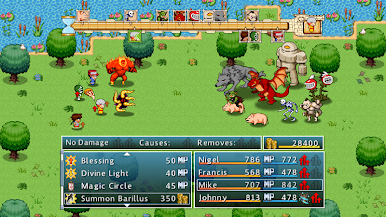
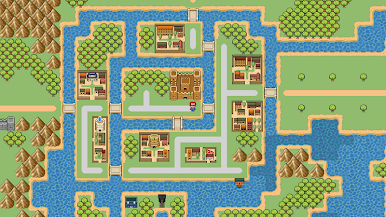
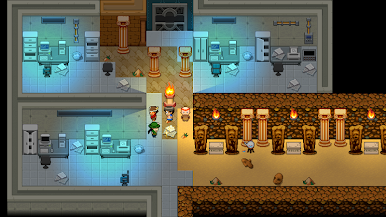
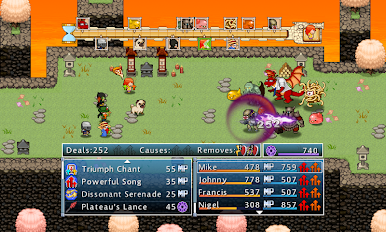
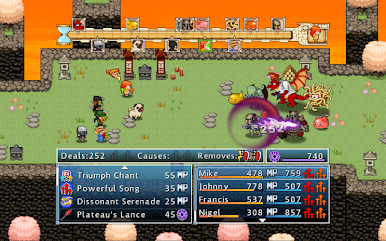
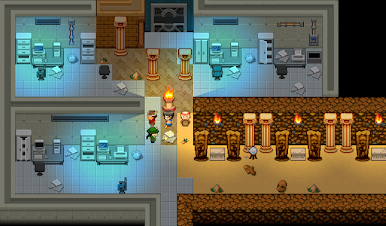
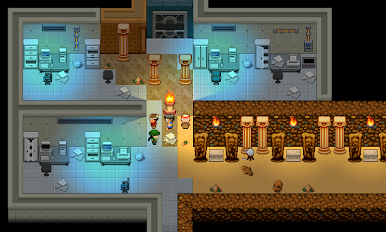
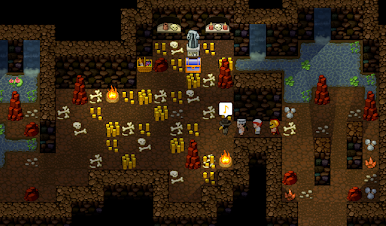
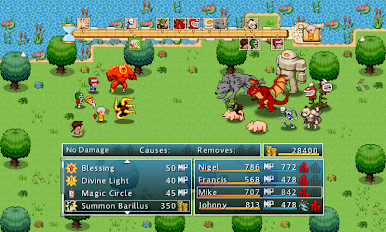
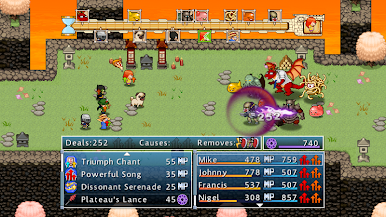
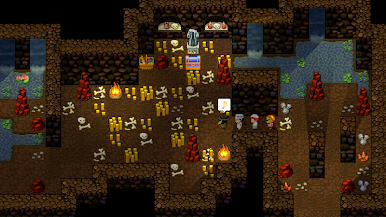
So, Doom & Destiny Advanced Free is one of those games that loves making fun of all the usual RPG expectations. The game throws a bunch of nerdy, over-the-top heroes into this really wild quest, and the whole thing just never takes itself too seriously. The villains are a mix of silly and weirdly intense—there’s even a mad businessman the heroes have to deal with. What really pops out is the sheer amount going on: there are eight different spirits to mess around with, tons of different gear and combos, and a ridiculous number of enemies, somewhere over 300. The combat’s classic turn-based, but it moves pretty fast and every character feels different, so it never drags.
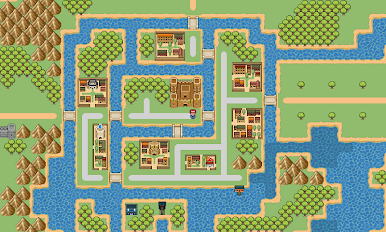
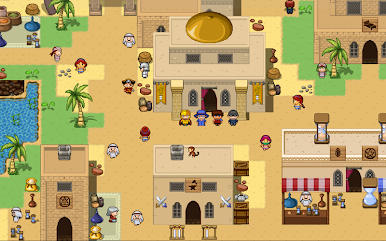
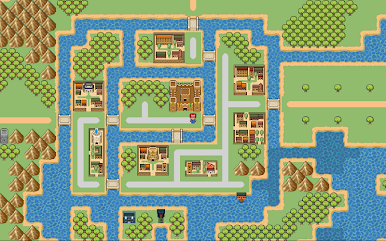
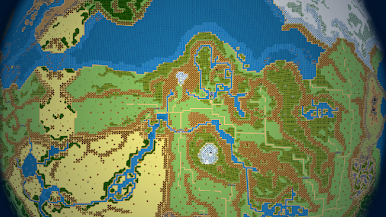
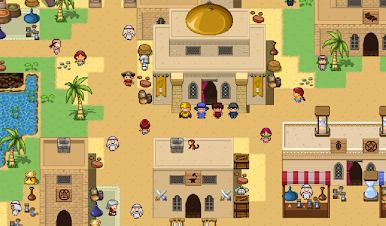
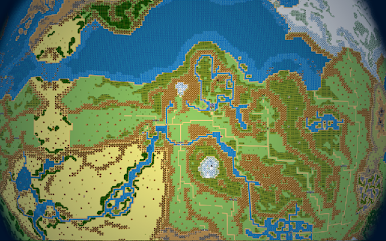
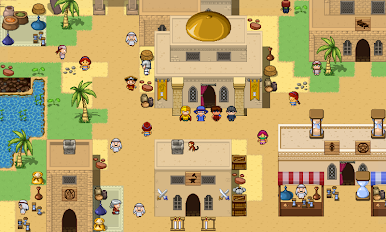
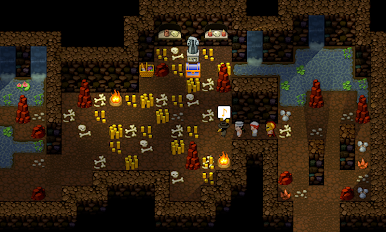
For anyone who likes wandering off the main road, there are hundreds of spots to explore and loads of secrets hidden everywhere, so it’s easy to get distracted checking random corners for goofy side quests or odd jokes. The humor’s pretty constant, poking fun at RPG stereotypes and itself all the time. The best part is, players don’t need to know the last game to jump in—it’s both a sequel, prequel, and reboot, all mixed together. There’s even a multiplayer arena mode, where players can battle asynchronously and collect a pile of weird costumes and perks as they climb up the leaderboard. Playing it on PC with BlueStacks gives the controls a little extra wiggle room and the whole thing just feels bigger than on a phone. It’s detailed for a retro-style game, weird in a good way, and just packed with stuff to do, whether that’s obsessively collecting little secrets or messing around in the arena between story quests.
Make your gaming sessions memorable with precise controls that give you an edge in close combats and visuals that pop up, bringing every character to life.


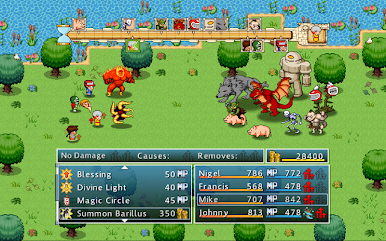
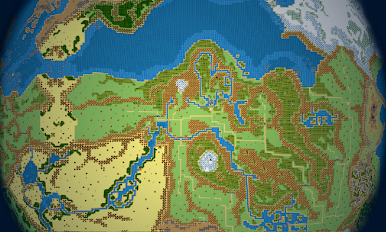
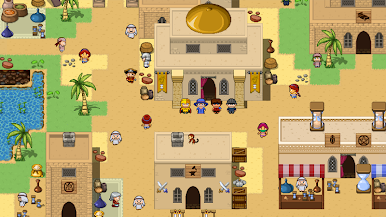
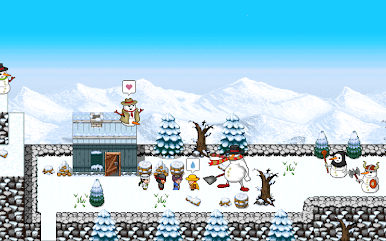

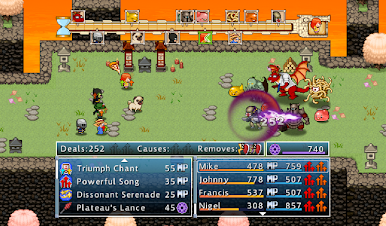
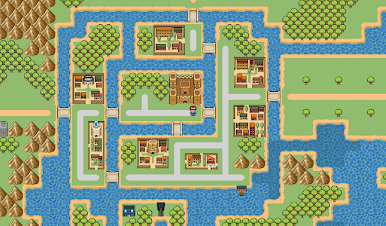
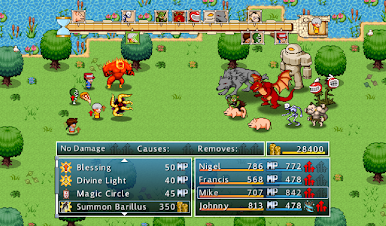
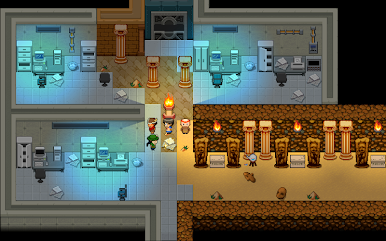

Chơi Doom & Destiny Advanced Lite trên PC. Rất dễ để bắt đầu
-
Tải và cài đặt BlueStacks trên máy của bạn
-
Hoàn tất đăng nhập vào Google để đến PlayStore, hoặc thực hiện sau
-
Tìm Doom & Destiny Advanced Lite trên thanh tìm kiếm ở góc phải màn hình
-
Nhấn vào để cài đặt Doom & Destiny Advanced Lite trong danh sách kết quả tìm kiếm
-
Hoàn tất đăng nhập Google (nếu bạn chưa làm bước 2) để cài đặt Doom & Destiny Advanced Lite
-
Nhấn vào icon Doom & Destiny Advanced Lite tại màn hình chính để bắt đầu chơi

