

ReactionLab 2 - Sandbox
Chơi trên PC với BlueStacks - Nền tảng chơi game Android, được hơn 500 triệu game thủ tin tưởng.

Trang đã được sửa đổi vào: Sep 1, 2015
Play ReactionLab 2 - Particle Sandbox on PC or Mac
Join millions to experience ReactionLab 2 – Particle Sandbox, an exciting Simulation game from ⚡️ HF Games. With BlueStacks App Player, you are always a step ahead of your opponent, ready to outplay them with faster gameplay and better control with the mouse and keyboard on your PC or Mac.
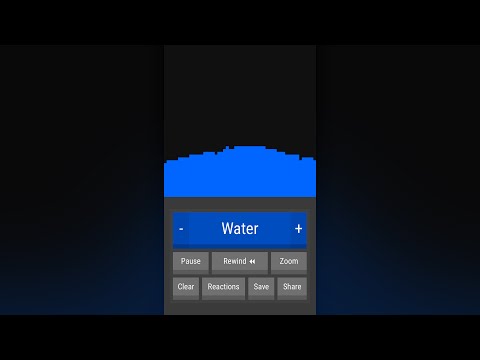
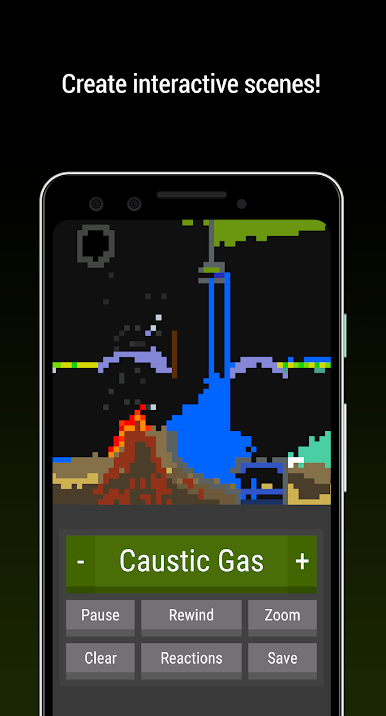
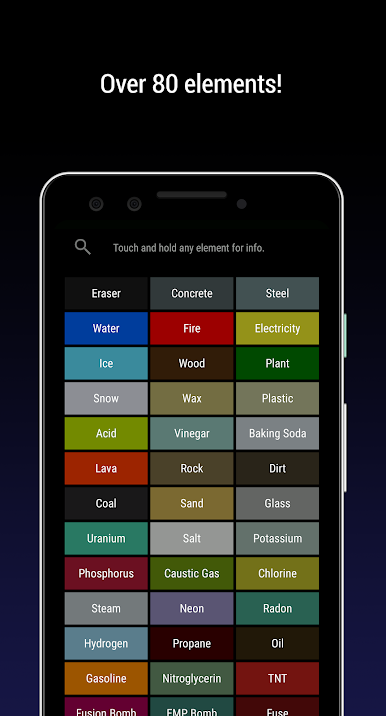
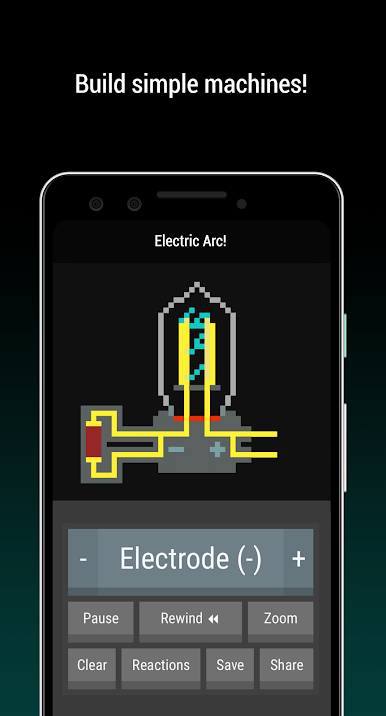
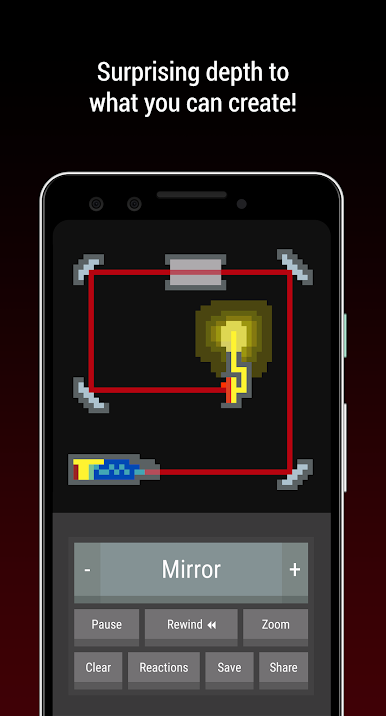
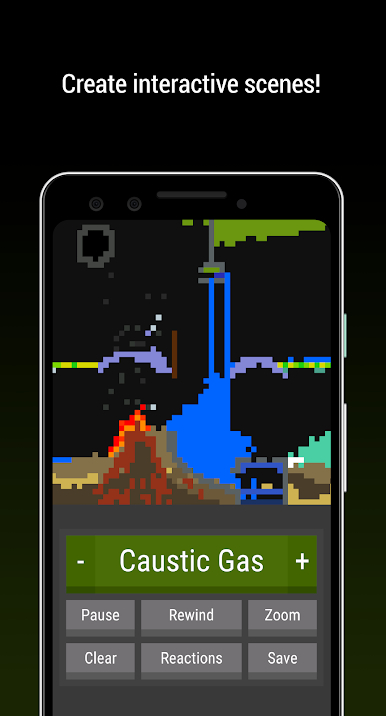
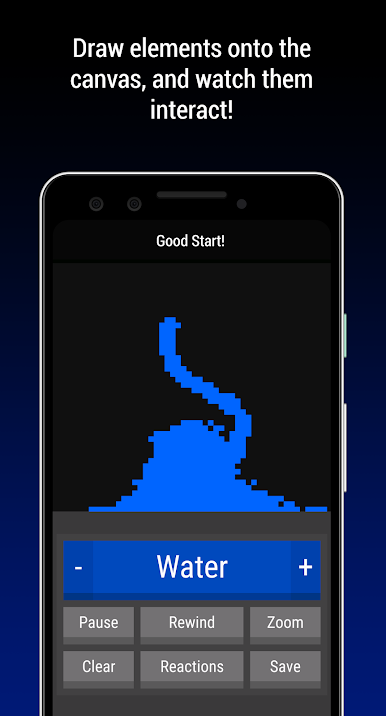
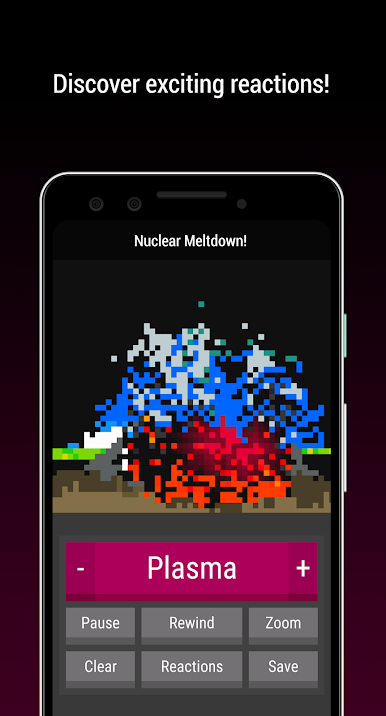
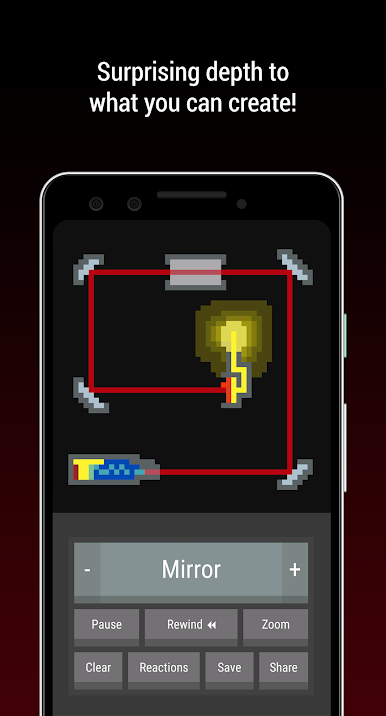
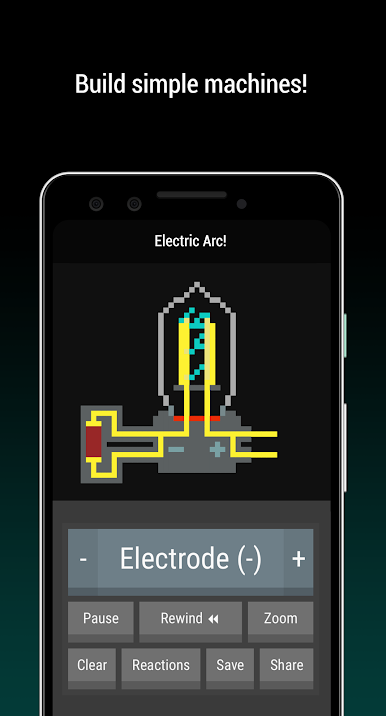
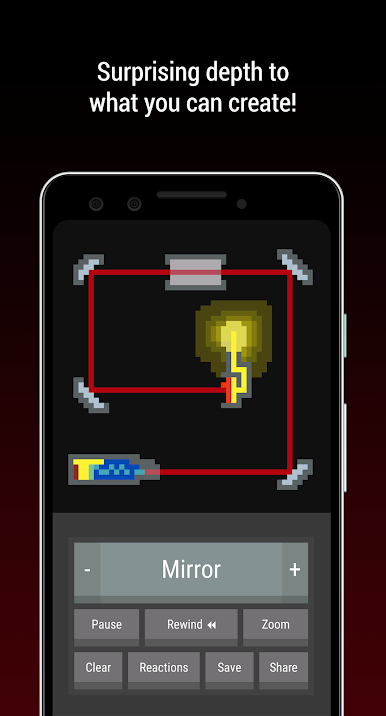
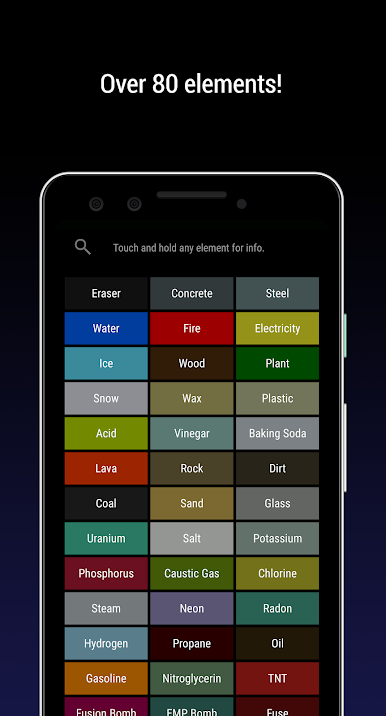
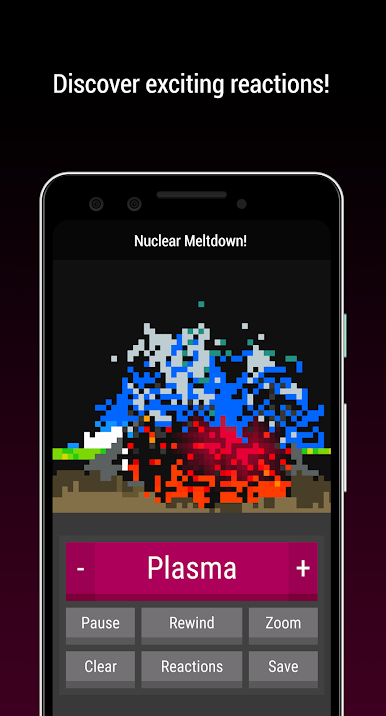
ReactionLab 2 – Particle Sandbox is one of those games that feels like a digital chemistry set, but way less complicated than anything at school. On a big screen with BlueStacks, it’s just you, a blank canvas, and a huge list of particles and elements you can throw around however you want. You get over eighty different things—metals, gases, things that burn, stuff that freezes—and as soon as elements touch, they react instantly. Sometimes it’s an explosion, sometimes it’s just a puff of steam, or you wind up with something completely new. It’s fun not knowing exactly what’ll happen until you try it.
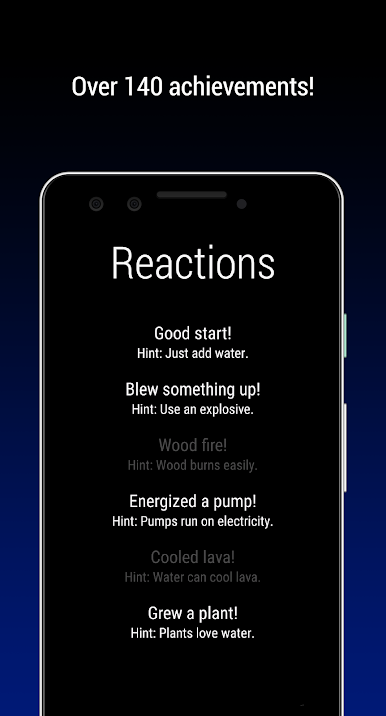
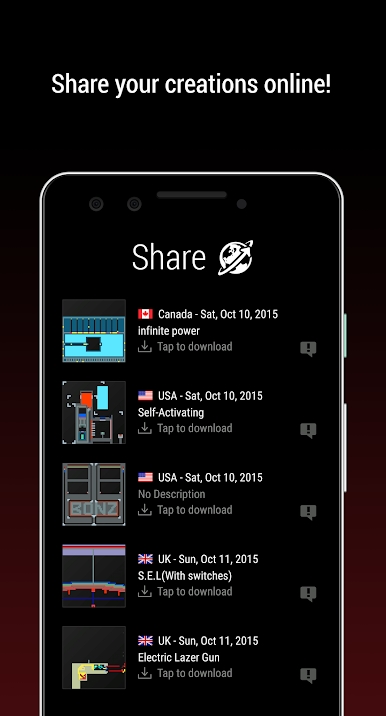
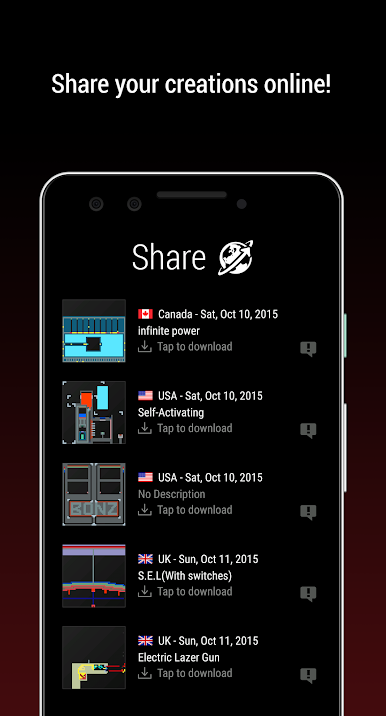
There isn’t a story or missions or anything like that. The whole point is seeing how things interact, finding all the bizarre combinations, or just making patterns and watching the reactions unfold. The game lets you pause time or rewind things if you want to play around with what just happened, and there’s a zoom with a little minimap, so you can work on big experiments without getting lost. There are achievements for finding reactions, but it never pressures you to do things a certain way—just a ton of options and the freedom to mess around. It’s tiny, too, and runs easily without any ads popping up, which is nice. The sharing part’s cool for sending creations to friends or checking out what others have made. If someone likes sandbox games or just wants something chill to experiment with on PC, this one fits right in.
Slay your opponents with your epic moves. Play it your way on BlueStacks and dominate the battlefield.









Chơi ReactionLab 2 - Sandbox trên PC. Rất dễ để bắt đầu
-
Tải và cài đặt BlueStacks trên máy của bạn
-
Hoàn tất đăng nhập vào Google để đến PlayStore, hoặc thực hiện sau
-
Tìm ReactionLab 2 - Sandbox trên thanh tìm kiếm ở góc phải màn hình
-
Nhấn vào để cài đặt ReactionLab 2 - Sandbox trong danh sách kết quả tìm kiếm
-
Hoàn tất đăng nhập Google (nếu bạn chưa làm bước 2) để cài đặt ReactionLab 2 - Sandbox
-
Nhấn vào icon ReactionLab 2 - Sandbox tại màn hình chính để bắt đầu chơi

