


Just Reminder with Alarm
5억명 이상의 게이머가 신뢰하는 안드로이드 게임 플랫폼 BlueStacks으로 PC에서 플레이하세요.

Run Just Reminder with Alarm on PC or Mac
What’s better than using Just Reminder with Alarm by AppHouze Co? Well, try it on a big screen, on your PC or Mac, with BlueStacks to see the difference.
About the App
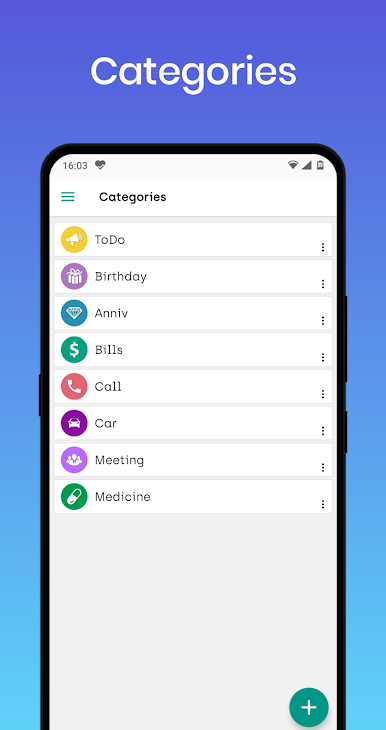
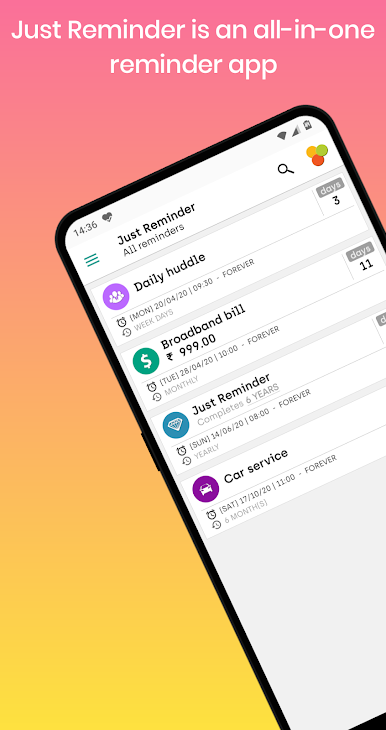
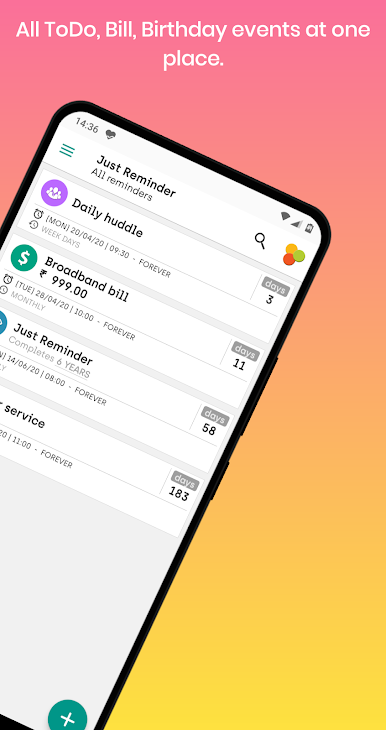
Ever lost track of an important date or let a bill slip your mind? Just Reminder with Alarm by AppHouze Co knows how hectic life can get, so it’s here to help you stay on top of birthdays, bills, calls, and more. Whether you’re organizing simple to-dos or big anniversaries, this productivity app quietly keeps you on track—no sticky notes required.
App Features
-
Reminders for Everything:
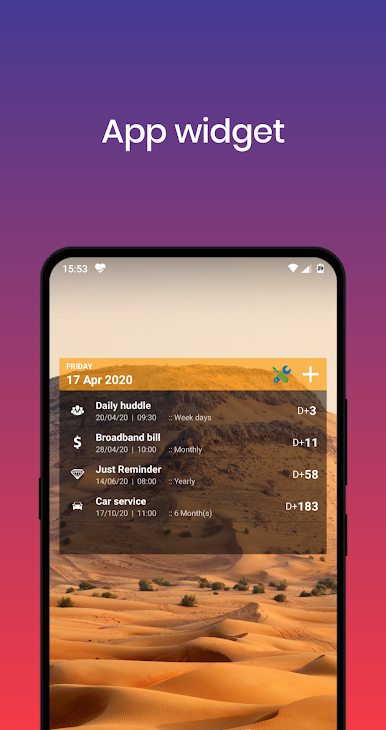
Want to set a reminder for tasks, birthdays, or even just to return a call? You can do it all from one place, making it super easy to organize your day. Bills, anniversaries, and just about anything else—you name it, you can set it. -
Hands-Free Creation:
Hate typing? Use the speech-to-text option to say your reminder out loud and have it set up in seconds. Perfect when you’re in a rush or have your hands full. -
Flexible Repeats:
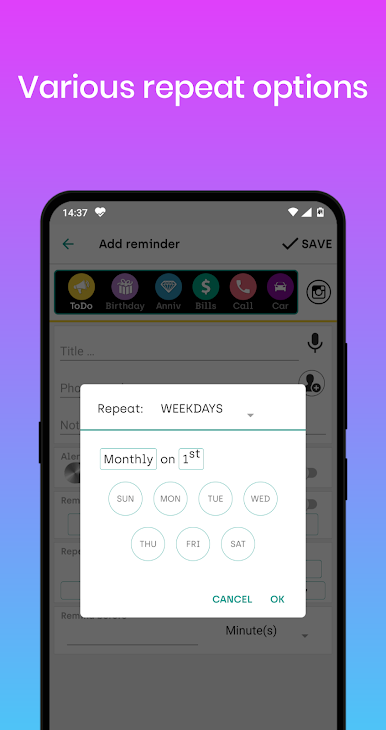
Need something to pop up every hour, every week, or just certain days? You’ve got all the options—set repeat reminders however you want, whether it’s weekdays, monthly, or even yearly. -
Personal Touches:
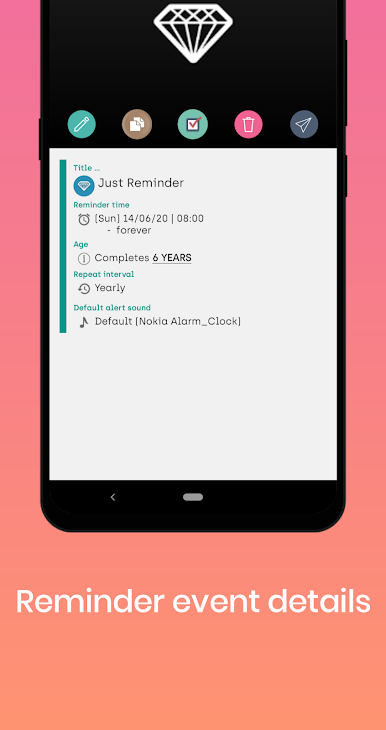
Add a little flair with your own photos, pick a favorite ringtone, or even choose a talking alarm so there’s no missing it. Customization is half the fun here. -
Get Ahead with Alerts:
Want a heads up before the real deal? Schedule early notifications so nothing catches you by surprise. -
Smart Bill Tracking:
Never forget those bill payments again. If you miss the due date, the app keeps reminding you till you mark it as “PAID.” -
Birthday and Anniversary Greetings:
Not only will you remember the important dates, but you can send wishes right from your reminder. Pretty handy, right? -
Backup and Restore:
Easily save your reminders to your SD card or back them up online. Switching devices? No sweat—just restore and keep going. -
Advanced Alarm and Snooze Options:
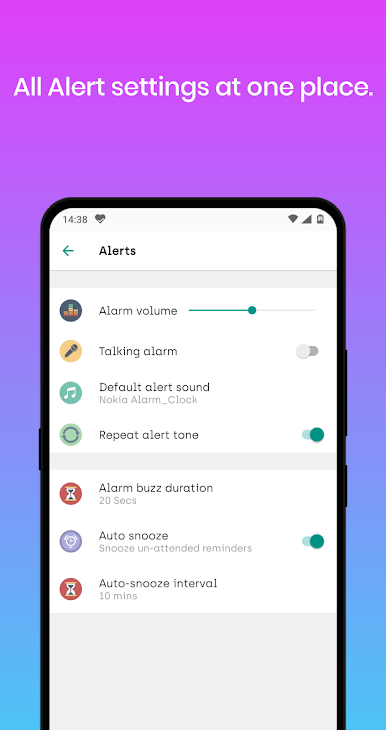
Features like LED blinking (if your device supports it) and auto-snooze make it really hard to miss anything important, even if you’re distracted. -
Premium Extras:
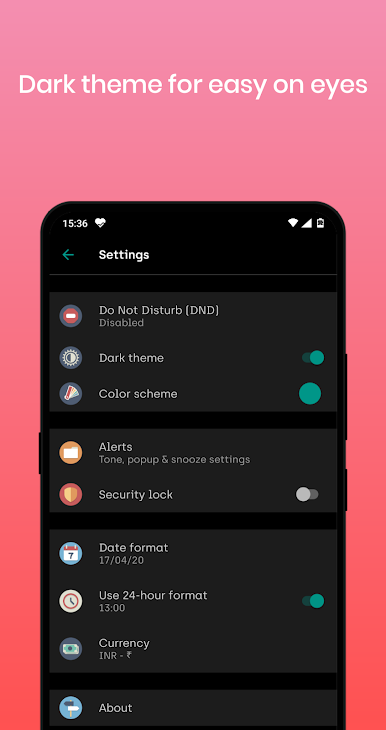
Go ad-free and add a PIN for some extra peace of mind.
You can enjoy all these features on your mobile or through BlueStacks for a bigger screen experience. Just Reminder with Alarm keeps things light but organized, so you can focus on what matters.
BlueStacks gives you the much-needed freedom to experience your favorite apps on a bigger screen. Get it now.
PC에서 Just Reminder with Alarm 플레이해보세요.
-
BlueStacks 다운로드하고 설치
-
Google Play 스토어에 로그인 하기(나중에 진행가능)
-
오른쪽 상단 코너에 Just Reminder with Alarm 검색
-
검색 결과 중 Just Reminder with Alarm 선택하여 설치
-
구글 로그인 진행(만약 2단계를 지나갔을 경우) 후 Just Reminder with Alarm 설치
-
메인 홈화면에서 Just Reminder with Alarm 선택하여 실행

