


Interventi tecnici assistenza
Gioca su PC con BlueStacks: la piattaforma di gioco Android, considerata affidabile da oltre 500 milioni di giocatori.

Pagina modificata il: Oct 30, 2025
Run ReportOne – Maintenance and Repair Service Reports on PC or Mac
Why limit yourself to your small screen on the phone? Run ReportOne – Maintenance and Repair Service Reports, an app by D-One Software House, best experienced on your PC or Mac with BlueStacks, the world’s #1 Android emulator.
About the App
Keeping track of your maintenance and repair jobs just got a whole lot easier. ReportOne – Maintenance and Repair Service Reports by D-One Software House brings all your technical work—like interventions, appointments, and workplace reports—right to your fingertips. Whether you’re a solo technician or coordinating a team, this app is your portable command center. No more messy paperwork or chasing signatures across town; everything happens on your Android device, with just a few taps.
App Features
-
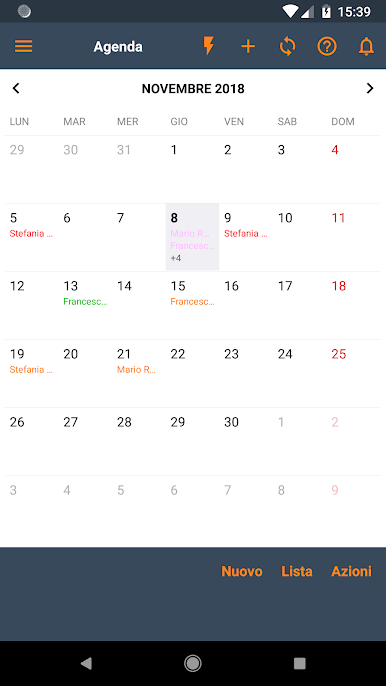
Flexible Job Management
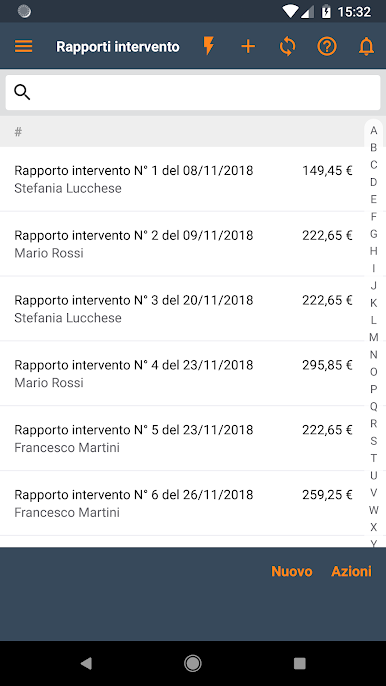
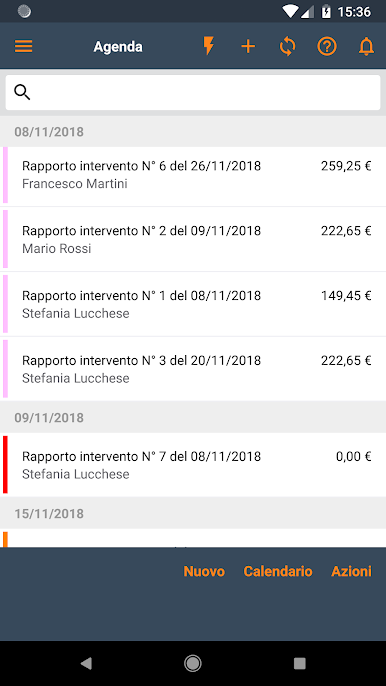
Plan, update, and organize all your maintenance or repair activities in one spot. Change gears fast—whether it’s for a quick fix or a long inspection. -
On-Site Customer Signatures
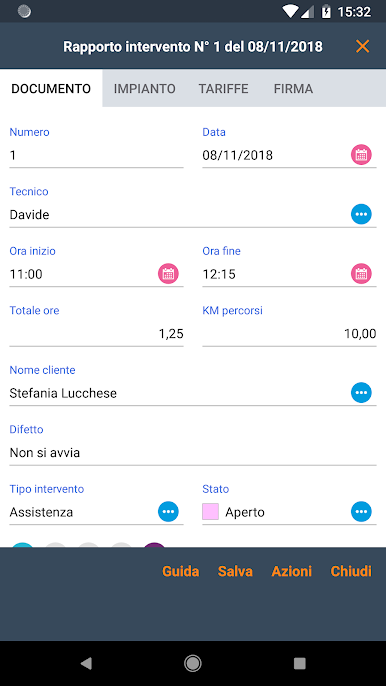
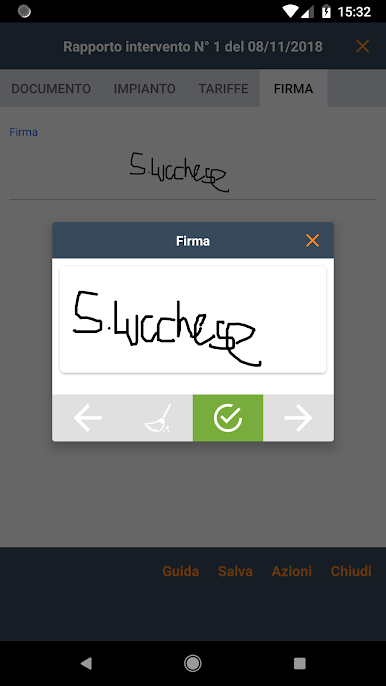
Forget about printing forms. Collect customer signatures directly on your smartphone or tablet, right when the job wraps up. -
Easy Report Sharing
Send polished, professional PDFs of your workplace reports by email. Your client gets the info right away—no need for scanners or extra steps. -
Customizable for Your Workflow
Tailor the app to fit your business, all by yourself. Adjust the fields, tables, and sections from desktop platforms like Windows or Mac, then sync everything via the cloud to your phone or tablet. -
Works Online or Offline
Got spotty internet on a job site? No worries. You can log hours, add notes, and create reports offline. Everything syncs up once you’re back online. -
Excel Data Export
Crunching numbers? Export your job data straight to Excel, so you’ve always got a clear view of your business. -
Track Work Hours and Items Used
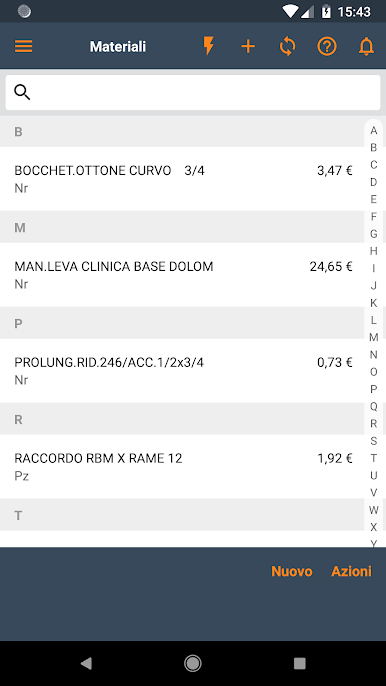
Log your working hours and record parts or products used for each job. Generate instant summaries—great when you need fast updates. -
Profitability Check and Rate Management
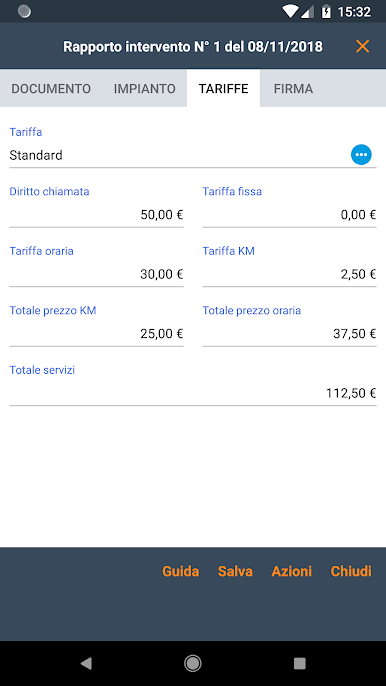
See how your business is doing right from the app. Manage rates for travel, time, or different service types, all in one place. -
Multi-Tech Coordination
Working with a crew? Assign tasks, track progress, and keep everyone on the same page without a hitch. -
System Management for Multiple Clients
Handle different service setups per customer—handy for those who look after several accounts or systems.
And if you ever feel like working on a bigger screen, you can always use BlueStacks to run ReportOne on your computer.
Ready to experience ReportOne – Maintenance and Repair Service Reports on a bigger screen, in all its glory? Download BlueStacks now.

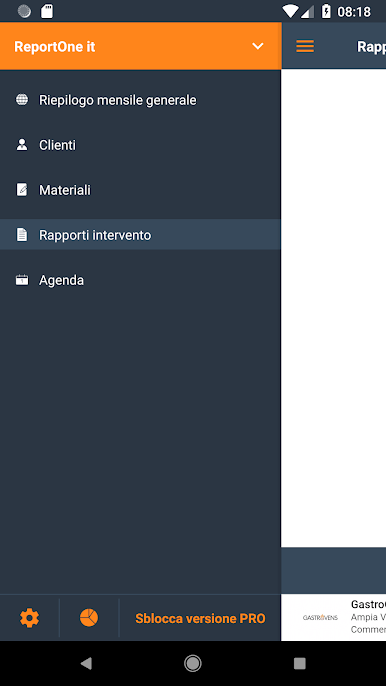
Gioca Interventi tecnici assistenza su PC. È facile iniziare.
-
Scarica e installa BlueStacks sul tuo PC
-
Completa l'accesso a Google per accedere al Play Store o eseguilo in un secondo momento
-
Cerca Interventi tecnici assistenza nella barra di ricerca nell'angolo in alto a destra
-
Fai clic per installare Interventi tecnici assistenza dai risultati della ricerca
-
Completa l'accesso a Google (se hai saltato il passaggio 2) per installare Interventi tecnici assistenza
-
Fai clic sull'icona Interventi tecnici assistenza nella schermata principale per iniziare a giocare

