


Hedef ve Alışkanlık Takvimi
500M + oyuncunun güvendiği Android Oyun Platformu, BlueStacks ile PC'de oynayın.

Sayfa Değiştirilme tarihi: Dec 9, 2025
Run Goal & Habit Tracker Calendar on PC or Mac
Multitask effortlessly on your PC or Mac as you try out Goal & Habit Tracker Calendar, a Productivity app by Intrasoft on BlueStacks.
About the App
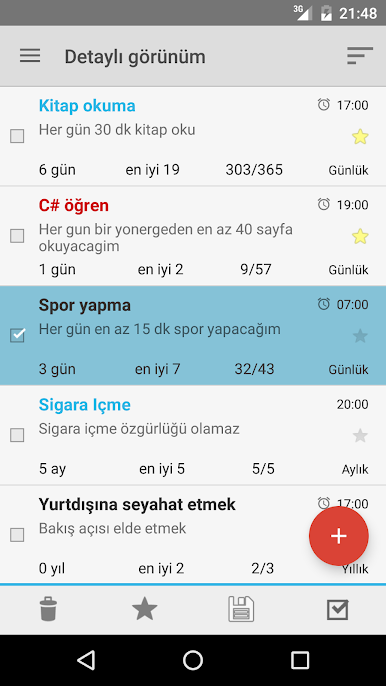
Ever get that itch to finally stick with your goals, but daily life keeps getting in the way? Goal & Habit Tracker Calendar by Intrasoft is here to help you keep your plans front and center—without all the clutter. Whether you want to drink more water, finally hit the gym, or just remember to call your grandma every Sunday, this app turns good intentions into easy, everyday progress. The vibe? Simple. Minimal fuss. All about you and your streaks.
App Features
-
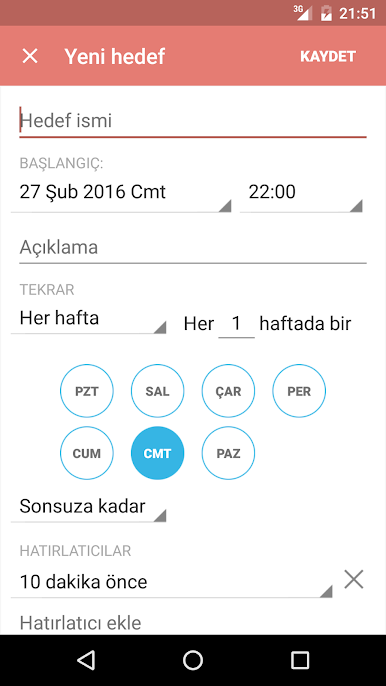
Total Flexibility: Set up daily, weekly, or even yearly goals—it’s totally up to you. Want your goal to repeat on Mondays and Thursdays only? No problem.
-
No Distractions: The app keeps things clean with zero ads and no surprise purchases. You just focus on your habits.
-
Reminders That Actually Help: Thoughtful notifications have your back, so those important goals won’t slip through the cracks.
-
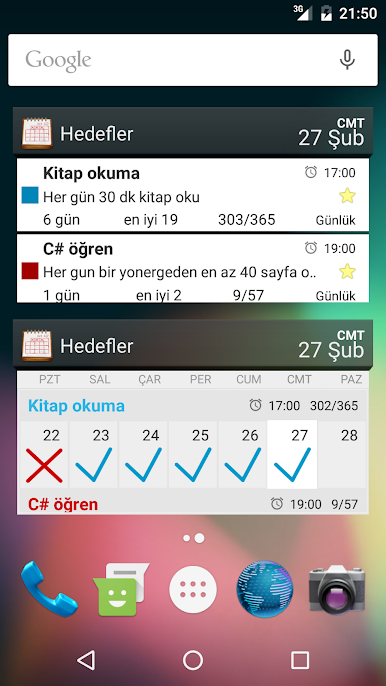
Widgets on Your Home Screen: See your habits and streaks at a glance—no need to open the app every time you want a quick peek.
-
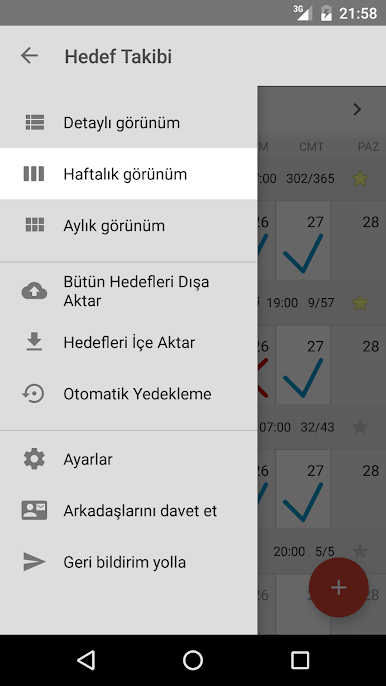
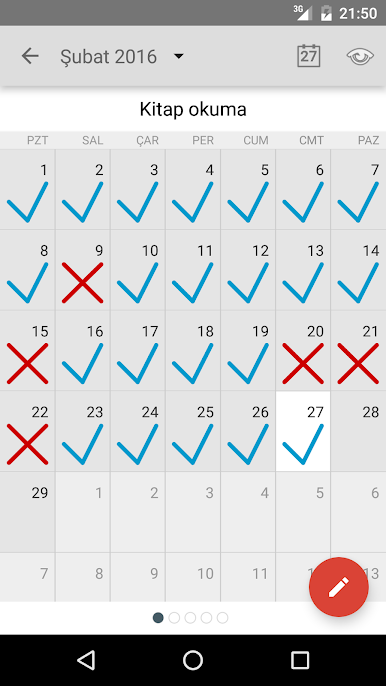
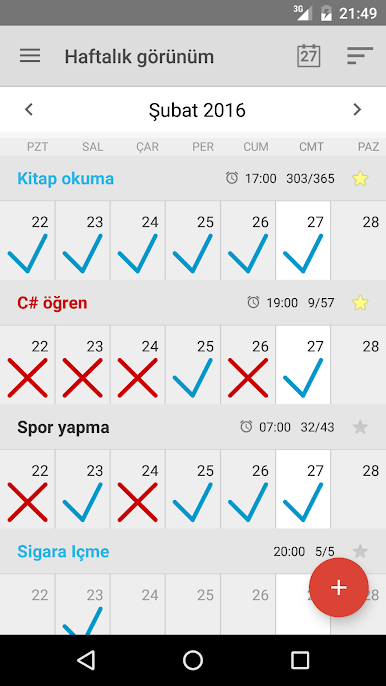
Smart Calendar Views: Track your whole week or month at once with calendar screens that show every mark and streak you’ve built up. Feels pretty satisfying, honestly.
-
Easy Notes: Jot down quick thoughts or details for specific days and goals. Handy when you want to remember what went right (or wrong).
-
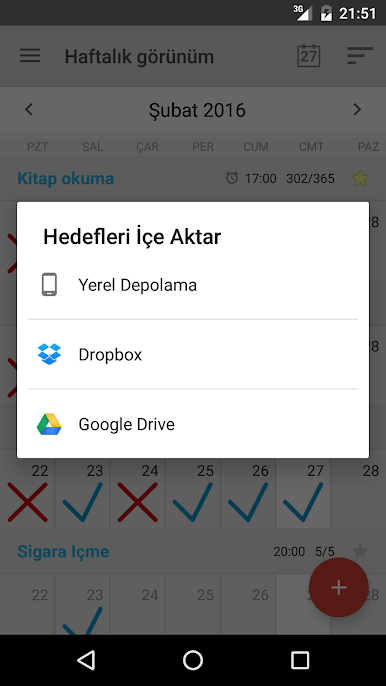
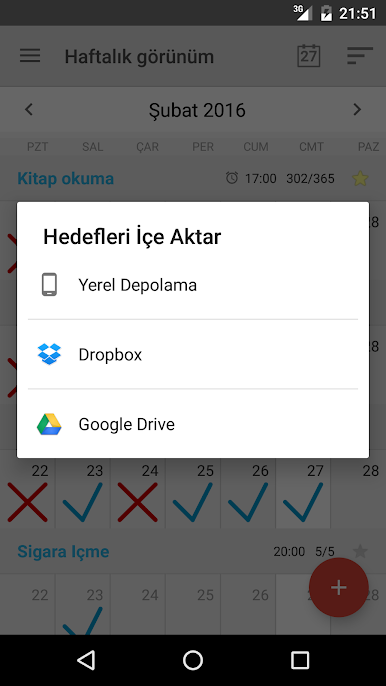
Safe and Sound Backups: Automatic daily backups, plus export options to Google Drive, Dropbox, and more—just in case you ever switch phones or want some extra peace of mind.
-
Clear Themes: Pick between dark or light mode depending on your style—or just what feels better on your eyes.
-
Smooth Transfers: Changing devices? Your goals and habits can come with you, trouble-free (as long as you pick the right settings).
If you’re using BlueStacks, your progress syncs up nicely, making it easy to keep your goals visible wherever you’re working.
Switch to BlueStacks and make the most of your apps on your PC or Mac.
Hedef ve Alışkanlık Takvimi oyununu PC'de oyna. Başlamak çok kolay.
-
BlueStacks'i PC'nize İndirin ve Yükleyin
-
Play Store'a erişmek için Google girişi yapın ya da daha sonraya bırakın.
-
Sağ üst köşeye Hedef ve Alışkanlık Takvimi yazarak arayın.
-
Hedef ve Alışkanlık Takvimi uygulamasını arama sonuçlarından indirmek için tıklayın.
-
(iEğer Adım 2'yi atladıysanız) Hedef ve Alışkanlık Takvimi uygulamasını yüklemek için Google'a giriş yapın.
-
Oynatmaya başlatmak için ekrandaki Hedef ve Alışkanlık Takvimi ikonuna tıklayın.

