


Simple Alarm Clock
Mainkan di PC dengan BlueStacks – platform Game-Game Android, dipercaya oleh lebih dari 500 juta gamer.

Play Simple Alarm Clock on PC
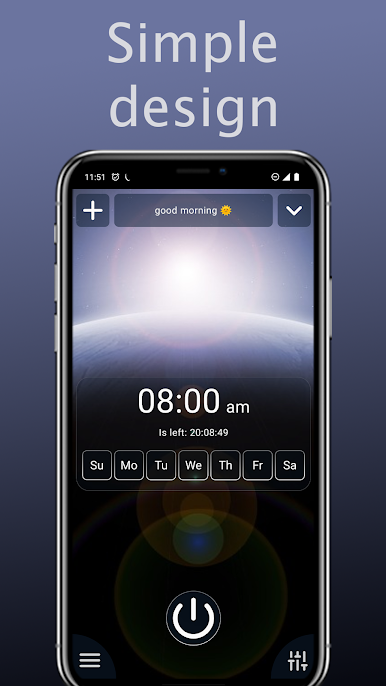
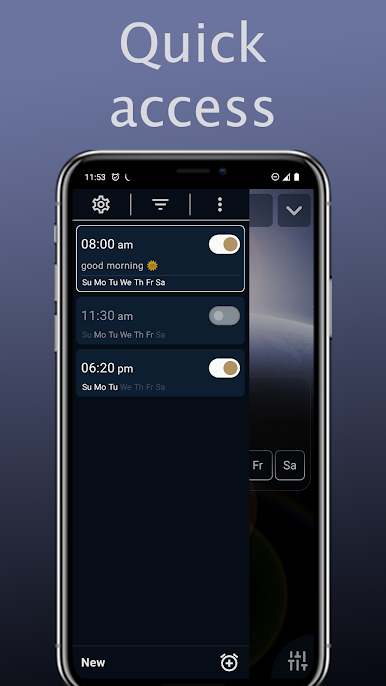
Setting an alarm is easy: just pick a time — and you’re done.
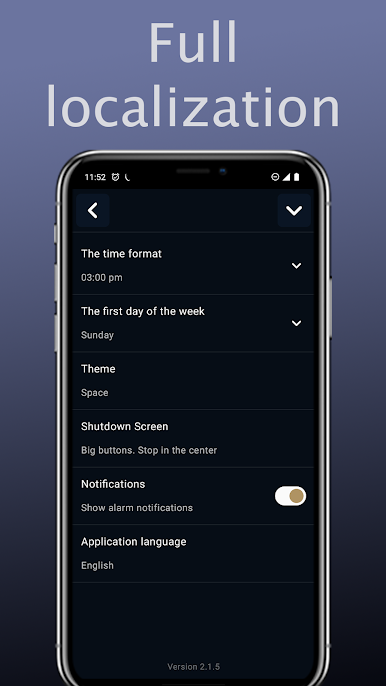
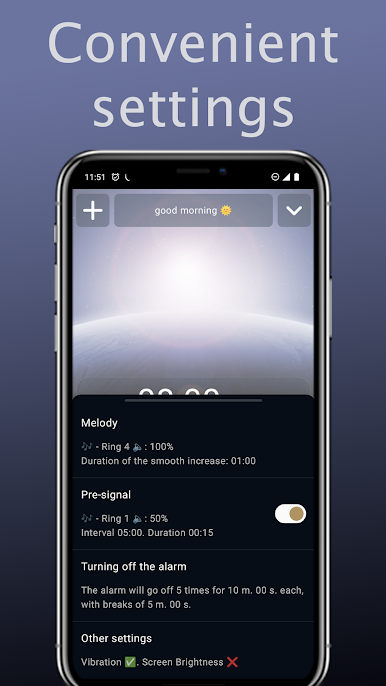
Want more? All settings are grouped by meaning:
• pre-alarm for a gentle wake-up
• repeat intervals
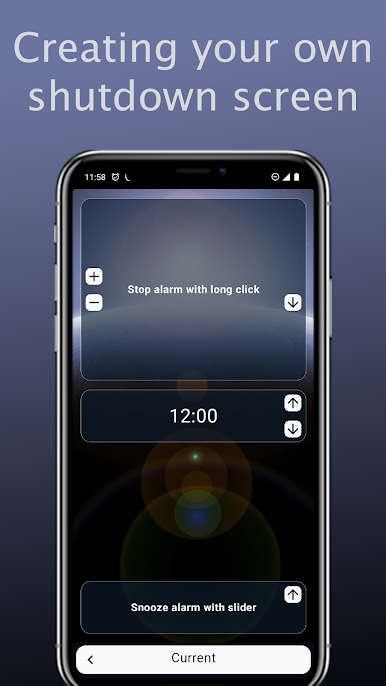
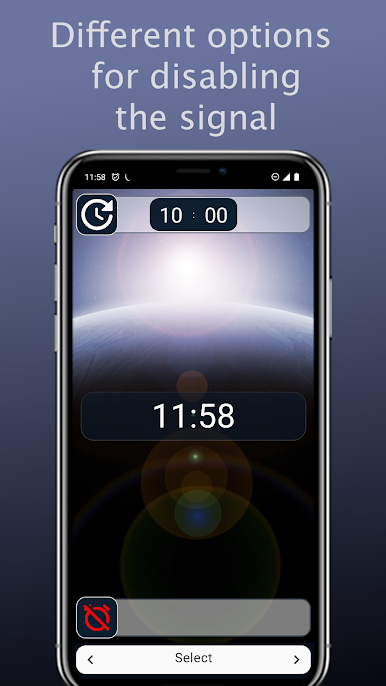
• different ways to dismiss the alarm
The main thing — you don’t have to dive into settings if you don’t want to:
simplicity always comes first.
Features
✔️ Alarms “every N days” — perfect for shift schedules
✔️ Unique dismiss screen: big or small buttons, slider, or long press
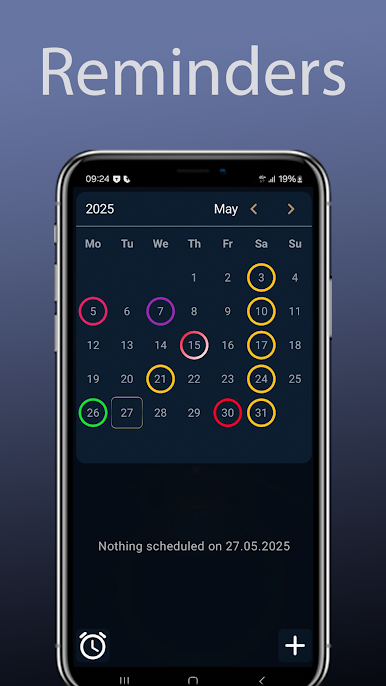
✔️ Reminders and built-in calendar for tasks and events
✔️ Countdown timer — always know how much time is left until the alarm rings
✔️ One-tap sync across devices
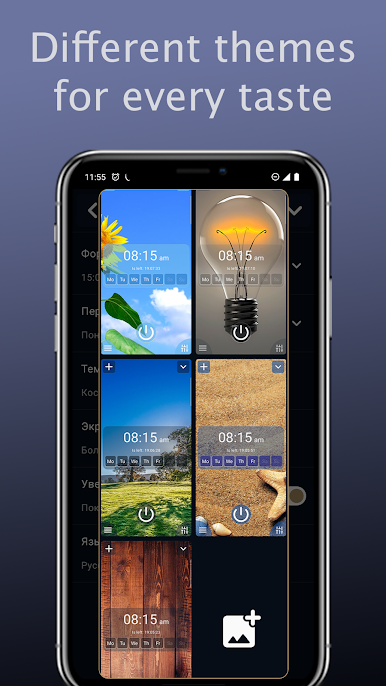
✔️ Beautiful themes: from minimalistic to colorful backgrounds
Extra options
🎶 Any melody or a random track from a folder
📲 Dismiss by flipping the phone or using volume buttons
😴 Pre-alarm for soft wake-up
📉 Gradual volume increase
📳 Vibration without sound — perfect for parents with kids
Simple Alarm Clock was created to make your mornings easier and your days more productive.
Try it — and you’ll see how simple managing alarms and reminders can be!
👨💻 About the developer
My name is Maxim Kazantsev, I’m an independent developer. Always open to your ideas and suggestions!
News and updates: t.me/max_simple_apps
Email: max.simple.apps@gmail.com
Mainkan Simple Alarm Clock di PC Mudah saja memulainya.
-
Unduh dan pasang BlueStacks di PC kamu
-
Selesaikan proses masuk Google untuk mengakses Playstore atau lakukan nanti
-
Cari Simple Alarm Clock di bilah pencarian di pojok kanan atas
-
Klik untuk menginstal Simple Alarm Clock dari hasil pencarian
-
Selesaikan proses masuk Google (jika kamu melewati langkah 2) untuk menginstal Simple Alarm Clock
-
Klik ikon Simple Alarm Clock di layar home untuk membuka gamenya

