

Cài đặt ứng dụng Pro
Chơi trên PC với BlueStacks - Nền tảng chơi game Android, được hơn 500 triệu game thủ tin tưởng.

Trang đã được sửa đổi vào: Oct 25, 2025
Run Settings App Pro - AutoSetting on PC or Mac
Upgrade your experience. Try Settings App Pro – AutoSetting, the fantastic Tools app from KF Software House, from the comfort of your laptop, PC, or Mac, only on BlueStacks.
About the App
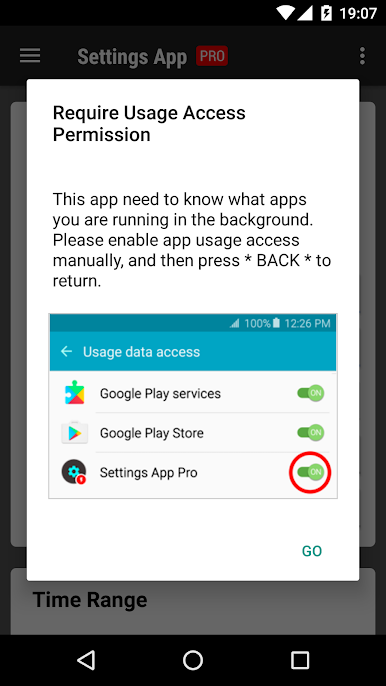
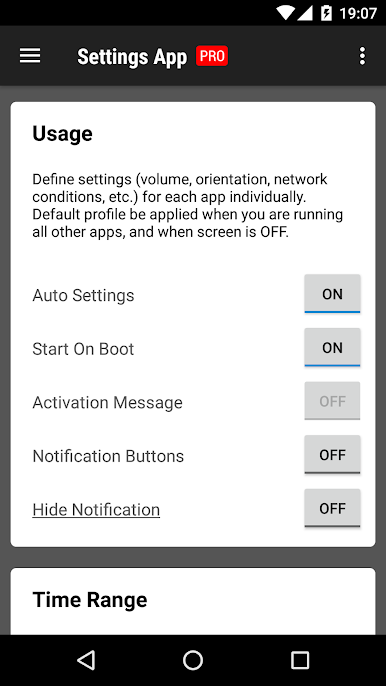
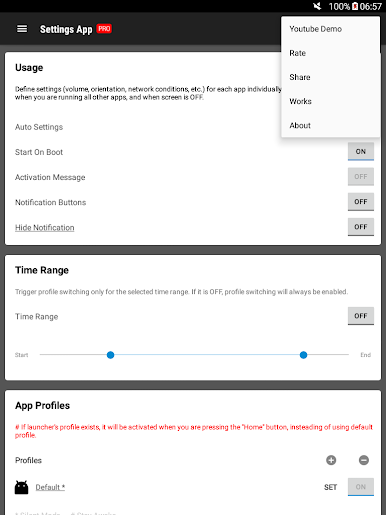
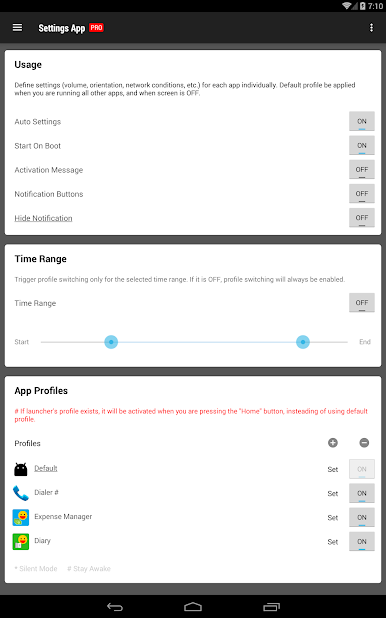
Settings App Pro – AutoSetting is for people who want their phone to “just know” what settings they like for each app. This Tools app from KF Software House lets you set up custom behavior—like brightness or rotation—for your favorite apps and applies it automatically when you open them. No more constant toggling or digging through menus.
App Features
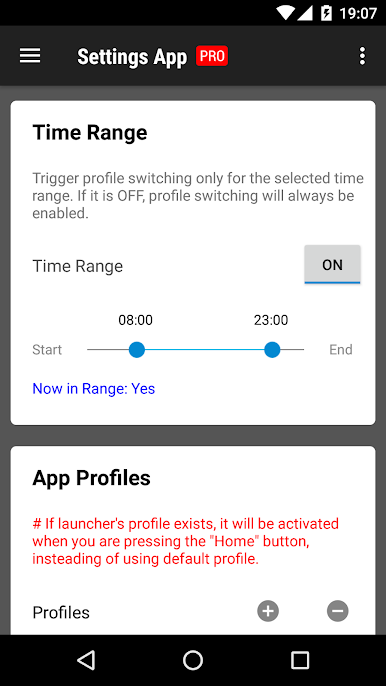
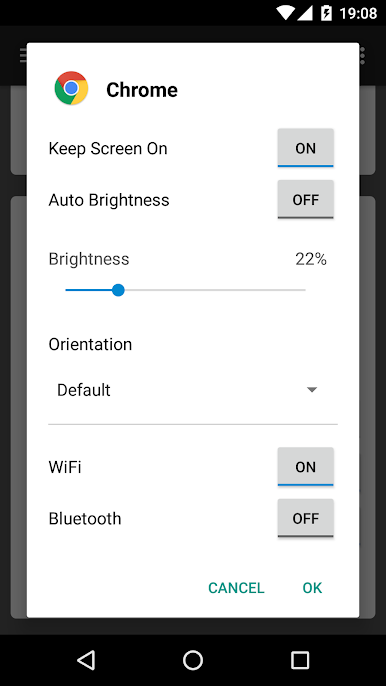
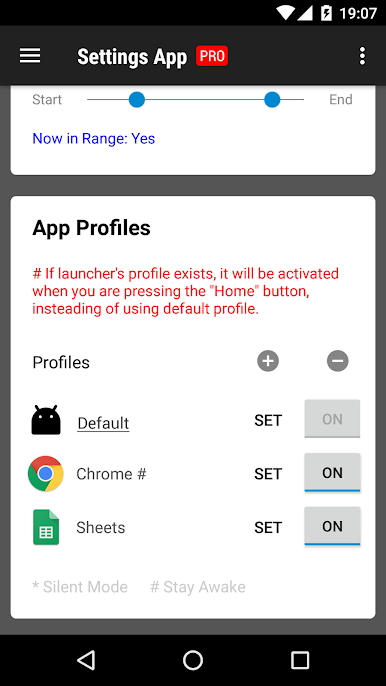
- Per‑app profiles: Create a unique profile for each app you use. Open the app, and its profile kicks in right away so everything feels just the way you like it.
- Auto-apply on launch: Profiles are applied only when the target app starts, then you can keep using your phone normally. It won’t fight your manual changes.
- Default profile for everything else: Set a baseline profile that covers all other apps and kicks in when your screen is off, so your device stays consistent.
- Volume and sound control: Set custom volume levels per app—turn it down for reading apps, turn it up for games or videos.
- Screen brightness and awake: Fine‑tune brightness and choose whether the screen should stay on for specific apps—handy for long reads or navigation.
- Orientation lock: Decide which apps should stay in portrait or landscape, or let them rotate freely.
- Network and Bluetooth: Adjust network-related settings and Bluetooth behavior per app to match what you actually need.
- Built to avoid clashes: It works best on its own—using multiple profile or automation tools at the same time can cause conflicts.
- Works nicely on PC with BlueStacks: If you run Android apps on your computer with BlueStacks, per‑app profiles still help keep things predictable.
Switch to BlueStacks and make the most of your apps on your PC or Mac.
Chơi Cài đặt ứng dụng Pro trên PC. Rất dễ để bắt đầu
-
Tải và cài đặt BlueStacks trên máy của bạn
-
Hoàn tất đăng nhập vào Google để đến PlayStore, hoặc thực hiện sau
-
Tìm Cài đặt ứng dụng Pro trên thanh tìm kiếm ở góc phải màn hình
-
Nhấn vào để cài đặt Cài đặt ứng dụng Pro trong danh sách kết quả tìm kiếm
-
Hoàn tất đăng nhập Google (nếu bạn chưa làm bước 2) để cài đặt Cài đặt ứng dụng Pro
-
Nhấn vào icon Cài đặt ứng dụng Pro tại màn hình chính để bắt đầu chơi

