


Large Text: Signboard
Играйте на ПК с BlueStacks – игровой платформе для приложений на Android. Нас выбирают более 500 млн. игроков.

Страница изменена: Nov 21, 2025
Run Large Text: Signboard on PC or Mac
Get freedom from your phone’s obvious limitations. Use Large Text: Signboard, made by Bloco Studio, a Tools app on your PC or Mac with BlueStacks, and level up your experience.
About the App
Large Text: Signboard by Bloco Studio keeps things simple but super handy whenever you need to get a message across—without even saying a word. Whether you’re holding up a sign at an airport, asking for a song in a noisy bar, or communicating with someone who’s hard of hearing, this app’s all about clear, bold communication. It’s straightforward, privacy-friendly, and doesn’t bother you with annoying ads, sign-ups, or requests for permissions. Just open it up and start expressing yourself—right there on your phone or tablet.
App Features
-
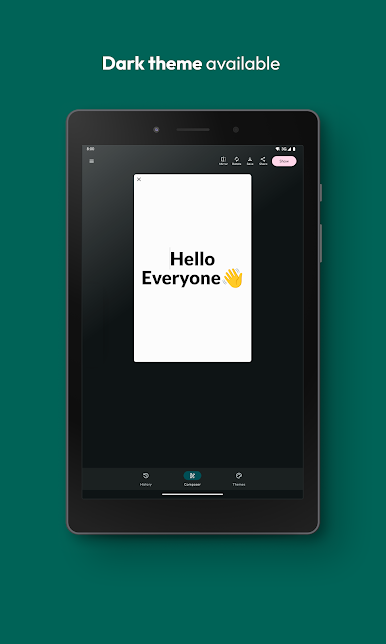
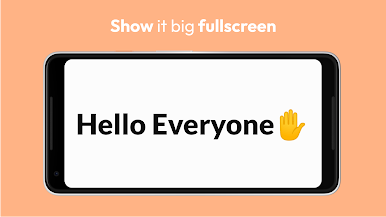
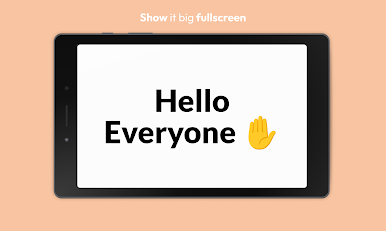
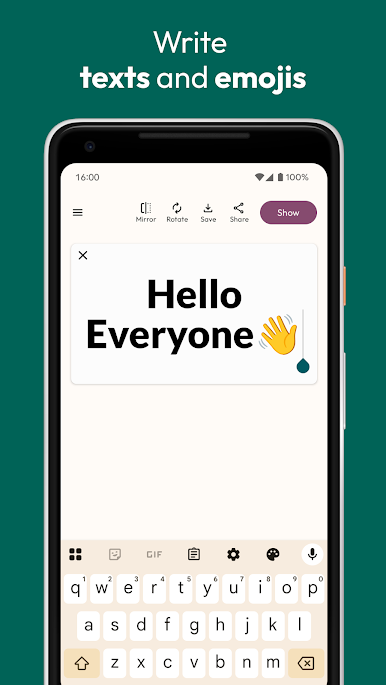
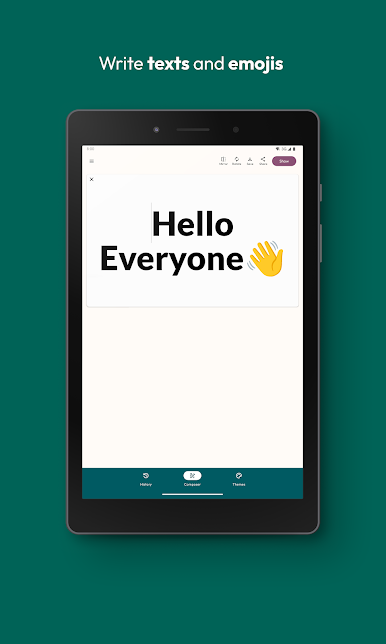
Fullscreen Sign Display
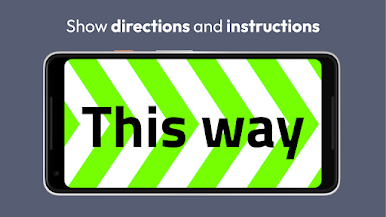
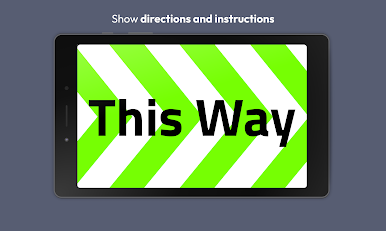
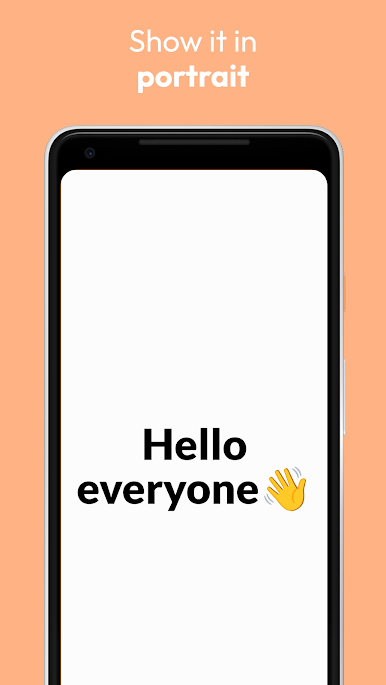
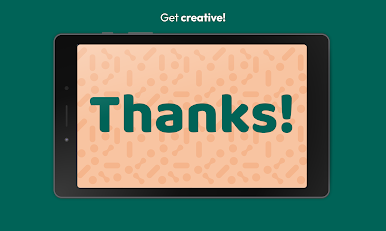
Type your message and watch it fill your whole screen—perfect for grabbing attention from across the room, in portrait or landscape view. -
Fun Effects & Styles
Play around with large, bold fonts, LED-inspired displays, blinking text, and smooth scrolling to make your message pop. -
Emojis Welcome
Toss in emojis if words aren’t enough—sometimes a 🚀 or 😁 says it better. -
Save, Reuse & Export
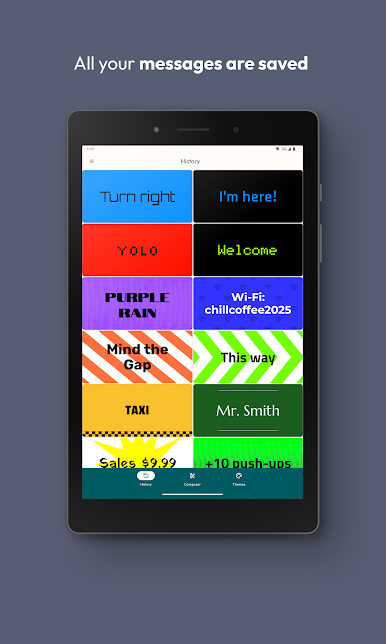
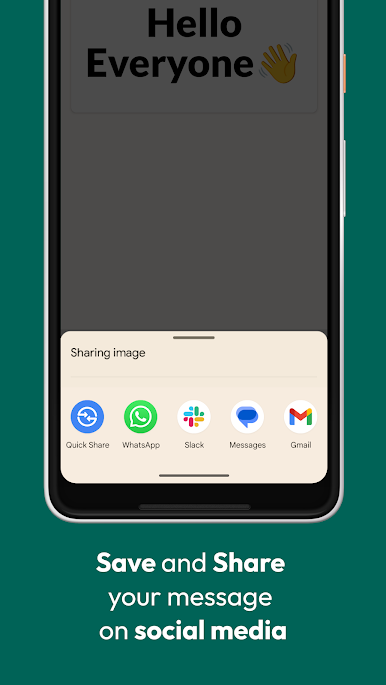
Need to use the same message later? Easily save your signs to reuse them, or export banners as images to send or share. -
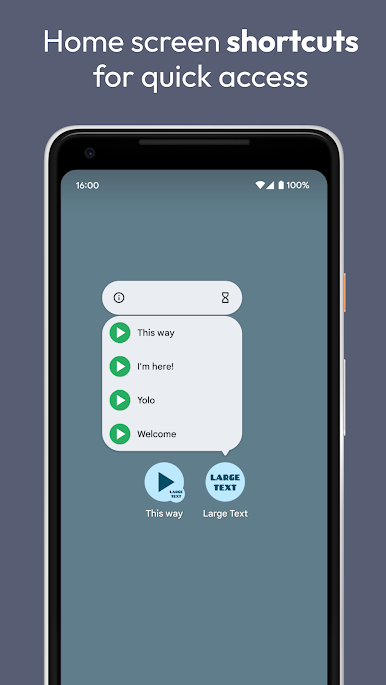
Quick Access Shortcuts
If you’ve got an Android device on version 7.1+ you can create home screen shortcuts for your favorite signs, saving you time when you’re in a hurry. -
Share from Other Apps
See something you want to display? Send text straight to Large Text: Signboard from your other apps. -
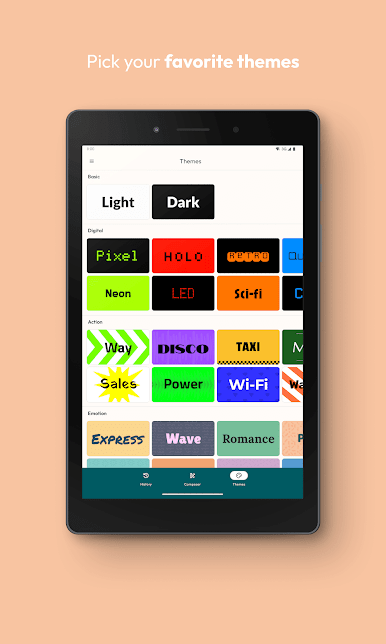
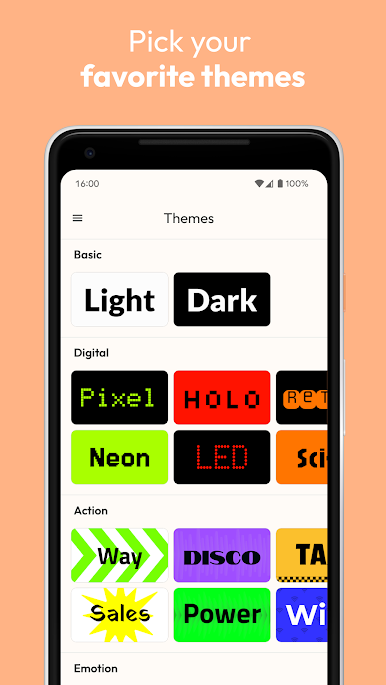
Custom Themes
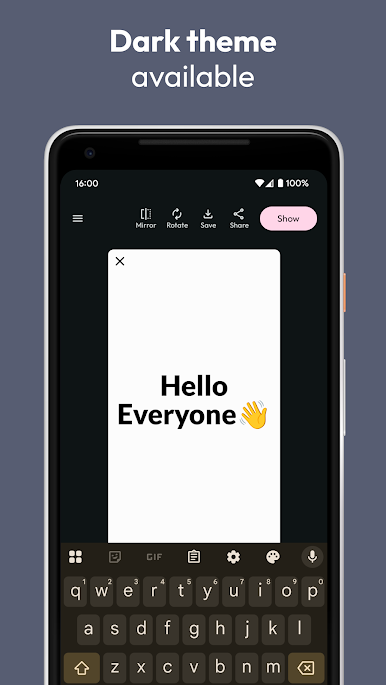
Switch up the look of your signs with different themes—there are free and paid options to suit your mood. -
Privacy Built-In
No sign-up, no tracking, zero ads, and no permissions required. Take a breath—your info stays with you. -
Works Offline
No need for Wi-Fi or data—your messages work whenever and wherever you need them.
And if you ever feel like making your phone-based banners on a bigger screen, BlueStacks offers a smooth way to run Large Text: Signboard on your computer.
Eager to take your app experience to the next level? Start right away by downloading BlueStacks on your PC or Mac.
Играйте в игру Large Text: Signboard на ПК. Это легко и просто.
-
Скачайте и установите BlueStacks на ПК.
-
Войдите в аккаунт Google, чтобы получить доступ к Google Play, или сделайте это позже.
-
В поле поиска, которое находится в правой части экрана, введите название игры – Large Text: Signboard.
-
Среди результатов поиска найдите игру Large Text: Signboard и нажмите на кнопку "Установить".
-
Завершите авторизацию в Google (если вы пропустили этот шаг в начале) и установите игру Large Text: Signboard.
-
Нажмите на ярлык игры Large Text: Signboard на главном экране, чтобы начать играть.

