


Microbiology
Chơi trên PC với BlueStacks - Nền tảng chơi game Android, được hơn 500 triệu game thủ tin tưởng.

Trang đã được sửa đổi vào: Feb 16, 2024
Run Microbiology on PC or Mac
Multitask effortlessly on your PC or Mac as you try out Microbiology, a Education app by Open Education on BlueStacks.
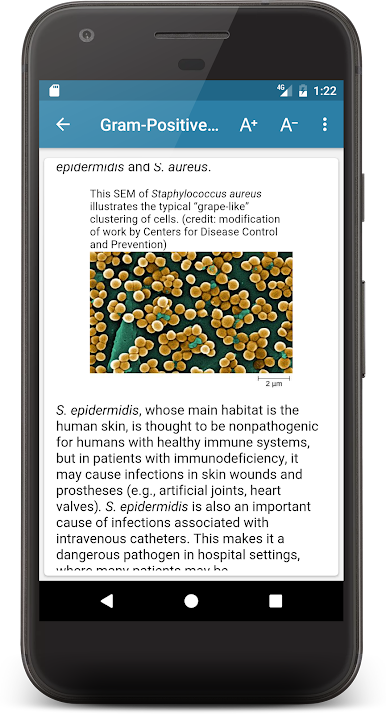
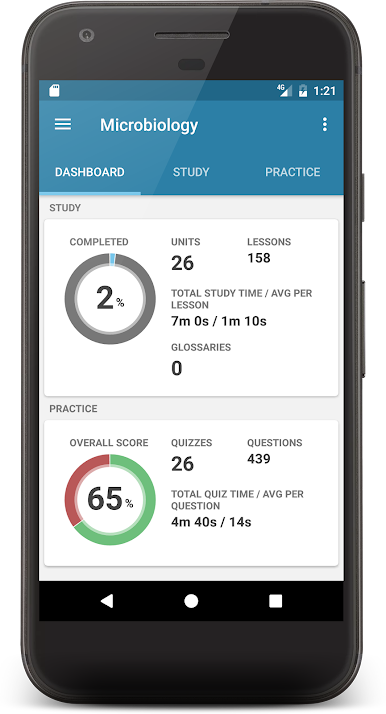
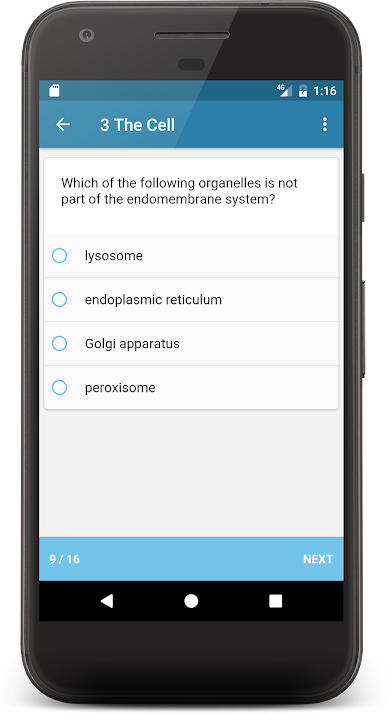
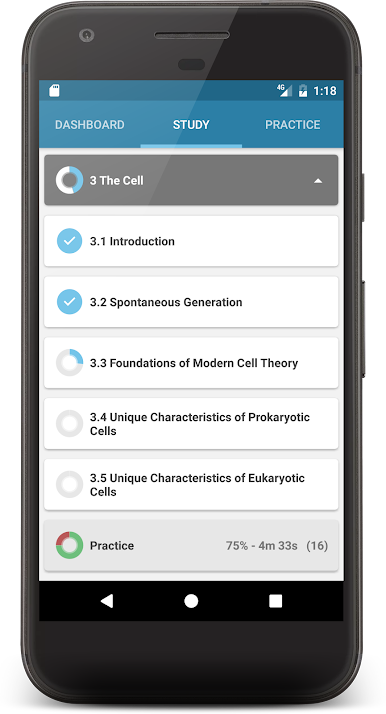
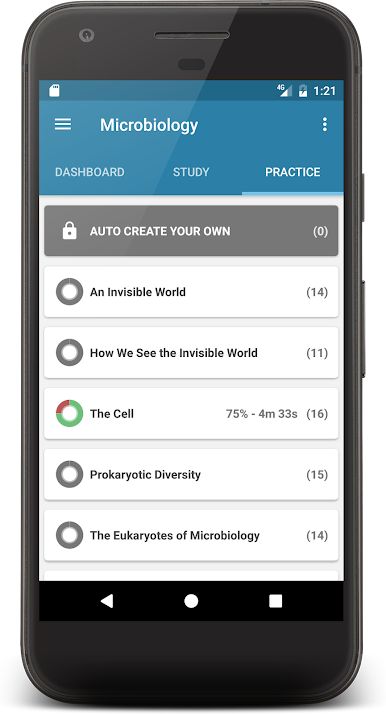
So, Microbiology is kind of like having the whole course in your pocket, but now it actually feels better to use on a computer. Instead of dragging out a textbook or getting lost in lecture notes, everything’s broken up into manageable units—26 of them, actually. There’s a clear focus on practical stuff you’d need for health careers, so it isn’t just theory or piles of random facts. Each lesson sources straight to what matters, and there are enough quizzes and practice questions to make you feel like you’re actually picking things up, rather than just memorizing.
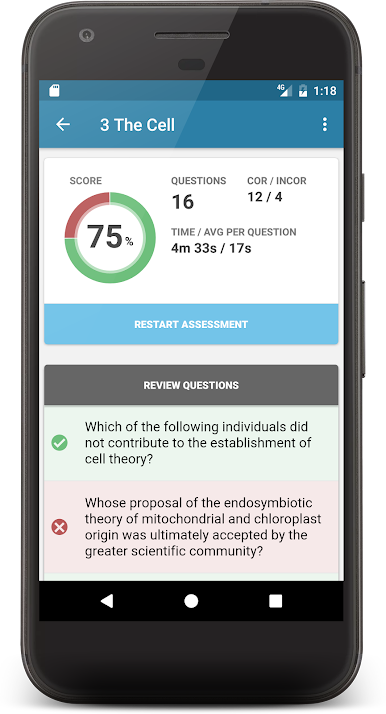
It goes through everything from the basics—what these invisible microbes even are, how they’re seen, how cells work—then moves into all those details about bacteria, viruses, pathogens, and how your body deals with them. The organization is pretty clear, and it helps to see progress both in learning and quizzes, especially since the topics get technical fast. Using it with BlueStacks on a larger screen kind of makes it smoother too, since scrolling through units and questions isn’t cramped like on a phone. Anyone studying this stuff or needing a refresher for health fields could probably find what they need without too much hassle. You can use it as a study guide, or to just check how much you remember with the quizzes, and it actually tracks everything, so you’re not guessing what you’ve already done.
BlueStacks brings your apps to life on a bigger screen—seamless and straightforward.
Chơi Microbiology trên PC. Rất dễ để bắt đầu
-
Tải và cài đặt BlueStacks trên máy của bạn
-
Hoàn tất đăng nhập vào Google để đến PlayStore, hoặc thực hiện sau
-
Tìm Microbiology trên thanh tìm kiếm ở góc phải màn hình
-
Nhấn vào để cài đặt Microbiology trong danh sách kết quả tìm kiếm
-
Hoàn tất đăng nhập Google (nếu bạn chưa làm bước 2) để cài đặt Microbiology
-
Nhấn vào icon Microbiology tại màn hình chính để bắt đầu chơi

